Most small business websites never rank well in Google because their pages are only partially optimized.
They may have a great service, strong customer reviews, and a professional-looking website — but Google still struggles to understand what the business offers, where it operates, and why it deserves visibility in local search results.
That’s where on-page SEO becomes critical.
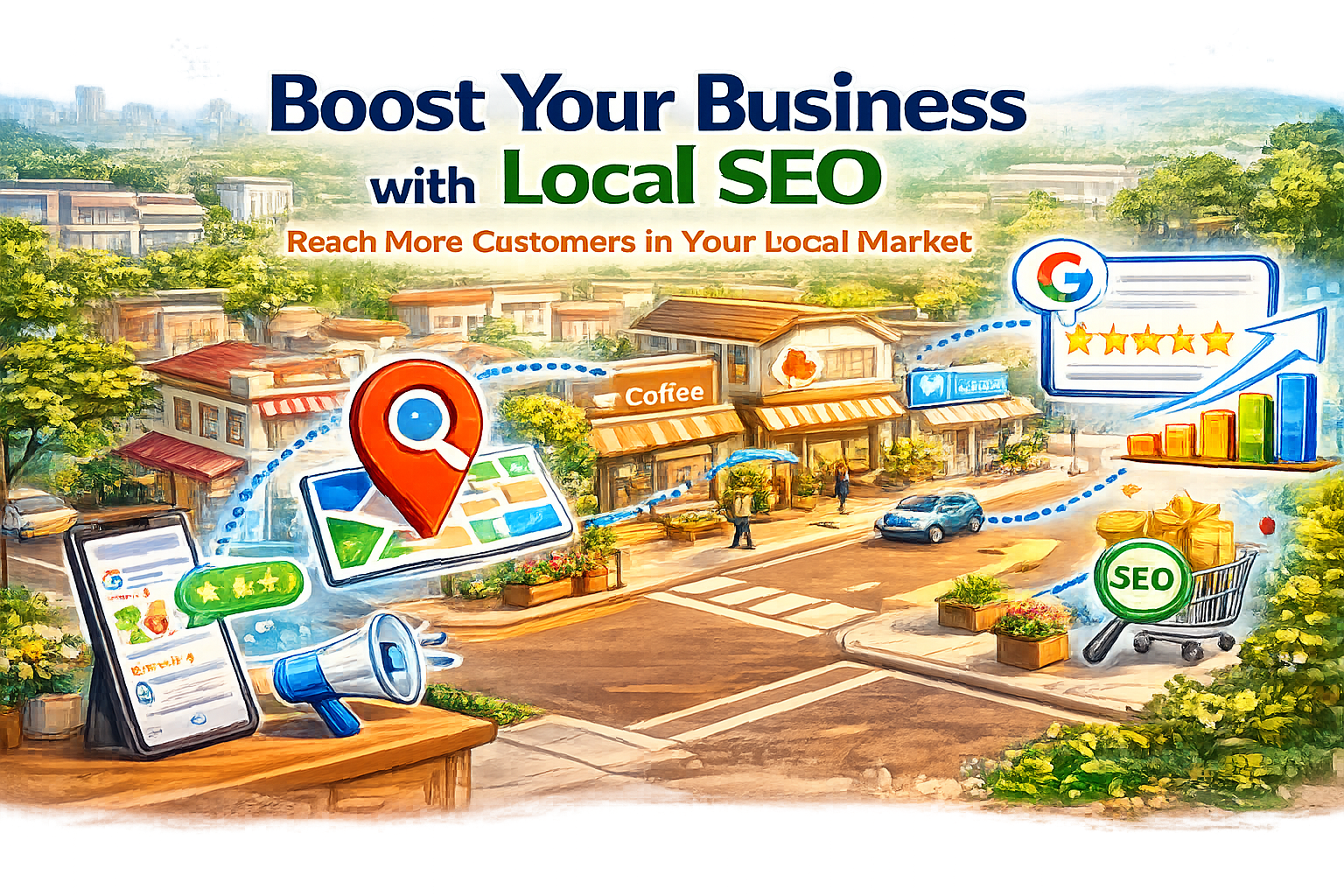
A properly optimized page helps Google connect your business to searches like:
“best plumber near me”
“roof repair in Jersey City”
“local SEO consultant Hoboken”
“emergency dentist open now”
Without strong on-page SEO, your website can lose traffic even if your Google Business Profile is optimized.
This on-page SEO checklist walks through the exact optimizations local businesses should focus on to improve rankings, strengthen local authority, increase Google Maps visibility, and generate more qualified leads from search.
What Is On-Page SEO?
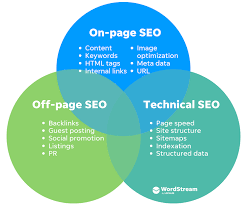
On-page SEO is the process of optimizing individual website pages so they rank higher in Google search results.
This includes improving:
title tags
headings
keyword placement
internal links
image optimization
page speed
local SEO relevance
For local businesses, on-page SEO also helps Google understand:
your location
your service area
your business category
your authority in local search
Strong on-page SEO improves both organic rankings and local visibility in Google Maps.
Why On-Page SEO Matters for Local Businesses
Local SEO is no longer just about your Google Business Profile.
Google evaluates your entire website to determine:
local relevance
authority
trustworthiness
content quality
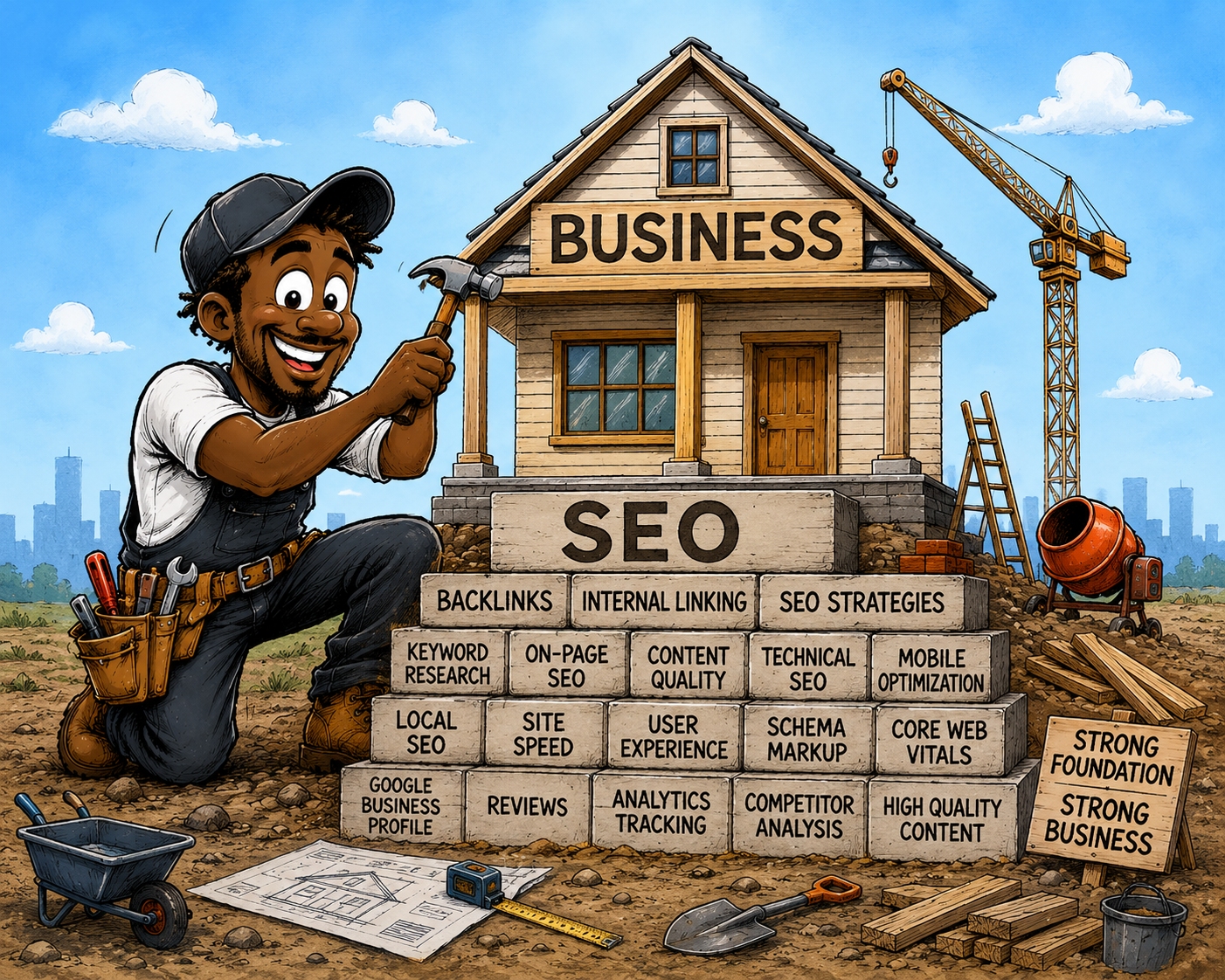
If your pages are poorly optimized, Google may rank competitors higher even if your business has better reviews or stronger services.
Proper on-page SEO helps:
improve local rankings
increase organic traffic
attract nearby customers
support Google Maps rankings
improve conversion rates
strengthen topical authority
Businesses that consistently rank in local search usually optimize every important page on their website — not just their homepage.
SEO Checklist
1. Use Local Keywords Naturally
One of the most important parts of local SEO is targeting keywords that include both services and locations.
Examples:
emergency plumber near me
HVAC repair in Hoboken
family dentist Jersey City
local SEO agency NYC
Your primary keyword should appear naturally in:
- title tags
- H1 headings
- meta descriptions
- URLs
- introductory paragraphs
Avoid keyword stuffing.
Google prefers natural language that clearly matches user intent.
2. Optimize Your Title Tags
Title tags are one of the strongest on-page SEO signals.
A good title tag should:
- encourage clicks
- include your main keyword
- include a location
- stay under 60 characters
Example
Bad:
Home | ABC Services
Better:
Emergency Plumbing Services in Hoboken | ABC Plumbing
Strong title tags improve:
- local search visibility
- rankings
- click-through rates
3. Write Better Meta Descriptions
Meta descriptions do not directly improve rankings, but they can increase clicks from search results.
Your meta description should:
encourage action
summarize the page clearly
include your primary keyword
include local relevance
Example
Need fast roof repair in Jersey City? Learn how our local roofing experts help homeowners with emergency repairs and inspections.
Higher click-through rates often improve SEO performance over time.
4. Use One Clear H1 Heading
Every page should contain one clear H1 heading that explains the page topic.
Example
Local SEO Services for Small Businesses
Avoid:
- multiple H1 tags
- vague headings
- keyword stuffing
Your H1 should immediately tell users and Google what the page is about.
5. Structure Content With Proper Headings
Organized content is easier for both users and search engines to understand.
Use:
H4s when necessary
H2s for major topics
H3s for supporting details
This improves:
- readability
- crawlability
- featured snippet potential
Google often pulls featured snippets directly from well-structured headings and lists.
6. Improve Internal Linking
Internal linking is one of the most overlooked local SEO strategies.
Every important page should connect naturally to related content.
For example, this article should internally link to:
Local SEO guides
Google Business Profile optimization
Google reviews strategies
Google Maps ranking tips
local citation guides

Internal links help:
distribute authority
improve indexing
strengthen topical relevance
increase page depth
Strong internal linking is essential for building a powerful local SEO content cluster.

7. Add Local SEO Signals Across Your Website
Google needs clear location signals throughout your site.
Include:
- business name
- address
- phone number
- service areas
- embedded Google Maps
- local landmarks
- city-specific keywords
Consistency matters.
Your NAP information should match across:
- your website
- Google Business Profile
- local directories
- citation websites
This improves local trust signals.
8. Optimize URLs
Short, descriptive URLs perform better than long random strings.
Example
Bad:
example.com/page?id=3849
Better:
example.com/local-seo-checklist
Good URLs help users and search engines understand page relevance immediately.
9. Optimize Images for SEO
Images can improve both SEO and user experience.
Best practices include:
- compressing image sizes
- using descriptive filenames
- adding alt text
- including local keywords naturally
Example Alt Text
“Local roofing contractor repairing shingles in Hoboken NJ”
Optimized images can also appear in Google Image Search.
10. Improve Page Speed
Slow websites hurt:
- rankings
- conversions
- user experience
Google prioritizes pages that load quickly on both desktop and mobile devices.
Ways to improve speed:
- compress images
- reduce unnecessary plugins
- use caching
- improve hosting quality
- minimize scripts
Page speed is especially important for local mobile searches.
11. Make Your Website Mobile-Friendly
Most local searches happen on mobile devices.
Your website should:
- load quickly on phones
- use responsive design
- have readable text
- include click-to-call buttons
- make navigation simple
Poor mobile experiences often lead to higher bounce rates and lower rankings.
12. Add Schema Markup
Schema markup helps Google better understand your business information.
Important local schema types include:
- LocalBusiness schema
- FAQ schema
- Review schema
- Breadcrumb schema
Schema can improve:
- rich results
- visibility
- click-through rates
You can learn more about structured data directly from Google:
https://developers.google.com/search/docs/appearance/structured-data/intro-structured-data
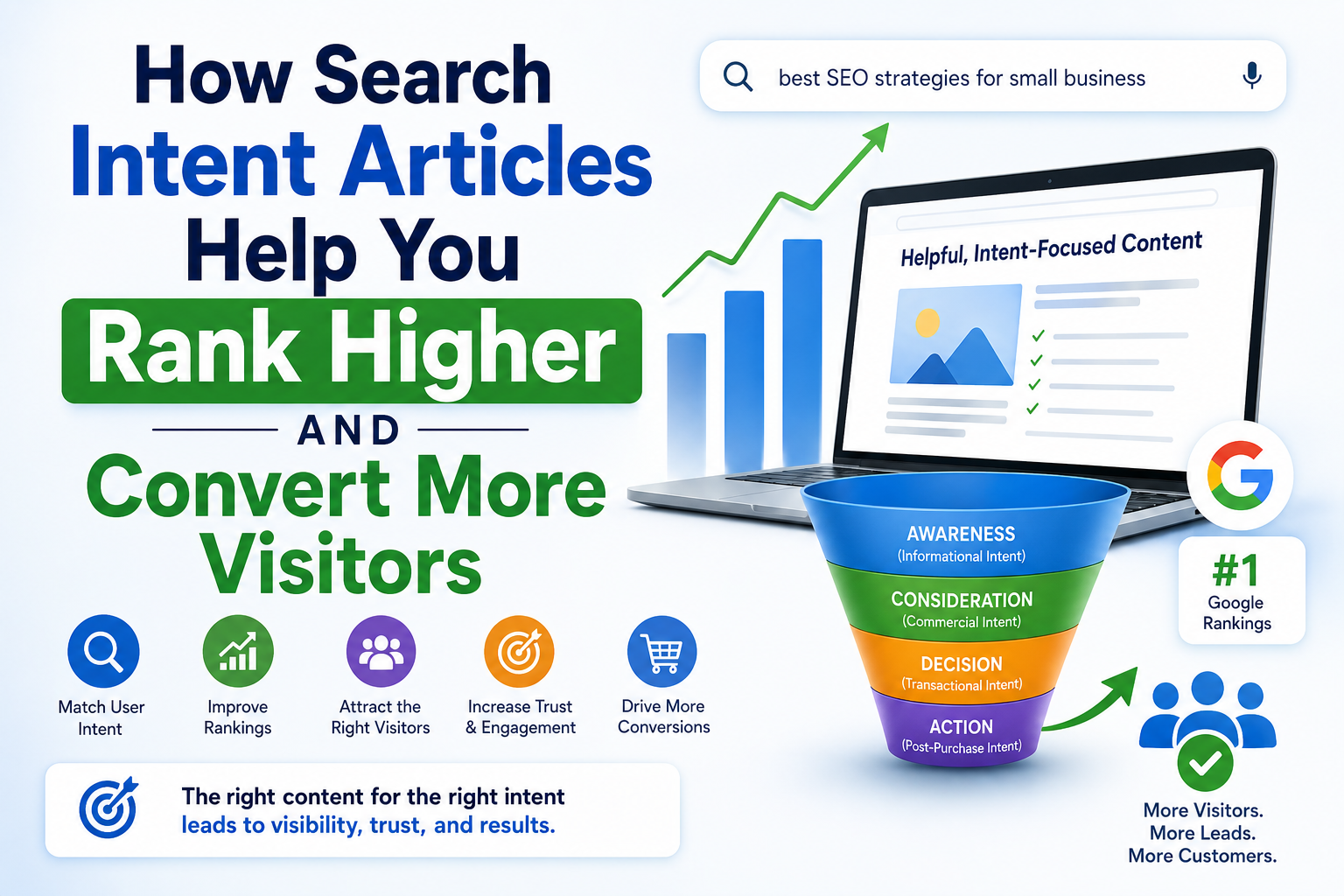
13. Create Helpful, Intent-Focused Content
Google rewards content that genuinely helps users.
Instead of writing generic SEO content, focus on solving real local problems.
Good examples:
- How to rank a Google Business Profile
- Best local SEO strategies for restaurants
- How contractors can get more Google reviews
- Why local citations matter
Helpful content improves:
rankings
engagement
authority
14. Improve EEAT Signals
Google values:
- Experience
- Expertise
- Authority
- Trustworthiness
Ways to improve EEAT:
- add author bios
- show real business experience
- include case studies
- cite credible sources
- display reviews and testimonials
Local businesses with strong trust signals often outperform larger competitors.
15. Use FAQ Sections for Featured Snippets
FAQ sections help improve visibility in:
- featured snippets
- People Also Ask results
- voice search
Well-structured FAQs also improve topical relevance.
Frequently Asked Questions
What is on-page SEO?
On-page SEO is the process of optimizing website pages to improve search rankings and user experience.
Does on-page SEO help local rankings?
Yes. Strong on-page SEO helps Google understand your location, services, and relevance for local searches.
How important are title tags?
Title tags are one of the strongest ranking factors for both SEO and local search visibility.
Does internal linking improve SEO?
Yes. Internal links help Google discover related pages and strengthen topical authority.
What are local SEO signals?
Local SEO signals include business information, location relevance, local keywords, reviews, and citation consistency.
How often should SEO pages be updated?
SEO pages should be updated regularly to keep information accurate, fresh, and aligned with search intent.
Simple On-Page SEO Checklist
| SEO Element | Why It Matters |
|---|---|
| Title Tags | Helps Google understand the topic |
| Meta Descriptions | Improves click-through rates |
| H1 Headings | Clarifies page focus |
| Internal Links | Strengthens topical authority |
| Local Keywords | Improves local relevance |
| Mobile Optimization | Improves user experience |
| Page Speed | Supports rankings |
| Schema Markup | Enhances search visibility |
| Image Alt Text | Improves accessibility and SEO |
| FAQ Sections | Increases featured snippet opportunities |
Conclusion
On-page SEO is no longer just about adding keywords to a webpage.
For local businesses, it helps Google understand:
- what you offer
- where you operate
- why your business deserves visibility in local search results
When combined with strong Google reviews, optimized service pages, local backlinks, and a complete Google Business Profile, on-page SEO becomes one of the most powerful ways to improve local rankings.
Small improvements to title tags, internal links, page structure, and local keyword targeting can create significant long-term growth in traffic and leads.
The businesses that consistently rank in Google Maps and local organic results usually follow strong on-page SEO practices across their entire website — not just one page.