


Website speed is no longer just a technical issue — it’s a major Google ranking factor. A slow-loading website can reduce website conversions, increase bounce rates, and hurt your visibility in search results.
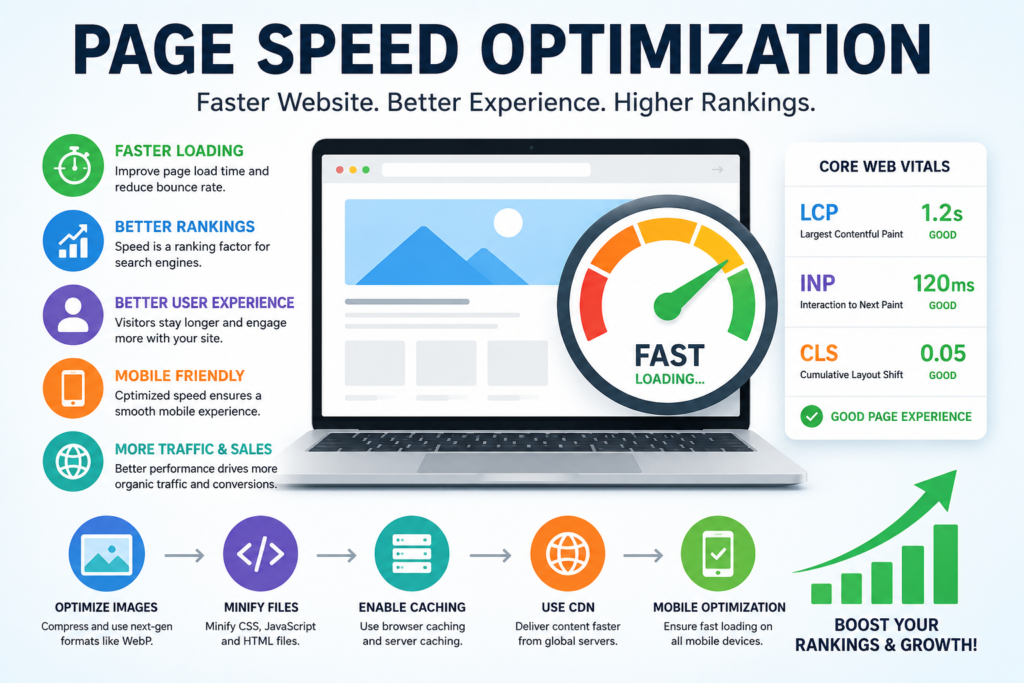
Modern page speed optimization focuses on improving user experience, Core Web Vitals, mobile performance, technical SEO, and advanced SEO strategies. Whether you run a small business website, blog, or ecommerce store, optimizing your site speed helps search engines crawl your pages more efficiently while increasing engagement and supporting long-term organic traffic growth.
In this guide, you’ll learn how page speed optimization improves SEO rankings, strengthens technical SEO, supports modern SEO strategies, and delivers sustainable organic traffic growth while making your website load faster in 2026.
What Is Page Speed Optimization?
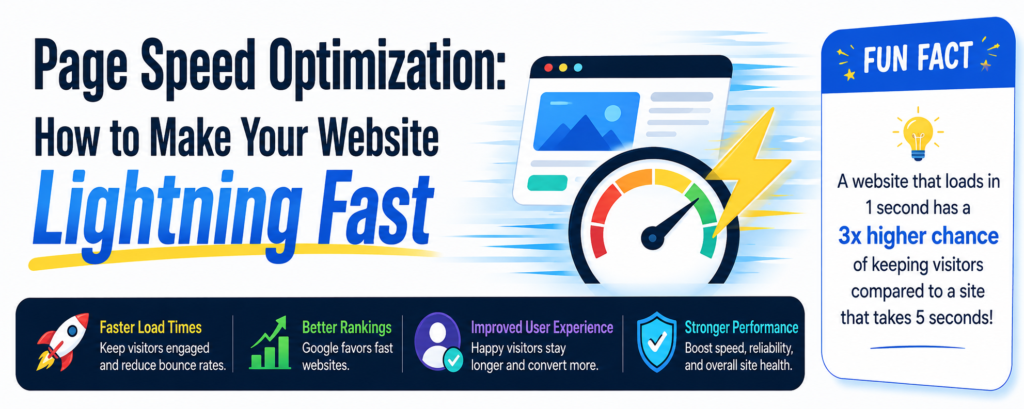
Page speed optimization is the process of improving how quickly a website loads and responds to user interactions across desktop and mobile devices.
Google uses website performance signals to evaluate user experience, which means slow-loading pages can negatively affect both rankings and engagement metrics.
age speed optimization includes:
- compressing images
- reducing unnecessary code
- improving server response time
- enabling browser caching
- optimizing mobile responsiveness
- reducing render-blocking resources
- improving Core Web Vitals
Faster websites typically experience:
How Page Speed Affects SEO Rankings
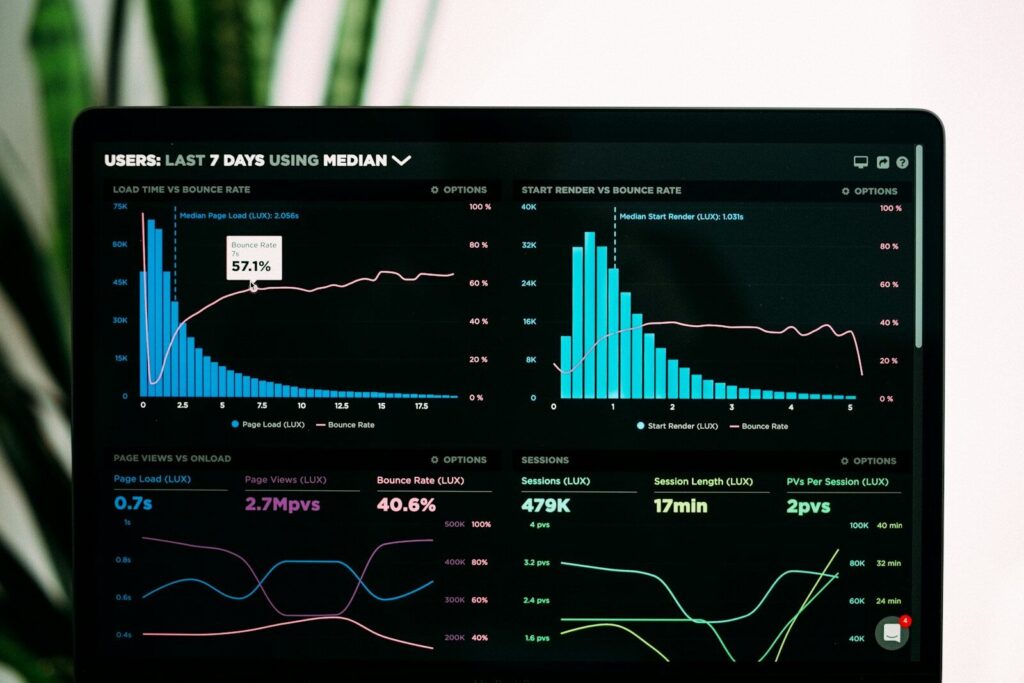
Google’s Core Web Vitals are especially important because they measure real-world user experience performance.
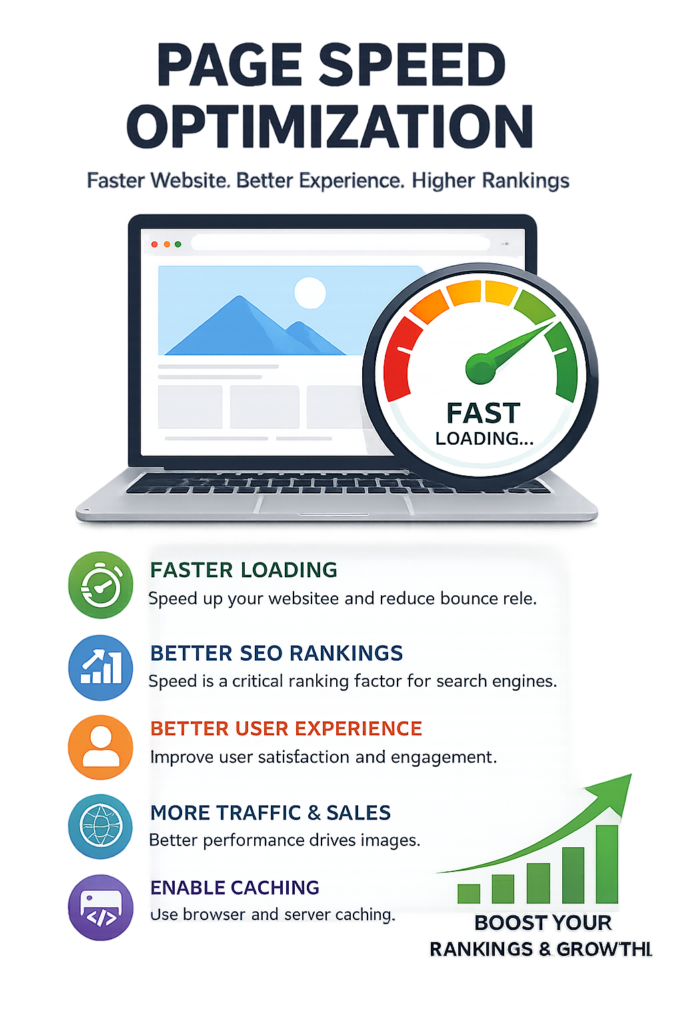
Google prioritizes websites that provide a fast and smooth user experience. Website speed directly affects several important SEO factors, including mobile usability, bounce rates, crawl efficiency, and Core Web Vitals.
Slow-loading websites often struggle to maintain strong engagement metrics because users abandon pages that take too long to load.
Faster websites help:
- improve time on page
- increase conversions
- reduce bounce rates
- improve crawl efficiency
- support mobile-first indexing
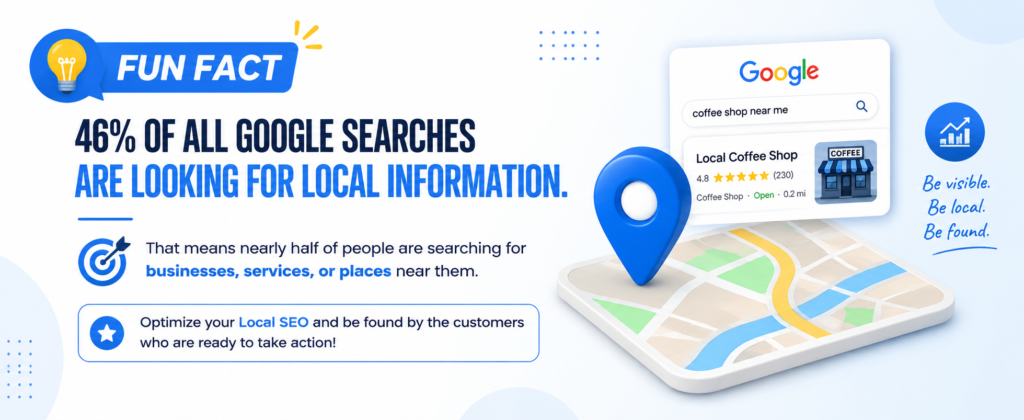
Fast-loading pages help improve your local SEO strategy by reducing bounce rates, boosting mobile user experience, and helping nearby customers find business information quickly, which can strengthen visibility in local search results overall.

Understanding Core Web Vitals
Include:
Largest Contentful Paint (LCP)
Measures loading performance.
Interaction to Next Paint (INP)
Measures responsiveness.
Cumulative Layout Shift (CLS)
Measures visual stability.
Key Techniques for Page Speed Optimization
Compress Images (Use WebP Format)
WebP images are smaller without losing quality, reducing load times dramatically. Tools like Squoosh and TinyPNG can help.
Use Lazy Loading for Videos and Images
Lazy loading delays loading media until the user scrolls to it, saving bandwidth and speeding up initial load.
Minimize Unnecessary Scripts and Plugins
Every extra script adds loading time. Remove unused tracking codes, widgets, and plugins.
Minimize Unnaecessary Scripts and Plugins
Every extra script adds loading time. Remove unused tracking codes, widgets, and plugins.
Enable Browser Caching
Store static resources locally on the user’s browser for faster repeat visits.
Use a Content Delivery Network (CDN)
A CDN like Cloudflare distributes your content across global servers for faster delivery.

How to Check Your Website Speed
Testing your website speed helps you find problems that may slow down your site and hurt SEO performance.
Google PageSpeed Insights
This free tool from Google shows your website’s performance on mobile and desktop devices. It also provides suggestions to improve loading speed, Core Web Vitals, and overall user experience.
GTmetrix
GTmetrix gives a detailed breakdown of how your website loads, including large files, slow scripts, and loading order. It’s useful for finding technical speed issues.
Pingdom Website Speed Test
Pingdom makes it easy to test your website speed from different locations around the world. It also shows page size, load time, and performance recommendations.
Regular speed testing helps improve SEO, user experience, and website performance.
Learn More Quick Page Speed Optimization Checklist for Faster SEO Results

Advanced Ways to Make Your Website Faster
Making your website faster helps improve SEO, user experience, and Google rankings.
Minify CSS, JavaScript, and HTML
Minifying removes extra spaces and unnecessary code from your website files so pages load faster. Tools like Autoptimize can help automate this process.
Use Server-Side Caching
Caching saves a temporary version of your website so pages load quicker for visitors. Plugins like WP Rocket or LiteSpeed Cache can improve speed and reduce server load.
Upgrade Your Website Hosting
Cheap shared hosting can slow down your website because many sites share the same server. Switching to VPS, cloud, or dedicated hosting can improve speed and reliability.
Use a CDN
A CDN like Cloudflare stores copies of your website on servers around the world so visitors load your site from the nearest location.
These simple upgrades can improve page speed, lower bounce rates, and help your website rank better on Google.
Best Tools to Test Website Speed
Google PageSpeed Insights
Analyzes Core Web Vitals and mobile performance.
Google Search Console
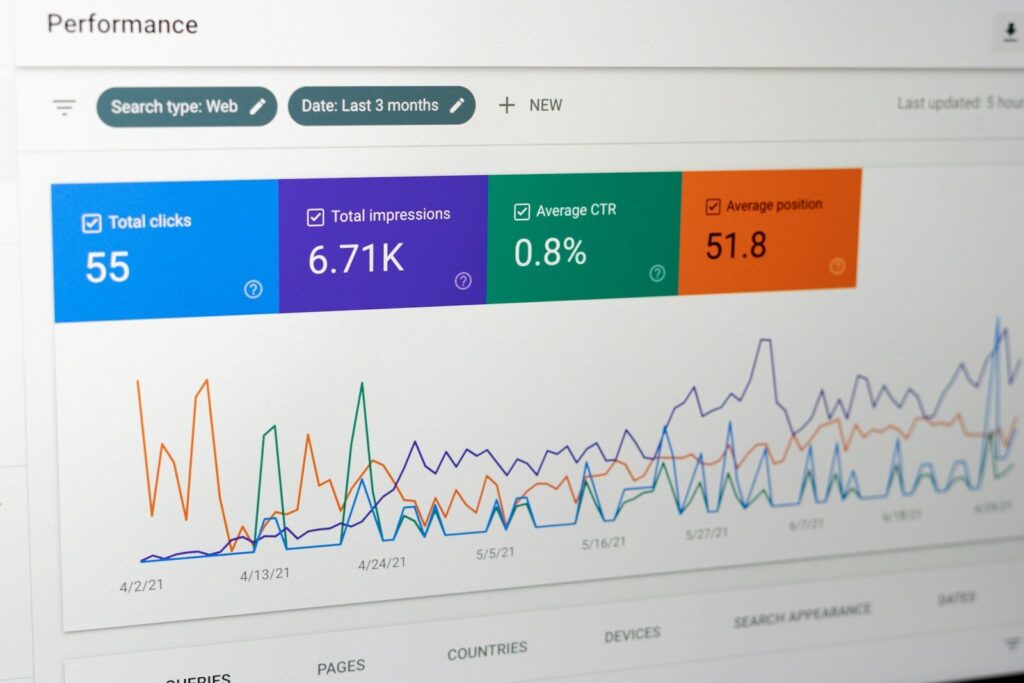
Tracks Core Web Vitals issues across your website.
GTmetrix
Provides waterfall performance analysis.
How Internal Linking Supports Technical SEO
Proper internal linking helps create topic clusters that improve rankings across your entire website.
Internal links help search engines discover pages faster and understand your website structure. A strong internal linking strategy also distributes authority throughout your website and improves user navigation.
Technical SEO articles should always connect to:
- keyword research guides
- on-page SEO tutorials
- local SEO strategies
- Core Web Vitals resources
- SEO pillar pages

Frequently Asked Questions About Page Speed Optimization
Does page speed affect SEO?
Yes. Google uses speed and user experience metrics as ranking factors.
What is a good Google PageSpeed score?
A score above 90 is generally considered excellent.
Do Core Web Vitals matter?
Yes. Core Web Vitals are part of Google’s page experience signals.
Does page speed affect mobile rankings?
Absolutely. Mobile-first indexing makes mobile speed extremely important.
What slows down websites the most?
Large images, poor hosting, excessive scripts, and unoptimized plugins are common causes.
How often should website speed be tested?
At least monthly and after major website updates.

Common Page Speed Mistakes Businesses Make
Improving these issues can significantly increase website performance and search visibility.
Many websites remain slow because of avoidable technical mistakes.
Common problems include:
- oversized image files
- excessive plugins
- poor hosting services
- bloated JavaScript
- unoptimized themes
- too many third-party scripts
- no caching configuration

Final Thoughts on Page Speed Optimization
By improving Core Web Vitals, optimizing images, reducing unnecessary scripts, and strengthening technical SEO, your website becomes more competitive in search results while delivering a better experience for visitors.
Page speed optimization is one of the most important parts of technical SEO and user experience. Faster websites improve search visibility, reduce bounce rates, and increase engagement across desktop and mobile devices.
Businesses that prioritize website performance often see improvements in rankings, conversions, and customer satisfaction.








