

I
- Example: ✅ Good: “Close-up of eco-friendly yoga mat for women, under $50, non-slip design.” ❌ Bad: “Eco-friendly yoga mat yoga mat buy cheap best eco mat” (keyword stuffing)
- What Makes Good Alt Text?
- Writing Alt Text for Videos
- Best Practices for Alt Text in Faceless Marketing
- Real-World Examples of Optimized Alt Text
Why Alt Text Matters More Than You Think
Most people think of alt text as “something for the blind” or “just for compliance,” but it’s much more than that. Alt text is SEO fuel—helping your images and videos appear in Google Image Search, YouTube search previews, and even as rich results.
It also ensures accessibility, allowing visually impaired users to understand your content through screen readers (see W3C guidelines).
What Makes Good Alt Text?
Descriptive and Accurate
Your goal is to paint a mental picture of the image or video.
Natural Keyword Placement
If your primary keyword fits, include it—but only where it sounds natural.
Concise but Complete
Aim for 5–15 words that capture the essence without being overly long.
Writing Alt Text for Images
Example:
✅ Good: “Close-up of eco-friendly yoga mat for women, under $50, non-slip design.”
❌ Bad: “Eco-friendly yoga mat yoga mat buy cheap best eco mat” (keyword stuffing)
Product Images vs. Decorative Images:
Decorative images: Use empty alt text (alt="") so screen readers skip them.
Product images: Be specific about features, colors, and purpose.
Writing Alt Text for Videos
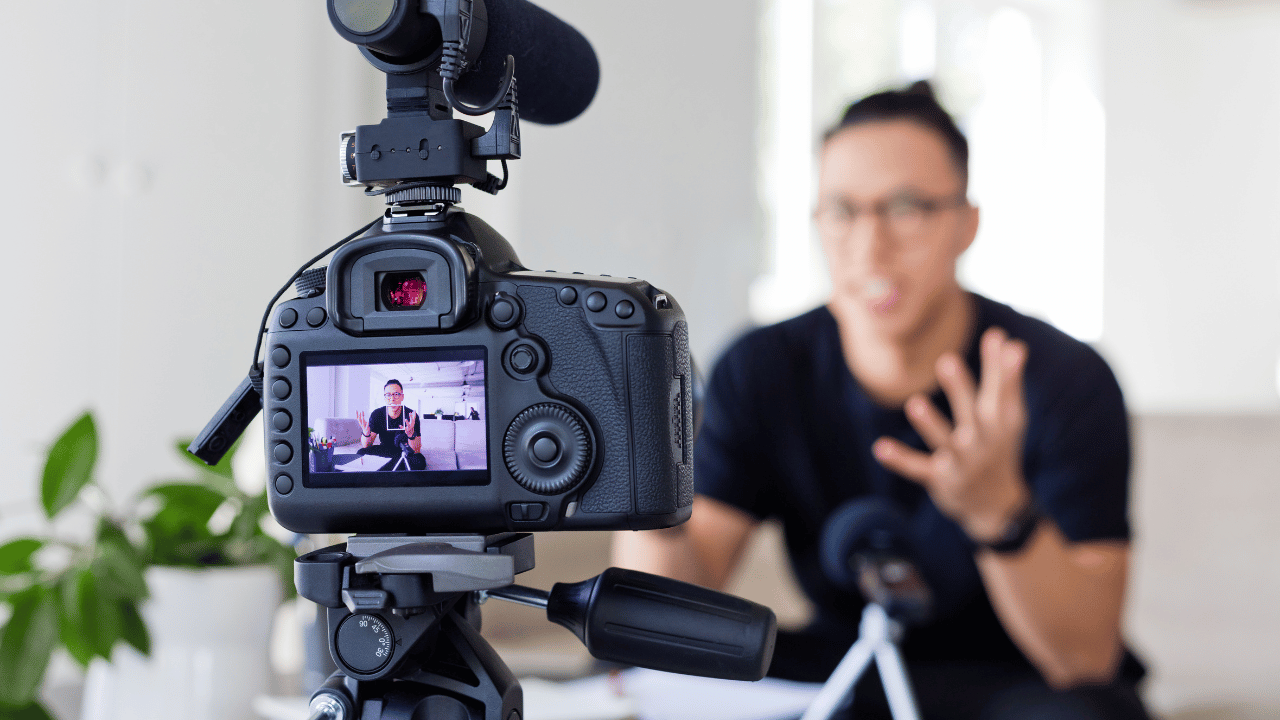
- Thumbnail Descriptions: Summarize the main subject or action.
Example: “Thumbnail of step-by-step faceless marketing tutorial video with animated graphics.” - Embedded Video Context: Describe what the video covers so search engines and users know what to expect.
Common Mistakes to Avoid in Alt Text

Keyword Stuffing: Google can detect unnatural repetition.
Being Too Vague: “Image1.jpg” or “video thumbnail” doesn’t help SEO or accessibility.
Ignoring Accessibility Standards: Always consider how a screen reader will interpret your text.
Best Practices for Alt Text in Faceless Marketing
In faceless marketing, your visuals carry extra weight. Use alt text to:
- Reinforce brand tone without showing a face
- Highlight key product features or tutorial steps
- Maintain a consistent voice across all media
Tools to Check and Improve Alt Text
Ahrefs Site Audit – Identifies missing alt text for images and videos.
Google Lighthouse – Checks for missing or poor alt attributes.
WAVE Accessibility Tool – Tests accessibility compliance.
Real-World Examples of Optimized Alt Text
From E-Commerce Stores:
- “Handwoven bamboo basket with natural finish and leather handles”
From Blogs and Content Sites:
- “Screenshot of analytics dashboard showing SEO traffic growth in January 2025”
FAQs About Image & Video Alt Text
Q1: Does alt text affect SEO rankings?
A: Yes, especially for image search visibility.
Q2: How long should alt text be?
A: Around 5–15 words for clarity and conciseness.
Q3: Should every image have alt text?
A: All informative images, yes. Decorative ones can have empty alt attributes.
Q4: Can alt text include brand names?
A: Yes, if it’s relevant and natural.
Q5: How do I write alt text for GIFs?
A: Describe the main action happening in the GIF.
Q6: Does video alt text work like image alt text?
A: Similar, but also consider providing captions and transcripts.
Conclusion
Alt text may be small, but it delivers big results. By writing descriptive, keyword-conscious, and accessibility-friendly alt text, you’re not just helping search engines—you’re helping your audience. Over time, this can mean more clicks, better rankings, and a more inclusive brand.
Related Articles
Faceless Marketing for eCommerce: How to Increase Conversions
Optimized Title Tags for Faceless Marketing: 7 Secrets to Success
Meta Descriptions That Sell: How to Get Clicks Without Clickbait
Header Tag Structure (H1–H6): The SEO-Friendly Guide for Better Rankings
Page Speed Optimization: How to Make Your Website Lightning Fast
Internal Linking Strategy: How to Boost SEO and Keep Readers Engaged








