One of the fastest ways to improve website performance is by focusing on a few high-impact technical optimizations. Many websites can significantly reduce load times in less than an hour by compressing images, minimizing scripts, enabling caching, and optimizing file delivery.
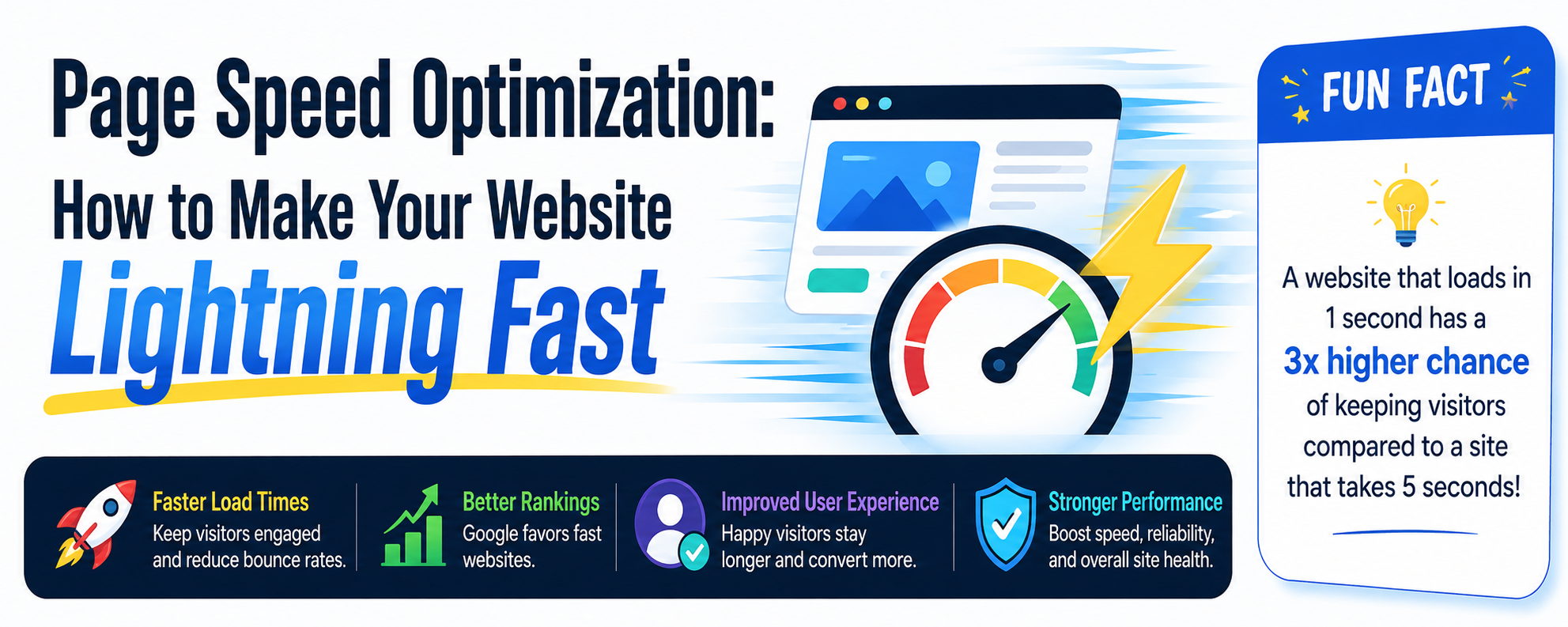
These quick page speed improvements help:
- improve Core Web Vitals
- reduce bounce rates
- increase mobile performance
- strengthen technical SEO
- improve Google PageSpeed scores
Businesses that regularly optimize website speed often experience better user engagement and improved search visibility.

1. Compress and Optimize All Images (10–15 Minutes)
Large image files are one of the biggest causes of slow-loading websites. Compressing and converting images into modern formats can dramatically improve loading speeds without reducing visual quality.
Recommended Tools
Action Steps
- convert PNG and JPEG images into WebP format
- resize oversized images before uploading
- keep most image files under 200 KB
- avoid unnecessarily large homepage banners
SEO Benefits
Optimized images help:
- improve mobile speed
- reduce server load
- improve Core Web Vitals
- increase page performance scores
You can also internally link this section to:
- technical SEO article
- your image SEO article
- content optimization guide

2. Enable Lazy Loading for Images and Videos (5–10 Minutes)
Lazy loading delays the loading of images and embedded videos until users scroll to them. This reduces the initial page load time and improves user experience, especially on mobile devices.
WordPress Solutions
- a3 Lazy Load
- native WordPress lazy loading
- WP Rocket
Custom Website Solution
Add:
loading="lazy"
to:
<img>
<iframe>
tags.
SEO Benefits
Lazy loading helps:
- speed up initial rendering
- improve Largest Contentful Paint (LCP)
- reduce unnecessary bandwidth usage
- improve mobile usability
3. Remove Unnecessary Scripts and Plugins (5–10 Minutes)
Too many third-party scripts, tracking codes, and plugins can severely slow down your website.
Recommended Tool
Use Chrome DevTools → Network Tab to identify heavy resources.
Action Steps
- remove unused tracking scripts
- disable unnecessary plugins
- eliminate outdated widgets
- reduce external requests when possible
Common Speed Issues
Many websites slow down because of:
- excessive analytics tools
- chat widgets
- social feed plugins
- bloated page builders
SEO Benefits
Reducing scripts helps:
- increase overall performance
- improve responsiveness
- reduce render-blocking resources
- improve Interaction to Next Paint (INP)

4. Enable Browser Caching (5–10 Minutes)
Browser caching stores website assets locally on a visitor’s device, making repeat visits significantly faster.
WordPress Solutions
- WP Rocket
- W3 Total Cache
- LiteSpeed Cache
Apache Server Solution
Add caching rules inside your:
.htaccess
file.
SEO Benefits
Browser caching helps:
strengthen user experience signals
reduce server requests
improve return visitor performance
increase loading speed
5. Minify CSS, JavaScript, and HTML Files (5 Minutes)
Minification removes unnecessary spaces, comments, and code formatting to reduce file sizes.
Recommended Tools
- Minify Code
- Autoptimize
- WP Rocket
Action Steps
- minify CSS files
- minify JavaScript
- compress HTML output
- combine files where appropriate
SEO Benefits
Minified code helps:
- reduce page load times
- reduce file transfer size
- improve rendering speed
- improve Core Web Vitals
6. Use a Content Delivery Network (CDN) (5–10 Minutes)
A CDN distributes website files across multiple servers worldwide, allowing visitors to load content from the nearest geographic location.
Recommended CDN
SEO Benefits
CDNs help:
- improve global loading speed
- reduce latency
- improve mobile performance
- protect against traffic spikes
This is especially important for:
- international audiences
- ecommerce websites
- national businesses

Expected Results from These Optimizations
Most websites can see noticeable improvements after implementing these technical SEO fixes.
Estimated Time Required
✅ Approximately 45–60 minutes
Potential Performance Improvements
✅ 30–60% faster load times
✅ Better Google PageSpeed scores
✅ Improved mobile usability
✅ Lower bounce rates
✅ Better Core Web Vitals
✅ Stronger SEO performance