

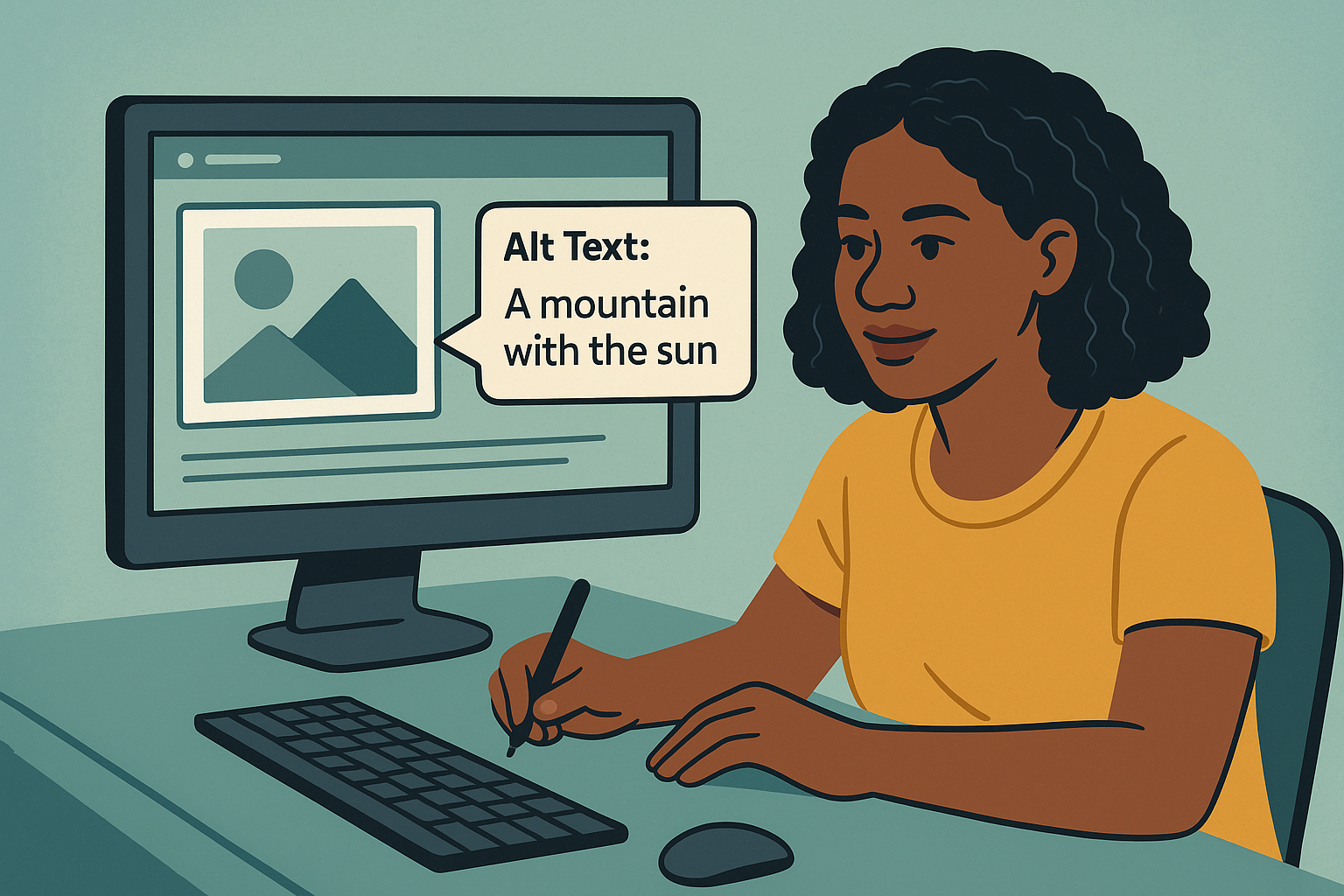
Let’s get real—alt text might not be the flashiest part of blogging, but it’s essential. If you’re looking to improve your blog’s accessibility, boost your SEO, and make your content more engaging, learning how to write alt text for images is a must. Alt text, or “alternative text,” helps search engines understand what an image is about and provides a description for visually impaired readers. So, if you want to know how to write alt text that works, you’re in the right place.
Why Alt Text for Images Is Important in Blogging
Alt text isn’t just filler text—it serves several important purposes, especially for bloggers. Let’s break it down:
Why Alt Text for Images Is Important in Blogging
Alt text isn’t just filler text—it serves several important purposes, especially for bloggers. Let’s break it down:
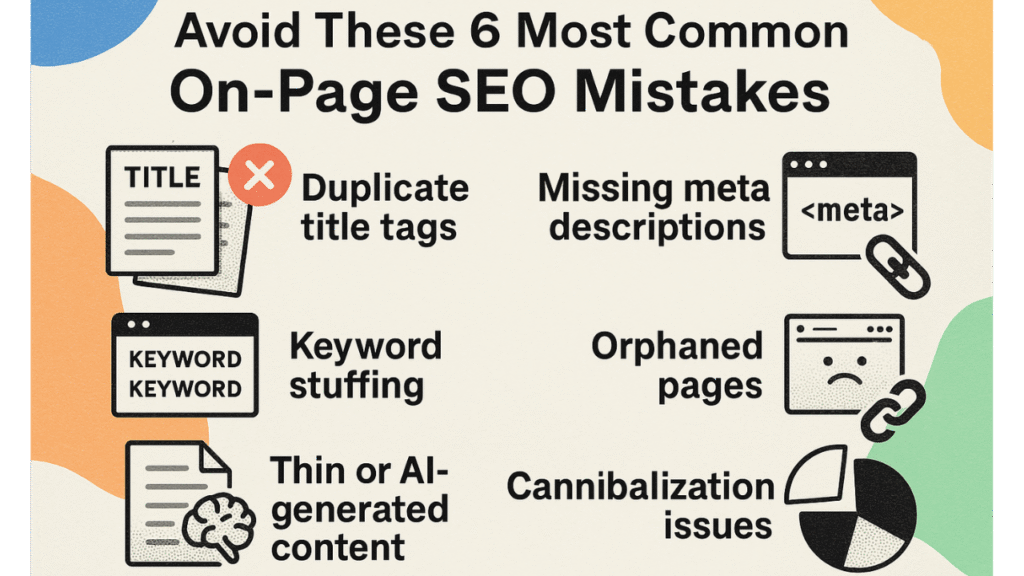
Tips for Writing Effective Alt Text for Images
So, how do you write alt text that’s both useful and optimized? Here are some best practices to follow:
- Be Descriptive – Describe the image as if you’re explaining it to someone who can’t see it. Keep it simple but clear.
- Include Keywords (When Relevant) – If it makes sense, use keywords related to your content. But avoid stuffing keywords unnaturally.
- Keep It Short and Sweet – Aim for 125 characters or less. Alt text is meant to be brief and to the point.
- Avoid Phrases Like “Image of” or “Picture of” – The screen reader already knows it’s an image, so no need to repeat that info.
- Consider Context – Think about the role the image plays in your content. If it’s decorative, you might skip the alt text. If it’s essential to understanding the post, make it specific.
Example of Good Alt Text:
For an image of a New York City bagel shop with a line out the door, you might use: “Long line of people outside a popular New York City bagel shop on a sunny morning.”
Example of Bad Alt Text:
“Image of people standing in line” – This is too vague and doesn’t add context or interest.
Common Mistakes to Avoid When Writing Alt Text for Images
Even seasoned bloggers make mistakes with alt text. Here are some common pitfalls to steer clear of:
- Keyword Stuffing – Adding too many keywords in alt text can make it sound unnatural. Plus, search engines don’t like it.
- Being Too Vague – Alt text like “a woman” or “landscape” doesn’t provide any useful information. Be specific.
- Overly Detailed Descriptions – Alt text isn’t meant to tell a whole story. Stick to the essentials.
- Repeating the Page’s Main Keyword in Every Image – If you’re using multiple images, vary your alt text instead of repeating the same keyword.
Example of a Mistake:
If your blog is about “How to Make Homemade Pizza,” avoid using “homemade pizza” in every image’s alt text. Instead, describe each image based on what it shows, like “pizza dough being stretched on a countertop.”
Examples of Alt Text for Different Types of Images
Here’s how to write alt text for images commonly used in blogs. From product shots to scenic views, each type has its own approach.
- Product Images
- Example: For an image of a coffee maker, use “Stainless steel French press coffee maker with glass carafe on a kitchen counter.”
- Lifestyle Images
- Example: For an image of a family picnic, try “Family enjoying a picnic in the park with blankets and baskets on a sunny day.”
- Scenic or Travel Images
- Example: For a photo of the Eiffel Tower, use “The Eiffel Tower lit up at night against a dark sky, with the Paris skyline.”
How to Use Alt Text to Improve Your Blog’s SEO
Adding relevant alt text to images can boost your SEO without much effort. Here’s how alt text contributes to a higher search engine ranking:
- Keyword Relevance – When you add keywords naturally to alt text, you help search engines understand the topic of your page.
- Image Search Traffic – People search for images on Google and other engines. Well-optimized alt text can help your images appear in those results.
- Better User Engagement – Alt text improves accessibility, which means more people can fully engage with your content. Google considers user engagement in its ranking factors.
Different Types of Website Builder Templates and Their Benefits for Alt Text
Adding alt text to website builder templates for different types of businesses? Each type of template will have unique needs for alt text. Here’s how to write alt text for images used in website builder templates:
- E-Commerce Templates – Describe products with clear, detailed alt text that highlights features.
- Blog Templates – Use relevant keywords to describe lifestyle images or featured posts.
- Personal Brand Templates – Describe professional images like headshots or portfolio pieces with clear, keyword-friendly descriptions.
- Service-Based Templates – Use alt text to describe service-related images, like client work or location-based shots.
Example: In an e-commerce template for skincare, use alt text like “hydrating face serum in a blue bottle next to a plant.”
6 Key Stats on Why Alt Text Matters for Blogs
Alt text might be small, but it’s mighty! Here are some stats to show just how valuable alt text can be for bloggers:
- 20% of all Google searches are image searches (Moz).
- Alt text improves accessibility for up to 15% of internet users with disabilities (W3C).
- Sites that use optimized images see up to 40% more organic traffic (HubSpot).
- 70% of screen readers rely on alt text to interpret images (Statista).
- Image search accounts for 27% of Google’s search results (Jumpshot).
- 50% of SEO experts say alt text is crucial for ranking in Google Images (Search Engine Journal).
Conclusion: Use Alt Text for Images to Improve Your Blog’s Accessibility and SEO
Alt text is a small but powerful tool in any blogger’s toolkit. With the right alt text, you’re not only making your blog accessible for everyone but also boosting your SEO. Take a few extra seconds to describe your images with clarity, add relevant keywords naturally, and you’ll see the impact on your search rankings and reader experience. Now that you know how to write alt text for images, it’s time to put it to work on your blog!
Related Articles
How to Automate Keyword Research for Smarter Content Creation
How to Write SEO Titles That Boost Click-Through Rates (CTR)
Drag-and-Drop Website Builders vs. Coding: Which is Better for You?








