

If you’re trying to figure out how to start a small business website, don’t worry—you’re not alone. Most business owners feel a little lost at first. Building a website can seem confusing, but with the right steps, you can create something clean, simple, and strong enough to help your business grow.
Whether you’re a beginner or just trying to learn how to build a small business website the right way, this guide breaks everything down in plain language. And whenever you feel stuck, LookHin4.com is here to help you build, launch, or automate your small business website at a low cost.
Step-by-Step Process to Start a Small Business Website
🌐 Step 1: Choose Your Domain Name
Your domain name is the first step in building a small business website and a strong online presence people can find and remember. Think of it like your digital address, guiding customers to your services while making your online presence feel simple, clear, and professional welcoming. Choose a short, easy-to-spell domain close to your business name, so your online presence starts with confidence and fewer customer mistakes over time.
If you’re learning how to create a small business website, choosing a domain early helps you feel like your business is becoming “real.” You can also get a business email at the same time so your website looks more professional.

🏗️ Step 2: Pick the Right Platform for Your Website
Now it’s time to choose the platform you’ll build your website on. This is a big part of how to start a small business website, because the platform decides how much control you have, how easy things feel, and how fast you can update your site.
Here are the top platforms:
✔ Shopify (for stores)
Great for selling products online. Very beginner-friendly.
https://shopify.com
✔ WordPress (for blogs, service websites, and more freedom)
WordPress gives you tons of control. You can build almost anything.
https://wordpress.org
You will need hosting if you choose WordPress, such as:
SiteGround → https://siteground.com
Bluehost → https://bluehost.com
✔ WordPress (for blogs, service websites, and more freedom)
WordPress gives you tons of control. You can build almost anything.
https://wordpress.org
You will need hosting if you choose WordPress, such as:
SiteGround → https://siteground.com
Bluehost → https://bluehost.com
✔ HighLevel (LookHin4 version)
My favorite option for starting a small business website.
I use the HighLevel platform and turned it into my own brand: LookHin4.
LookHin4 lets you:
and manage your whole business in one place
build websites
collect leads
automate emails
book appointments
Perfect for beginners and startups who want tools that grow with them.
👉 Learn more: https://LookHin4.com

📝Step 3: Plan the Pages for Your Website
When learning how to build a small business website, planning your pages is key. You don’t need a lot—just the essentials.
Most small business websites need:
- Home
- About
- Services or Products
- Contact
- FAQ
- Testimonials
Planning first keeps your website clean, simple, and easy to navigate.
“Every entrepreneur should know how to start a small business website because customers look online first.”

🎨 Step 4: Create a Simple, Professional Design
Design is a big part of how to create a small business website that makes a good first impression. People decide if they trust you in just a few seconds.
A good design:
- loads fast
- uses clean fonts
- matches your brand colors
- works on phones and tablets
Need help making graphics?
Use Canva: → https://canva.com
Canva lets you design:
- logos
- social posts
- banners
- flyers
- website graphics
…without needing a design degree.
Need graphics? Read Why Canva Is Better Than Photoshop for Beginners to start designing with ease.


Step 5: Write Clear, Simple Website Content
When starting a small business website, your writing must be easy to understand. Don’t overthink it.
Your homepage should answer:
- What do you offer?
- Who is it for?
- Why should they choose you?
- How can they contact you?
Keep it friendly and direct. Think like you’re explaining your business to someone you just met on the train.
🔍 Step 6: Add Basic SEO So People Can Find You
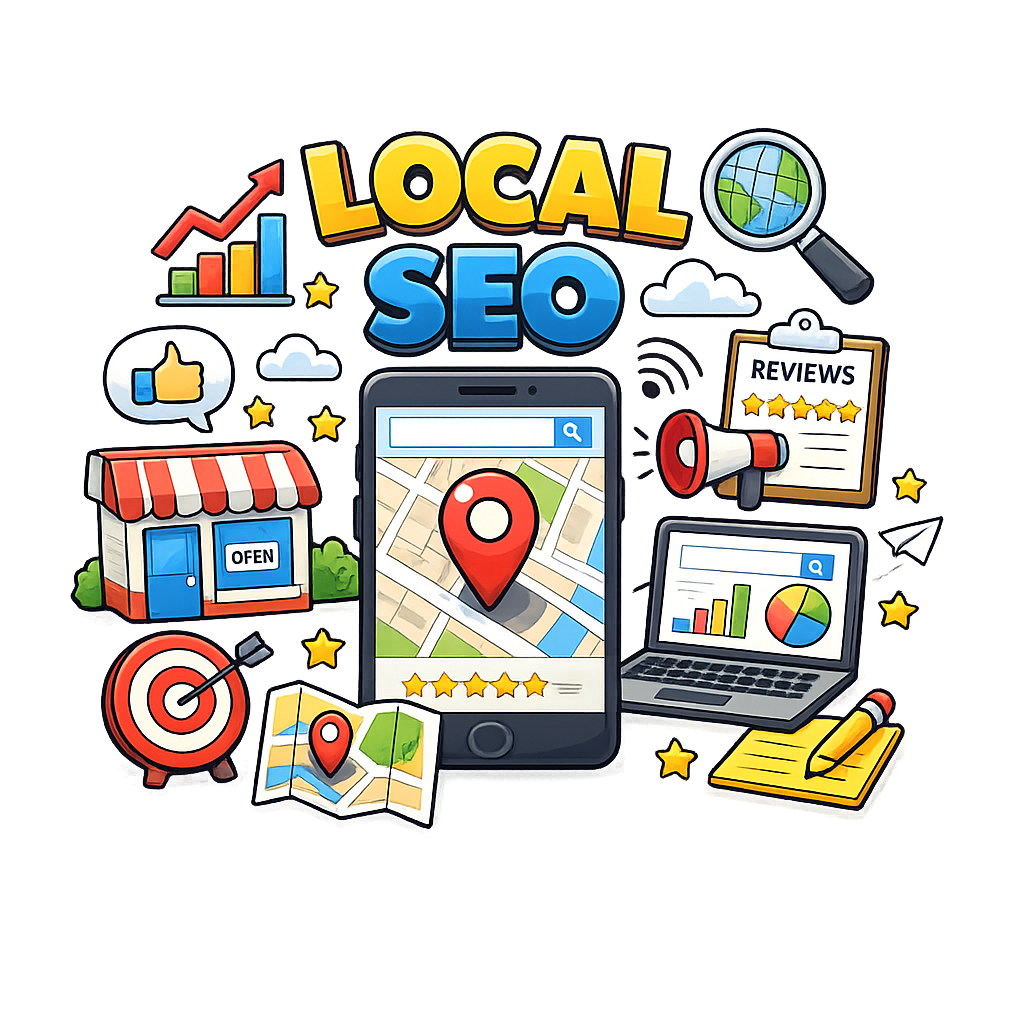
SEO (search engine optimization) helps your website show up on Google. If you want people to find you when they search, this step is crucial to how to start a small business website the right way.
Free and paid SEO tools:
- Google Keyword Planner → https://ads.google.com/home/tools/keyword-planner/
- Ubersuggest → https://neilpatel.com/ubersuggest
- SEMrush → https://semrush.com
- Ahrefs → https://ahrefs.com
What to do with these tools:
- choose keywords
- add them to titles
- write simple meta descriptions
- name your images properly
- keep reading levels easy
These things help Google understand your site.
“Knowing how to start a small business website is the first step to earning trust online.”
Step 7: Set Up Your Google Business Profile
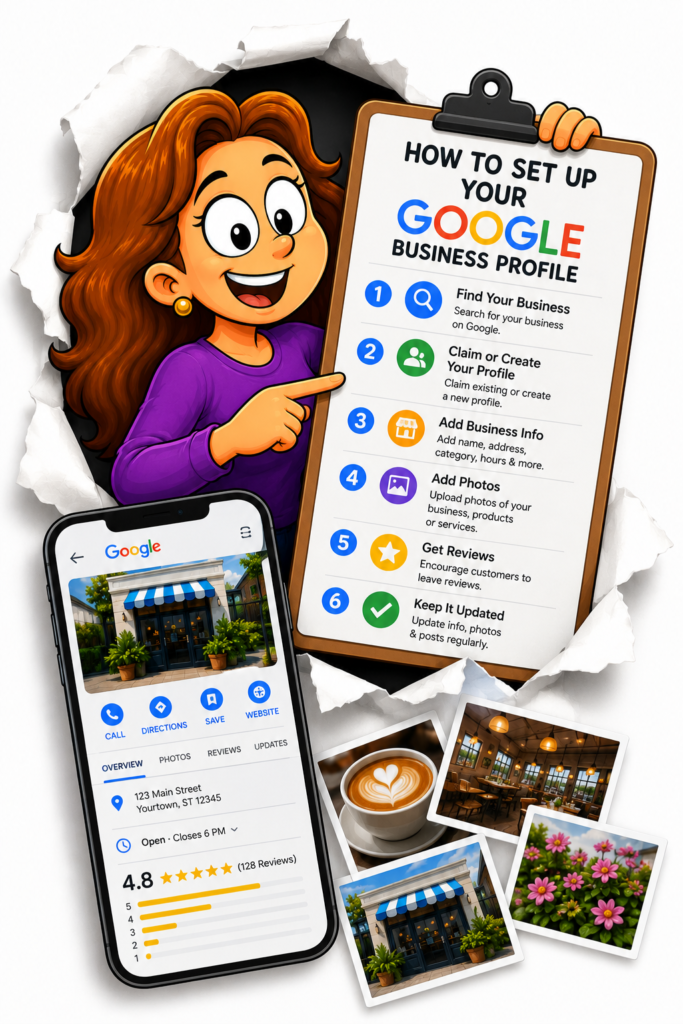
If you want local customers, this is one of the MOST important steps when learning how to create a small business website.
Sign up here:
https://www.google.com/business/
Your Google Business Profile helps people:
- find you on maps
- see your contact info
- read reviews
- visit your website
Even if your site is new, this brings real traffic.


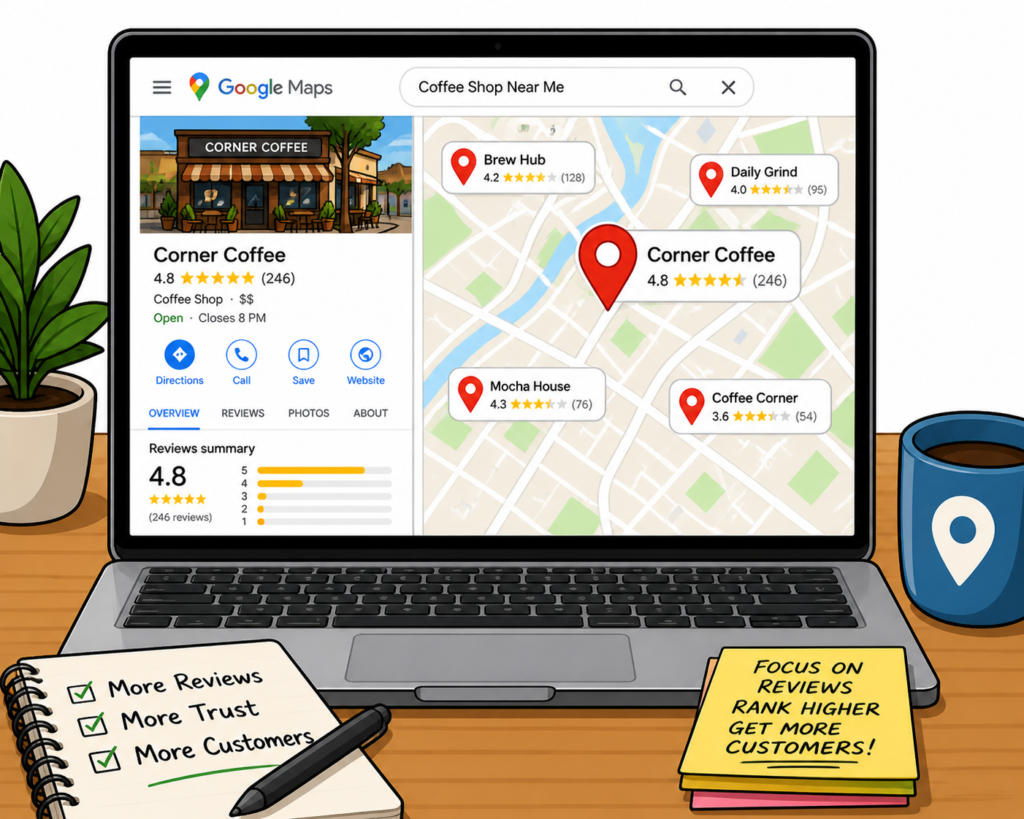
⭐ Step 8: Start Collecting Reviews
Reviews help build trust and show potential customers that your business is reliable and active. When people see positive feedback, they’re much more likely to contact you or make a purchase.
As your small business website grows, you can ask:
- early customers
- loyal clients
- friends or family who genuinely used your product or service
But managing reviews, responding to customers, and keeping your reputation strong can quickly become time-consuming. A smart shortcut is to work with a professional Google Review Management Service that can help you collect, monitor, and respond to reviews consistently.
Strong reviews can help your business stand out locally, improve customer trust, and even boost your visibility in Google search results.

📞 Step 9: Make It Easy for People to Contact You
One of the biggest mistakes people make when learning how to start a small business website is making it difficult for customers to reach them. If visitors can’t quickly find your contact information, there’s a good chance they’ll leave and contact someone else instead.
Your website should clearly display:
- your phone number
- business email address
- operating hours
- physical location (if applicable)
- an easy-to-use contact form
The easier you make it for people to contact you, the more likely they are to become paying customers.
A smart tip for new business owners is to place your contact information in multiple areas of your website, such as:
- the top header
- footer section
- contact page
- homepage call-to-action buttons
If you don’t have a dedicated business phone number yet, using Google Voice is a simple and affordable solution. It allows you to create a professional business number without needing a separate phone line.

“Learning how to start a small business website gives your brand a place to grow.”

Step 10: Launch Your Website and Keep Improving It
Launching your website is a big deal. But remember—websites grow over time.
After launching:
- add new photos
- write blogs
- update your services
- check your Google Analytics → https://analytics.google.com
- test your speed → https://gtmetrix.com
- keep improving little by little
This is how small business websites stay strong.
💡 Extra Tips That Make a Big Difference
These little things make your site look way more professional:
- use HTTPS security
- add a privacy policy
- use clear buttons
- keep your menu simple
- make sure it looks good on phones
- don’t use too much text
The easier your site is to use, the more people will stay.
❤️ A Gentle Push if You Need Help
Learning how to start a small business website is empowering, but it can also feel overwhelming. And that’s okay.

If you want help building your website, automating your business, or setting up your systems, LookHin4.com is here to support you.
We focus on:
- startups
- new business owners
- everyday people trying to grow
- low-cost website solutions
- simple business automation tools
You don’t have to do everything alone.
👉 Visit https://LookHin4.com to get started.

🎉 Conclusion
Now you know how to start a small business website from beginning to end. With the right domain, platform, design, SEO, reviews, and tools, you can build a website that helps your business grow every day.
Take it step-by-step.
Keep things simple.
And remember, progress beats perfection.
Your website is your digital home—so let’s help you build one you’re proud of.








