When it comes to design tools, many people think Photoshop is the best. But from my experience, why Canva is better than Photoshop comes down to one thing: simplicity and speed.
Photoshop is powerful, but Canva makes design easier, faster, and more practical—especially for beginners and small business owners.
Why I Prefer Canva

I prefer Canva because it removes the stress of complicated tools. Everything feels simple, clean, and ready to use.
The Shift Toward Simpler Tools
Today, people want tools that help them move fast. Canva fits that need perfectly.

Canva Makes Design Easy for Everyone
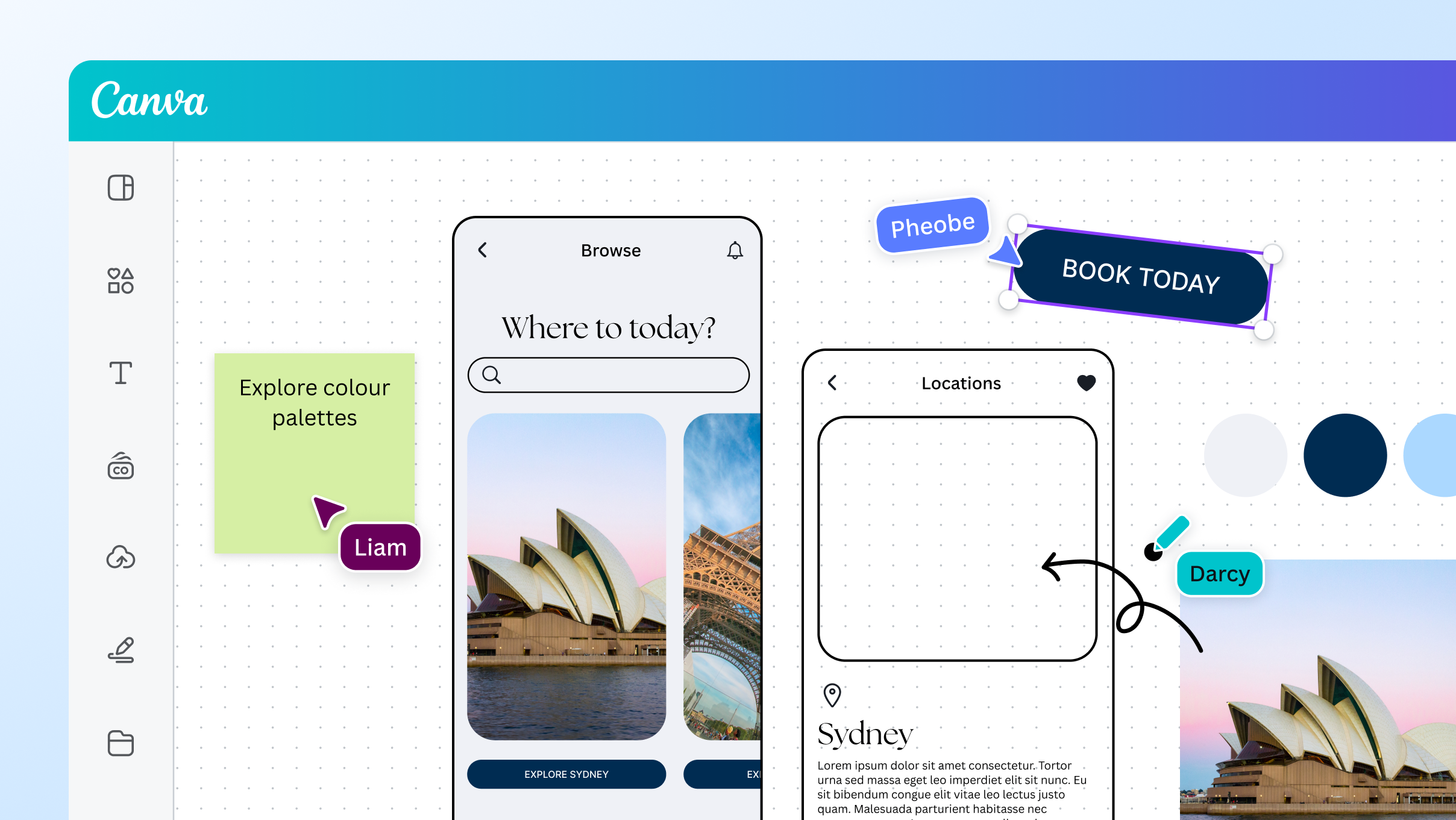
Drag-and-Drop Simplicity
Canva works with drag-and-drop. You don’t need technical skills.
You can:
Change colors instantly
Move elements easily
Resize with one click
No Learning Curve
Photoshop can take weeks or months to learn. Canva can be learned in minutes.
That’s a huge advantage for beginners.
Built-In Templates Save Time
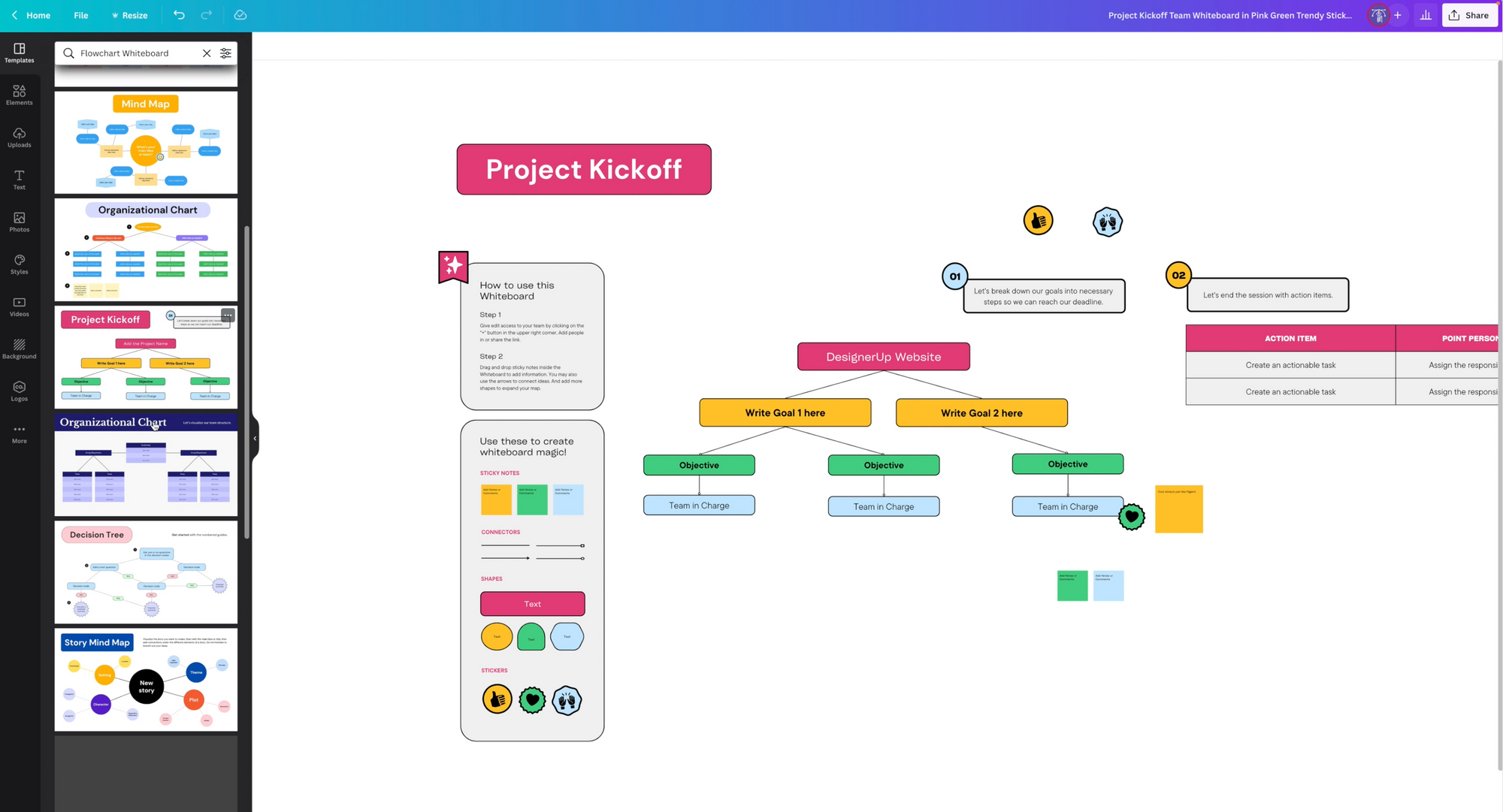
Ready-Made Designs
Canva gives you thousands of templates for:
- Presentations
- Social media posts
- Websites
- Ads
Faster Project Completion
Instead of starting from scratch, you just edit what’s already there.
This saves hours of work.
Canva Is Perfect for Quick Ideas
Turning Ideas Into Designs Fast
With Canva, you can take an idea and turn it into a design in minutes.
That’s important when you need to move fast.
Great for Testing Concepts
You can quickly test different styles and layouts without wasting time.
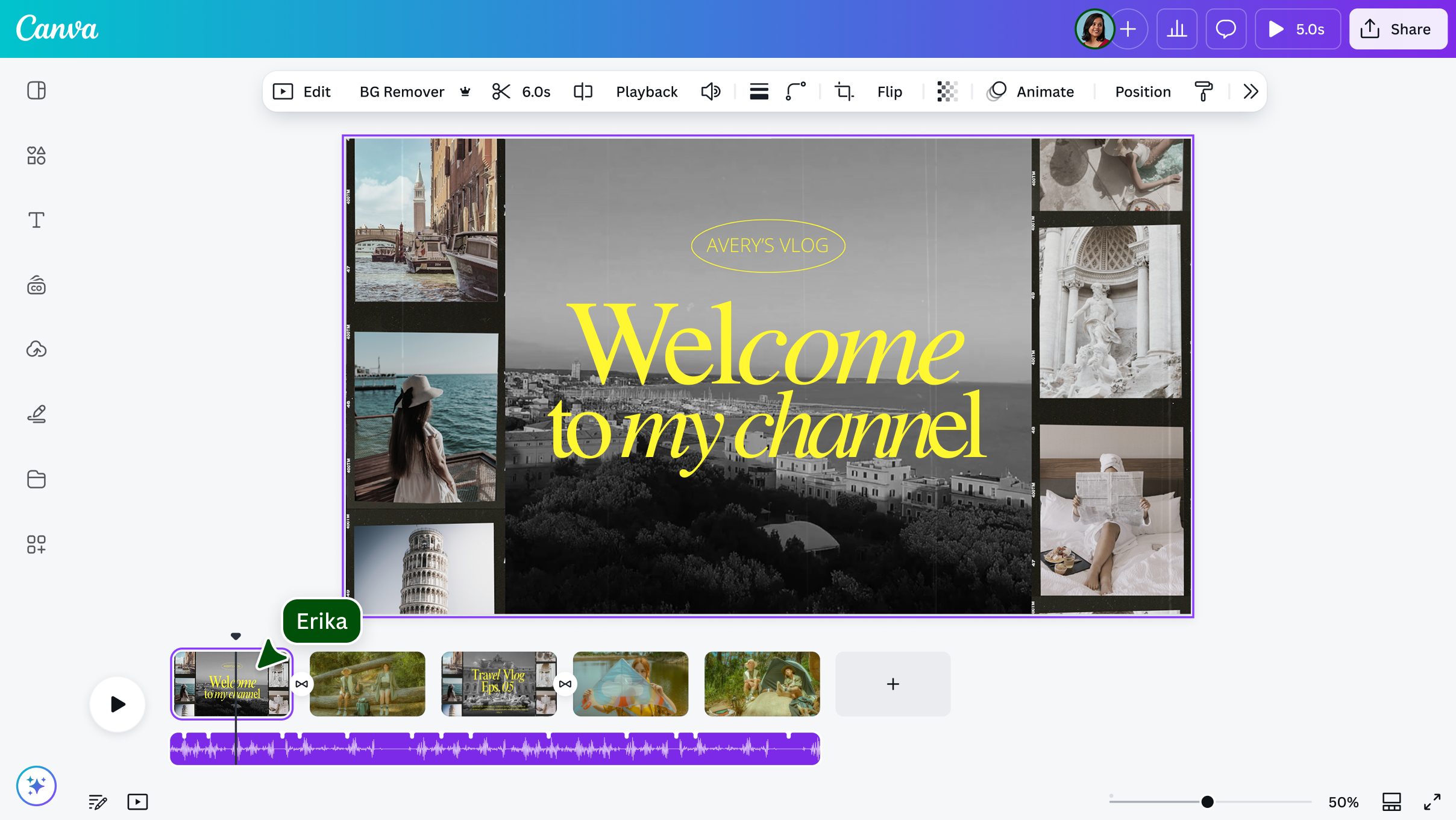
Canva for Video Ads and Content Creation
Easy Video Editing

Canva lets you create video ads without complex software.
You can:
- Include music
- Add animations
- Use transitions
Social Media Ready Designs
Everything is sized and ready for platforms like Instagram, Facebook, and YouTube.

Everything Is Already Built for You
Fonts, Images, Layouts
Canva includes:
- Built-in fonts
- Stock images
- Icons and graphics
You don’t need to search for extra resources.
One-Platform Workflow
You can design, edit, and export everything in one place.
Why Canva Is Better for Drag-and-Drop Websites
Visual Design Without Coding
Canva makes it easy to design websites visually.
No coding needed.
Faster Website Creation
You can build pages quickly using templates and simple tools.
Photoshop vs Canva: Key Differences
| Feature | Canva | Photoshop |
|---|---|---|
| Ease of use | Very easy | Complex |
| Speed | Fast | Slower |
| Templates | Built-in | Limited |
| Learning curve | Low | High |
| Best for | Quick design | Advanced editing |
Complexity vs Simplicity
Photoshop gives more control, but Canva gives more speed.
Speed vs Control
If you want fast results, Canva wins.
When Photoshop Still Makes Sense
Advanced Editing Needs
Photoshop is better for:
- Detailed image editing
- Complex designs
- Professional-level graphics
But for most everyday tasks, Canva is enough.
Why Beginners Should Start With Canva
Confidence and Speed
Canva helps beginners feel confident because it’s easy to use.
Building Skills Faster
You can start creating right away instead of spending weeks learning tools.
FAQs
1. Why is Canva better than Photoshop?
Because it is easier, faster, and has built-in templates.
2. Is Canva good for beginners?
Yes, it is one of the best tools for beginners.
3. Can Canva replace Photoshop?
For most simple tasks, yes.
4. Is Canva good for video ads?
Yes, it has simple video editing tools.
5. Can I design websites with Canva?
Yes, especially simple drag-and-drop style designs.
6. Do professionals use Canva?
Yes, many use it for fast and efficient work.
Conclusion
From my perspective, why Canva is better than Photoshop is clear. Canva makes design simple, fast, and accessible for everyone.
It’s perfect for:
- Quick templates
- Video ads
- Social media content
- Drag-and-drop websites
While Photoshop still has its place, Canva is the smarter choice for speed, ease, and everyday design needs.
⭐ How To Start a Small Business Website (A Simple, Friendly Guide)
Related Articles
Latest Articles
-

Google Review Removal Service That Protects Your Reputation and Builds Trust
Can Negative Google Reviews Damage a Healthcare Organization? A sudden wave of negative Google reviews can seriously damage the reputation of a nursing home or medical practice. Families researching nursing homes often compare ratings, recent reviews, management responses, photographs, and overall review activity before scheduling a tour. Patients may perform the same research before choosing…
-

Google Review Management Agency That Helps Businesses Build Trust and Get More Customers
People trust Google reviews before they trust advertisements. Before contacting your business, potential customers usually search your company online and ask themselves one important question: “Can I trust this business?” That answer often comes from your reviews. Customers look at: If your business has weak reviews, outdated feedback, or unanswered complaints, customers may choose a…
-

How to Get New Patients in New York With Google Reviews
Your next patient in New York may decide whether to call your practice before ever speaking to your staff. Today, patients search, compare, and read reviews before choosing care. A 2025 survey found 84% of patients check online reviews before choosing a new healthcare provider. In 2026, 75% said they wouldn’t book with a provider…