

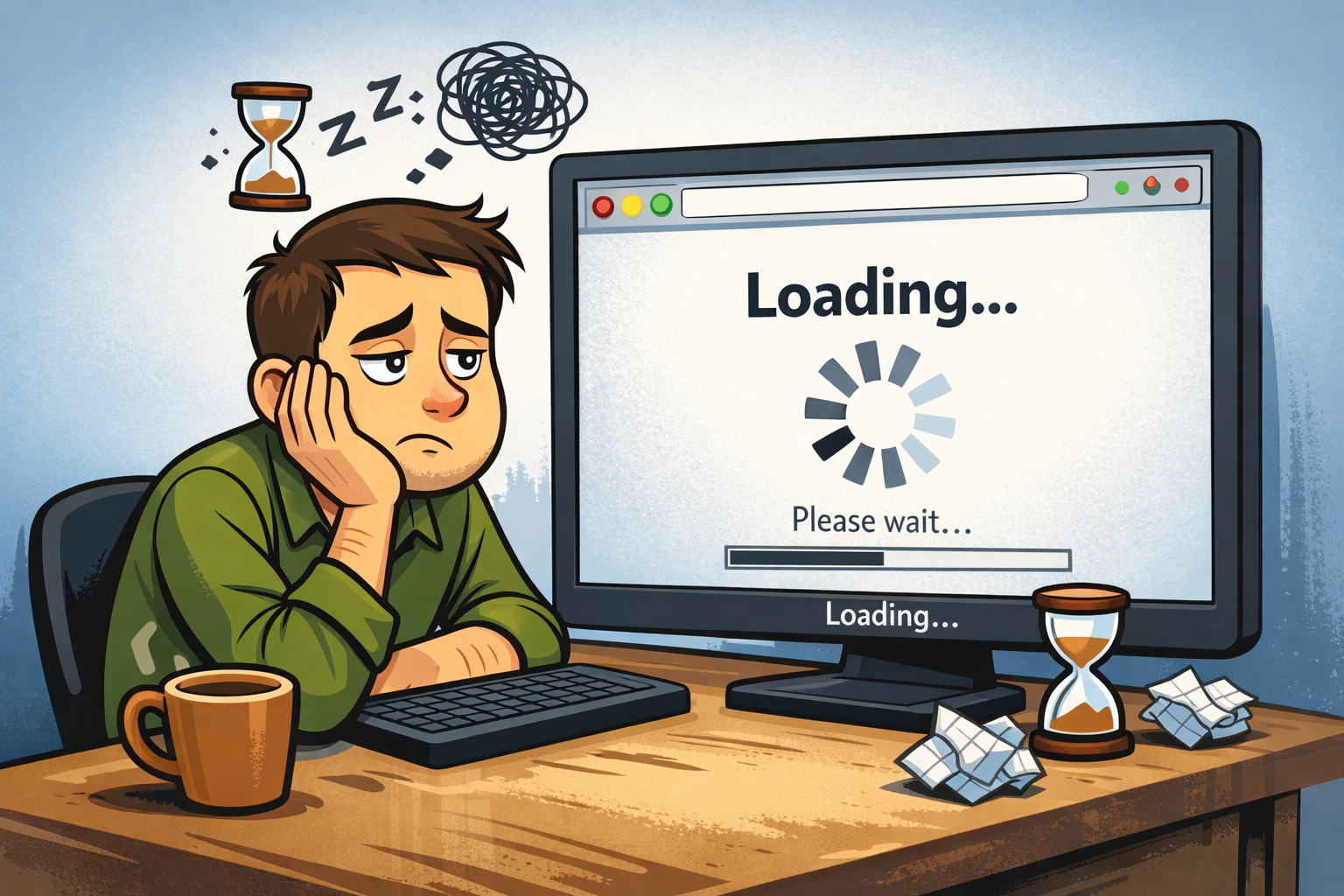
If your website loads slow, you don’t just have a problem—you’re losing customers.
Not later. Right now.
People today have zero patience. They tap, swipe, wait a second… maybe two… and then they’re gone. No second chances. No warning.
And here’s the reality—this isn’t just about user experience.
Google has made it clear that Core Web Vitals are part of how your site is evaluated in search. That means your speed doesn’t just affect visitors—it affects whether people find you in the first place. Tools like PageSpeed Insights even show exactly where you’re slowing down and how to fix it.
But the real impact?
It shows up in your results.
When load time increases from 1 second to 3 seconds, the chance of someone leaving jumps by 32%. Push it past 3 seconds, and over half your mobile visitors are gone. Just like that.
And speed doesn’t just affect traffic—it affects revenue. Faster sites convert more. Slower sites bleed opportunities.
So let’s be clear:
A slow website doesn’t just hurt performance.
It quietly kills your traffic, your leads, and your growth.

What does it mean when a website loads slow?
When a website loads slowly, its pages take too long to display useful content, images, or interactive elements. This can frustrate visitors, increase bounce rates, reduce conversions, and weaken page experience signals that Google uses as part of its broader ranking systems. Common causes include large images, heavy code, too many scripts, weak hosting, and poor mobile optimization.
If you want a slightly more punchy version for your style, use this instead:
Why is a slow website a big problem?
A slow website can cost you traffic, leads, trust, and sales. When pages take too long to load, people leave faster, engagement drops, and Google may see the page as offering a weaker user experience. In most cases, the fix starts with improving speed, mobile performance, and page efficiency.
Why This Matters Right Now
Right now, people are more picky, more busy, and less patient.
They’re on phones. They’re on weak signals. They’re checking your business between work, errands, and family stuff. A slow site feels broken, even if it technically works. Google’s research on mobile page speed showed many pages still took more than 5 seconds to show visible content and over 7 seconds to fully load visual content. (Google Business)
That matters more now because every click costs money.
If you run ads, do SEO, build your brand, or manage reviews, sending people to a page that drags is like paying to invite people into a store with a jammed front door.

What It Really Means When a Website Loads Slow
A lot of people hear “speed issue” and think it’s just some tech nerd thing. It’s not.
When a website loads slow, here’s what that usually means in real life:
Speed affects trust
A slow site feels sketchy. People may think:
- Is this business even active?
- Is this site safe?
- Why is this taking forever?
- Should I just go somewhere else?
That trust problem is real, especially for small businesses.
Speed affects SEO
Google uses page experience signals, including Core Web Vitals, as part of its broader ranking systems. That does not mean speed is the only thing that matters, but it does mean a bad experience can work against you. (Google for Developers)
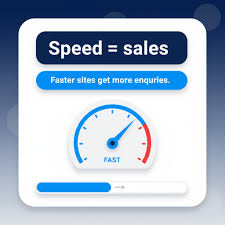
Speed affects sales
This part hurts the most.
Portent found that for ecommerce pages, a site that loads in 1 second had a conversion rate 2.5 times higher than a site that loads in 5 seconds. That is a huge gap. (Portent)
So when your website loads slow, you may not just lose a visit. You may lose the sale, the call, the booking, or the review.

Why Website Speed Actually Matters

Let me say it plain.
If your website loads slow, people don’t wait—they leave.
No second chances. No “maybe it’ll load.” Just a quick tap… and they’re gone.
That’s it.
I’ve spent years working in web design and reputation management while balancing real life—family, work, long hours—and I keep seeing the same pattern.
Business owners invest in:
- Social media
- Logos
- Ads
Then they wonder why leads aren’t coming in.
Then you check the website…
And the homepage is dragging like it’s stuck in traffic.
That’s where everything breaks.
You can have great branding, clean design, and even a strong Good Google Review that builds trust—but none of it matters if your site loads too slow for people to see it.
Because people don’t experience your business if they don’t stick around.
Fast wins.
Every time.

And honestly, it’s not always about doing more—it’s about having the right foundation. The right setup, the right structure, and the right Website Features built for speed and performance from the start.
If your current site feels outdated, slow, or hard to manage, this is usually where things start to turn around. A better-built website doesn’t just look good—it works better, keeps people engaged, and gives your business a real chance to convert visitors into leads.
At the end of the day, it’s simple:
Speed keeps people.
Slow loses them.
Need a faster, cleaner website? Start with a free website builder and create a site designed to perform from day one.

Why Website Speed Actually Matters
Let me say it plain.
If your website loads slow, people aren’t waiting around—they’re gone.
That’s it. That’s the whole story.
No second chances. No “let me give it a minute.” Just a quick tap… and they’re out.
I’ve spent years working in web design and reputation management while balancing real life—family, work, long hours, all of it. And I’ve seen the same pattern over and over.
Business owners invest in:
- Logos
- Ads
- Social media
Then wonder why leads aren’t coming in.
Then you check the website…
And the homepage is dragging like it’s stuck in traffic.
That’s where everything breaks.
You can have great branding. Clean design. Nice colors. All of that.
But if your website loads slow, none of it really gets a chance to matter.

Because people don’t experience your design if they never stick around long enough to see it.
Fast wins.
Every time.
And honestly, most of the time, it’s not even about doing more—it’s about having a setup that’s built to be fast from the start. A well-built site with smart web design can make a huge difference in how people experience your business from the first click.
If your current site feels outdated, slow, or hard to manage, this is usually the point where a better website setup starts to pay for itself.
At the end of the day, it’s simple:
Speed keeps people.
Slow loses them.
Need a faster, cleaner website? Start with the free website builder and create a site designed to look professional and perform better from day one.


11 Reasons Your Website Loads Slow
1. Huge images
This is one of the biggest problems.
People upload giant photos straight from a phone or camera. The site then tries to load a file way bigger than needed.
Signs:
- Photos look nice but pages feel heavy
- Mobile takes forever
- Homepages are packed with full-screen images
Fix:
Resize before upload
Compress images
Use WebP when possible
2. Cheap hosting
Sometimes the problem is simple. Your host is weak.
If your server is slow, your site is slow. Doesn’t matter how pretty the design is.
Fix:
Check server response time
Move to better hosting
Use managed WordPress hosting if needed
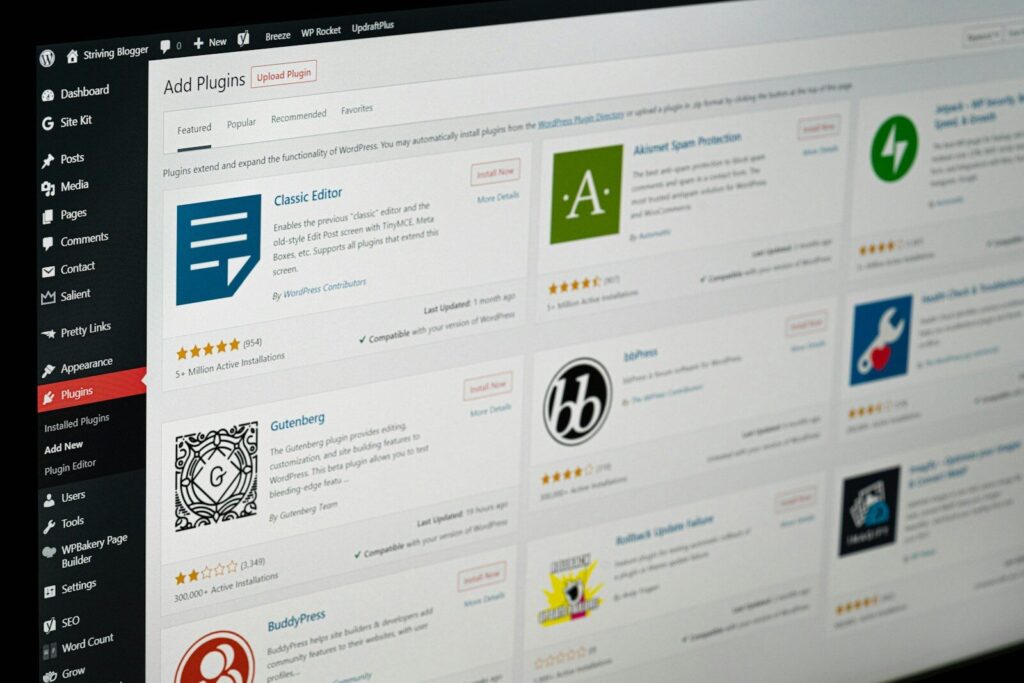
3. Too many plugins
Plugins are useful. Too many plugins are trouble.
I’ve seen sites with 30, 40, even 60 plugins. That’s chaos.
Fix:
Keep only the plugins that truly matter
Remove what you do not use
Replace multiple plugins with one better tool

4. Heavy code
Messy code, bloated CSS, and too much JavaScript can wreck speed.
Fix:
Delay non-critical scripts
Minify CSS and JS
Remove code that does not serve a real purpose
5. No caching
Without caching, your site rebuilds pages again and again for each visitor.
Fix:
Use server-side caching if your host supports it
Turn on browser caching
Use page caching
6. Too many scripts
Chat widgets, tracking tags, popups, heatmaps, video embeds, review tools. They all add up.
Fix:
Load scripts only where needed
Audit every script
Cut what is not making you money

7. Bad mobile setup
A lot of sites look okay on desktop and fall apart on phones.
Since mobile matters so much, this is a real issue. Google’s PageSpeed Insights reports on both mobile and desktop, and mobile often shows the harder truth. (Google for Developers)
Fix:

Avoid giant sliders and autoplay junk
Test on real phones
Use smaller images for mobile

8. No CDN
If people visit from different places, a CDN can help deliver your files faster.
Fix:
Pair it with caching
Use a CDN for images, files, and scripts

9. Too many fonts and effects
Fancy fonts, animations, scroll effects, and video backgrounds may look cool for five seconds. Then they slow the whole experience down.
Fix:
Keep design clean
Use fewer font families
Limit animation
10. Slow theme or builder
Some themes and page builders are overloaded from the jump.
Fix:
Keep layouts simple
Use a lighter theme
Avoid stacking effects on every section

11. No speed testing
A lot of people guess. That’s the problem.
You need real numbers.
Use:
Google Search Central guidance on Core Web Vitals (Google for Developers)
Google PageSpeed Insights (PageSpeed Insights)

Example
A local service business had a nice site, but the website loads slow on mobile. The owner was getting traffic, but not many calls.
When I checked it, the problems were obvious:
- Massive homepage banner image
- Too many plugins
- Three different popups
- Extra tracking scripts
- Cheap hosting plan

We cleaned it up.

What changed:
- Images got compressed
- Plugins got trimmed
- Popups got reduced
- Caching got turned on
- Hosting got upgraded
Result:
- Site felt faster right away
- Users stayed longer
- More people hit the call button
- The business looked more trustworthy
That’s how this goes in the real world. You don’t always need a full rebuild. Sometimes you need to stop the site from carrying junk it does not need.
Mistakes to Avoid
If your website loads slow, don’t make it worse with these common mistakes:
- Only testing desktop
Mobile is where many people visit first. - Blaming SEO alone
The issue may be hosting, images, scripts, or theme bloat. - Adding more tools to fix tool problems
More apps, more plugins, more scripts. That can backfire. - Using giant videos on the homepage
Nice idea. Bad load time. - Ignoring reputation damage
A slow site makes your business look careless. - Never checking after updates
One plugin update can create a new speed issue.
How to Do It Right
Here’s the straight path.
Step 1. Test the site
Run your site through PageSpeed Insights. Look at mobile first. Check for:
- Largest Contentful Paint
- Interaction to Next Paint
- Cumulative Layout Shift
These are the Core Web Vitals Google points to for real-world user experience. (Google for Developers)
Step 2. Fix the biggest files
Start with the heaviest stuff first.
- Compress images
- Resize banners
- Replace old file types with WebP
- Remove autoplay video when possible
Step 3. Clean up code and tools
Do a real cleanup.
- Remove old plugins
- Cut scripts that do not help
- Minify files
- Delay non-critical JavaScript
Step 4. Upgrade hosting and delivery
If your setup is weak, fix the foundation.
- Better hosting
- CDN
- Caching
- Image delivery tools
Step 5. Keep checking
Speed is not one-and-done.
Every time you:
- install a plugin
- change a theme
- add a script
- upload new media
…you should test again.

Speed, SEO, Reputation, and Money (Why This Actually Matters)
This is where everything connects—and where most businesses lose momentum without realizing it.
If your website loads slow, it doesn’t just affect one thing. It hits everything:
- SEO → Poor user experience signals can push you down in search
- Paid Ads → You’re paying for clicks that leave before they convert
- Reputation → A slow site makes your business feel outdated or unreliable
- Sales → Slower pages consistently convert less
This isn’t just a “website issue.”
It’s a revenue issue.
Because every visitor who leaves early is a missed opportunity you already paid for—either with time, money, or effort.
Now think about this from a buyer’s perspective:
Someone finds your business.
They see your reviews.
They like what they see.
They’re ready.
They click your site…
…and it loads slow.
That moment right there? That’s where deals are won or lost.
The trust you built through reviews can disappear in seconds if the experience doesn’t match the expectation.
That’s why speed isn’t just about rankings—it’s about closing the sale.
And if you’re actively working on your reputation, you need to make sure your website actually supports it.
👉 Learn how to turn your reviews into real customer trust (and more conversions):
Because getting attention is one thing…
But turning that attention into customers? That’s where everything counts.
FAQ
What is a good website load time?
A good goal is to get key content visible fast, ideally within a couple seconds. Google says good Largest Contentful Paint should happen within 2.5 seconds, which is one of the main Core Web Vitals targets. (Google for Developers)
Why does my website load slow on mobile but not desktop?
Mobile devices often have weaker connections, less power, and less patience from users. A page that seems “fine” on desktop can still be a mess on mobile. That’s why Google PageSpeed Insights shows separate mobile and desktop data. (Google for Developers)
Can a slow website hurt Google rankings?
Yes, but not in a simple one-line way. Google says Core Web Vitals and page experience are part of what its systems look at. Great content still matters a lot, but poor speed can still hold you back. (Google for Developers)
What is the most common reason a website loads slow?
Big images are one of the most common problems. After that, weak hosting, too many plugins, too many scripts, and bloated themes are frequent issues.
How do I test if my website loads slow?
Use Google PageSpeed Insights first. It shows speed scores, user data when available, and clear ideas for improvement. (PageSpeed Insights)
Should I rebuild my whole website if it loads slow?
Not always. Many sites can get much faster with better images, less plugin bloat, caching, and stronger hosting. Rebuild only if the site is built on a weak foundation you cannot clean up.
Does website speed affect conversions?
Yes. Portent found a major conversion gap between pages loading in 1 second and those loading in 5 seconds. Slower sites usually mean fewer leads and sales. (Portent)
Is website speed part of online reputation?
Absolutely. A slow site feels outdated, careless, or untrustworthy. Even if your reviews are good, a bad site experience can damage the trust those reviews created.
Why 5G Internet and Website Speed Can Make or Break Your Google Reviews
Helpful External Resources
- Google PageSpeed Insights for testing and fixing performance issues. (PageSpeed Insights)
- Google Search Central: Core Web Vitals for SEO and page experience guidance. (Google for Developers)
Conclusion
I’ll keep it real with you.
If your website loads slow, you do not have time to keep putting it off. I’ve seen this from all angles, working on web design and reputation management while also balancing regular jobs, family life, long days, and the kind of hustle a lot of people know too well. When you’re building something for your family, every missed lead feels personal.
That’s why I take speed seriously.
A fast website is not just about tech. It’s about respect. Respect for your visitor’s time. Respect for your brand. Respect for the work you put in to get that person to your site in the first place.
So check the site. Cut the junk. Fix the big stuff first. Make it easier for people to trust you, call you, book you, or buy from you.
Because at the end of the day, I’d rather have a clean, fast site that works than a fancy slow one that talks big and does little.
And honestly? Your customers feel the same way.
If you want, I can also turn this into a WordPress-ready post with Yoast fields, internal link suggestions, and schema FAQ markup.
Related Articles
Latest Articles
-
Google Review Removal Service That Protects Your Reputation and Builds Trust

Can Negative Google Reviews Damage a Healthcare Organization? A sudden wave of negative Google reviews can seriously damage the reputation of a nursing home or medical practice. Families researching nursing homes often compare ratings, recent reviews, management responses, photographs, and overall review activity before scheduling a tour. Patients may perform the same research before choosing…
-
Google Review Management Agency That Helps Businesses Build Trust and Get More Customers

People trust Google reviews before they trust advertisements. Before contacting your business, potential customers usually search your company online and ask themselves one important question: “Can I trust this business?” That answer often comes from your reviews. Customers look at: If your business has weak reviews, outdated feedback, or unanswered complaints, customers may choose a…
-
How to Get New Patients in New York With Google Reviews

Your next patient in New York may decide whether to call your practice before ever speaking to your staff. Today, patients search, compare, and read reviews before choosing care. A 2025 survey found 84% of patients check online reviews before choosing a new healthcare provider. In 2026, 75% said they wouldn’t book with a provider…







