![SEO Strategies to Boost Website Traffic for Beginners [Easy Steps]](https://insights.lookhin4.com/wp-content/uploads/2025/09/SEO-Strategies-to-Boost-Website-Traffic-for-Beginners-Easy-Steps.png)
My SEO Journey: How I Learned to Boost Website Traffic (The Hard Way)
When I first started building websites, I didn’t really know what I was doing.
I was just excited to have something online. But soon, reality hit me: my sites were like empty shops on a deserted street. No visitors. No clicks. No sales.
I remember refreshing my analytics dashboard every day, hoping to see a spike. But nothing. The truth was, I had no idea how to track website traffic, let alone increase it.
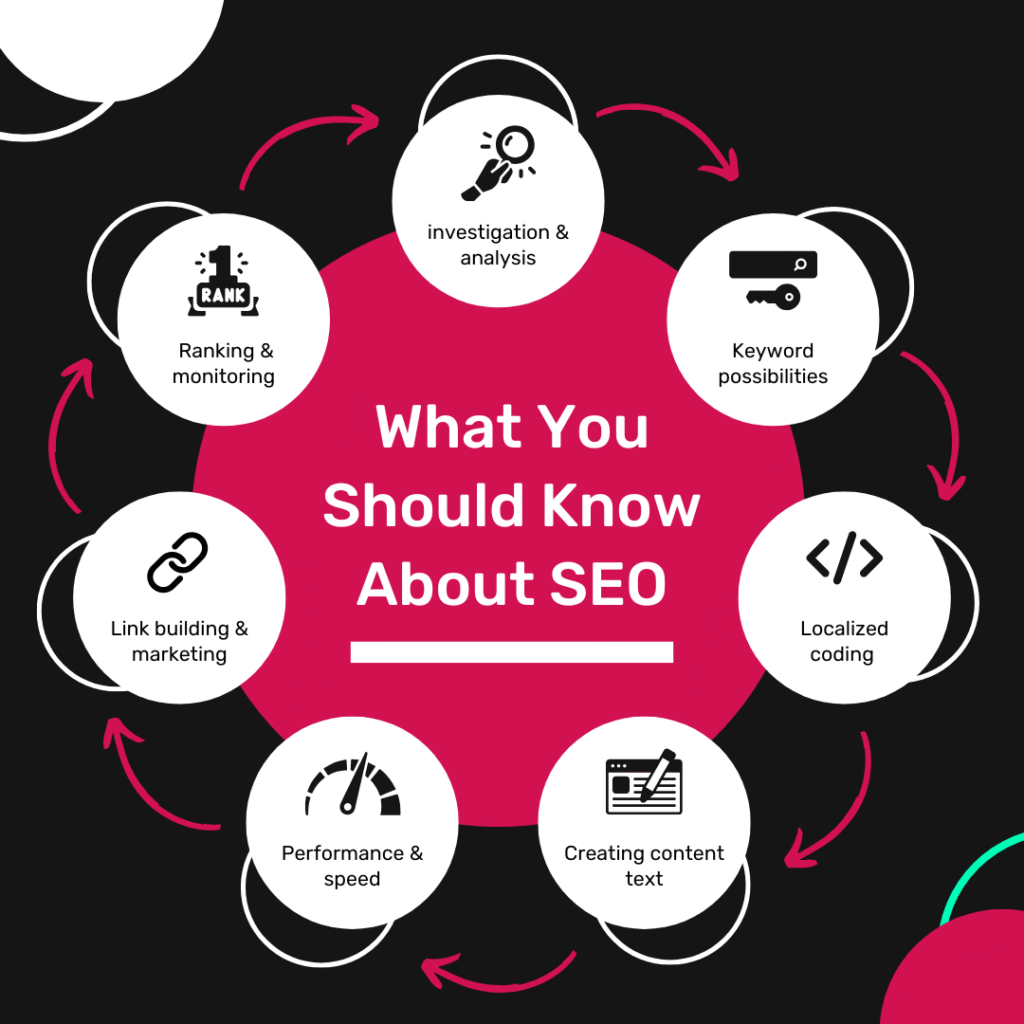
That’s when I realized — if I wanted real results, I had to figure out SEO. It wasn’t about building something and “hoping” people would come. It was about learning the system that makes Google notice you.
So, I rolled up my sleeves, started researching, testing, failing, and trying again. Over time, I discovered a set of SEO strategies that actually work. And trust me, if a one-man record machine like me can do it, so can you.
Here’s my story — and the exact steps I use to get more eyes on my websites.
Step 1: Learning the Power of Keywords
Back then, I thought keywords meant throwing random words into my site. I was wrong.
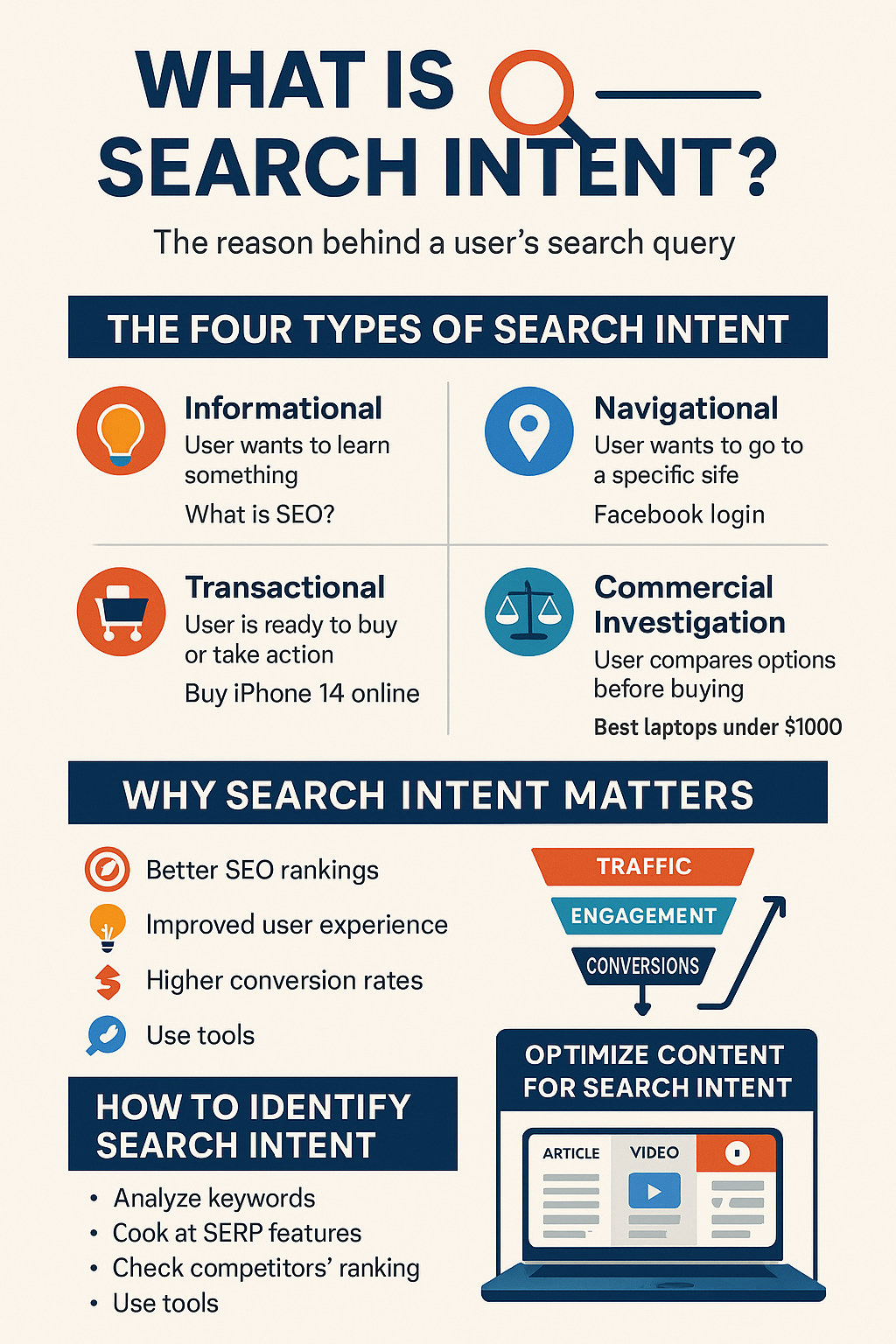
What I learned was this: keywords are about intent.
People search with a purpose. Sometimes they want information (“how to track website traffic”), sometimes they’re ready to buy (“buy SEO tools”), and sometimes they’re just navigating (“Google Analytics login”).
I stopped guessing and started using tools like Ahrefs, SEMrush, and even free options like Google Keyword Planner and Ubersuggest. I also tried a website traffic checker to estimate website traffic free for different competitors — and that was eye-opening.
That’s when I discovered long-tail keywords. Instead of competing for “shoes,” I went after “best running shoes for beginners 2025.” The result? Traffic that mattered.e.
“If you want consistent growth, invest in SEO strategies to boost website traffic instead of chasing shortcuts that fade overnight.”
Step 2: Matching Search Intent
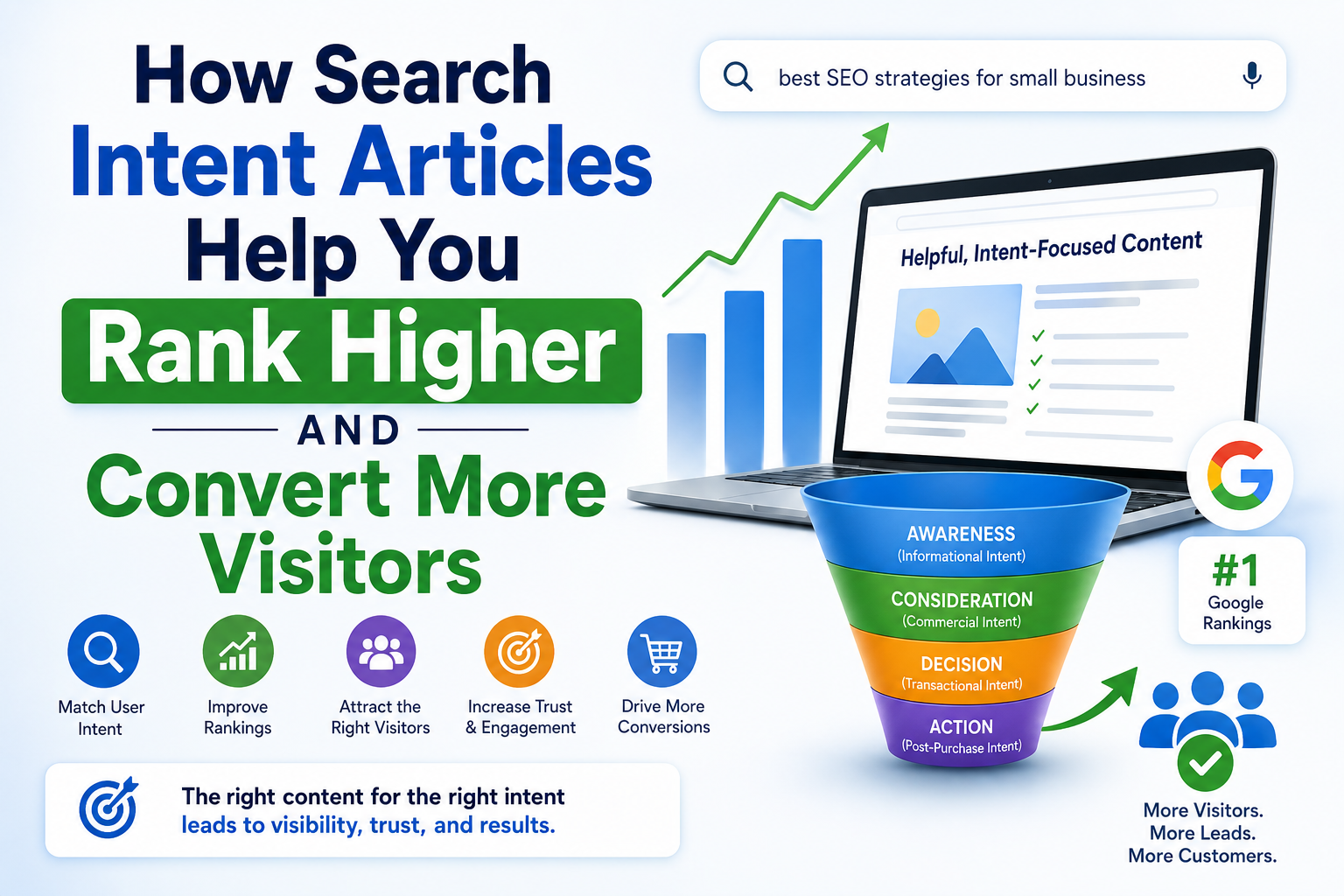
Once I figured out keywords, I realized it wasn’t just about showing up in search — it was about matching what people expected to see.
So, I started Googling my own target keywords. If the top 5 results were blog guides, I wrote a guide. If they were product pages, I optimized a product page.
I learned to respect intent. Because if someone’s looking for a guide, they don’t want a sales pitch. And if they’re ready to buy, they don’t want a 3,000-word essay.
That shift helped me align my content with what people (and Google) wanted.
Step 3: Speed Matters More Than You Think
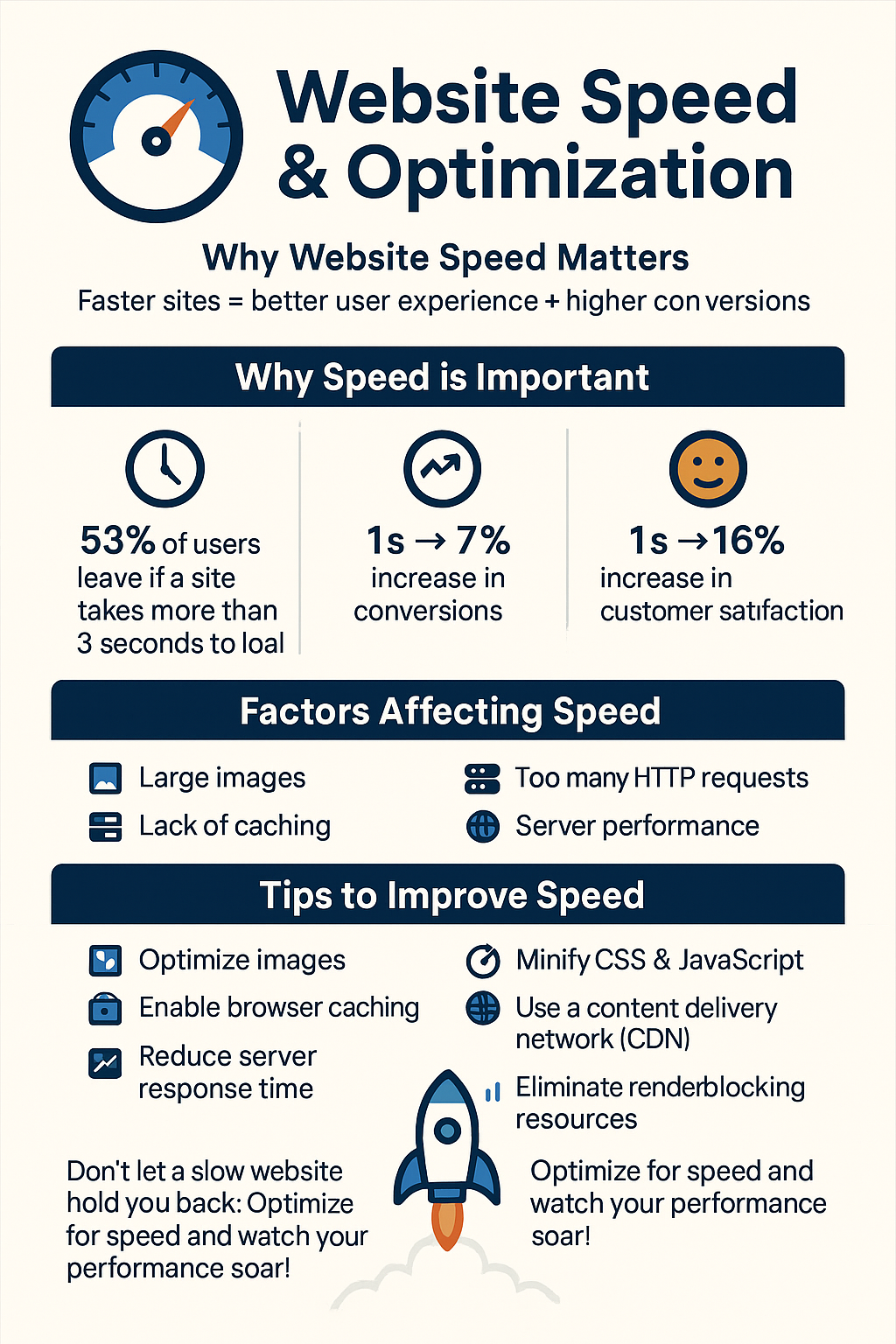
Early on, I didn’t pay attention to site speed. My images were massive, my hosting was cheap, and I thought “as long as it loads, it’s fine.”
But here’s the deal: nobody waits for a slow site. I tested mine using a free website traffic analysis tool and realized most of my visitors were bouncing in under 3 seconds. Brutal.
So I fixed it:
- Compressed images into WebP
- Switched to faster hosting
- Added a CDN
- Cleaned up bloated code
Now, my pages load in under 2 seconds. And not only do visitors stay longer — Google rewards my site with better rankings.
“Every click starts with trust. That’s why SEO strategies to boost website traffic must focus on both Google and the human behind the search.”
Step 4: Creating Content That Actually Works
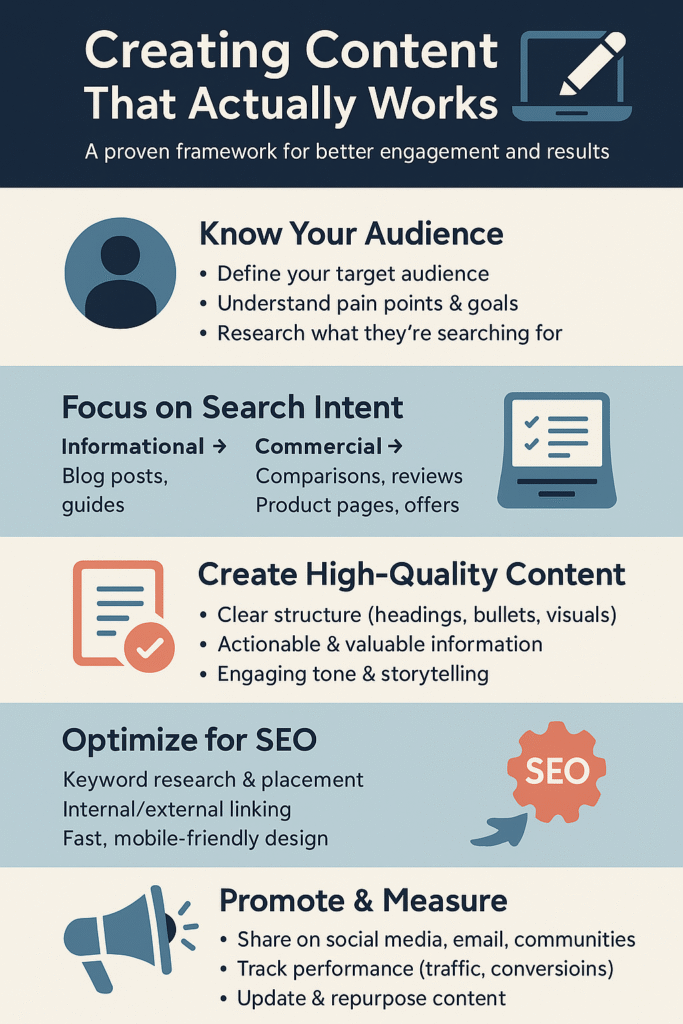
I used to publish blog posts just to “have content.” But Google doesn’t care about fluff, and neither do readers.
So, I started creating deep, valuable content — and refreshing it regularly. I checked website traffic online after every update and noticed something powerful: refreshed content almost always brought in new visitors.
Now, my process looks like this:
- Write original content
- Use visuals + bullet points for clarity
- Update every 6–12 months with new stats, links, and insights
That way, my posts stay alive — and my rankings don’t fade.

Step 5: On-Page SEO — The Hidden Multiplier
This was the game-changer for me.
I used to ignore little details like title tags, meta descriptions, and headers. But once I optimized them properly, I saw an immediate boost in clicks.
Here’s what I do now:
- Put my main keyword at the start of my title
- Write meta descriptions that read like mini-ads
- Use H1, H2, and H3 tags to organize content logically
- Add internal links to guide readers (and Google) deeper into my site
It sounds small, but trust me: on-page optimization compounds like crazy.

Step 6: The Backlink Battle
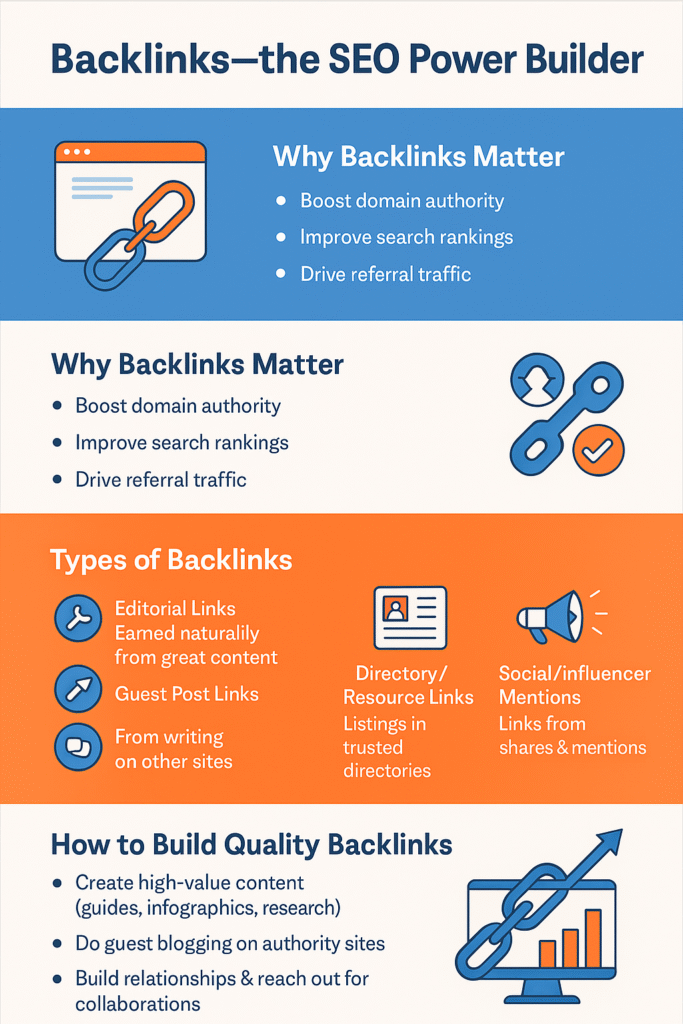
Backlinks used to intimidate me. I thought, “Why would anyone link to my little site?”
But I learned backlinks aren’t about begging — they’re about creating value.
I started by guest posting, then built assets worth sharing (like free guides and visuals). I even monitored site traffic after reclaiming a few broken links — and the difference was clear.
Slowly, my authority grew. Google started trusting my site more.

Step 7: Getting Technical
Technical SEO felt overwhelming at first. Crawl errors? Schema markup? It sounded like a foreign language.
But once I broke it down, it wasn’t so bad. I made sure my site was mobile-friendly, cleaned up crawl issues, and created SEO-friendly URLs. Then I added structured data so my content could show up with rich snippets (stars, FAQs, pricing).
These changes might not seem glamorous, but they made my site easier for Google to understand — and rank.
Step 8: Local SEO (My Secret Weapon)
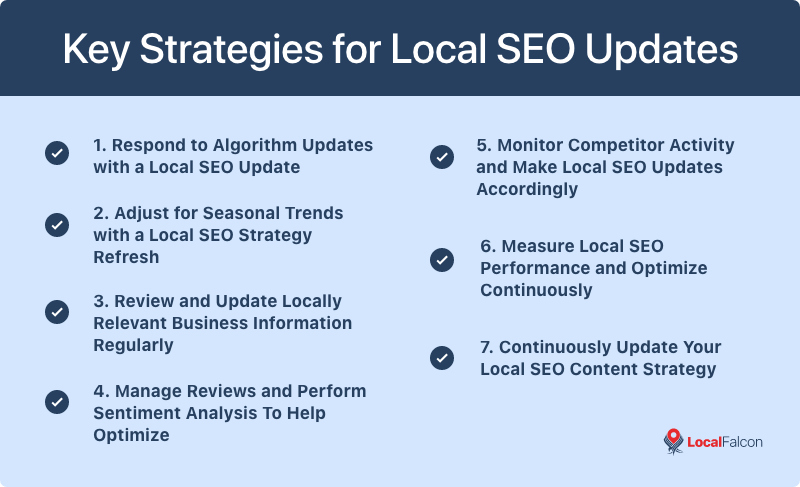
Since I work with local businesses, I realized local SEO could bring me more clients.
So I claimed my Google Business Profile, fixed my Name, Address, Phone (NAP) consistency, and asked clients for reviews.
Now, when someone searches for services in my city, I’m not just in the search results — I’m on the map.

Step 9: Winning Clicks with Better Snippets
Even when I ranked on page 1, I noticed my click-through rate was weak. People were skipping past me.
So I worked on my snippets:
- Added numbers & brackets in my titles (like “10 Proven SEO Strategies [2025 Guide]”)
- Wrote irresistible meta descriptions
- Used schema markup to add FAQs and ratings
Result? My CTR jumped — and even when I wasn’t the #1 result, I started stealing traffic.
“Without clear SEO strategies to boost website traffic, even the best website is like a billboard in the desert — nobody sees it.”

Step 10: Tracking and Improving
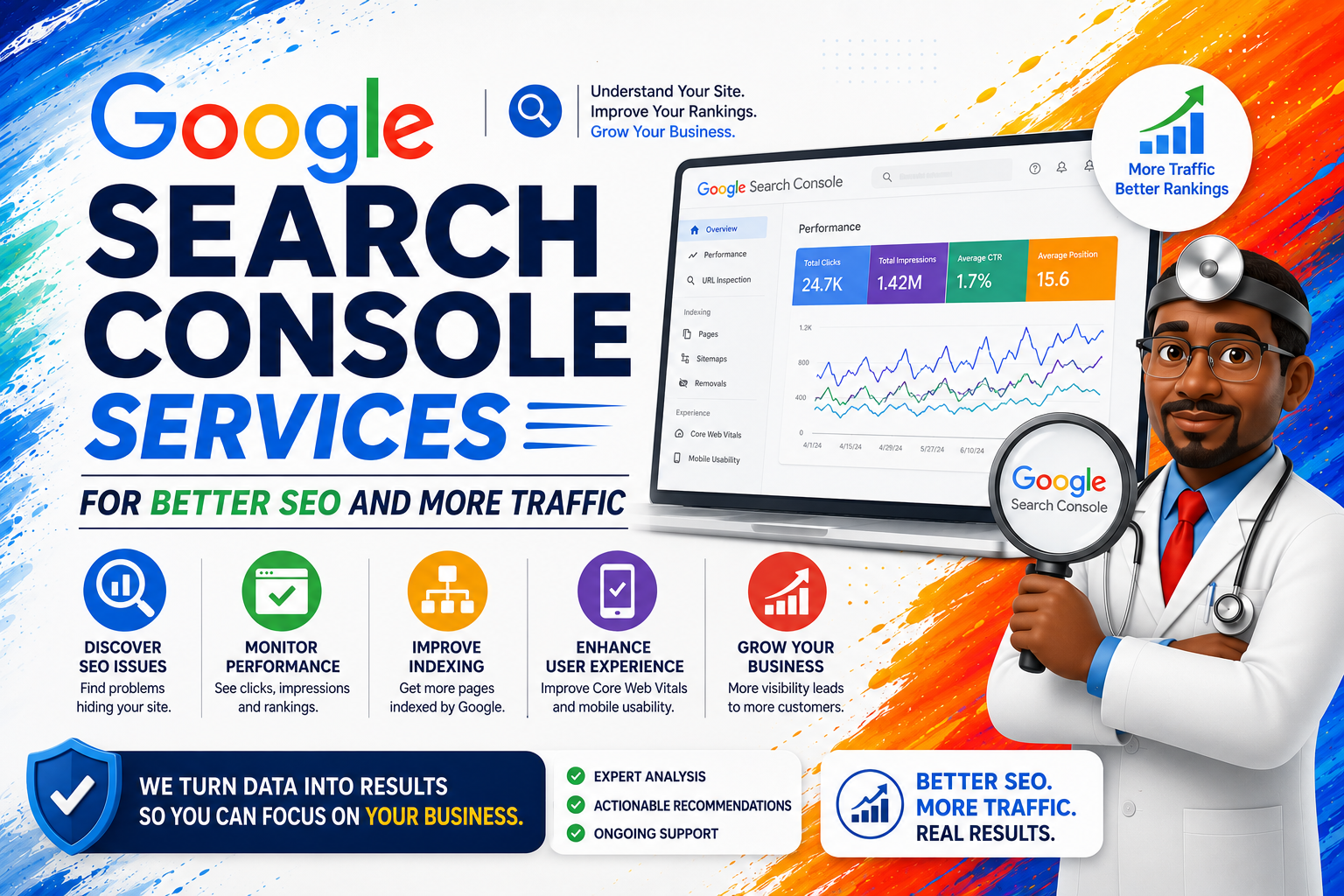
Finally, I stopped flying blind. I set up Google Analytics and Search Console, and I learned how to monitor site traffic the right way.
Now I keep a close eye on:
- Website traffic sources
- Website traffic trends over time
- Which pages bring in visitors — and which ones flop
By using a website analytics traffic dashboard, I can spot problems early and double down on what works.

The Ongoing Battle
Here’s the truth: SEO isn’t easy. It’s not a one-time thing. It’s an uphill climb.
But every small win adds up. I went from begging for visitors to consistently seeing new website visitors every day.
And while I’m still grinding — still a one-man record machine trying to get more clients — I know that every tweak, every update, every backlink pushes me closer to the top.
SEO taught me patience. It taught me systems. And most importantly, it taught me that traffic doesn’t just “happen” — you earn it.
Here 3 External links to help you out in your journey..
- Google Search Central: SEO Starter Guide – Google’s own beginner-friendly resource on how search engines work and how to optimize websites.
- Ahrefs Blog: What is SEO? Beginner’s Guide – A practical breakdown of SEO strategies, keyword research, backlinks, and traffic growth tips.
- HubSpot: How to Increase Website Traffic – A marketing-focused guide on boosting website traffic through SEO, content, and promotion.

Final Thought: If I Can Do It, You Can Too
If you’re sitting there refreshing your analytics, wondering why nobody’s finding your site — I get it. I’ve been there.
The answer isn’t luck. It’s not a magic hack. It’s a system.
- Understand keywords and intent
- Optimize for speed and user experience
- Create and refresh content
- Build authority with backlinks
- Track everything with a website traffic checker or analytics tool
Keep testing. Keep learning. Keep pushing.
Because once you start showing up on Google — and people start finding you — the game changes forever.