Online reviews help customers learn about businesses. Most of the time, reviews are honest opinions about someone’s experience.
But sometimes reviews cross the line.
Instead of feedback, they include harassment or offensive content.
These types of comments may appear on listings inside Google Business Profile, which show up in Google Search and Google Maps.
When that happens, business owners often ask the same question:
Can harassment or offensive reviews be removed?
The short answer is yes—if they violate Google policies.
Let’s walk through how it works.
What Counts as Harassment or Offensive Content
Google allows honest feedback—even if it’s negative.
But reviews cannot include certain types of content.
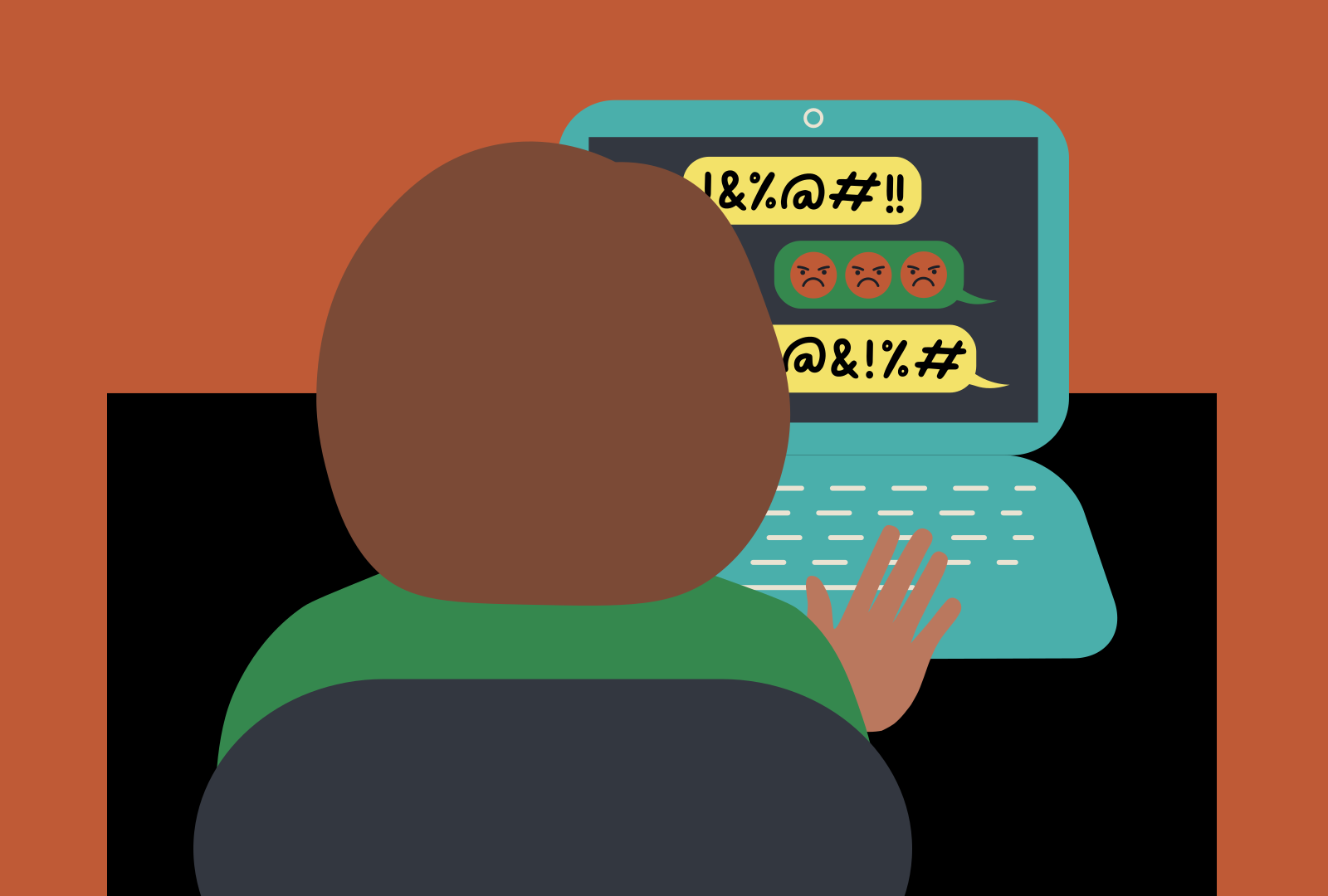
Examples of harassment or offensive reviews may include:
- hate speech
- threats toward individuals
- personal attacks
- offensive language
- harassment toward employees or customers
When reviews include this type of behavior, they may violate Google’s policies.
Google’s Policy on Offensive Reviews
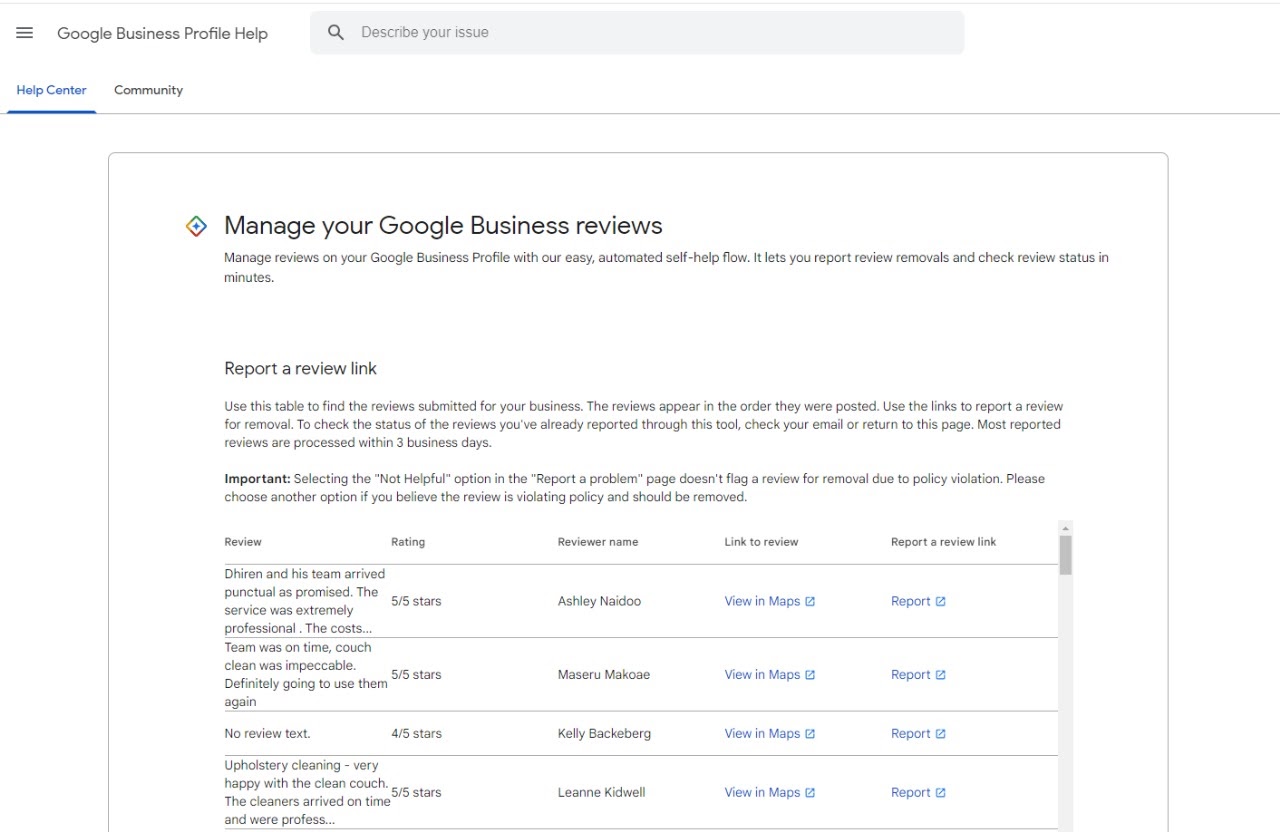
Google has clear rules about acceptable content in reviews.
Reviews should focus on real experiences with the business.
They should not contain harassment, threats, or abusive language.
These policies help keep reviews fair and respectful.

How to Report Harassment or Offensive Reviews
If a review violates Google’s rules, you can report it.
Here’s how.
Step 1: Open Your Business Listing
Search your business on Google or open it in Google Maps.
Step 2: Find the Review
Scroll through the review section until you locate the offensive comment.

Step 3: Click the Three Dots
Next to the review you will see a small menu icon.
Step 4: Select “Report Review”
Choose the option to report the review and explain why it violates policy.
Google will review the request and decide whether the review should be removed.
How Businesses Should Respond to Offensive Reviews
Sometimes the best response is to remain professional.
Even if the review is unfair.
Here are a few tips.
Stay Calm and Professional
Avoid arguing with reviewers.
A calm response shows professionalism.
Encourage Real Customer Feedback
More honest reviews can balance out negative ones.
Monitor Reviews Regularly
Checking reviews often helps you catch problems early.
Final Thoughts
Online reviews can be helpful for both businesses and customers.
But harassment or offensive content should never be part of the conversation.
If a review crosses the line, Google allows business owners to report it for review.
By understanding the rules and responding professionally, businesses can protect their reputation and maintain a respectful online presence.
Related Articles
- Google Business Profile Verification: The Easy Way to Get Approved
- Google Business Profile Suspended? Here’s How to Restore It
- How to Remove Fake Google Reviews (Step-by-Step Guide)
- Do Google Reviews Help SEO? Here’s the Truth
- Local SEO Made Easy With Google Business Profile Optimization
- How to Get More Calls From Your Google Business Listing
- How to Upload Photos to Google Business Profile Easily
- How to Rank Higher on Google Maps (Simple Local SEO Guide)
- How to Contact Google Business Profile Support
- How to Use the Google Business Profile Help Community
- How to Search Google Reviews by Name ( The Easy Beginners Guide)
- How Do I Contact Google Business Support Live Chat (Fast & Easy Guide for Business Owners)
- The Google Business Profile Guide Small Businesses Need To Rank
Latest Articles
-
Google Review Removal Service That Protects Your Reputation and Builds Trust
Can Negative Google Reviews Damage a Healthcare Organization? A sudden wave of negative Google reviews can seriously damage the reputation of a nursing home or medical practice. Families researching nursing homes often compare ratings, recent reviews, management responses, photographs, and overall review activity before scheduling a tour. Patients may perform the same research before choosing…
-
Google Review Management Agency That Helps Businesses Build Trust and Get More Customers
People trust Google reviews before they trust advertisements. Before contacting your business, potential customers usually search your company online and ask themselves one important question: “Can I trust this business?” That answer often comes from your reviews. Customers look at: If your business has weak reviews, outdated feedback, or unanswered complaints, customers may choose a…
-

How to Get New Patients in New York With Google Reviews
Your next patient in New York may decide whether to call your practice before ever speaking to your staff. Today, patients search, compare, and read reviews before choosing care. A 2025 survey found 84% of patients check online reviews before choosing a new healthcare provider. In 2026, 75% said they wouldn’t book with a provider…