Google Business Profile Customer Support Guide (How to Get Help Fast)
Running a business online can be great, but sometimes things go wrong.
Maybe your listing disappears. Maybe reviews won’t show up. Or maybe your business profile gets suspended.
When that happens, many owners start searching for help with Google Business Profile.
The good news is Google does provide support tools. The tricky part is knowing where to find them.
Your listing appears inside Google Search and Google Maps, so keeping it working properly is important for attracting customers.
Let’s walk through the best ways to get Google Business Profile customer support.
Why You Might Need Google Business Support
Even though Google Business Profile is easy to use, problems sometimes happen.
Some common issues include:
- listing suspension
- verification problems
- missing reviews
- incorrect business information
- duplicate listings
When something like this happens, support tools can help you solve the problem.
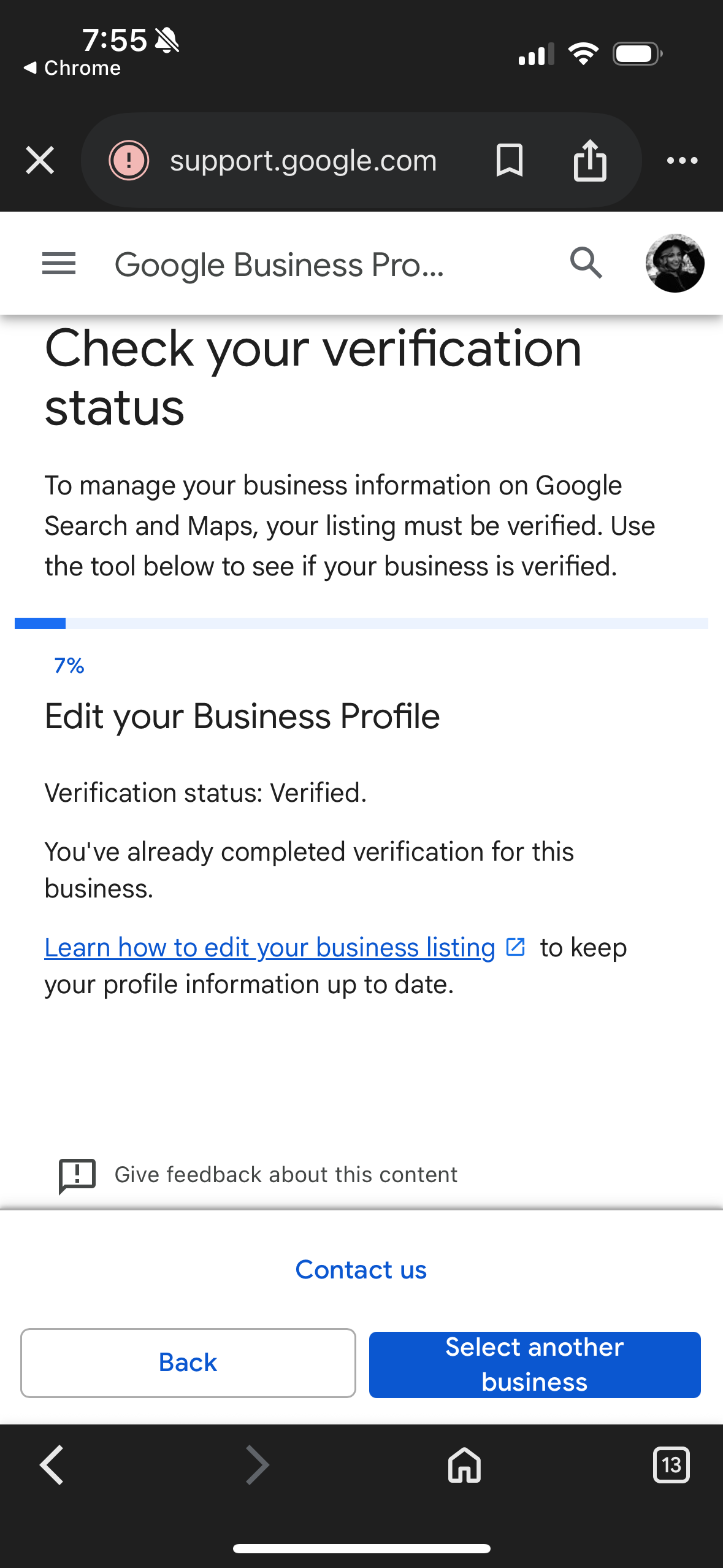
Google Business Profile Help Center
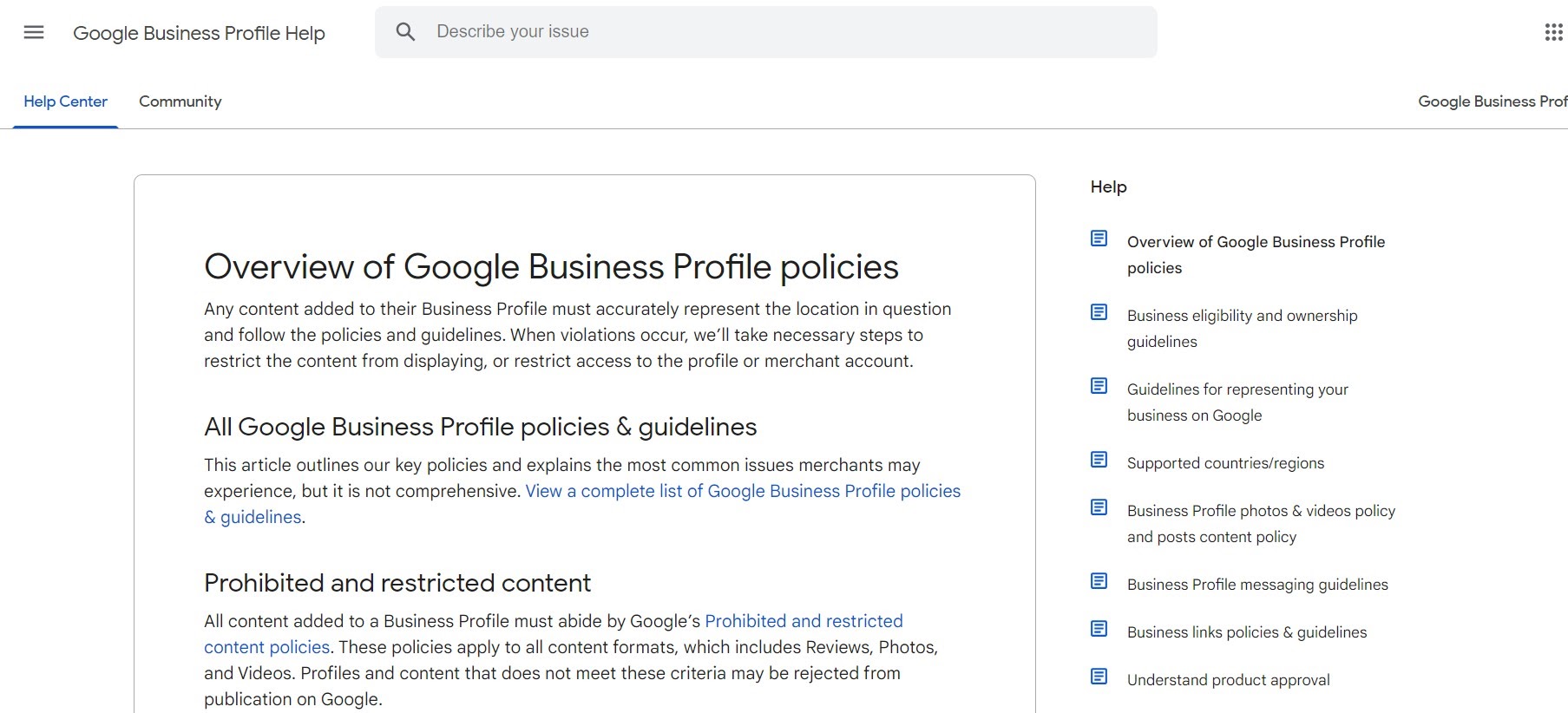
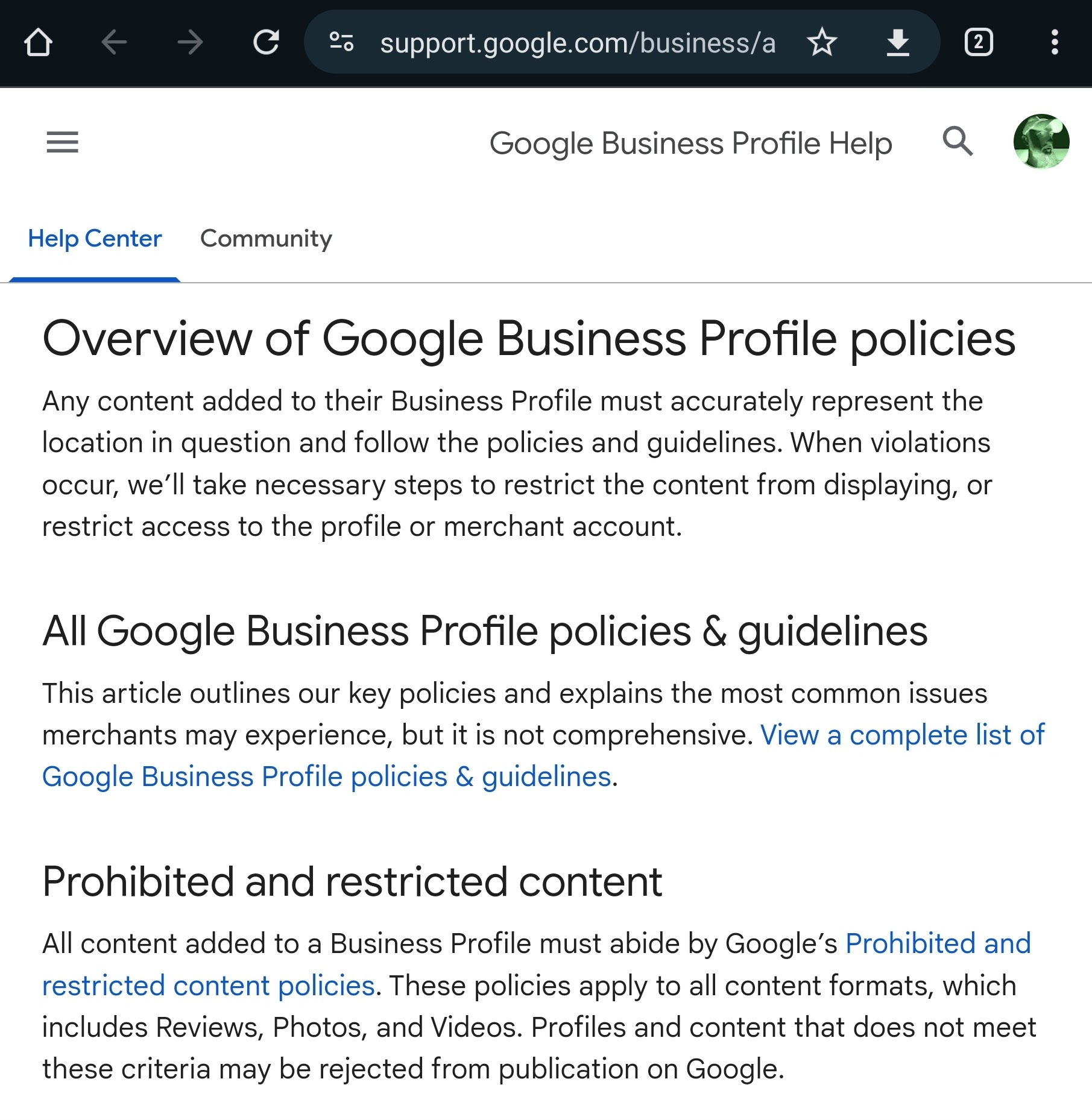
The first place to look for help is the official help center.
Google provides articles and guides that explain how to fix common issues.
You can visit the help center here:
https://support.google.com/busines

There you’ll find information about:
- verification problems
- account access issues
- listing updates
- review management
Many problems can actually be solved just by following the instructions in these guides.

How to Contact Google Business Support
If the help center doesn’t solve your problem, you may need direct support.
Here’s the typical process.
Step 1: Go to the Help Center
Visit the official Google Business support page.
Step 2: Select Your Problem
Choose the issue that best describes your problem.
Examples include:
- business verification
- suspended listing
- reviews and ratings
Step 3: Choose a Contact Option
Depending on the issue, Google may offer options like:
- chat support
- email support
- request a call
Not all options are available in every situation.
Use the Google Business Help Community
Another helpful place is the Google Business Profile Help Community.
This is a forum where business owners ask questions and product experts provide answers.
Sometimes you can find solutions there faster than waiting for support.
Tips for Getting Faster Support
Here are a few things that help speed up the process.
Provide Accurate Information
When contacting support, include details like:
- business name
- address
- listing link
This helps Google locate your profile quickly.
Describe the Problem Clearly
Explain exactly what happened.
Clear descriptions help support teams understand the issue faster.
Follow Google Guidelines
Some problems happen because listings don’t follow Google policies.
You can review the official guidelines here:
https://support.google.com/business/answer/3038177

Final Thoughts
Managing your Google Business Profile is important for attracting customers online.
If problems come up, the good news is there are several ways to get help.
You can start with the help center, contact support directly, or ask questions in the community forum.
Once your listing is working properly again, your business can continue appearing in Google Maps and local search results.
And that visibility can bring in more customers.

Related Articles
Latest Articles
-

Google Review Removal Service That Protects Your Reputation and Builds Trust
Can Negative Google Reviews Damage a Healthcare Organization? A sudden wave of negative Google reviews can seriously damage the reputation of a nursing home or medical practice. Families researching nursing homes often compare ratings, recent reviews, management responses, photographs, and overall review activity before scheduling a tour. Patients may perform the same research before choosing…
-

Google Review Management Agency That Helps Businesses Build Trust and Get More Customers
People trust Google reviews before they trust advertisements. Before contacting your business, potential customers usually search your company online and ask themselves one important question: “Can I trust this business?” That answer often comes from your reviews. Customers look at: If your business has weak reviews, outdated feedback, or unanswered complaints, customers may choose a…
-

How to Get New Patients in New York With Google Reviews
Your next patient in New York may decide whether to call your practice before ever speaking to your staff. Today, patients search, compare, and read reviews before choosing care. A 2025 survey found 84% of patients check online reviews before choosing a new healthcare provider. In 2026, 75% said they wouldn’t book with a provider…