Table of Contents
Delete Google Review: How to Remove a Google Review
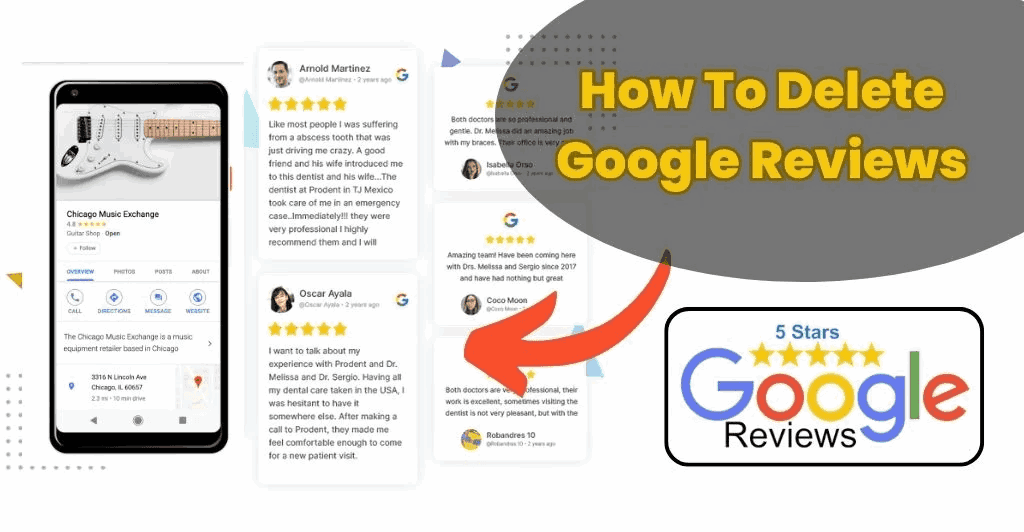
Sometimes people want to delete a Google review they wrote earlier. Maybe the experience changed, the problem was fixed, or they simply want to update their feedback.
Reviews on Google help customers decide which businesses to trust. But if you posted a review and want to remove it, you can do that quickly.
The process only takes a few steps.
⭐ When People Delete Google Reviews
People may delete reviews for several reasons.
Common reasons include:
- The business resolved a problem
- The review was posted by mistake
- The reviewer wants to update their opinion
- The issue was misunderstood
Fortunately, Google allows users to edit or delete reviews anytime.
📌 How to Delete Your Google Review
The easiest way to remove your review is through Google Maps.
Step-by-Step Instructions
- Open Google Maps on your phone or computer
- Sign in to your Google account
- Tap the menu icon
- Select Your contributions
- Tap Reviews
- Find the review you want to remove
- Click the three dots (⋮) next to the review
- Select Delete review
Your review will be removed immediately.
📌 How to Edit a Google Review Instead
Sometimes you may want to update your review instead of deleting it.
Steps:
- Open Google Maps
- Go to Your contributions
- Tap Reviews
- Find your review
- Select Edit review
You can change the star rating or update the message.
This is useful if a business fixed your issue.
📌 Can Businesses Delete Google Reviews?
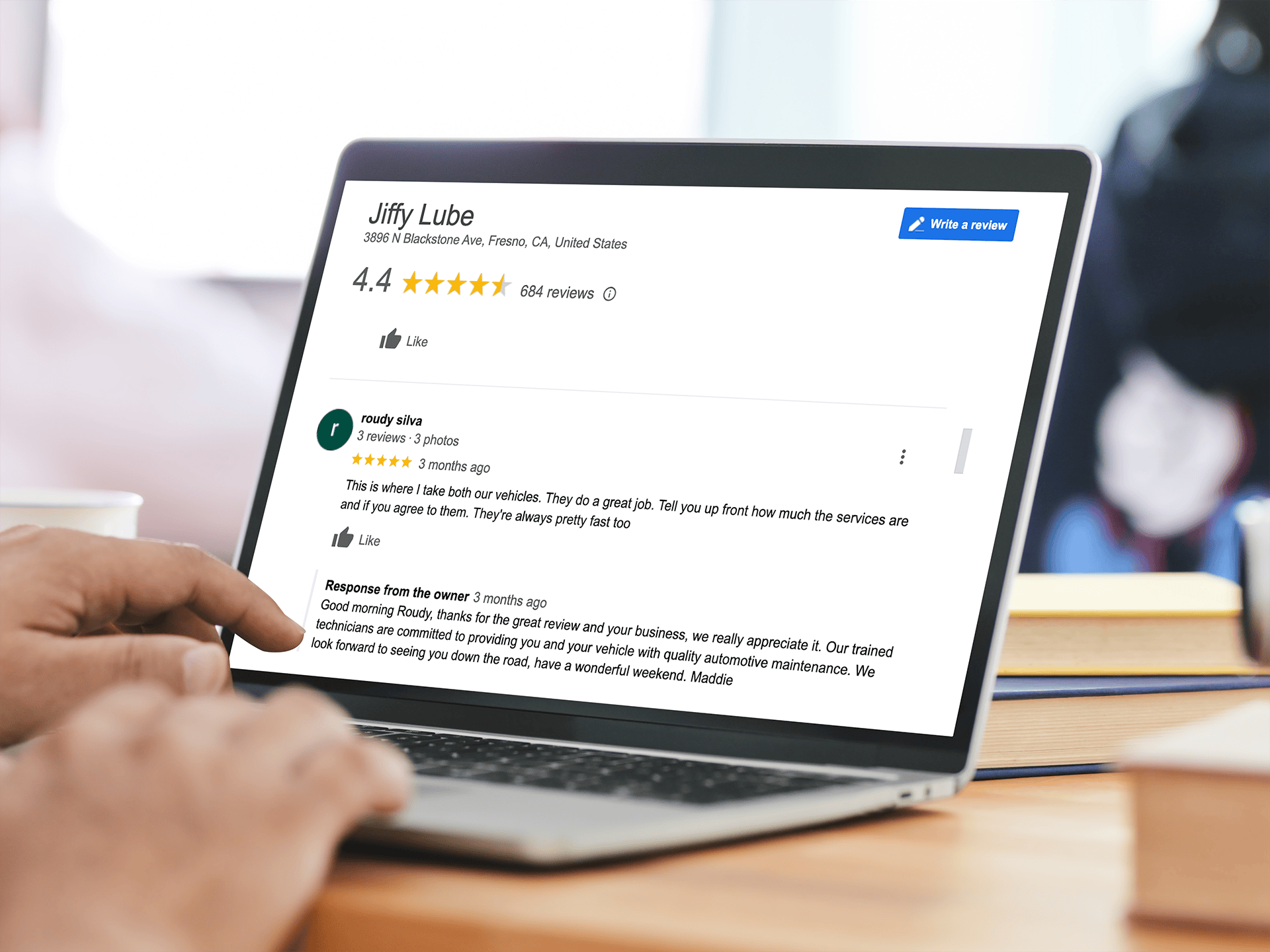
Businesses cannot directly delete reviews.
However, they can report reviews that violate Google policies through Google Business Profile.
Examples of reviews that may be removed include:
- Spam reviews
- Fake reviews
- Offensive language
- Harassment
- Reviews unrelated to the business
Google reviews are moderated to keep feedback honest.
You can read the official policy here:
https://support.google.com/contributionpolicy/
📊 What Happens After You Delete a Review?
Once you delete your review:
- The comment disappears from the business profile
- The star rating is removed
- The overall rating may change slightly
For example, removing a low rating could increase the average score.

📌 Tips Before Deleting a Review
Before deleting your review, consider these options:
- Edit the review if the issue was resolved
- Update the rating if your opinion changed
- Contact the business to discuss the problem
Updating a review helps other customers see how the business handled the situation.
❓ Frequently Asked Questions
Can I delete a Google review anytime?
Yes. You can remove your review whenever you want.
Can businesses remove reviews themselves?
No. Only the reviewer or Google can remove a review.
Can I edit my review after posting it?
Yes. Google allows users to update their reviews.
How long does it take to delete a review?
The review usually disappears immediately after deletion.
Can deleted reviews be recovered?
No. Once deleted, they cannot be restored.
What if a review violates Google policy?
Businesses can report the review to Google for review.
🎯 Final Thoughts
Learning how to delete a Google review is simple.
Just open Google Maps, find your review, and select delete.
If your experience with a business changes, you can also edit your review instead of removing it.
Reviews help customers make better decisions, so updating them honestly is always the best approach.
Related Articles
Why Google Reviews Are the New Word-of-Mouth for Accounting Firms
How to Get 4.9 on Google Reviews: The Smart Strategy Local Businesses Use
5-Star Google Review Generator: Easy Templates to Get Better Reviews
How Reputation Management Can Save Your Brand from a Viral Complaint
Latest Articles