

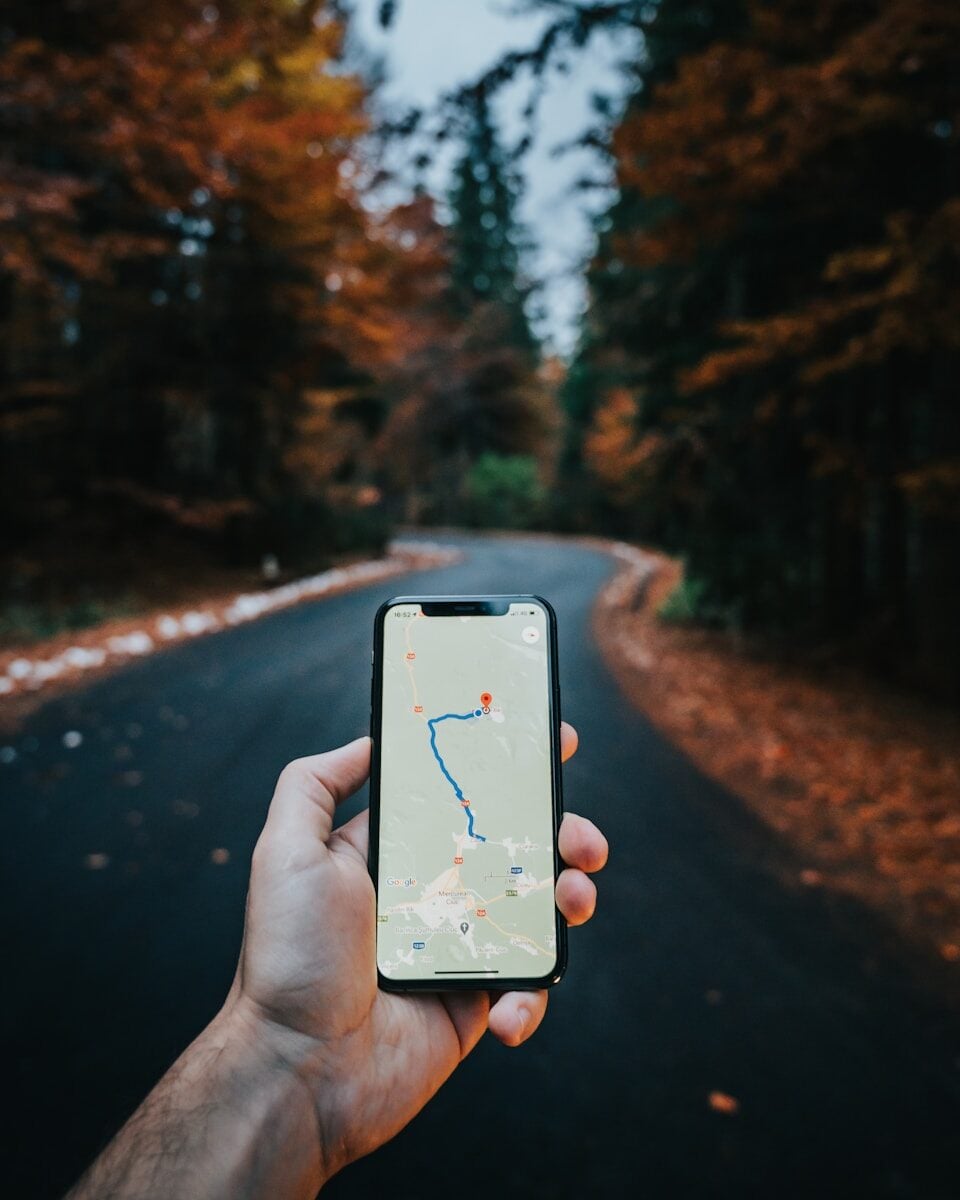
If you run a local business, showing up on Google Maps can bring in a lot of customers.
Think about it. When people search for things like:
- pizza near me
- plumber nearby
- coffee shop open now
Google often shows a map with a few businesses listed at the top. That section comes from Google Business Profile and appears in Google Search.
Businesses that show up there usually get the most clicks.
So the big question is:
How do you rank higher on Google Maps?
Let’s break it down in plain language.
Why Google Maps Rankings Matter
When customers search for local services, Google often shows three businesses at the top of the map results.
This is called the local map pack.
Businesses in that section usually get:
- more phone calls
- more website visits
- more directions requests
So ranking higher there can make a big difference for your business.
Key Factors That Affect Google Maps Rankings

Google looks at several factors when ranking businesses on the map.
Let’s go over the most important ones.
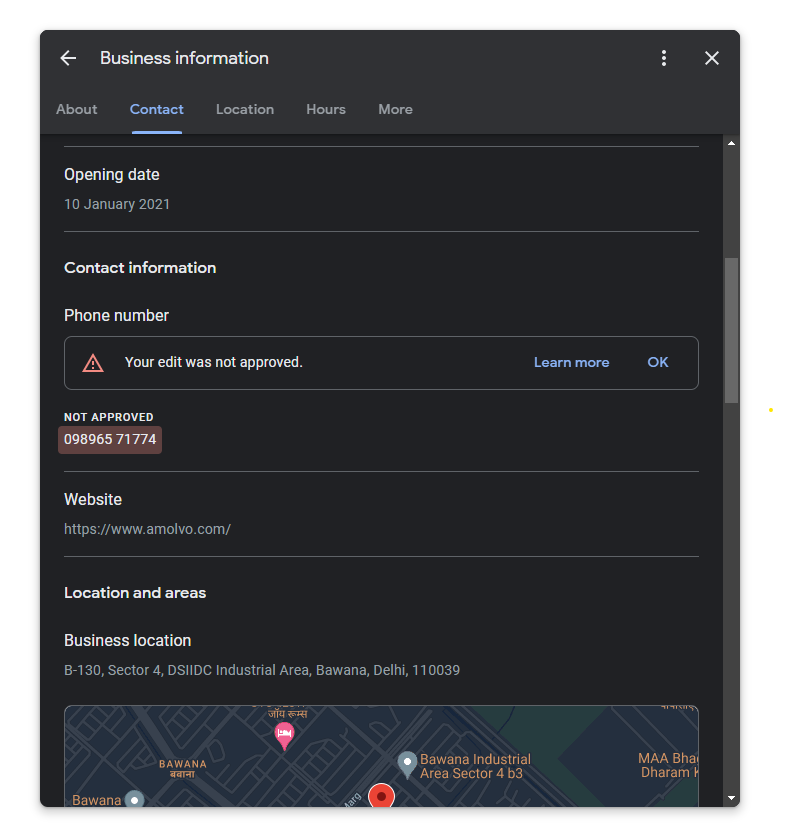
Complete Business Information
Your listing should include:
- accurate address
- phone number
- website
- business hours
Complete profiles usually rank better.
Customer Reviews
Reviews play a big role in local rankings.
Businesses with more positive reviews often appear higher.
Responding to reviews also helps show that your business is active.
Business Categories
Choosing the right category helps Google understand your services.
For example:
- restaurant
- dentist
- auto repair shop
The right category helps your listing show up in relevant searches.
Add Photos to Improve Your Listing
Photos help your business stand out.
Customers are more likely to click listings with good images.
Types of photos that work well include:
- storefront photos
- interior photos
- product images
- team photos
Adding photos regularly keeps your listing active.
Build Local Trust Signals

Google looks at signals that show your business is trusted locally.
Some examples include:
- positive customer reviews
- consistent business information across websites
- local mentions online
These signals help Google confirm your business is legitimate.

Keep Your Listing Active
Many businesses create a listing and forget about it.
But active listings often perform better.
You can keep your listing active by:
- posting updates
- uploading photos
- responding to reviews
- updating business hours
Small updates show Google your business is still operating.
Follow Google Business Guidelines
To avoid ranking problems or suspension, make sure your listing follows Google’s official policies.
You can read them here:
Following these guidelines helps protect your listing and maintain strong visibility.

Final Thoughts
Ranking higher on Google Maps doesn’t happen overnight, but the steps are pretty straightforward.
Focus on:
- completing your profile
- getting customer reviews
- adding photos
- keeping your listing active
When you do those things consistently, your business has a better chance of appearing in local search results.
And when your business shows up at the top of the map, more customers can find you.
Latest Articles










