


These days, most people check reviews before they trust a business. And the place they usually check first is Google Business Profile.
Reviews from this platform appear directly in Google Search and Google Maps, which makes them easy for customers to see.
But here’s something people often wonder:
Can you search Google reviews by name?
Maybe you want to find a specific customer review.
Maybe you’re checking feedback someone left for your business.
Either way, there are a few ways to do it. Let’s walk through them step by step.
Why People Search Google Reviews by Name
There are many reasons someone might want to search reviews by name.
For example:
- a business owner wants to respond to a specific review
- a customer wants to find a review they wrote earlier
- someone wants to verify feedback about a business
Reviews play a big role in local search results and reputation.
So finding a specific review can sometimes be important.
Method 1: Search Google Reviews by Business Name

The easiest way to find reviews is by searching the business.
Steps:
- Open Google search
- Type the business name
- Open the business listing
- Click the reviews section
From there you can scroll through the reviews.
If the review exists, you’ll eventually find it.
Method 2: Search Reviews Using Google Maps

Another way to search reviews is through Google Maps.
Steps:
- Open Google Maps
- Search for the business name
- Open the listing
- Click reviews
Sometimes Google Maps allows you to sort reviews by:
- newest
- highest rating
- lowest rating
Sorting can make it easier to find specific feedback.
Can You Search Google Reviews by Customer Name?
Here’s the honest answer.
Google doesn’t provide a direct tool that searches reviews by reviewer name inside a business listing.
But there are a couple tricks that sometimes work.
Use Google Search
You can try searching something like:
Customer Name + Business Name + review
Sometimes Google indexes reviews in search results.
Check Reviewer Profiles
If you click on a reviewer’s name in a review, you may see other reviews they have written.
This can help you track feedback across businesses.
Why Reviews Matter for Businesses

Reviews do more than just share opinions.
They help businesses:
- build trust with customers
- improve visibility in local search
- attract more visitors
Businesses with more positive reviews often appear higher in Google Maps results.
You can read Google’s official review policies here:

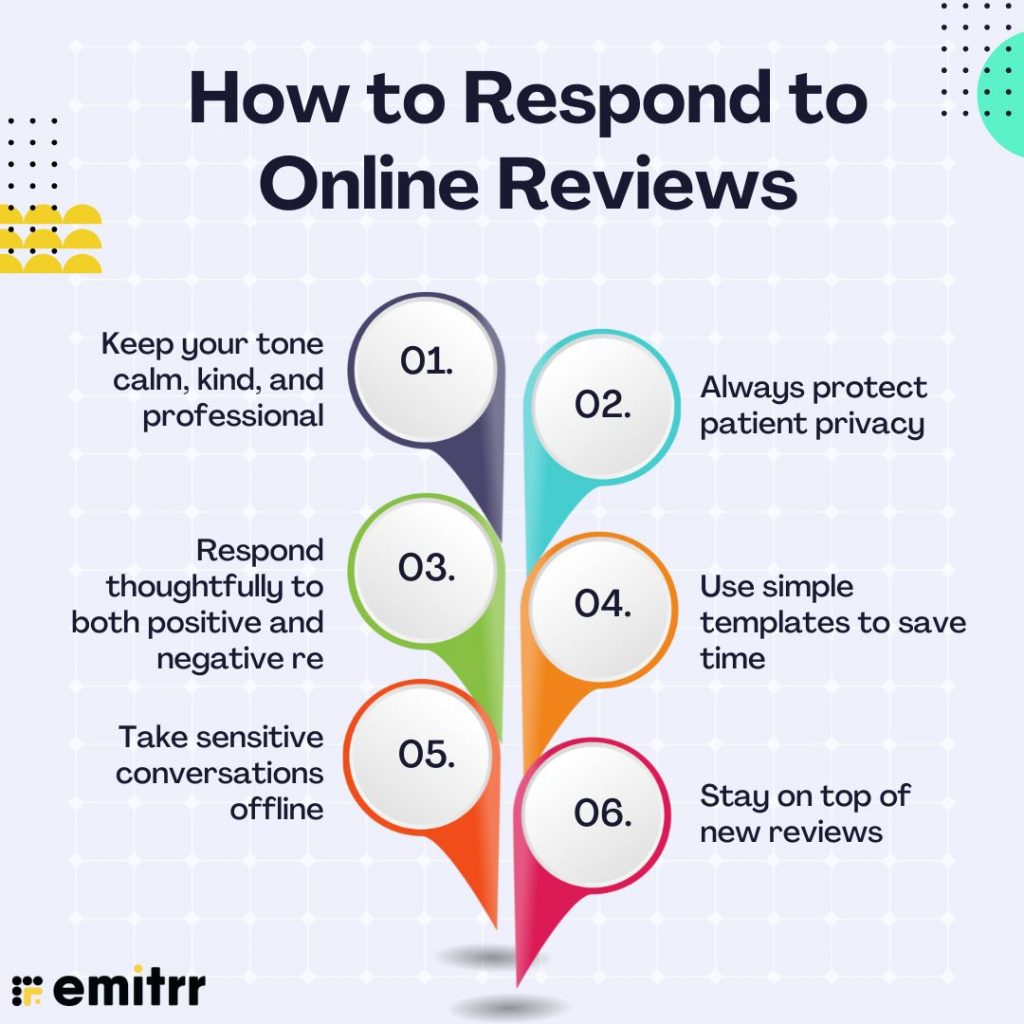
Tips for Managing Google Reviews
Here are a few quick tips for business owners.
Monitor Reviews Regularly
Check your reviews often so you don’t miss customer feedback.
Respond to Reviews
Responding shows customers that you care.
Even a short thank-you message helps.
Encourage Honest Reviews
Ask happy customers to share their experience.
More real reviews help build trust.

Final Thoughts
Searching Google reviews by name isn’t always straightforward, but there are a few ways to track down specific feedback.
You can search the business listing, browse reviews on Google Maps, or sometimes use Google search to locate a review.
For business owners, keeping an eye on reviews is important.
They influence trust, reputation, and even local search rankings.
So staying active with your reviews can help your business grow online.


Related Articles
- Google Business Profile Verification: The Easy Way to Get Approved
- Google Business Profile Suspended? Here’s How to Restore It
- How to Remove Fake Google Reviews (Step-by-Step Guide)
- Do Google Reviews Help SEO? Here’s the Truth
- Local SEO Made Easy With Google Business Profile Optimization
- How to Get More Calls From Your Google Business Listing
- How to Upload Photos to Google Business Profile Easily
- How to Rank Higher on Google Maps (Simple Local SEO Guide)
- How to Contact Google Business Profile Support
- How to Use the Google Business Profile Help Community
- Harassment or Offensive Content in Google Reviews (How to Report It)
- How Do I Contact Google Business Support Live Chat (Fast & Easy Guide for Business Owners)
Latest Articles










