Running a small business today means you gotta keep your online presence tight. One of the biggest tools for that is Google Business Profile.
When someone searches your business on Google Search or Google Maps, that listing shows your:
- phone number
- reviews
- hours
- directions
But hey, sometimes things get messy.
Maybe your listing gets suspended. Maybe verification doesn’t work. Or maybe someone leaves a bogus review.
When that happens, the question everybody asks is:
“How do I contact Google Business support live chat?”
Let me walk you through it like a real person would.
Why Business Owners Need Google Business Support
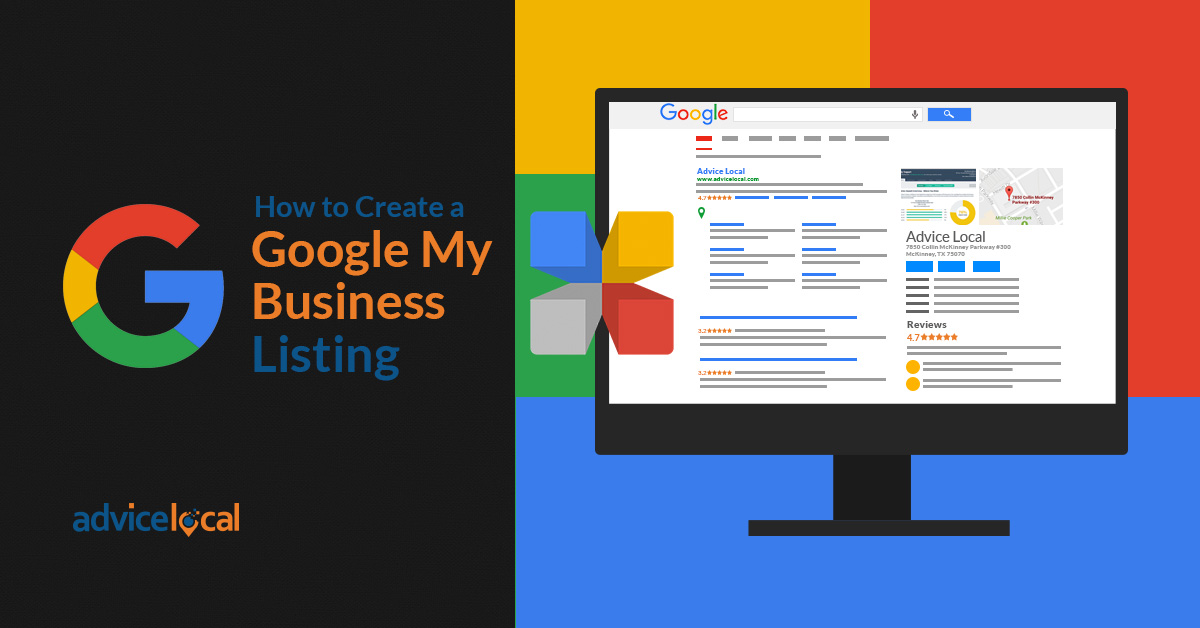
If you run a business, your online listing is a big deal.
Your profile shows up when people search things like:
- plumber near me
- pizza shop open now
- best barber in town
That visibility comes from Google Business Profile, and when it stops working right, customers might not find you.
Some common problems business owners run into include:
- Listing suspended without warning
- Verification postcard never arrives
- Incorrect address showing up
- Fake or spam reviews
That’s when you need support.
The Fastest Way to Contact Google Business Support Live Chat
Alright, let’s keep this simple.
Here’s exactly how to reach live chat support.
Step 1: Go to the Support Page
Visit the official Google support page:
https://support.google.com/business

That’s the starting point for all support requests.
Step 2: Sign Into Your Business Account
Make sure you’re logged into the same account that manages your business listing.
Otherwise Google might not verify you as the owner.
Step 3: Click Contact Us
Scroll down until you see Contact Us.
That’s where the support process begins.
Step 4: Select Your Issue
Google will ask what kind of problem you’re having.
Examples include:
- verification problems
- suspended listings
- review issues
- editing business information
Pick the closest one.
Step 5: Start Live Chat
If live chat is available, you’ll see the Chat option.
Click it and you’ll connect with a support agent.
When the Live Chat Option Doesn’t Show

Sometimes the chat button doesn’t appear.
Don’t worry — it happens.
Usually it’s because:
- Support hours are closed
- Your issue category doesn’t offer chat
- Support demand is high
Try again later or choose another issue category.
Other Ways to Get Help From Google

If live chat isn’t available, you still have a few options.
You can try:
- Email support
- Help center articles
- The Google Business Profile Help Community
The community forum is actually pretty useful because experienced users and product experts help answer questions.
You can read more about Google’s business listing policies here:
https://support.google.com/business/answer/3038177
Related Articles
- Google Business Profile Verification: The Easy Way to Get Approved
- Google Business Profile Suspended? Here’s How to Restore It
- How to Remove Fake Google Reviews (Step-by-Step Guide)
- Do Google Reviews Help SEO? Here’s the Truth
- Local SEO Made Easy With Google Business Profile Optimization
- How to Get More Calls From Your Google Business Listing
- How to Upload Photos to Google Business Profile Easily
- How to Rank Higher on Google Maps (Simple Local SEO Guide)
- How to Contact Google Business Profile Support
- How to Use the Google Business Profile Help Community
- How to Search Google Reviews by Name ( The Easy Beginners Guide)
- Harassment or Offensive Content in Google Reviews (How to Report It)
Latest Articles
-
How Accepted Insurance Plans Can Strengthen Medical Local SEO
When patients search for a doctor, they are not only looking for the right specialty or the closest medical office. Many also need to know whether the practice accepts their insurance. A patient might search Google for: If your website does not clearly list the insurance plans your practice accepts, Google and potential patients may…
-
Brooklyn Nursing Home Marketing in 2026: How to Turn Google Searches Into More Admissions
If you’re responsible for marketing or admissions at a nursing home, you already know how to generate business the traditional way. You know the importance of hospital relationships. You know your discharge planners, case managers, physicians, community partners, and referral sources. You know what happens to census when those relationships are strong, and you know…
-
Google Reviews and Search Console: Drive More Traffic to Your Queens Medical Practice
Google Reviews and Search Console: Drive More Traffic to Your Queens Medical Practice A patient in Queens searches Google for a family doctor, chiropractor, dentist, physical therapist, podiatrist, urgent care center, or medical specialist. Within seconds, that patient may see several practices competing for attention. The listings can look similar, but the patient still has…
-
How to Get More Reviews for Your Clinical Practice
Patient reviews have become an important part of how people choose a clinical practice. Before calling your office, a prospective patient may look at your Google rating, review count, recent feedback and how your team responds. A practice with a strong online reputation can appear more trustworthy and active. A practice with only a few…
-
Medical Office Staff Training Checklist for Better Reviews
Looking for a medical office staff training checklist that employees can actually use? Start with the complete patient journey—from the first phone call through the final follow-up. A five-star patient experience does not begin when someone leaves a Google review. It begins with the first phone call, online message, or front-desk conversation. Every employee who…
-
The Hidden Reason Patients Choose One Clinic Over Another.
Imagine This… Imagine it’s 7:30 on a Tuesday evening. Your office is closed, but your next patient is already looking for a physician. A family just moved into town. One of their children has a fever, and they need a family doctor they can trust. Instead of asking a neighbor for a recommendation, they pull…