


Table of Contents
If you’re trying to rank on Google, you need the right tools.
A Google SEO tool helps you find keywords, track rankings, fix website errors, and improve visibility. Without one? You’re guessing. And guessing doesn’t win.
The good news? Google gives you free, powerful SEO tools.
Let’s break them down in simple, human terms.
🔍 1. Google Search Console (Your SEO Control Center)
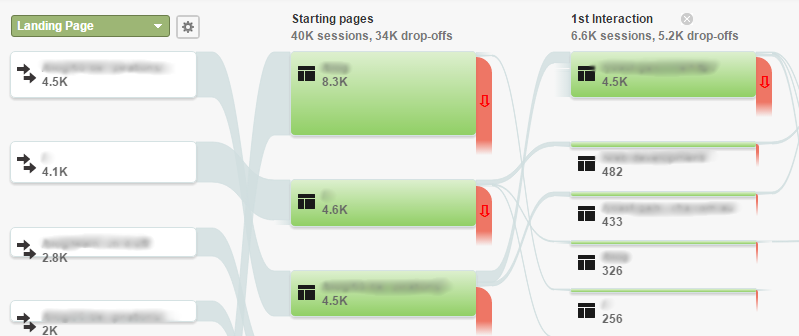
Google Search Console is one of the best free Google SEO tools available.
What It Does:
- Shows what keywords you rank for
- Tracks clicks and impressions
- Alerts you about errors
- Submits sitemaps
- Monitors mobile usability
Why It Matters:
It shows you exactly how Google sees your website.
If pages aren’t indexed? You’ll know.
If rankings drop? You’ll see it.
It’s a must-have.
👉 You can sign up here: https://search.google.com/search-console
📊 2. Google Analytics(Understand Your Visitors)
Google Analytics tracks what users do after they land on your site.
It Shows You:
- How many visitors you get
- Where they come from
- What pages they visit
- How long they stay
If people leave fast? You may need better content.
If one blog gets lots of traffic? Make more like it.
Data tells the story.
🔑 3. Google Keyword Planner (Find What People Search)
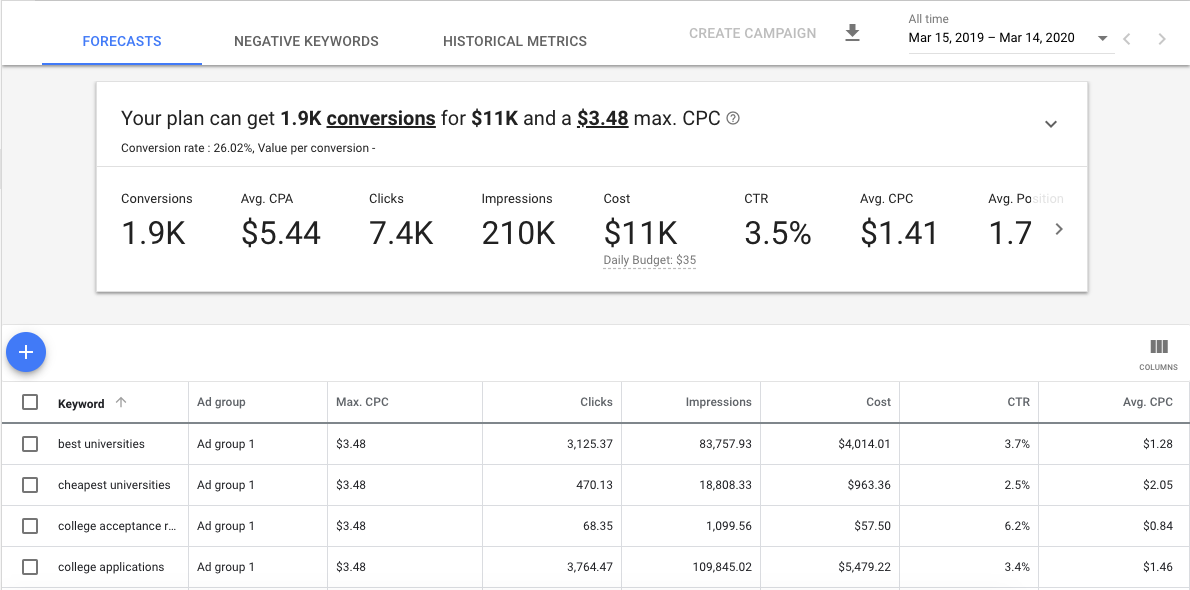
Google Keyword Planner helps you find search terms people use.
It Helps You:
- Discover keyword ideas
- See search volume
- Understand competition
This tool lives inside Google Ads, but you can use it for SEO research too.
Want traffic? Target what people actually search.
📈 4. Google Trends (Spot What’s Growing)
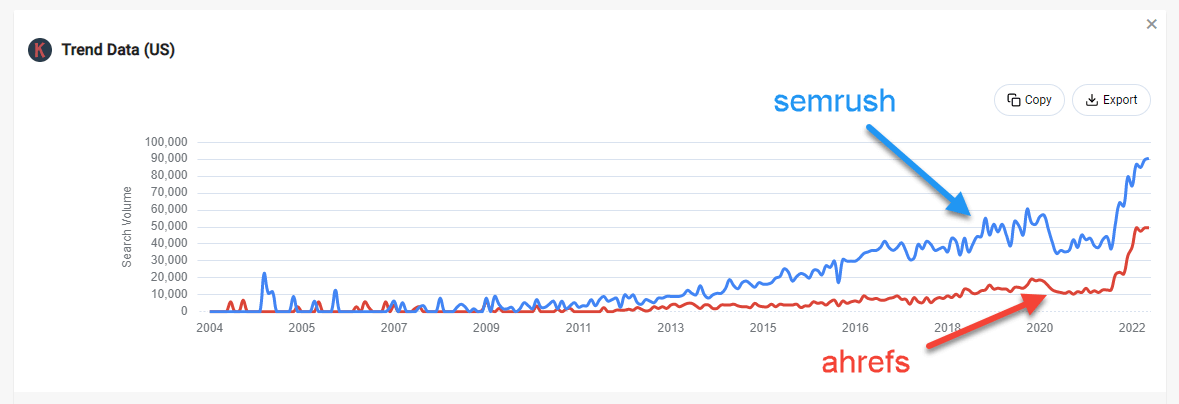
Google Trends shows what topics are rising or falling.
Why It’s Powerful:
You can see:
- Seasonal trends
- Trending topics
- Regional interest
If a topic is exploding? Create content now.
Timing matters in SEO.
🛠 5. PageSpeed Insights (Fix Slow Websites)
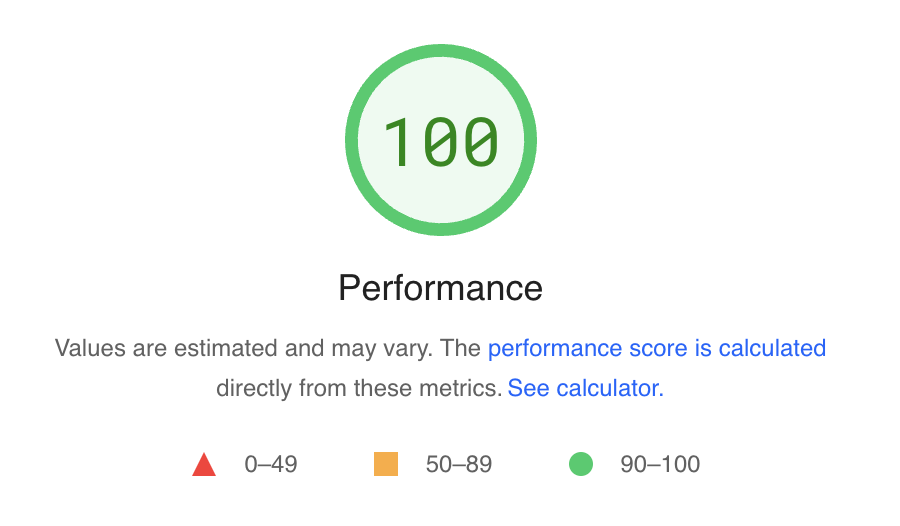
Google PageSpeed Insights measures how fast your site loads.
Speed affects rankings.
If your site is slow:
- Users leave
- Bounce rate increases
- Rankings drop
This tool gives clear suggestions to fix it.
🏆 What Is the Best Google SEO Tool?
Here’s the honest answer:
If you want ranking data → Google Search Console
If you want traffic data → Google Analytics
If you want keyword ideas → Keyword Planner
If you want trends → Google Trends
If you want speed help → PageSpeed Insights
Most smart website owners use all of them together.
They’re free. That’s the best part.
🚀 How to Use Google SEO Tools Together
Here’s a simple workflow:
- Use Keyword Planner to find search terms.
- Create optimized content.
- Submit pages in Search Console.
- Monitor traffic in Analytics.
- Improve speed using PageSpeed Insights.
- Check trends before publishing new content.
That’s real SEO strategy.
❓ Frequently Asked Questions
1. Is Google SEO tool free?
Yes. Most Google SEO tools are completely free.
2. Do I need all of them?
Not required, but they work best together.
3. Which tool helps improve rankings?
Search Console helps track performance and fix issues.
4. Does website speed affect SEO?
Yes. Faster sites rank better.
5. Can beginners use these tools?
Yes. They are user-friendly and beginner-friendly.
6. Are paid SEO tools better?
Paid tools offer extra features, but Google’s tools are powerful enough to start.
🎯 Final Thoughts
A good Google SEO tool gives you direction.
Without data, you’re guessing.
With data, you’re improving.
Start with:
- Google Search Console
- Google Analytics
Master those first.
Then expand.
SEO isn’t magic. It’s strategy, patience, and using the right tools.
And the best part?
Google already gives you everything you need.

Related Articles
- How to Upload Photos to Google Business Profile Easily
- How to Rank Higher on Google Maps (Simple Local SEO Guide)
- How to Contact Google Business Profile Support
- How to Use the Google Business Profile Help Community
- How to Search Google Reviews by Name ( The Easy Beginners Guide)
- Harassment or Offensive Content in Google Reviews (How to Report It)
- How Do I Contact Google Business Support Live Chat (Fast & Easy Guide for Business Owners)
Mastering The Best Tools For SEO
Is Google Analytics Better Than SEMrush?
The Ultimate Google Search Engine Marketing Blueprint for Small Businesses
Keyword Research Techniques: What Tools Actually Work for Small Businesses?
Latest Articles
-
Google Review Removal Service That Protects Your Reputation and Builds Trust
Can Negative Google Reviews Damage a Healthcare Organization? A sudden wave of negative Google reviews can seriously damage the reputation of a nursing home or medical practice. Families researching nursing homes often compare ratings, recent reviews, management responses, photographs, and overall review activity before scheduling a tour. Patients may perform the same research before choosing…
-
Google Review Management Agency That Helps Businesses Build Trust and Get More Customers
People trust Google reviews before they trust advertisements. Before contacting your business, potential customers usually search your company online and ask themselves one important question: “Can I trust this business?” That answer often comes from your reviews. Customers look at: If your business has weak reviews, outdated feedback, or unanswered complaints, customers may choose a…
-
How to Get New Patients in New York With Google Reviews
Your next patient in New York may decide whether to call your practice before ever speaking to your staff. Today, patients search, compare, and read reviews before choosing care. A 2025 survey found 84% of patients check online reviews before choosing a new healthcare provider. In 2026, 75% said they wouldn’t book with a provider…
-
How Accepted Insurance Plans Can Strengthen Medical Local SEO
When patients search for a doctor, they are not only looking for the right specialty or the closest medical office. Many also need to know whether the practice accepts their insurance. A patient might search Google for: If your website does not clearly list the insurance plans your practice accepts, Google and potential patients may…
-
Brooklyn Nursing Home Marketing in 2026: How to Turn Google Searches Into More Admissions
If you’re responsible for marketing or admissions at a nursing home, you already know how to generate business the traditional way. You know the importance of hospital relationships. You know your discharge planners, case managers, physicians, community partners, and referral sources. You know what happens to census when those relationships are strong, and you know…
-
Google Reviews and Search Console: Drive More Traffic to Your Queens Medical Practice
Google Reviews and Search Console: Drive More Traffic to Your Queens Medical Practice A patient in Queens searches Google for a family doctor, chiropractor, dentist, physical therapist, podiatrist, urgent care center, or medical specialist. Within seconds, that patient may see several practices competing for attention. The listings can look similar, but the patient still has…








