


If you’re trying to figure out how to create a website for businesses for free, you’ve come to the right place. A lot of new business owners want a clean, simple website without spending money upfront—and guess what? You can do that. It just takes a little planning and the right tools.
Whether you’re starting a brand-new business or building an online presence for the first time, this guide will walk you step-by-step through everything you need. And if you ever feel stuck or want professional help at a low cost, LookHin4.com is always here to support small businesses and startups.
Let’s get into it.
🌐 Step 1: Choose a Free Domain (Or as Close as Free as Possible)
If you want to create a website for your business for free, start with the domain. A domain is your website’s “address” online.
Now—here’s the truth:
✔ Most professional domains cost money
✔ BUT you can start with a free option until you’re ready
Free or Low-Cost Domain Options
Wix.com subdomain: free website plan
→ https://wix.com
Google Sites subdomain: completely free
→ https://sites.google.com
WordPress.com subdomain: free starter option
→ https://wordpress.com

You’ll get a domain like:
- yourbusiness.wordpress.com
- yourbusiness.wixsite.com
Not perfect, but great for beginners learning how to create a website for businesses for free without any upfront payments.
When you’re ready to upgrade later, you can buy a domain on:
- GoDaddy → https://godaddy.com
- Namecheap → https://namecheap.com
Buying your own domain is optional, not required for now.

🏗️ Step 2: Pick a Free Website Platform
This is the MOST important step when learning how to create a business website for free.
Here are the best free website builders:
⭐ Google Sites (totally free + easy)
Perfect for simple business pages, portfolios, or service websites.
https://sites.google.com
- connects easily to Google tools
- no hosting needed
- no fees
- drag-and-drop
⭐ Wix Free Plan
Great templates and a lot of design features.
https://wix.com
⭐ WordPress.com Free Plan
Good for blogs or simple business pages.
https://wordpress.com
Each one lets you build a free website without paying for hosting.


Plan Your Website Pages Before You Build
Even if you’re building your business website for free, you still need a plan. Planning your pages makes everything easier.
You only need a few pages:
- Home
- About
- Services / Products
- Contact
- FAQ
That’s it. No need to overcomplicate things.
This step helps you stay organized so your free website looks clean and professional.
📝 Step 3: Plan Your Website Pages Before You Build
Even if you’re building your business website for free, you still need a plan. Planning your pages makes everything easier.
You only need a few pages:
FAQ
Home
About
Services / Products
Contact
That’s it. No need to overcomplicate things.
This step helps you stay organized so your free website looks clean and professional.

🎨 Step 4: Choose a Simple, Clean Design
Even free website builders have beautiful templates. When choosing your design, keep it simple.
Look for templates that:
- load fast
- use clean colors
- are easy to read
- work well on phones
Canva is perfect for:
- logos
- banners
- flyers
- social media graphics
- website photos
It makes your free website look expensive (but secretly it’s not).
Step 5: Write Clear, Friendly Content
When learning how to create a website for businesses for free, the content matters just as much as the design.
Write simple answers to:
- What does your business offer?
- Who do you help?
- Why should customers pick you?
- How can they contact you?
Speak like a real person, not a robot. Keep it short and helpful.
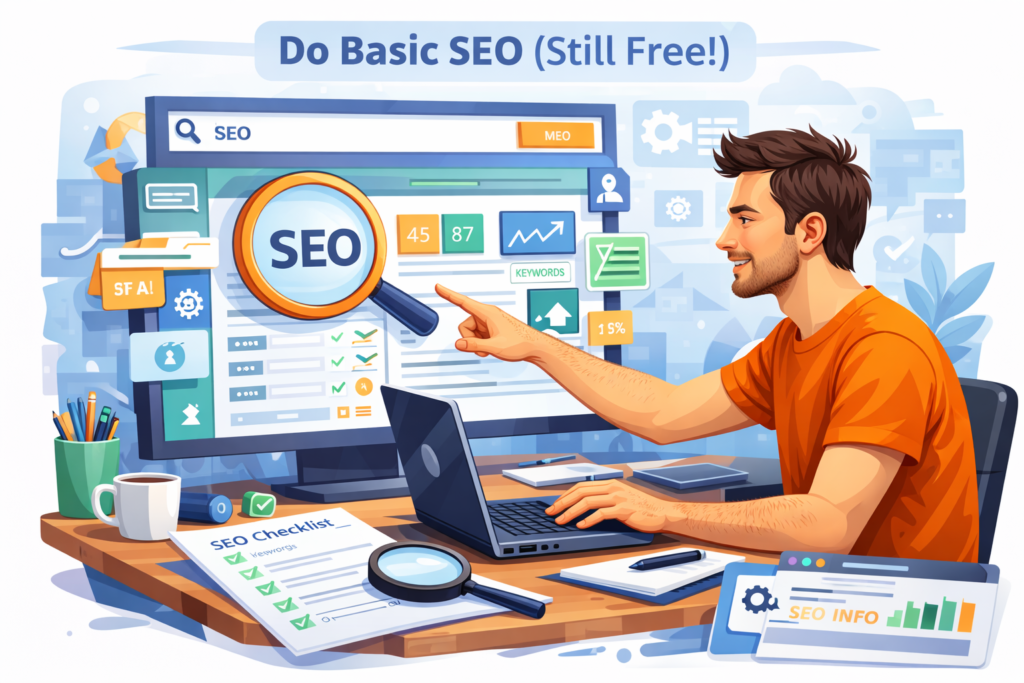
🔍 Step 6: Do Basic SEO (Still Free!)
SEO helps your free business website show up on Google.
The good news? You can do simple SEO for free:
Free SEO tools:
Google Trends → https://trends.google.com
Google Keyword Planner → https://ads.google.com/home/tools/keyword-planner/
Ubersuggest (free tier) → https://neilpatel.com/ubersuggest
Try searching for what customers look for, like:
- “cleaning service near me”
- “best dog groomer”
- “affordable photography”
Then add those words naturally on your pages.
SEO doesn’t have to cost money when you’re first learning how to create a website for businesses for free.
📍 Step 7: Set Up Your Free Google Business Profile
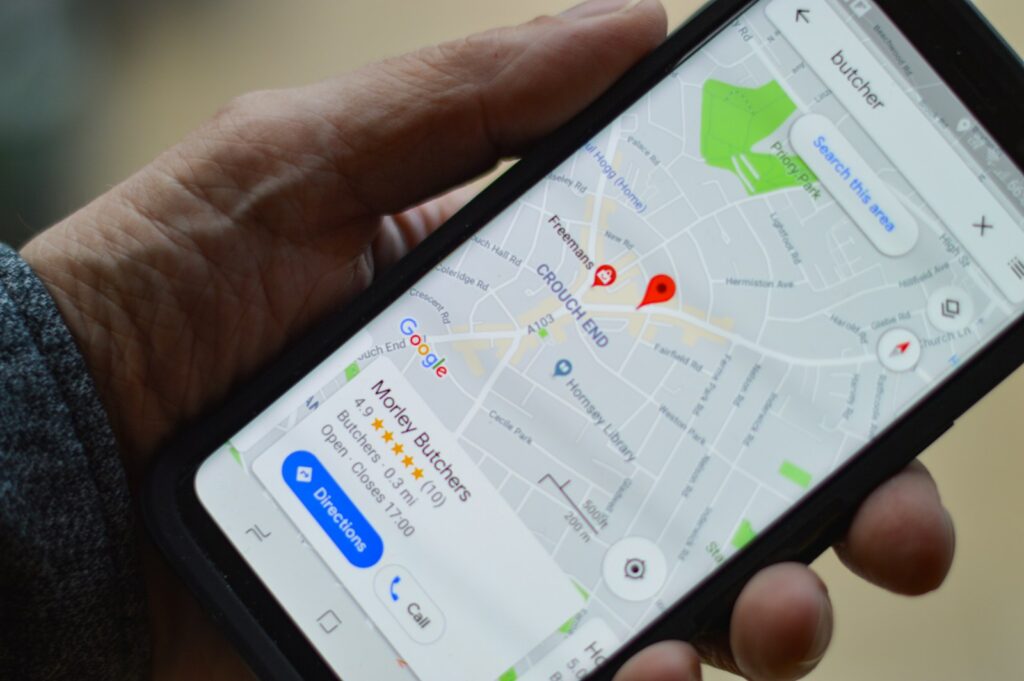
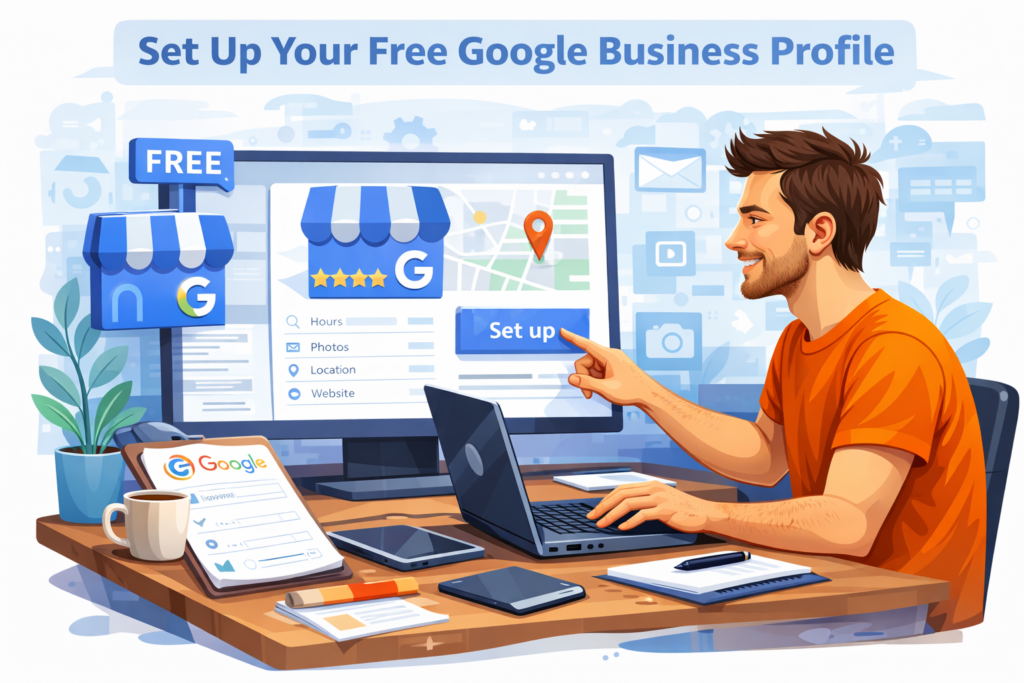
Google Business Profile is completely free and SUPER important.
It helps customers:
- find you on Google Maps
- read your reviews
- see your hours
- click your website
Sign up here:
→ https://www.google.com/business/
This step alone can bring in customers even before your website is perfect.
⭐ Step 8: Gather Reviews (Even if You’re Brand New)
Reviews help people trust you. They don’t have to be long—short, honest reviews work great.
Ask:
- early clients
- friends
- family
- anyone who tried your service
Add these reviews to your website for instant trust.

📞 Step 9: Make Your Contact Info Easy to Find
Your free website should make it simple for people to reach you.
Add:
- phone number
- contact form
- business hours
If you don’t have a business number yet, use Google Voice for free:
→ https://voice.google.com
🚀 Step 10: Publish Your Website (Then Keep Updating)
Once your free website is live, don’t stop there.
Keep improving it:
- add photos
- write posts
- improve your SEO
- update your services
- check Google Analytics → https://analytics.google.com
Websites grow over time—just like your business.
❤️ A Gentle Push If You Need More Help
You can absolutely learn how to create a website for businesses for free, but if you ever feel stuck or too busy running your business, that’s normal.
That’s why LookHin4.com exists — to help small businesses and startups:
- build clean websites
- launch fast
- automate customer messages
- book appointments
- grow online
All at a price real people can afford.
👉 If you ever want help, visit https://LookHin4.com
🎉 Conclusion
Now you know exactly how to create a website for businesses for free — from choosing a platform all the way to launching your site. You don’t need a big budget to get started. You just need the right tools, a simple plan, and a little patience.
Start small.
Keep it simple.
And watch your business grow.
Related Articles
Hidden Costs of Web Design Projects: What Businesses Should Prepare For (and How to Avoid Them!)
⭐ How To Start a Small Business Website (A Simple, Friendly Guide)
How to Make a Small Business Website Free — From Someone Still Figuring It Out
10 Game-Changing Small Business Website Design and Management Services You Need Now
Recent Articles
- Google Review Removal Service That Protects Your Reputation and Builds TrustCan Negative Google Reviews Damage a Healthcare Organization? A sudden wave of negative Google reviews can seriously damage the reputation of a nursing home or medical practice. Families researching nursing homes often compare ratings, recent reviews, management responses, photographs, and overall review activity before scheduling…
- Google Review Management Agency That Helps Businesses Build Trust and Get More CustomersPeople trust Google reviews before they trust advertisements. Before contacting your business, potential customers usually search your company online and ask themselves one important question: “Can I trust this business?” That answer often comes from your reviews. Customers look at: If your business has weak…
- How to Get New Patients in New York With Google ReviewsYour next patient in New York may decide whether to call your practice before ever speaking to your staff. Today, patients search, compare, and read reviews before choosing care. A 2025 survey found 84% of patients check online reviews before choosing a new healthcare provider.…
- How Accepted Insurance Plans Can Strengthen Medical Local SEOWhen patients search for a doctor, they are not only looking for the right specialty or the closest medical office. Many also need to know whether the practice accepts their insurance. A patient might search Google for: If your website does not clearly list the…
- Brooklyn Nursing Home Marketing in 2026: How to Turn Google Searches Into More AdmissionsIf you’re responsible for marketing or admissions at a nursing home, you already know how to generate business the traditional way. You know the importance of hospital relationships. You know your discharge planners, case managers, physicians, community partners, and referral sources. You know what happens…

💡 Extra Helpful Tips for Free Websites
Here are small things that make a big difference:
- Make sure your site looks good on phones
- Use clear buttons
- Add a privacy policy
- Compress large images (use TinyPNG → https://tinypng.com)
- Keep text short and friendly
Even free websites can look professional.








