


I’m Not Supposed to Be Here (But I’m Learning Fast)
You and I both know the feeling: dreaming of owning something, building something, a small business website that makes you proud. But I had nothing — no formal training, no money, just Youtube, blogs, trial and error, and a stubborn promise to myself: I will figure this out.
Each night, I asked myself:
- Can I make a small business website that looks professional, without paying a fortune?
- Do I really need to know code?
- What if I mess up?
And guess what? I made the site anyway. I messed up plenty. I learned fast. I’m still learning. And I want to show you everything I’ve picked up so far, so your journey is less painful than mine.
Step 1: Pick a Free Website Builder (Because Tools Don’t Cost Courage)
When I first searched, I saw dozens of “best free website builder” lists. Sites like MailerLite’s guide to best free builders say tools like Wix, WordPress.com, Carrd, and Weebly are solid for making a free site. (MailerLite)
I tried a few. Wix let me drag and drop. WordPress.com had blogs built in. Carrd was extremely simple but limited. I chose a builder that felt doable — where I could learn by doing.
Step 2: Free Subdomain vs. Own Domain — Why It Matters
At first, my website was yourbusiness.buildername.com — a free subdomain. It was okay. It got me online. But it didn’t feel real.
Then, after I saved $12, I bought mybusiness.com. Having your own domain changes how people see you. It changes how you feel about your site. It changes how likely someone is to trust your small business website.
It costs money, yes. But it’s like planting a stake: you are staking claim. It signals professionalism. External guides on SEO stress how important having a clean domain and URLs is. (Google for Developers)
Step 3: Choose a Template You Can Be Proud Of
I spent hours wincing at bad design, mismatched colors, templates that looked like they came from the 90s. I nearly gave up. But then I asked:
- Which template feels like me?
- Can I read it fast?
- Will it work on phones?
I chose one that looked simple but solid. One that didn’t distract people. Because with a small business website, clarity matters more than sparkle.
A small business website isn’t just a page — it’s your digital handshake with the world.
Step 4: Build the Core Pages — Your Site’s Foundation
Here’s where I really learned: a small business website only needs four pages to start. When I made mine, I focused on these:
Contact Page – Phone, email, social links, maybe a contact form. Don’t hide this.
Home Page – Who I am, what I offer, why someone should stay.
About Page – My story. Why I’m doing this. What makes me different.
Services / Products Page – What I sell, prices if possible, what people get.
Every page I built, I tried to put in keywords I thought people would use to find me. But I wrote for humans — for you and me, not robots. SEO guides say that writing for people first helps more. (Salesforce)
Every page I built, I tried to put in keywords I thought people would use to find me. But I wrote for humans — for you and me, not robots. SEO guides say that writing for people first helps more. (Salesforce)
Step 5: Basic SEO I Learned by Failing First
SEO sounded scary at first. But here’s what I discovered: search engine optimization is just making your small business website more findable. More visible. More trusted.
Here’s what I did (and you can do too):
- Used a keyword tool to find what people search for.
- Put the main keyword (“small business website”) in my homepage headline, in some headers.
- Wrote clear meta titles & meta descriptions.
- Made sure URLs are simple (like
mybusiness.com/services) not weird strings. Google likes that. (Google for Developers) - Ensured site works well on mobile. Most people see websites from phones.
- Added my website to Google Business Profile (if you have local business). Helps with local SEO. (Bluevine)
Question for you: How many of these SEO basics have you tried already?
Step 6: Publish, Share, Improve
When I hit “Publish” for the first time, it felt vulnerable. It was messy. But it was alive.
Then, I started telling people: shared on social media, added the link to my profile, told friends. People responded. Visitors came. Some said nice things. Some suggested fixes. I listened.
Because your small business website needs to grow. It won’t be perfect. But you improve by doing.
Step 7: Ongoing Adjustments — What I’m Still Figuring Out
I’m still learning. Some of the parts I mess with now:
- Speed of website (fast load times matter).
- Quality images that don’t slow the site.
- A blog or content section so people find me via articles.
- Gathering testimonials, reviews, backups.
- Testing different calls-to-action (what buttons make people click).
It’s a work in progress. You and I both know progress beats perfect.
Why SEO & Visibility Are Not Optional
Did you know? Small business SEO basics, when done right, can help your small business website be found by people looking for what you do. Local searches like “your service + near me” matter a lot. (Bluevine)
If your website isn’t optimized even a little bit, it might as well be invisible.
Quiz: What’s Holding You Back?
Let’s check in. Answer these:
- Are you stuck choosing a website builder?
- Do you have a domain yet, or still subdomain?
- Is your design clear on mobile?
- Have you written pages clearly with keywords people search?
- Have you shared your website once it was live?
If your answer to most of these is “no,” that’s okay — because you now know what to do. You now know the steps I took when I didn’t know anything.
External Reading & Tools to Help You Further
Here are some resources I found super useful (and still use):
MailerLite’s free website builders guide — helped me compare tools. (MailerLite)
Google’s SEO Starter Guide — excellent for understanding how to structure pages, use URLs, titles. (Google for Developers)
SEO Basics for Small Businesses (Bluevine) — good for foundational SEO terms & tips. (Bluevine)
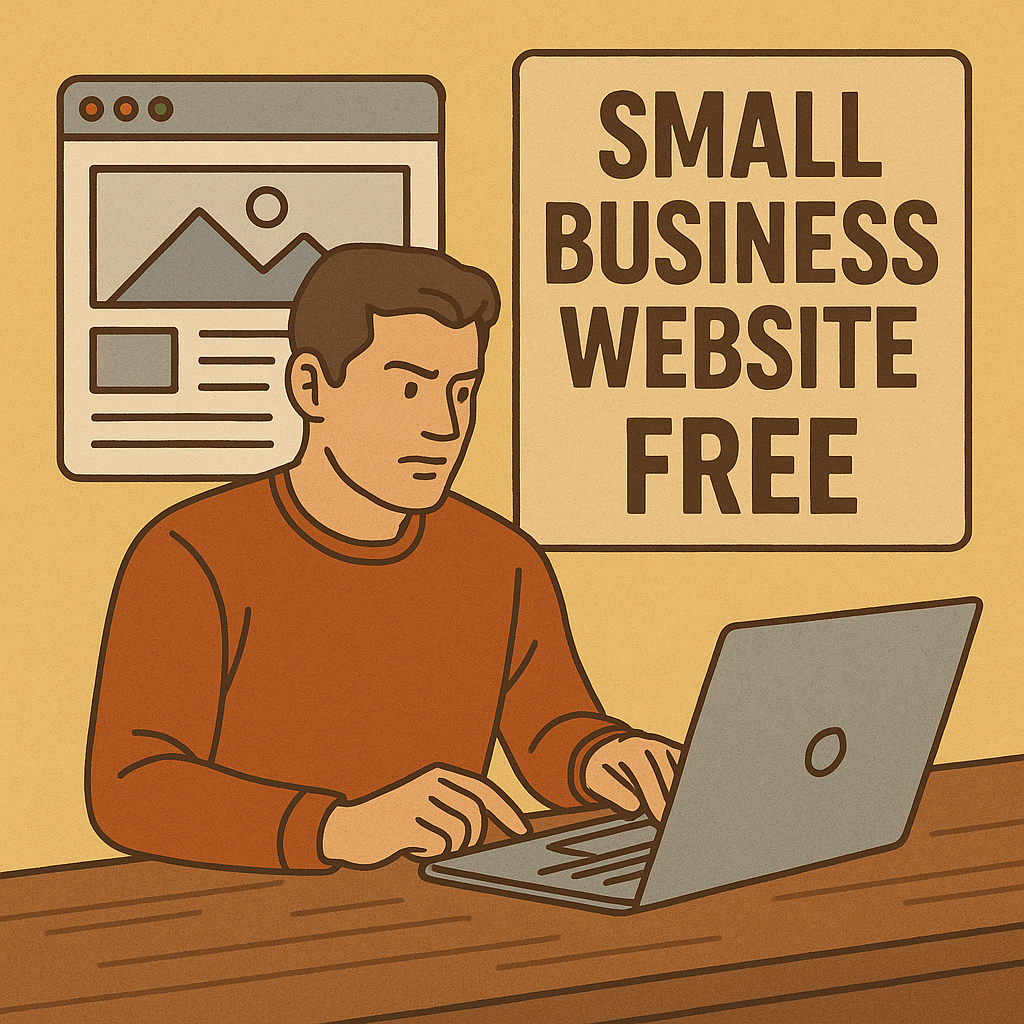
Build your small business website messy if you must — but build it. Progress beats perfection.
Conclusion: We Build It Because We Must
I wasn’t supposed to be here. But I built a small business website. Every time I poke at the design, tweak a headline, learn SEO, I get more sure of myself.
You don’t need permission. You don’t need fancy skills. You only need to start.
Build that site. Let it be messy. Learn from it. Improve it. And someday, someone will search, find you, trust you, buy from you — because you showed up.
You in? Let’s get that small business website live.
Articles you may like
Boost your Small Business: How to get more google reviews
Keyword Research Techniques: What Tools Actually Work for Small Businesses?








