

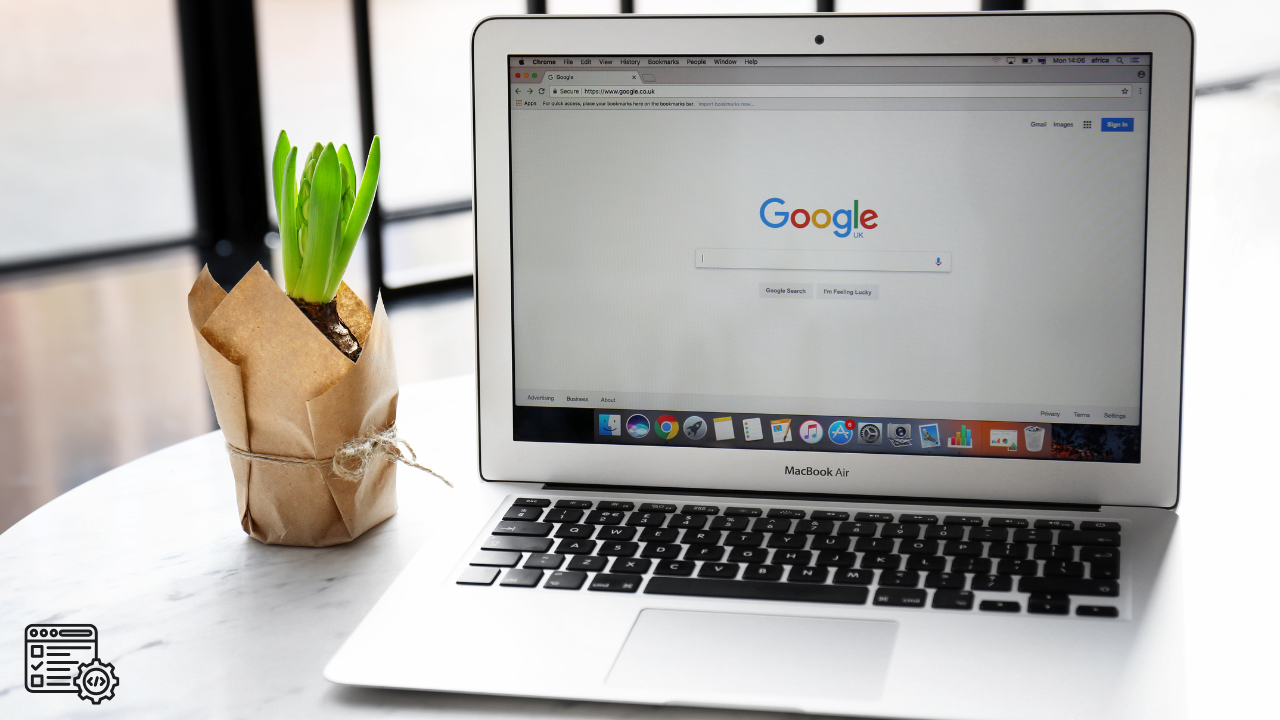
If you’re wondering how to create a website for free on Google, you’re already thinking the right way. Google gives you free tools that help you plan, build, and grow a website without paying thousands of dollars upfront.
This guide explains how I do it, what tools I use, and how you can do the same—even if you’re just getting started.
Let’s break it down step by step.
Step 1: Start With the Right Keyword
Before you build anything, you need to know what people are searching for. This is one of the most important steps when learning how to create a website for free on Google.
You want a keyword that:
- has high search volume (people are searching it)
- has low keyword difficulty
- fits your business or idea
Here’s a simple rule I use: If the difficulty is 10 for example.
👉 Look for keywords with a difficulty between 5 and 15
Why?
If your website is new, your domain strength might be around 10. If you try to rank for a keyword where competitors have a strength of 60, they’re going to beat you every time.
Low difficulty = less competition = better chance to rank.
Tools I Use to Find Keywords
These tools help you find keywords and plan your website content:
- Google Search Console
https://search.google.com/search-console - Google Analytics
https://analytics.google.com - Google Trends (optional but helpful)
https://trends.google.com
You can also use SEO tools like SEMrush or Ubersuggest to check keyword difficulty and search volume. Most of these tools cost $25 to $100 per month, depending on which one you choose.
That’s still way cheaper than paying thousands for a website.

Step 2: Use Google to Build the Website for Free
If your goal is how to create a website for free on Google, the easiest tool to use is Google Sites.
Google Sites lets you:
- build a website for free
- use Google hosting
- connect Google tools
- design with drag-and-drop
- publish with one click
No coding. No hosting fees. No stress.
It’s perfect for:
- small businesses
- startups
- service providers
- personal brands
- local businesses
Step 3: Structure Your Website the Smart Way
Google likes organized websites.
Your free Google website should have:
- one main topic per page
- clear headings
- simple sections
- easy navigation
Every page should include:
- one main H1
- smaller H2 and H3 headings
- short paragraphs
- your keyword used naturally
For example, your main page might use:
- H1: How to Create a Website for Free on Google
- H2: Free Tools Google Gives You
- H2: How to Rank Your Website on Google
This helps Google understand your content.
Step 4: Put the Keyword in the Right Places
When learning how to create a website for free on Google, keyword placement matters more than keyword stuffing.
Make sure your main keyword appears in:
- page title
- H1 heading
- first paragraph
- image text
- page description
- URL (if possible)
Do NOT repeat it too much. Keep it natural.
Google wants helpful content, not spam.
Step 5: Use AI to Write Content Faster
Writing content takes time. That’s why I use AI tools to help build pages faster.
AI helps me:
- write blog posts
- organize content
- create outlines
- save hours of work
You still review and edit the content, but AI speeds things up big time. This is a smart move when building a free website on Google.
Step 6: Use Google Search Console to Get Ranked
Google Search Console is FREE and very powerful.
It helps you:
- see which keywords you rank for
- fix errors
- submit your website to Google
- track impressions and clicks
Once your site is live, submit your pages inside Search Console so Google can index them.
This is a key part of how to create a website for free on Google and actually get traffic.
Step 7: Track Visitors With Google Analytics
Google Analytics shows:
- how many people visit
- where they come from
- what pages they read
- how long they stay
This helps you improve your website over time.
Analytics + Search Console = full picture of what’s working.
Step 8: Design It Yourself and Save Money
Here’s the real math:
- Website software: $25–$100/month
- Google Sites: FREE
- DIY time: a few hours a week
Now compare that to hiring someone:
- Small website: $500
- Business website: $2,000–$5,000
- Custom website: $10,000+
If you design it yourself using Google’s free tools, you save thousands. That’s why learning how to create a website for free on Google is such a powerful skill.
Step 9: Improve Over Time
Your website doesn’t need to be perfect on day one.
Start simple:
- one page
- one keyword
- one goal
Then improve:
- add content
- update keywords
- check analytics
- watch rankings grow
Google rewards consistency.
Conclusion
Learning how to create a website for free on Google puts control back in your hands. You don’t need a big budget. You don’t need fancy software. You just need the right tools and a smart plan.
Use:
- Google Sites to build
- Google Analytics to track
- Google Search Console to rank
- Google Trends to research
- AI to save time
Do it yourself, learn as you go, and grow at your own pace.
That’s how real websites get built—without breaking the bank.










