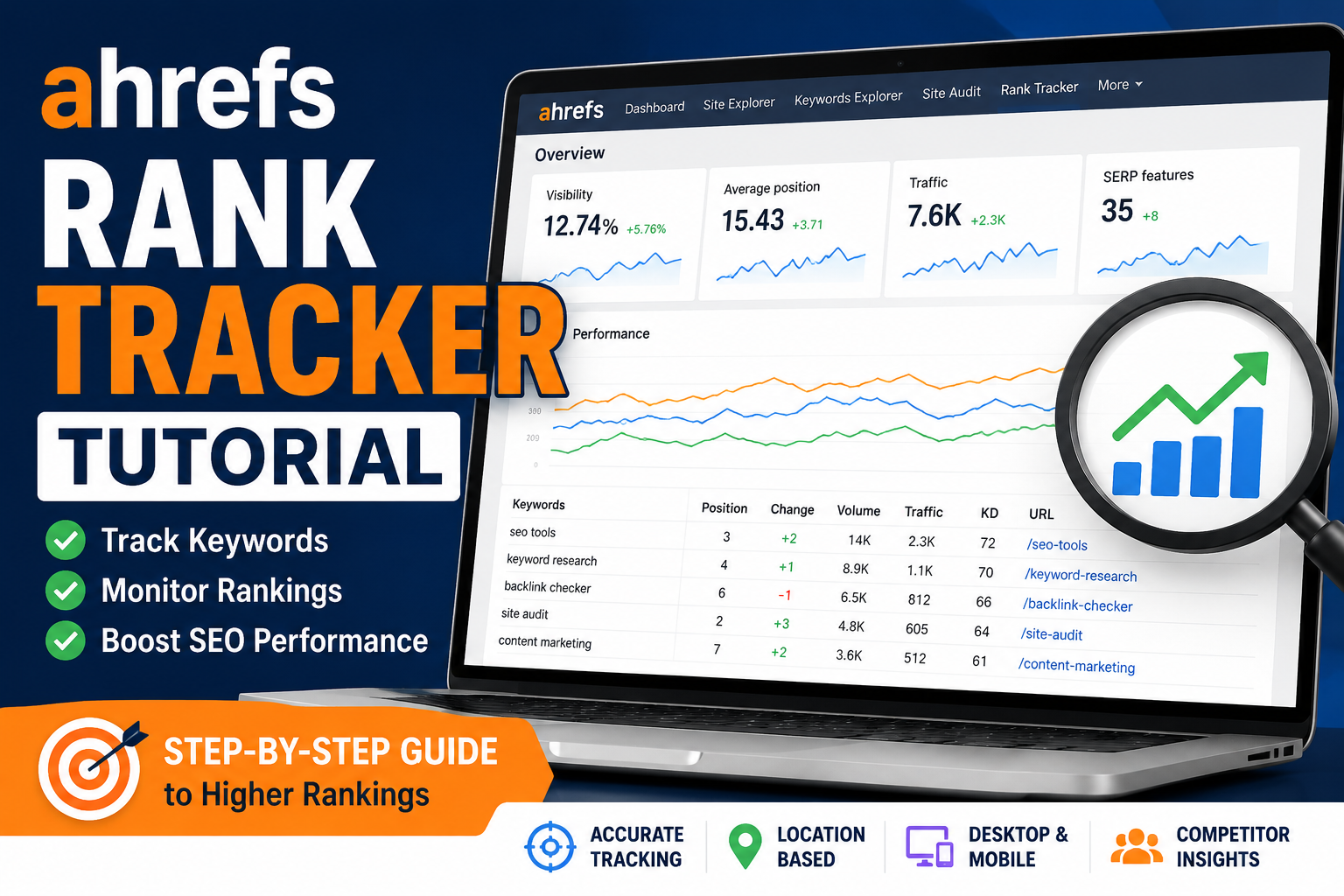
Tired of guessing how well your keywords are performing on Google? You don’t have to. With Ahrefs Rank Tracker, you get a clear, real-time view of your keyword performance—across locations, devices, and even against your competitors, helping improve your online presence In this guide, I’ll show you how to track your keyword rankings with Ahrefs Rank Tracker step by step.

Why Rank Tracking Matters for Buyer Behavior
Understanding rankings is important because rankings influence Buyer Behavior.
Most customers click businesses they see near the top of Google results because higher rankings often create stronger trust.
When businesses track keyword performance using Ahrefs Rank Tracker, they can better understand:
- what customers search for
- which pages attract clicks
- what content builds trust
- which keywords lead to conversions
Tracking rankings helps businesses improve visibility while learning how customers behave during online searches.
Many businesses also use rank tracking as part of a larger local SEO strategy to improve visibility in Google Maps and local search results. Monitoring rankings by location helps businesses see how they perform against competitors in specific cities and service areas.

What Is Ahrefs Rank Tracker?
Ahrefs Rank Tracker is a powerful tool that allows you to monitor the daily performance of your keywords across Google’s search results.

Why It Matters
Tracking keyword rankings helps you:
- Monitor your competitors
- Measure SEO success
- Identify drops in visibility
- Track the impact of content or SEO changes
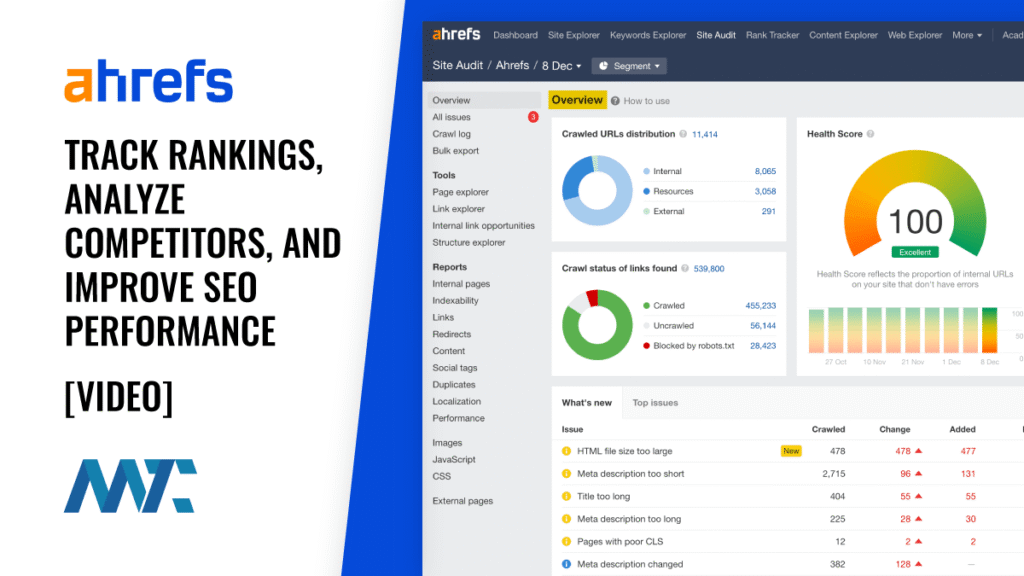
Key Features of Ahrefs Rank Tracker
Mobile vs desktop performance comparison
Daily keyword position tracking
Visibility score: A summary of how visible your site is across your tracked keywords
SERP features monitoring: Know if you’ve earned featured snippets, sitelinks, etc.
Benefits of Tracking Keyword Rankings
Measuring SEO Success
Track progress over time to see which strategies are working.
Spotting Issues Early
A sudden drop? It could be algorithmic or technical. Catch it early.
Client Reporting
Great for agencies—automated, visual reports for clients or stakeholders.
How to Set Up Ahrefs Rank Tracker
Step-by-Step Setup
- Choose desktop, mobile, or both.
- Go to Rank Tracker in Ahrefs.
- Click “Add New Project.”
- Enter your domain (or subdomain).
- Select your target country/city.
How to Add Keywords for Tracking
Use keyword tags like “homepage,” “blog,” or “product” to organize
Add keywords manually
Import a CSV file if you have a long list

International SEO Keyword Research and Rank Tracking
Businesses targeting multiple countries need to understand International SEO Keyword Research.
Customers in different locations often search using different phrases, languages, and search habits.
Ahrefs Rank Tracker helps businesses monitor rankings across different countries and regions so they can adjust content based on local search behavior.
This allows businesses to improve visibility internationally while understanding how search trends change between markets.

How Ahrefs Helps Improve Local SEO Strategy
A strong local SEO strategy requires more than just adding keywords to a website.
Businesses also need to track:
- local keyword rankings
- Google Maps visibility
- competitor performance
- customer search trends
- local search traffic
Ahrefs Rank Tracker helps businesses monitor these important SEO signals so they can improve visibility in their target locations.
This is especially helpful for small businesses trying to compete in crowded local markets.
Backlinks Still Matter for Rankings
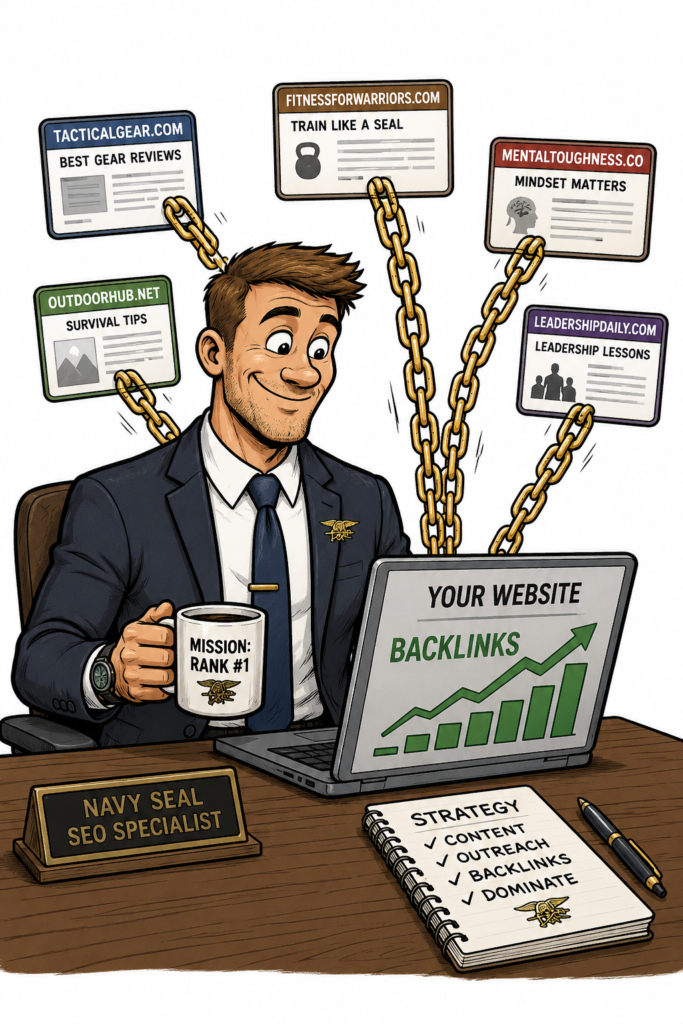
Even with strong content, rankings can be difficult without quality Backlinks.
Backlinks help search engines understand that other websites trust your content.
Ahrefs helps businesses analyze:
- backlink profiles
- referring domains
- competitor backlinks
- link-building opportunities
Strong backlinks combined with rank tracking can help businesses improve SEO performance over time.
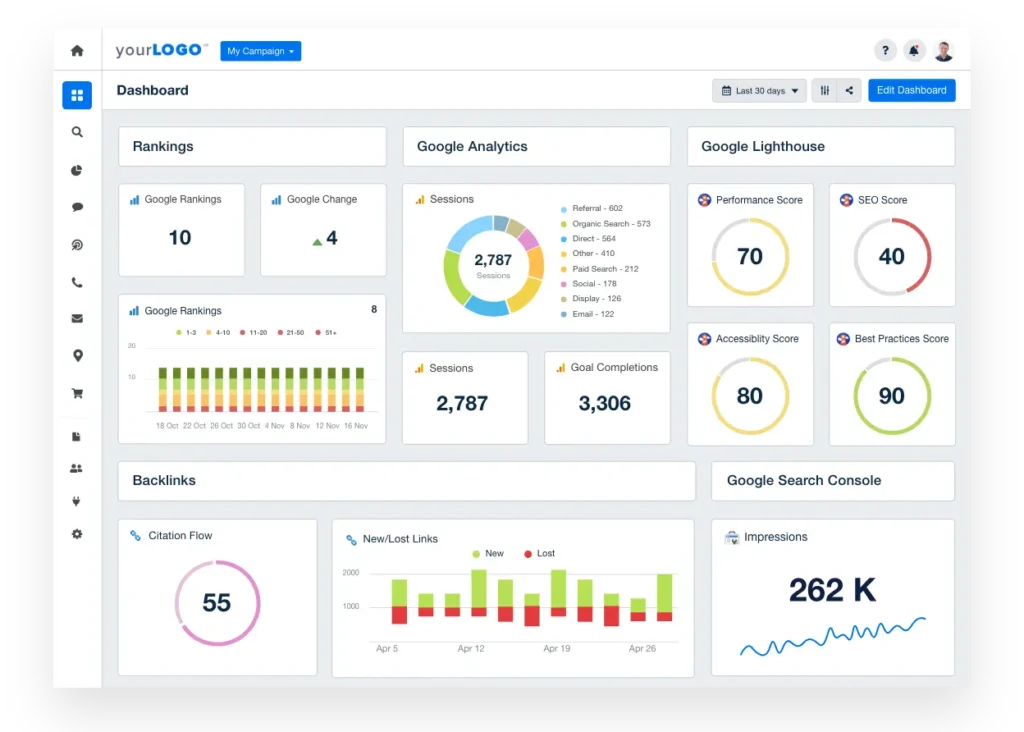
Understanding the Dashboard Interface
The main dashboard shows:
- SERP snapshot for each keyword
- Your average position
- Keywords in top 3, 10, 100
- Visibility graph over time
How to Analyze Ranking Changes and Trends
Use filters to drill down by location, tag, or device
Look for position gains and drops
Sort keywords by biggest movements
Using Alerts and Scheduled Reports
Set custom alerts for big movements (e.g., drop of 5+ positions)
Weekly reports show you ranking updates automatically
Comparing Against Competitors in Rank Tracker
See how your rankings stack up against theirs over time
Add competitor domains during setup or later
Track shared keywords
Mobile vs Desktop Ranking Insights
Google rankings can vary by device. Rank Tracker lets you:
Adjust your content and UX accordingly
Spot differences in rankings between mobile and desktop
Best Practices for Ongoing Rank Tracking
Google rankings can vary by device. Rank Tracker lets you:
Adjust your content and UX accordingly
Spot differences in rankings between mobile and desktop
Best Practices for Ongoing Rank Tracking
Update keyword lists monthly or quarterly
Use tags to track pages, topics, or funnel stages
Combine with Google Search Console data for deeper analysis
Mistakes to Avoid When Using Rank Tracker
Not tracking local variations if you serve multiple areas
Tracking too many random keywords instead of strategic terms
Forgetting to update your list as your site grows differences in rankings between mobile and desktop

Good rankings alone are not enough.
Businesses also need strong meta descriptions that encourage users to click search results. A well-written meta description can improve click-through rates by helping customers understand the value of the page before visiting the website.
FAQs About Ahrefs Rank Tracker
1. How often is the data updated?
Daily. You’ll see the most current position for each keyword.
2. Can I track keywords in different countries?
Yes. You can set up multiple locations per project.
3. How many keywords can I track?
Depends on your Ahrefs plan—but hundreds or thousands are possible.
4. Is it better than Google Search Console?
Use both. GSC shows organic impressions and clicks; Ahrefs shows position trends, competitors, and SERPs.
5. Can I export reports?
Yes. Download as PDF or Excel for sharing and offline analysis.
How Rank Tracking Supports Google Review Management
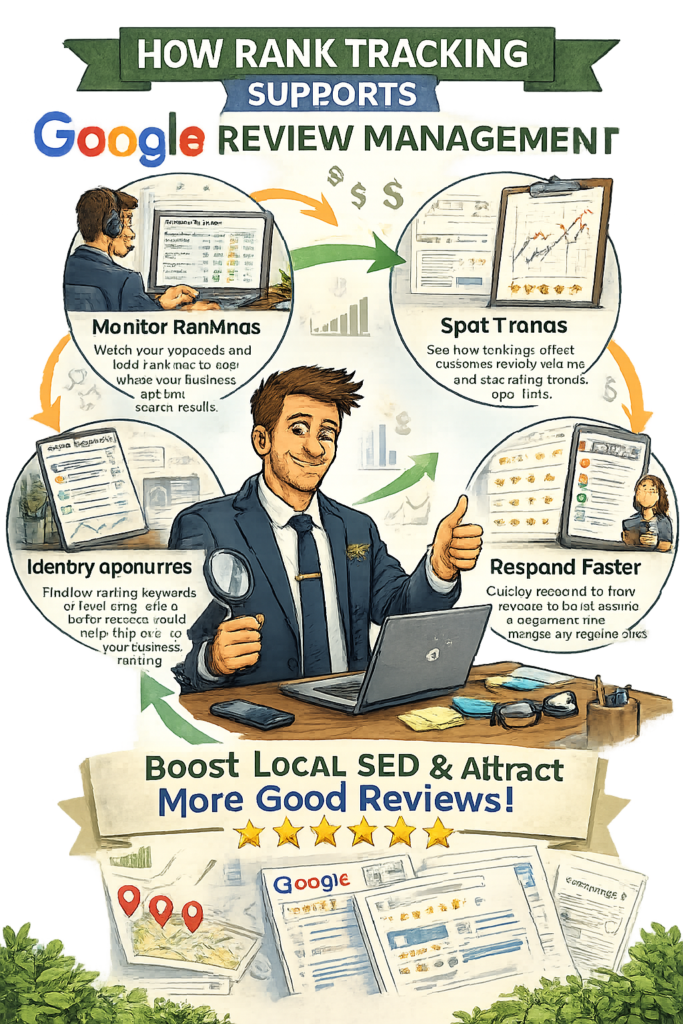
SEO and online reputation management often work together.
Businesses using a Google Review Management Service for Small Businesses can use rank tracking to monitor whether review-focused content is improving search visibility.
For example, businesses can track keywords like:
- small business reviews
- Google review management service
- reputation management
- local business reviews
- customer trust
This helps businesses understand how review management efforts contribute to SEO growth and online visibility.

Conclusion: Master SEO Performance with Ahrefs Rank Tracker
Ahrefs Rank Tracker is a must-have for serious SEOs. It doesn’t just show where you rank—it helps you
understand why and how to improve. Whether you’re tracking local, national, or global keywords, this tool delivers clarity and control. Use it regularly, pair it with strong content, and you’ll always be one step ahead in the SERPs.
Businesses that consistently monitor rankings, improve content, build backlinks, optimize meta descriptions, and manage customer reviews are often better positioned to Enhance Website Traffic and strengthen long-term online visibility.

- What Affects SEO Performance? Powerful Factors You Must Know
- Local SEO Made Easy With Google Business Profile Optimization