Table of Contents
You worked hard for those reviews.
You asked customers politely.
They left 5 stars.
You got the notification.
But now…
They’re gone.
If you’re asking, “Why are my Google reviews not showing?” — you’re not alone.
This happens more than people think. And most of the time, there’s a reason.
Let’s break it down in plain English.
🔍 1. Google’s Spam Filter Removed Them
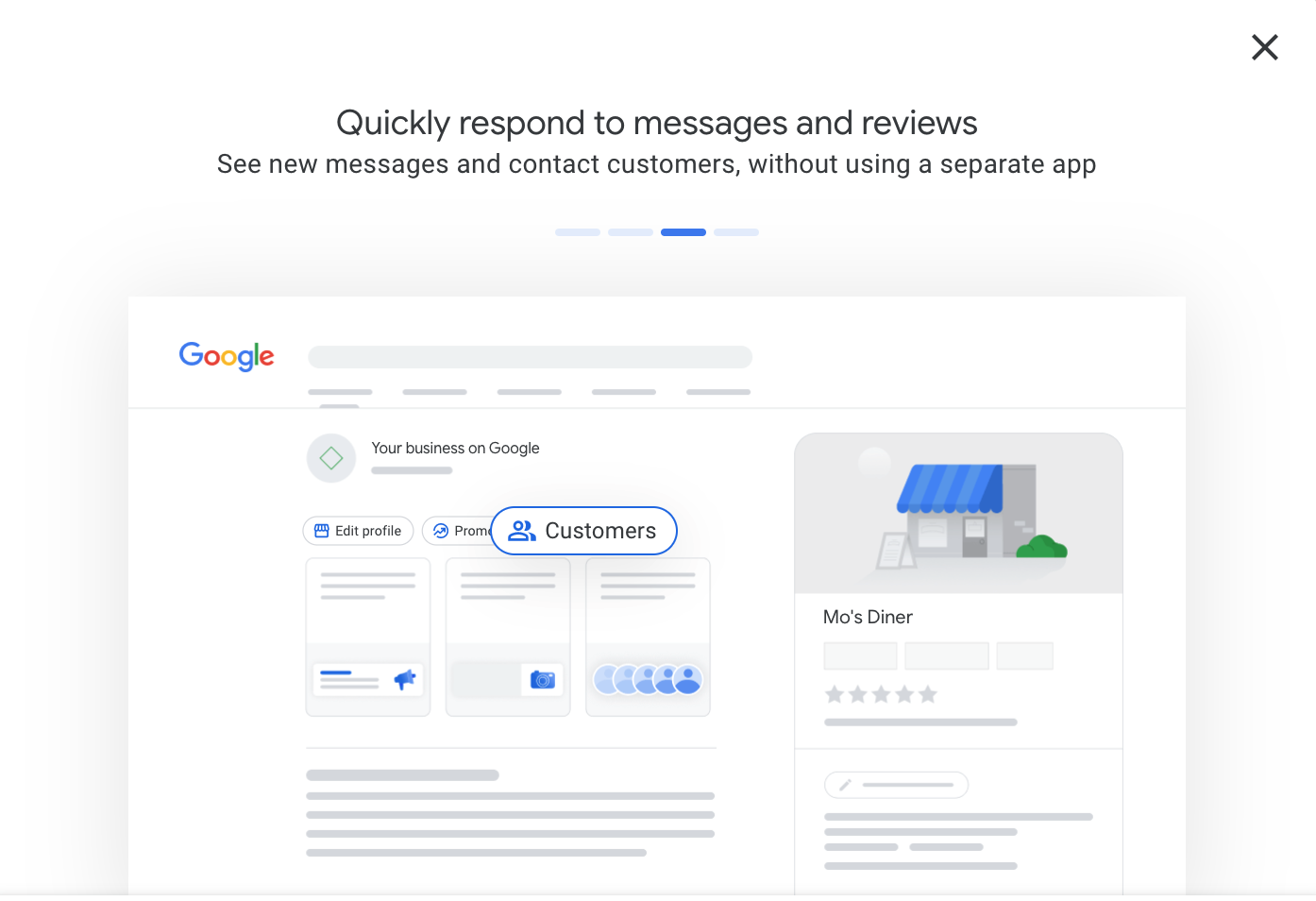
Google uses automatic filters on Google Business Profile to remove suspicious reviews.
Reviews may disappear if they:
- Come from brand-new accounts
- Are posted from the same IP address
- Use repeated wording
- Contain links
- Look fake or spammy
Even real reviews can get filtered.
Google does this to protect trust.
Unfortunately, it’s not perfect.
🕒 2. The Review Is Still Processing
Sometimes reviews don’t appear instantly.
It can take:
- A few hours
- 24–48 hours
- Occasionally longer
If the review is new, wait at least 2 days before worrying.
Google sometimes delays reviews for verification.
👤 3. The Reviewer Deleted It
Yes, this happens.
Customers can:
- Edit their review
- Delete it
- Change star ratings
If it disappears, the reviewer may have removed it.
You can politely ask them if they see it on their end.
🚫 4. The Review Violates Google Policy
Google removes reviews that break content rules.
Examples include:
- Hate speech
- Offensive language
- Fake claims
- Conflict of interest
- Reviews from employees
Google follows its review policy strictly.
You can read the official policy here:
👉 https://support.google.com/contributionpolicy/
🌎 5. The Reviewer’s Account Was Suspended
If a customer’s Google account gets suspended, their reviews may vanish.
This is common when accounts:
- Post too many reviews too fast
- Post fake reviews
- Violate Google rules
Even if the review was positive, it may disappear.
🏢 6. Your Business Profile Is Suspended
If your Google Business Profile is suspended:
- Reviews may not show
- Your listing may disappear
- Your business won’t appear in search
Check your Business Profile dashboard for warnings.
📍 7. You’re Looking at the Wrong Listing
Some businesses accidentally create duplicate listings.
If that happens:
- Reviews may be split
- Some appear on one listing
- Some appear on another
Search your business name on Google and check for duplicates.
If found, request a merge.
🛠 How to Fix Missing Google Reviews
Here’s what you can actually do.
✅ Step 1: Wait 48 Hours
If the review is new, be patient first.
✅ Step 2: Ask the Customer to Check
Have them:
- Confirm the review is still posted
- Make sure it follows policy
- Avoid using links or promotional text
✅ Step 3: Contact Google Support
If a legitimate review disappears:
- Log into Google Business Profile.
- Go to Support.
- Submit a review issue request.
Google may not restore it, but it’s worth trying.
✅ Step 4: Focus on Getting More Reviews
Here’s the truth.
You can’t control every review.
But you can control volume.
If you consistently ask happy customers for reviews, a few disappearing won’t hurt much.
Volume protects you.
🚀 How to Prevent Reviews From Disappearing
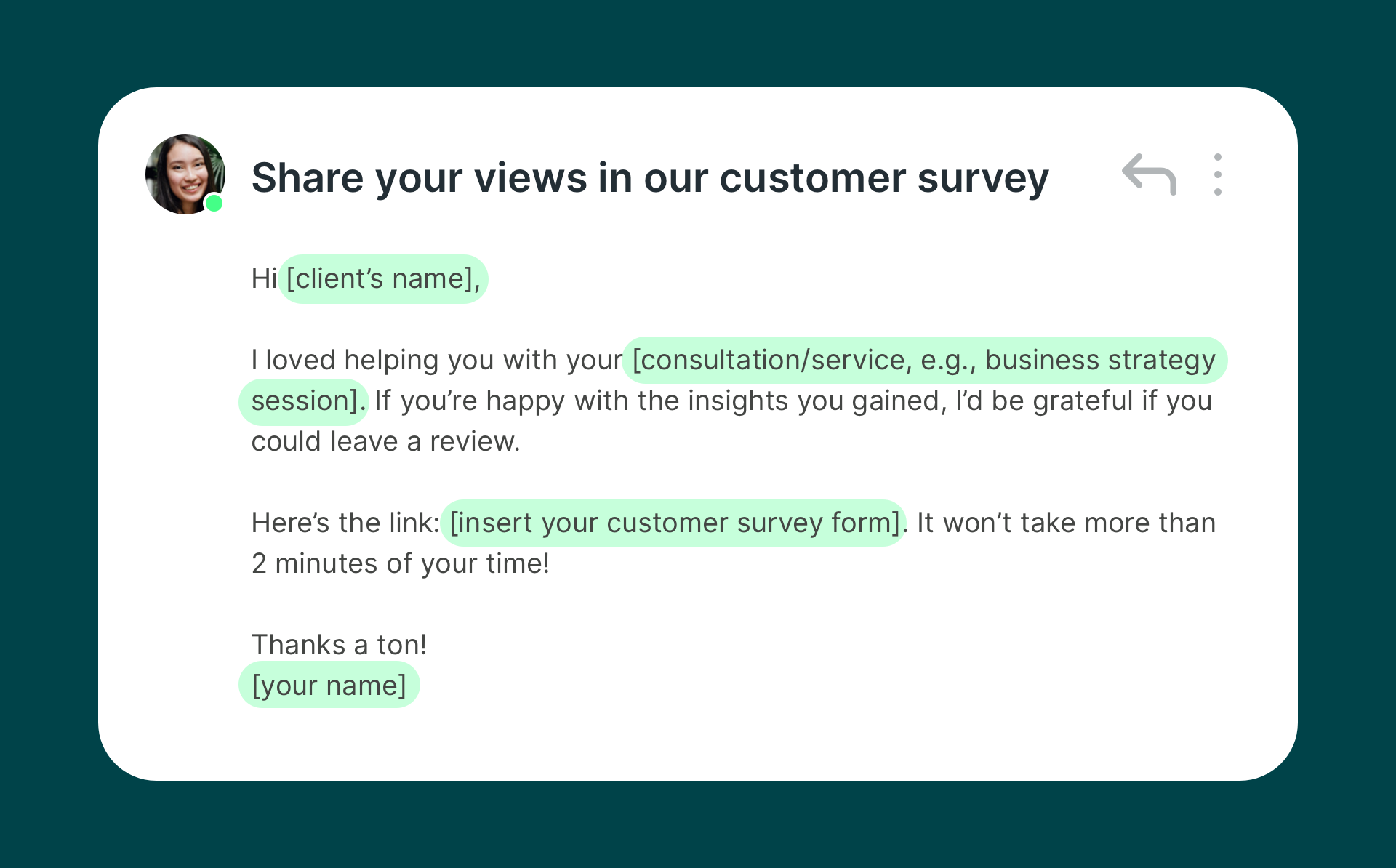
Follow these best practices:
- Ask customers individually (not in bulk)
- Avoid review stations in your store
- Don’t offer incentives
- Don’t ask employees to review
- Keep requests natural and honest
Real reviews last longer.
Fake ones disappear.
⚠️ Important Truth About Google Reviews
Google controls the platform.
You don’t.
They can:
- Filter reviews
- Remove reviews
- Delay reviews
It’s frustrating, but it protects credibility.
That’s why long-term strategy matters more than short-term wins.

❓ Frequently Asked Questions
1. Why are my 5-star Google reviews not showing?
They may have been filtered by Google’s spam detection system.
2. How long does it take for Google reviews to appear?
Usually within 24–48 hours.
3. Can I recover deleted Google reviews?
Only if Google support restores them.
4. Do Google reviews disappear randomly?
No. There’s usually a reason like policy violation or spam filtering.
5. Can competitors remove my reviews?
No. But they can flag them if they believe they violate policy.
6. Does asking too many customers at once cause filtering?
Yes. Bulk review requests can trigger spam detection.
🎯 Final Thoughts

If you’re wondering, why are my Google reviews not showing, the answer is usually:
- Spam filtering
- Policy violation
- Processing delay
- Account issues
Don’t panic.
Focus on steady, honest review growth.
The best protection against missing reviews?
More real reviews.
Consistency wins.
Related Articles
Do Google Reviews Affect Local Ranking in 2026? The Truth
How to Write Satisfied Customer Reviews (With Examples)
5-Star Google Review Generator: Easy Templates to Get Better Reviews
Boost your Small Business: How to get more google reviews
Latest Articles