

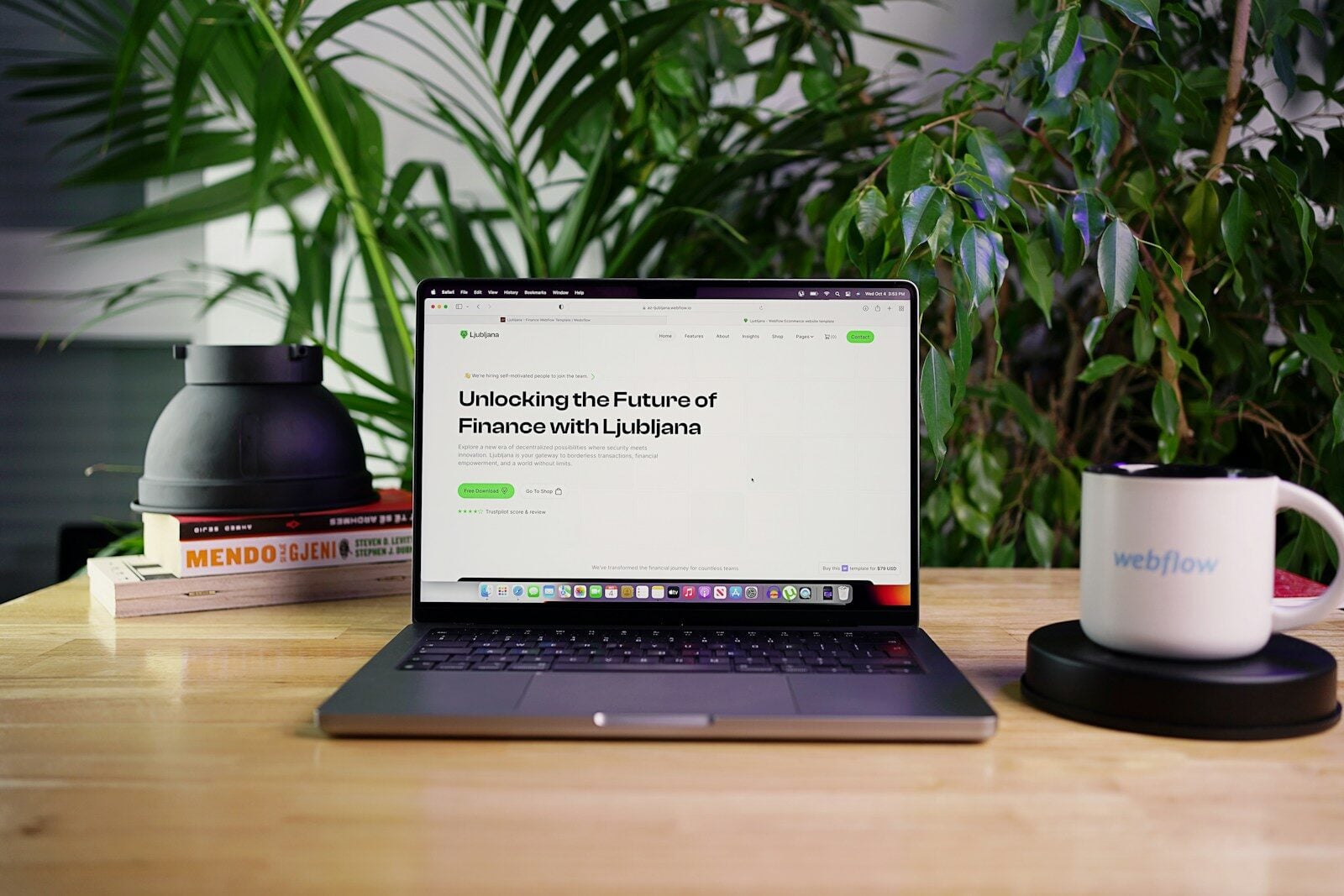
Creating a web page template is one of the smartest ways to speed up web development. Instead of designing every page from scratch, developers build a reusable layout that can be used across multiple pages.
Templates help maintain consistent design, reduce development time, and make website updates easier.
Whether you’re building a personal website, a blog, or a business site, learning how to create a web page template is an important web development skill.
In this guide, you’ll learn:
- what a web page template is
- how templates work
- how to build one step by step
- tools developers use to create templates
Let’s start by understanding what templates are.
What Is a Web Page Template?
A web page template is a predesigned layout used to create multiple pages on a website.
Instead of designing every page individually, developers create one template and reuse it for different sections of a website.
Templates usually include:
- headers
- navigation menus
- content sections
- sidebars
- footers
This structure ensures consistency across all pages of a website.
Developers typically build templates using frontend technologies like HTML, CSS, and JavaScript with coding tools such as Visual Studio Code.
Why Web Page Templates Are Important

Web page templates provide several advantages for developers and designers.
Benefits include:
- faster website development
- consistent design across pages
- easier website maintenance
- improved workflow for teams
Templates are widely used in content management systems like WordPress and website builders such as Webflow.
Basic Structure of a Web Page Template

Most web page templates follow a simple layout structure.
Typical sections include:
Header
The header appears at the top of the page and usually contains:
- logo
- navigation menu
- search bar
Main Content
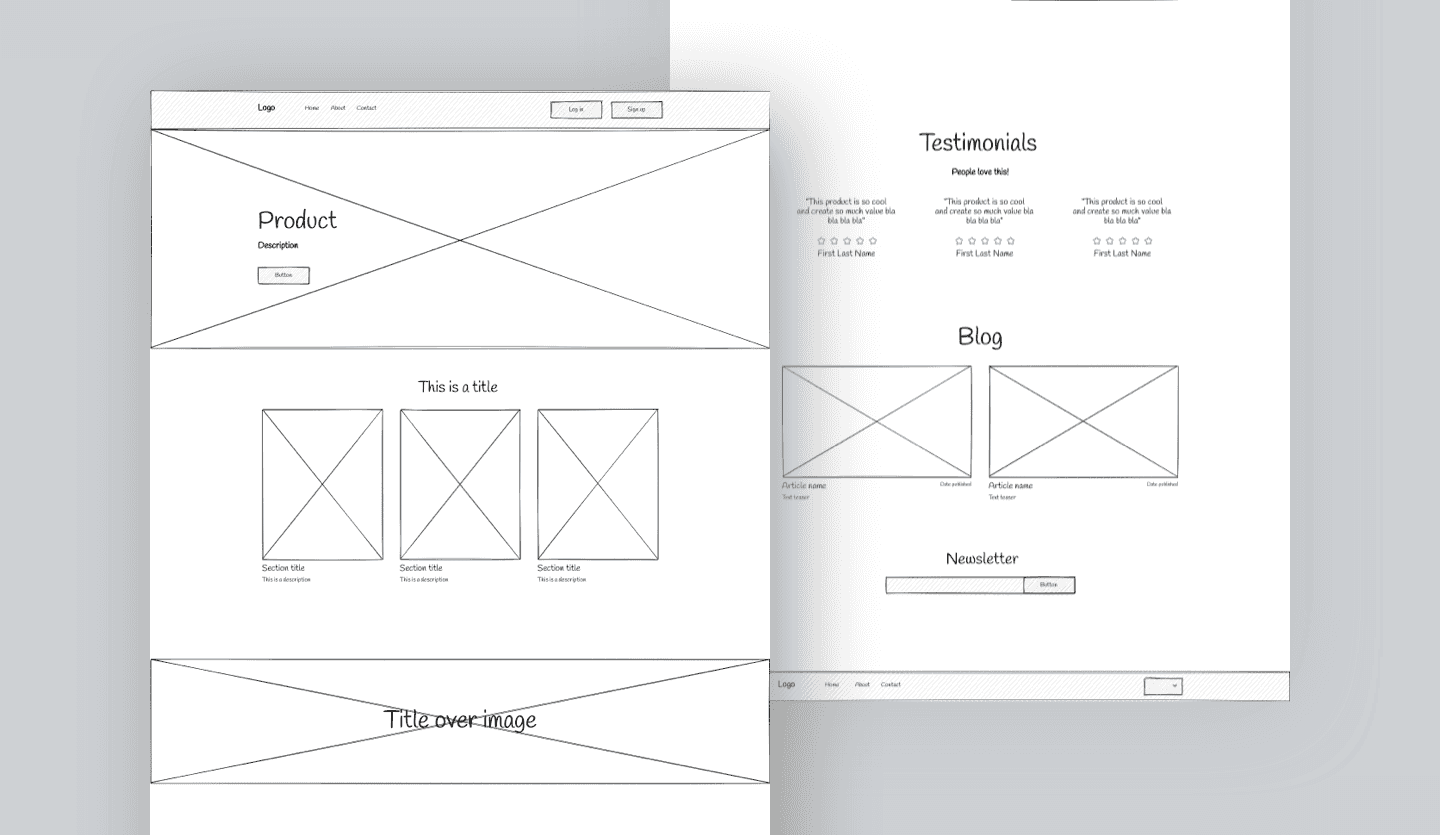
The main content section displays the primary information on the page.
Sidebar (Optional)
Sidebars may contain:
- widgets
- links
- advertisements
Footer
The footer appears at the bottom of the page and often includes:
- contact information
- navigation links
- copyright notices
Step by Step: How to Create a Web Page Template
Follow these steps to create a basic web page template.
Step 1: Create the HTML Structure
Start by creating the main structure using HTML.
Example:
<!DOCTYPE html>
<html>
<head>
<title>Website Template</title>
<link rel="stylesheet" href="styles.css">
</head>

<body>

<header>
<h1>My Website</h1>
</header>

<nav>
<ul>
<li>Home</li>
<li>About</li>
<li>Contact</li>
</ul>
</nav>

<main>
<p>Main content goes here.</p>
</main>

<footer>
<p>Copyright 2026</p>
</footer>

</body>
</html>
HTML defines the structure of the page.
Step 2: Style the Template With CSS
Next, create a stylesheet to design the layout.
Example:
body{
font-family: Arial;
margin:0;
}

header{
background:#333;
color:white;
padding:20px;
}

nav{
background:#eee;
padding:10px;
}

main{
padding:20px;
}

footer{
background:#333;
color:white;
text-align:center;
padding:10px;
}
CSS controls the visual design of the template.
Step 3: Make the Template Responsive
Modern templates must work on mobile devices.
Developers often use responsive frameworks like Bootstrap to make layouts adapt to different screen sizes.
Responsive design ensures templates work on smartphones, tablets, and desktops.
Tools for Creating Web Page Templates
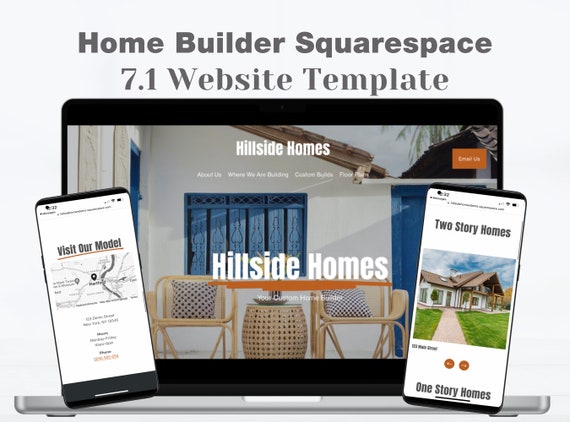
Developers use several tools to create web page templates.
Common tools include:
- Visual Studio Code for writing code
- Figma for designing page layouts
- GitHub for version control and collaboration
These tools help developers build templates efficiently.
Tips for Creating Better Web Page Templates

To create effective templates, developers should follow several best practices.
Keep Layouts Simple
Simple layouts improve usability and readability.
Use Reusable Components
Reusable sections reduce development time.
Optimize for Mobile
Templates should work well on all screen sizes.
Maintain Consistent Design
Consistency helps improve user experience across pages.
Common Template Mistakes
Some mistakes can reduce the effectiveness of web page templates.
Common issues include:
- overly complex layouts
- poor mobile responsiveness
- inconsistent design elements
- slow loading templates
Avoiding these problems helps create better templates.
Conclusion
Learning how to create a web page template is a smart skill for any web developer.
It helps you work faster.
It helps your pages stay clean.
And it makes your whole website easier to manage.
When you build a strong template, you are not starting from scratch every time. You already have a layout that works. That helps you save time, keep things simple, and build pages that stay more consistent.
And that matters more than people think.
A good website template gives your site a strong foundation. It helps every page stay consistent, professional, and easy to manage. It also helps your website feel more polished and easier to trust.
But bringing people to your site is only part of the job.
Once that strong setup gets visitors in the door, Google reviews help with the next step. They build trust. They show proof. And they give people a reason to believe in your business.
That is why your website design and your reputation should work together.
When people land on your site, they do not just look at the layout. They also want to know what other customers think. They want to see real feedback, strong ratings, and proof that your business delivers. That is where reputation management and real 5 star Google reviews can make a big difference.
So your web page template should do more than hold content. It should help support a better website overall. One that looks good, feels easy to use, and helps show off the trust your business has already built.
With the right tools and simple best practices, web page templates can make web development easier and help your website perform better. And when that strong design is backed by real reviews and a solid reputation, your website becomes even more powerful.
Related Articles
Related Articles
-
Google Review Removal Service That Protects Your Reputation and Builds Trust

Can Negative Google Reviews Damage a Healthcare Organization? A sudden wave of negative Google reviews can seriously damage the reputation of a nursing home or medical practice. Families researching nursing homes often compare ratings, recent reviews, management responses, photographs, and overall review activity before scheduling a tour. Patients may perform the same research before choosing…
-
Google Review Management Agency That Helps Businesses Build Trust and Get More Customers

People trust Google reviews before they trust advertisements. Before contacting your business, potential customers usually search your company online and ask themselves one important question: “Can I trust this business?” That answer often comes from your reviews. Customers look at: If your business has weak reviews, outdated feedback, or unanswered complaints, customers may choose a…
-
How to Get New Patients in New York With Google Reviews

Your next patient in New York may decide whether to call your practice before ever speaking to your staff. Today, patients search, compare, and read reviews before choosing care. A 2025 survey found 84% of patients check online reviews before choosing a new healthcare provider. In 2026, 75% said they wouldn’t book with a provider…







