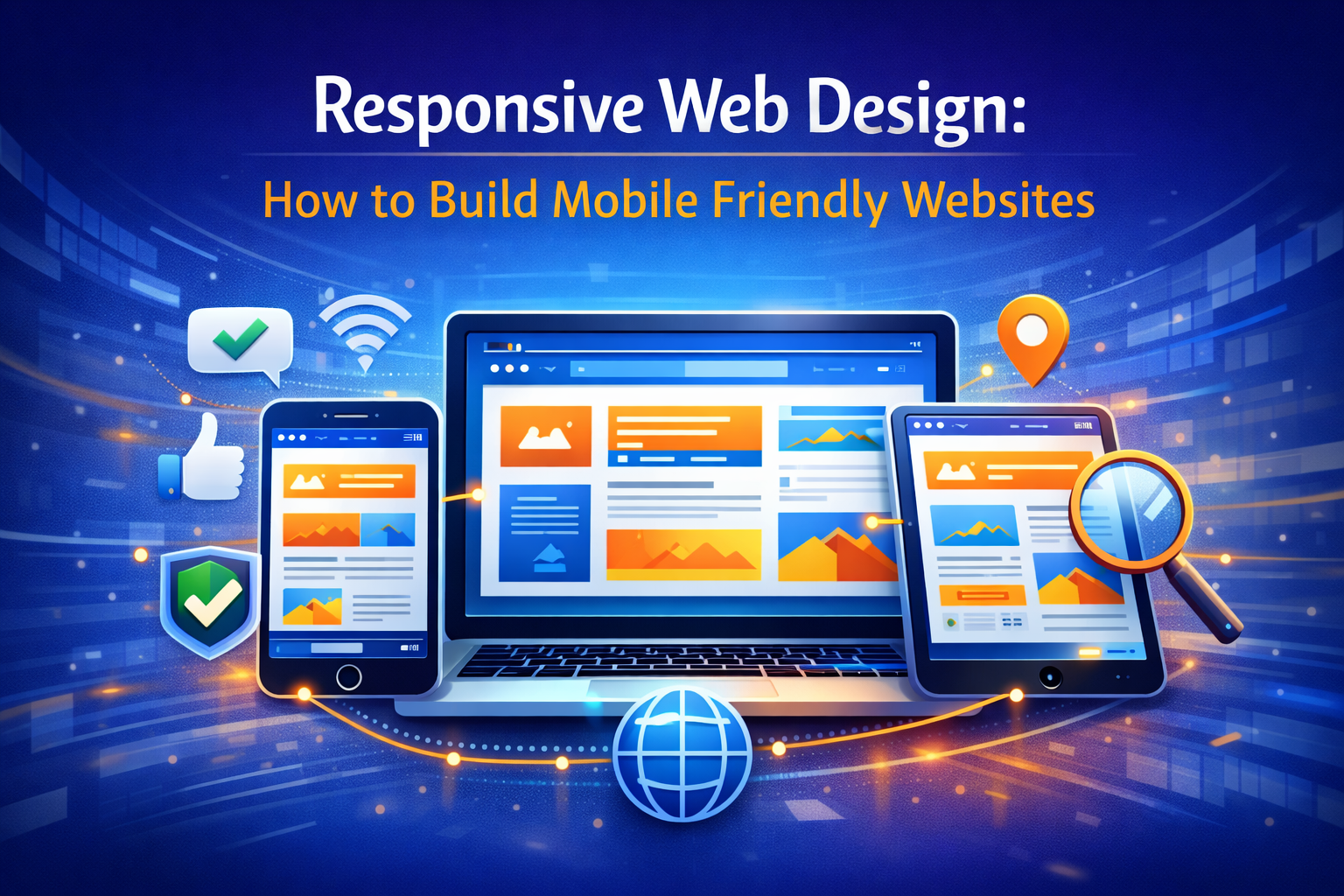
Today, people access websites from many different devices, including smartphones, tablets, laptops, and desktop computers. Because of this, websites must be designed to adapt to different screen sizes. This approach is known as responsive web design.
Responsive web design ensures that a website automatically adjusts its layout, images, and content to fit any screen. A responsive site provides a smooth and consistent experience for users no matter which device they use.
In this guide, we’ll explore:
- what responsive web design is
- why mobile friendly websites are important
- key principles of responsive design
- tools and techniques developers use
Let’s look at how developers build websites that work across all devices.
What Is Responsive Web Design?
Responsive web design is a design approach that allows websites to automatically adapt to different screen sizes and devices.
Instead of creating separate websites for desktop and mobile users, responsive design uses flexible layouts that adjust dynamically.
Responsive websites use technologies such as:

- flexible grids
- fluid images
- CSS media queries
Developers typically build responsive layouts using languages like HTML, CSS, and JavaScript in coding environments such as Visual Studio Code.
Responsive design is now a standard practice in modern web development.
Why Responsive Design Is Important

Responsive design plays a major role in improving website usability and accessibility.
Key benefits include:
- better user experience across devices
- improved mobile usability
- higher search engine rankings
- reduced website maintenance
Search engines like Google Search prioritize mobile friendly websites in search results.
This makes responsive design essential for SEO.
Key Principles of Responsive Web Design

Several principles help developers create responsive websites.
Flexible Grid Layouts
Responsive websites use flexible grids that automatically adjust content based on screen size.
This allows page elements to resize proportionally.
Fluid Images
Images must scale properly on different devices.
Developers often use responsive image techniques to ensure images remain clear without slowing down the website.
CSS Media Queries
Media queries allow developers to apply different styles based on screen size.
This ensures that layouts adapt to smartphones, tablets, and desktops.
Mobile First Design Approach
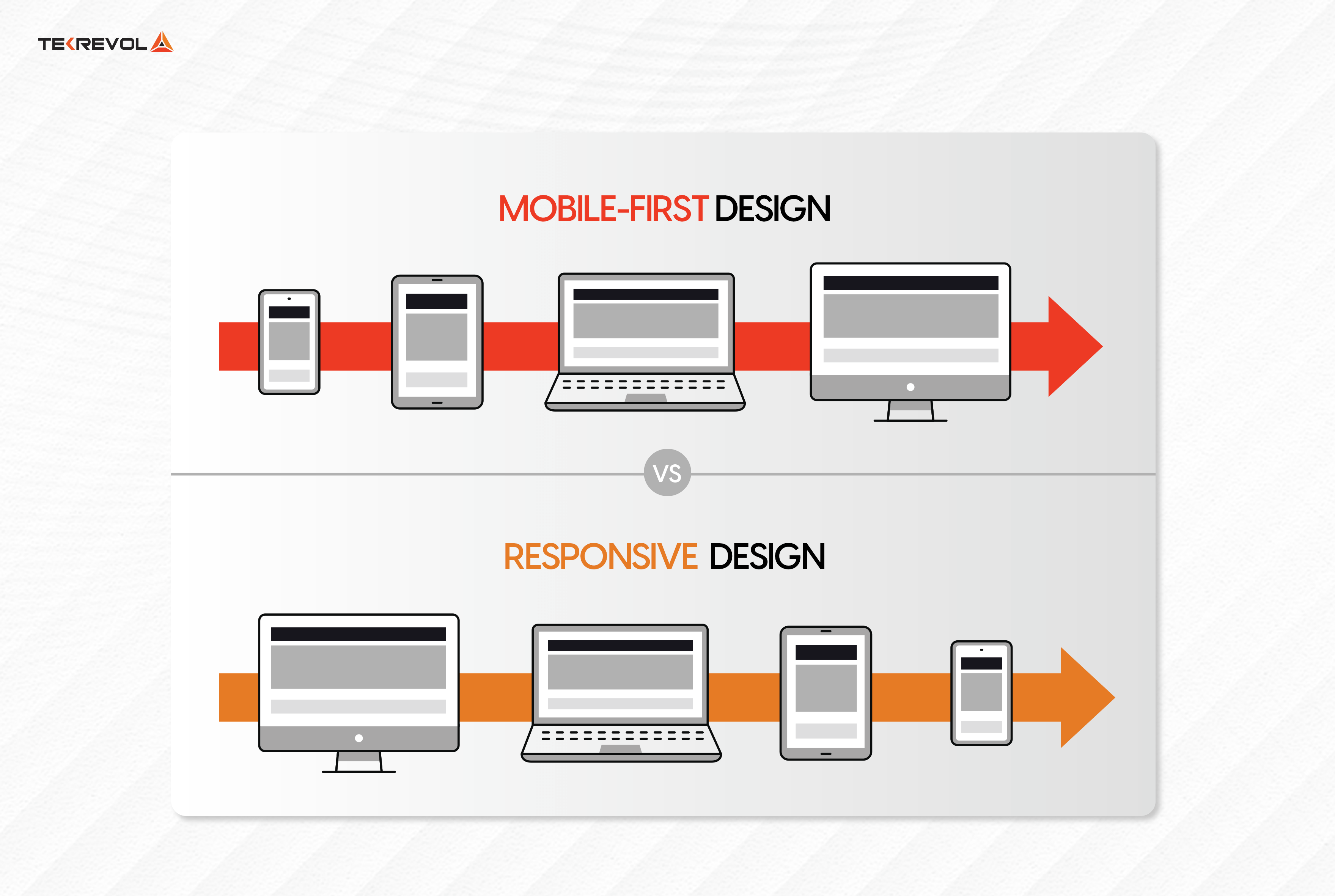
Many developers follow a mobile first design approach.
This means designing the website for smartphones first and then expanding the layout for larger screens.
Mobile first design ensures that the most important content remains accessible on small screens.
It also improves website performance and usability.
Tools for Responsive Web Design

Developers use several tools to test responsive layouts.
Popular tools include:
- Chrome DevTools for testing responsive layouts in browsers
- Figma for designing responsive UI layouts
- Bootstrap for responsive frontend frameworks
These tools help developers ensure websites function correctly across devices.
Common Responsive Design Mistakes
Even experienced developers can encounter challenges when designing responsive websites.
Common mistakes include:
- fixed width layouts that do not scale
- oversized images slowing down mobile pages
- poor navigation on small screens
- ignoring mobile performance
Avoiding these issues helps improve the overall user experience.
Tips for Creating Responsive Websites
Here are several helpful tips for developers.
Use Flexible Layouts
Avoid fixed dimensions that prevent layouts from adapting.
Optimize Images
Compressed images help improve mobile loading speed.
Test Across Devices
Always test websites on multiple screen sizes and browsers.
Prioritize Mobile Usability
Ensure buttons, menus, and text remain easy to use on smartphones.
Conclusion
Responsive web design is essential for building modern websites that work across all devices.
By using flexible layouts, fluid images, and CSS media queries, developers can create websites that adapt to different screen sizes automatically.
Responsive design improves user experience, increases accessibility, and helps websites perform better in search results.
For developers and businesses alike, building responsive websites is now a fundamental part of successful web development.

Related Articles
Latest Articles
-
Google Review Removal Service That Protects Your Reputation and Builds Trust
Can Negative Google Reviews Damage a Healthcare Organization? A sudden wave of negative Google reviews can seriously damage the reputation of a nursing home or medical practice. Families researching nursing homes often compare ratings, recent reviews, management responses, photographs, and overall review activity before scheduling a tour. Patients may perform the same research before choosing…
-
Google Review Management Agency That Helps Businesses Build Trust and Get More Customers
People trust Google reviews before they trust advertisements. Before contacting your business, potential customers usually search your company online and ask themselves one important question: “Can I trust this business?” That answer often comes from your reviews. Customers look at: If your business has weak reviews, outdated feedback, or unanswered complaints, customers may choose a…
-
How to Get New Patients in New York With Google Reviews
Your next patient in New York may decide whether to call your practice before ever speaking to your staff. Today, patients search, compare, and read reviews before choosing care. A 2025 survey found 84% of patients check online reviews before choosing a new healthcare provider. In 2026, 75% said they wouldn’t book with a provider…
-
How Accepted Insurance Plans Can Strengthen Medical Local SEO
When patients search for a doctor, they are not only looking for the right specialty or the closest medical office. Many also need to know whether the practice accepts their insurance. A patient might search Google for: If your website does not clearly list the insurance plans your practice accepts, Google and potential patients may…
-
Brooklyn Nursing Home Marketing in 2026: How to Turn Google Searches Into More Admissions
If you’re responsible for marketing or admissions at a nursing home, you already know how to generate business the traditional way. You know the importance of hospital relationships. You know your discharge planners, case managers, physicians, community partners, and referral sources. You know what happens to census when those relationships are strong, and you know…
-
Google Reviews and Search Console: Drive More Traffic to Your Queens Medical Practice
Google Reviews and Search Console: Drive More Traffic to Your Queens Medical Practice A patient in Queens searches Google for a family doctor, chiropractor, dentist, physical therapist, podiatrist, urgent care center, or medical specialist. Within seconds, that patient may see several practices competing for attention. The listings can look similar, but the patient still has…