

If you run a local business, showing up on Google can make a huge difference.
Think about it. When someone searches for something like:
- pizza near me
- plumber nearby
- coffee shop open now
Google usually shows a map with a few businesses at the top.

Those listings come from Google Business Profile and appear directly inside Google Search and Google Maps.
And here’s the truth.
Businesses that appear there often get the most calls, clicks, and customers.
So if you want your business to be visible online, learning how to manage and optimize your Google Business Profile is one of the smartest things you can do.
Let’s walk through the essentials.
What Is Google Business Profile?

Google Business Profile is a free tool that allows businesses to manage how they appear on Google.
Your listing can show important information like:
- customer reviews
- business name
- address
- phone number
- business hours
- photos
Customers can also:
- call your business
- get directions
- visit your website
All directly from your listing.
For local businesses, this is one of the most powerful free marketing tools available.

Why Google Business Profile Matters for Local SEO
Optimizing a Google Business Profile helps small businesses improve visibility in Google Maps and local search results. A strong local SEO strategy can attract more nearby customers consistently online.
Businesses using better profile optimization, customer reviews, and updated meta descriptions often improve customer trust and local rankings. Responding to reviews also helps strengthen online engagement and visibility.

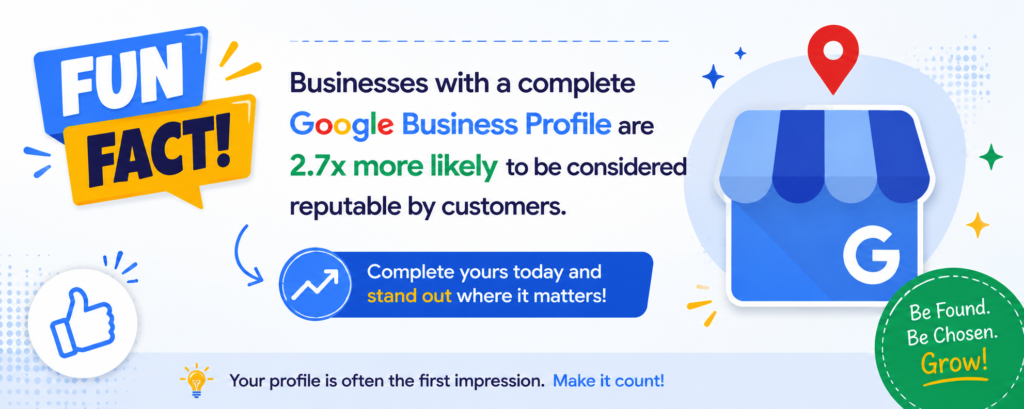
A complete Google Business Profile supports website traffic, customer communication, and local SEO strategy efforts. Businesses with organized profiles usually improve online trust, clicks, and customer conversions over time.
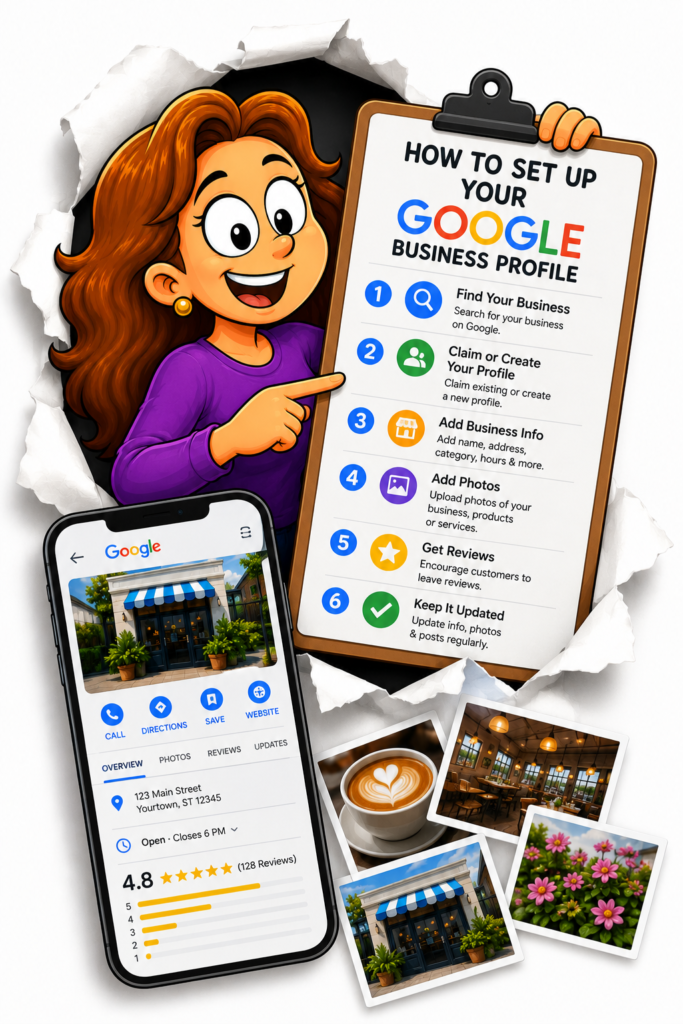
How to Set Up Your Google Business Profile
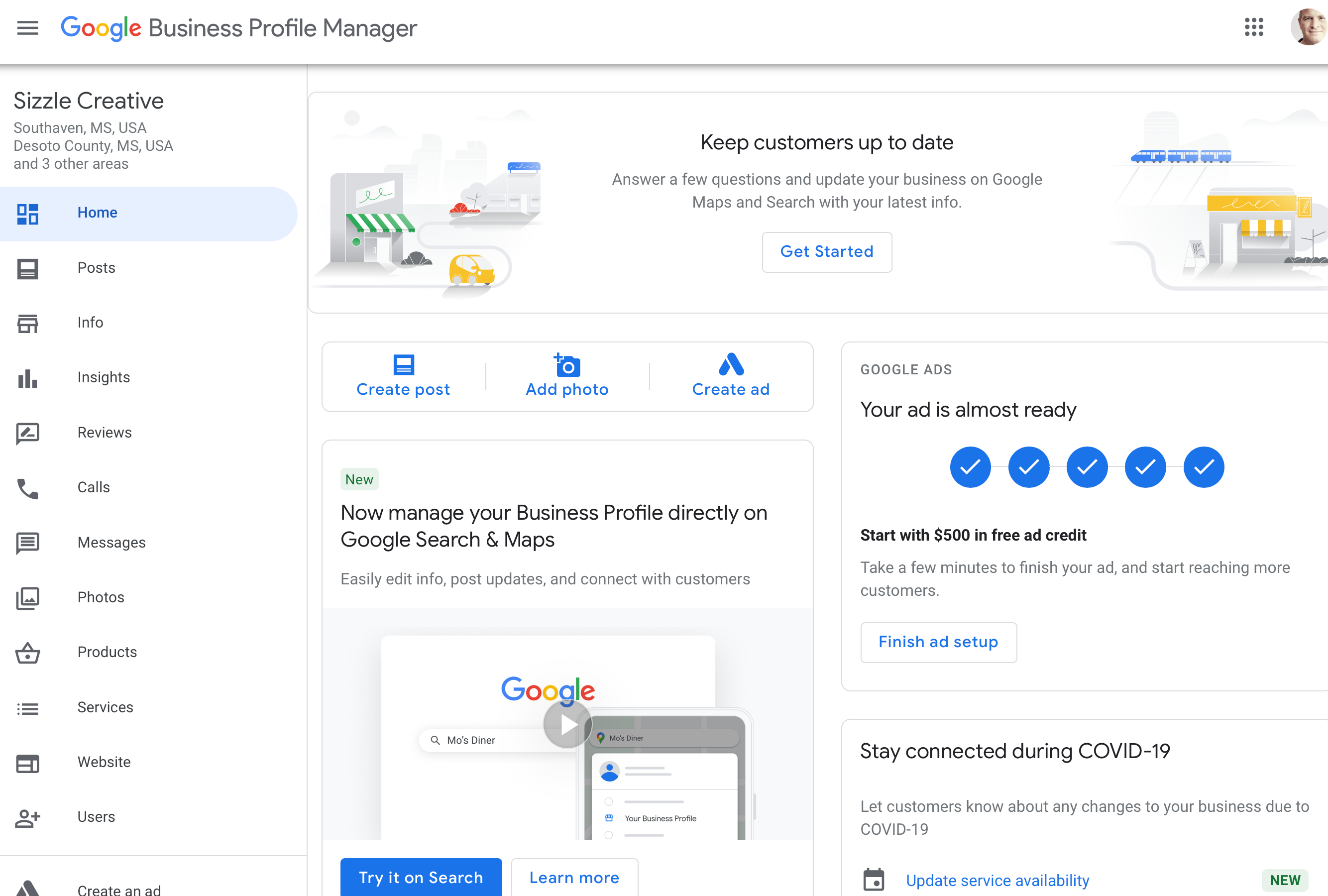
Setting up a Google Business Profile is pretty straightforward.
Basic steps include:
- Create or claim your business listing
- Add your business name and category
- Enter your address and contact information
- Verify your business
Verification confirms that your business is real and located where you say it is.
Once verified, you can start managing your listing.
Optimizing Your Google Business Profile

Optimization helps your business appear more often in local searches.
Some important optimization steps include:
- adding accurate business information
- choosing the correct business category
- uploading photos
- responding to reviews
These small improvements can have a big impact on your visibility.
You can learn more in our related article about Google Business Profile optimization checklists.
Managing Customer Reviews
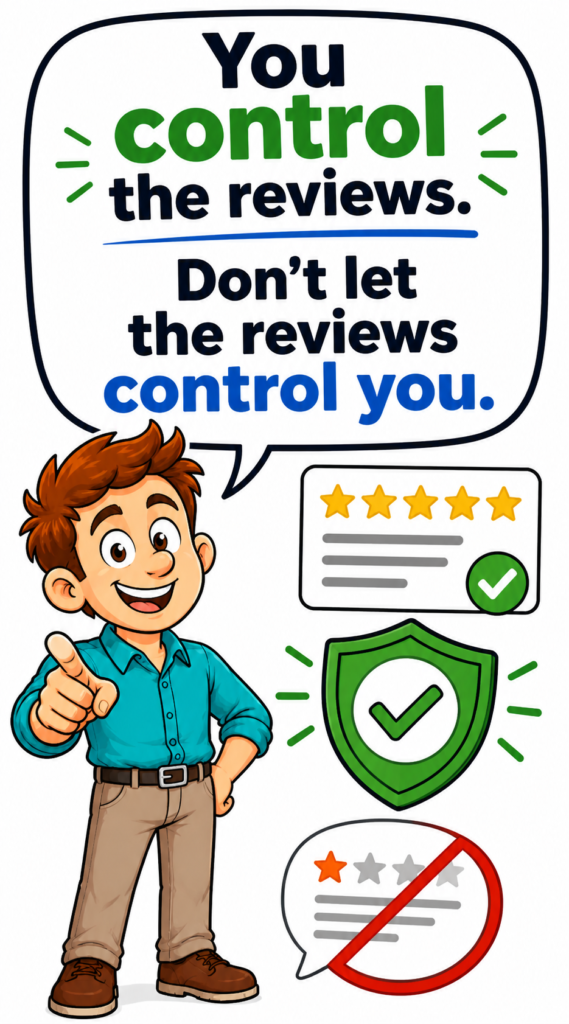
Customer reviews are one of the most important parts of local SEO and online trust. A google review management service helps businesses collect reviews, respond faster, and improve customer engagement more consistently over time.

A google review management company can help businesses monitor feedback, resolve customer concerns, respond to reviews professionally, and report fake reviews when necessary to protect online reputation and improve local search rankings.
Positive reviews help businesses build customer trust, improve local rankings, and attract more potential customers online.

Adding Photos and Updates

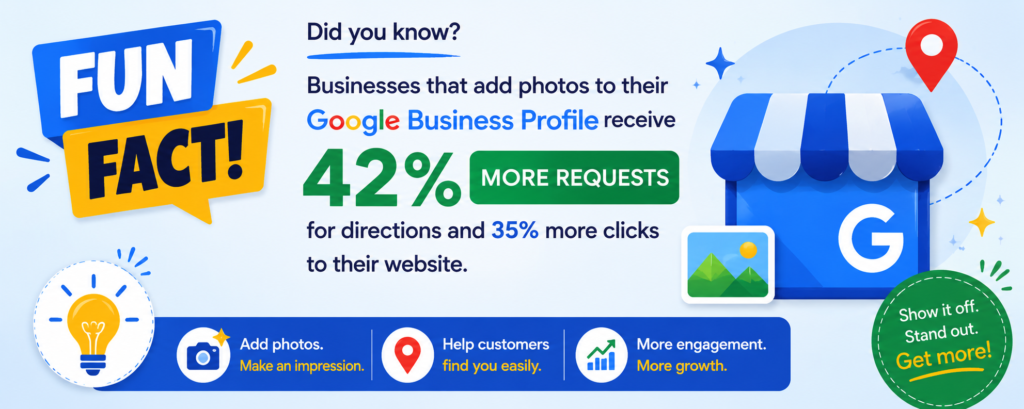
Photos help customers understand what your business looks like.
Common photos businesses upload include:
- storefront images
- interior photos
- product photos
- team photos
Adding new photos regularly keeps your listing active and engaging.

Getting Help With Google Business Profile
Sometimes business owners run into issues like:
- verification problems
- listing suspensions
- review disputes
When that happens, you can get help through the official support center.
You can also ask questions in the Google Business Profile Help Community, where product experts help solve listing problems.


Key Tips for Success With Google Business Profile
To get the most out of your listing, focus on a few simple habits.
Keep Your Information Updated
Make sure your hours, address, and contact information stay accurate.
Respond to Reviews
Engaging with customers builds trust.
Add Photos Regularly
Fresh images keep your profile active.
Stay Consistent
Use the same business information across your website and other directories.
Consistency helps Google trust your business.

Final Thoughts
For local businesses, Google Business Profile is one of the most powerful tools available.
When managed correctly, it can help your business:
- appear in local search results
- attract new customers
- build trust through reviews
- increase phone calls and visits
By keeping your profile active, optimized, and accurate, you can improve your visibility and grow your local presence.
Related Articles
- Google Business Profile Verification: The Easy Way to Get Approved
- Google Business Profile Suspended? Here’s How to Restore It
- Local SEO Made Easy With Google Business Profile Optimization
- How to Get More Calls From Your Google Business Listing
- How to Upload Photos to Google Business Profile Easily
- How to Contact Google Business Profile Support
- How to Use the Google Business Profile Help Community

Latest Articles









