Getting a fake review feels awful.
You didn’t serve that person.
The complaint isn’t real.
But it’s sitting there on your profile.
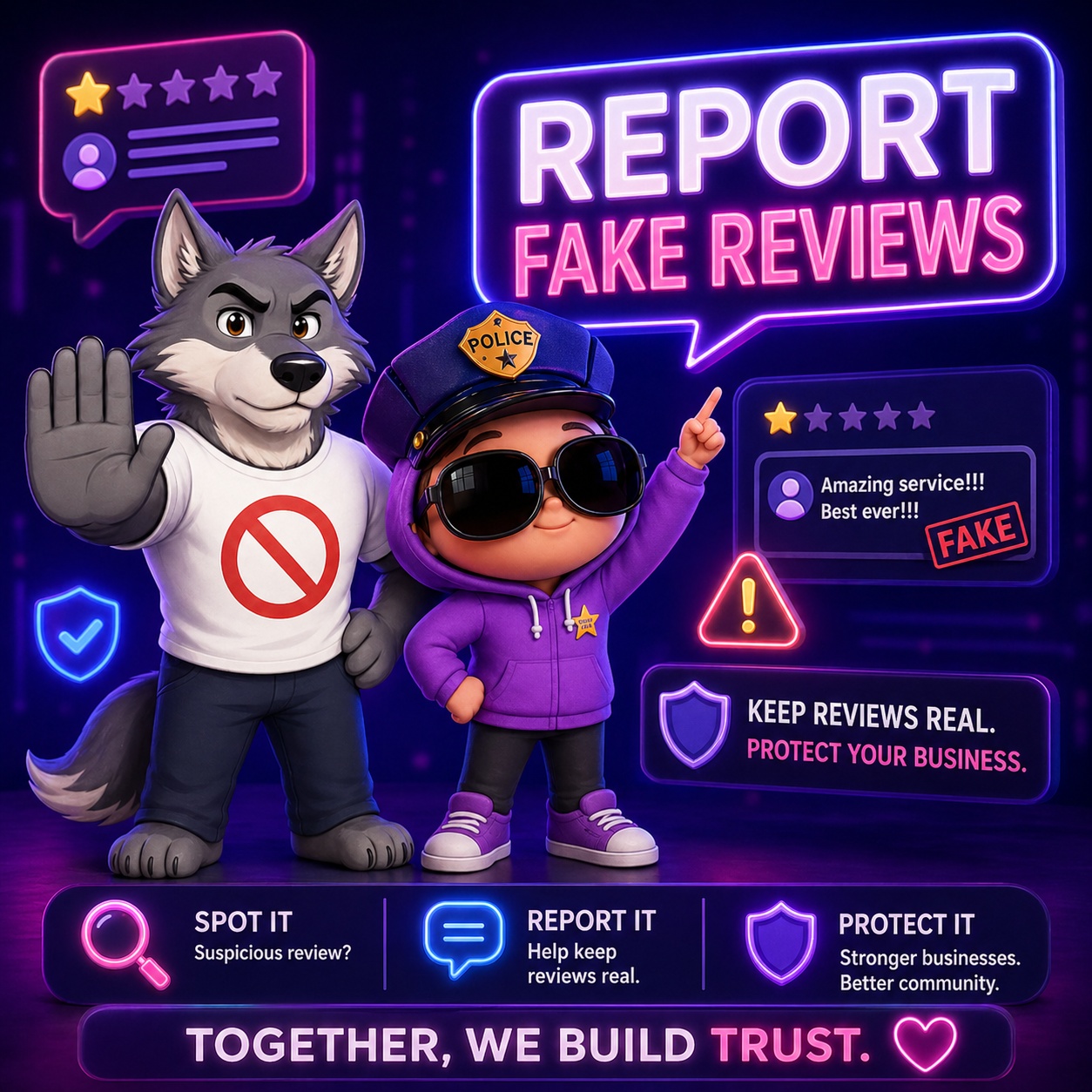
If you’re asking how to report a fake Google review, you’re in the right place.
Let’s walk through the exact steps — no confusion, no fluff.
🚨 What Counts as a Fake Google Review?
Google removes reviews that violate policy on Google Business Profile.
Examples of fake or policy-violating reviews:
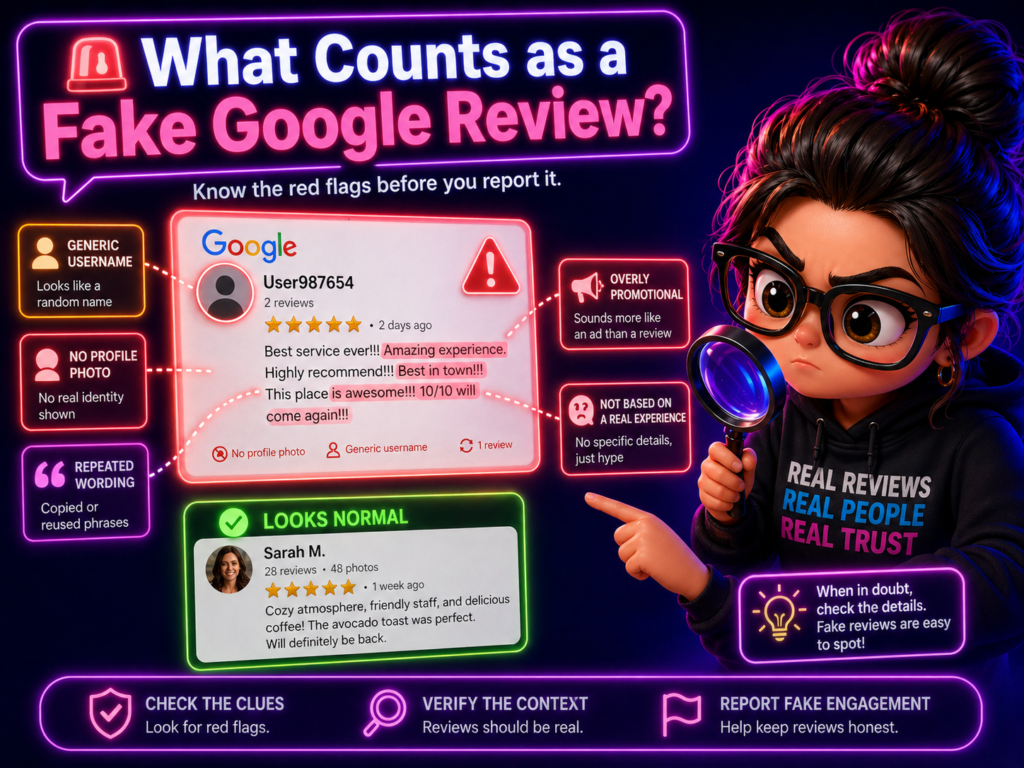
The reviewer was never a customer, or the content includes spam or promotional links, hate speech or harassment, competitor sabotage, or a clear conflict of interest (such as an ex-employee). In some cases, you might even notice multiple reviews coming from the same person. Not every bad review is fake—but if it clearly breaks the rules, you can report it through your Google review Management Service. If you have a Google review service company, you can also report it to them and see if they can help you remove it to get started.
Fun fact: A review can look suspicious if it uses repeated phrases, generic wording, or no real details.
🛠 Step-by-Step: How to Report a Fake Google Review
Here’s exactly how to do it.
✅ Step 1: Log Into Your Google Business Profile
Go to your business listing on Google.
Make sure you are logged into the account that manages your business profile.
Fun fact: The goal is not just to report fake reviews. The bigger goal is building a reputation that real customers trust.
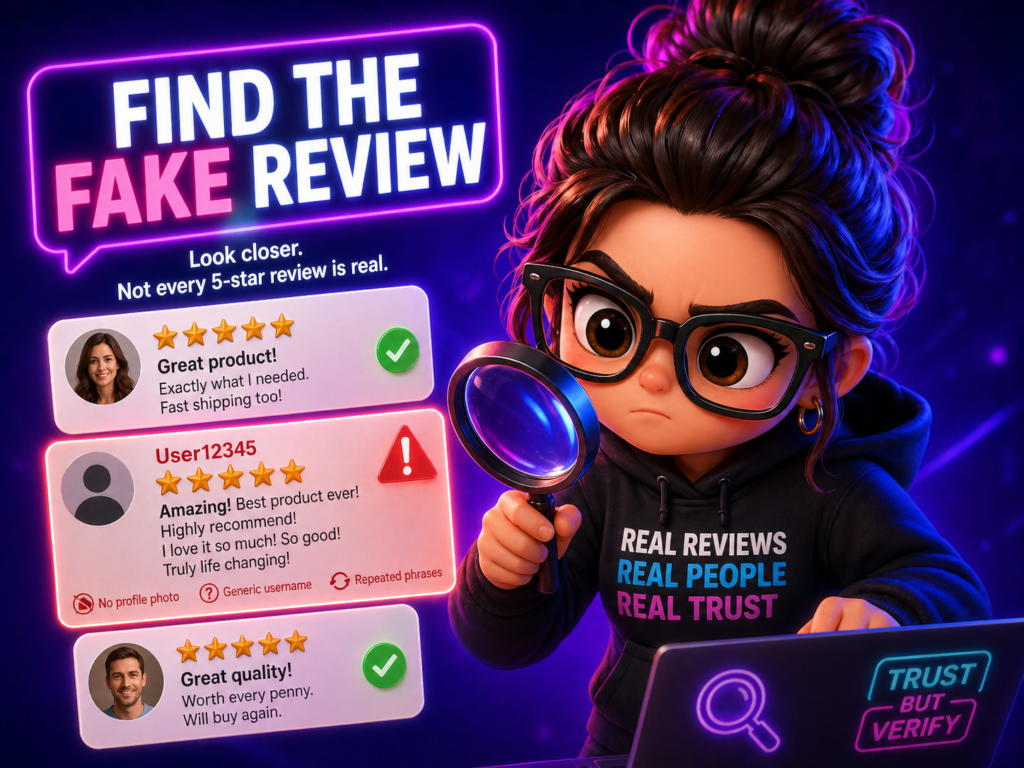
✅ Step 2: Find the Review
Scroll to the Reviews section.
Locate the fake review.
Click the three dots (⋮) next to the review.
Select “Report review.”
Fun fact: A review with only hype, no specifics, and a strange username may deserve a closer look.
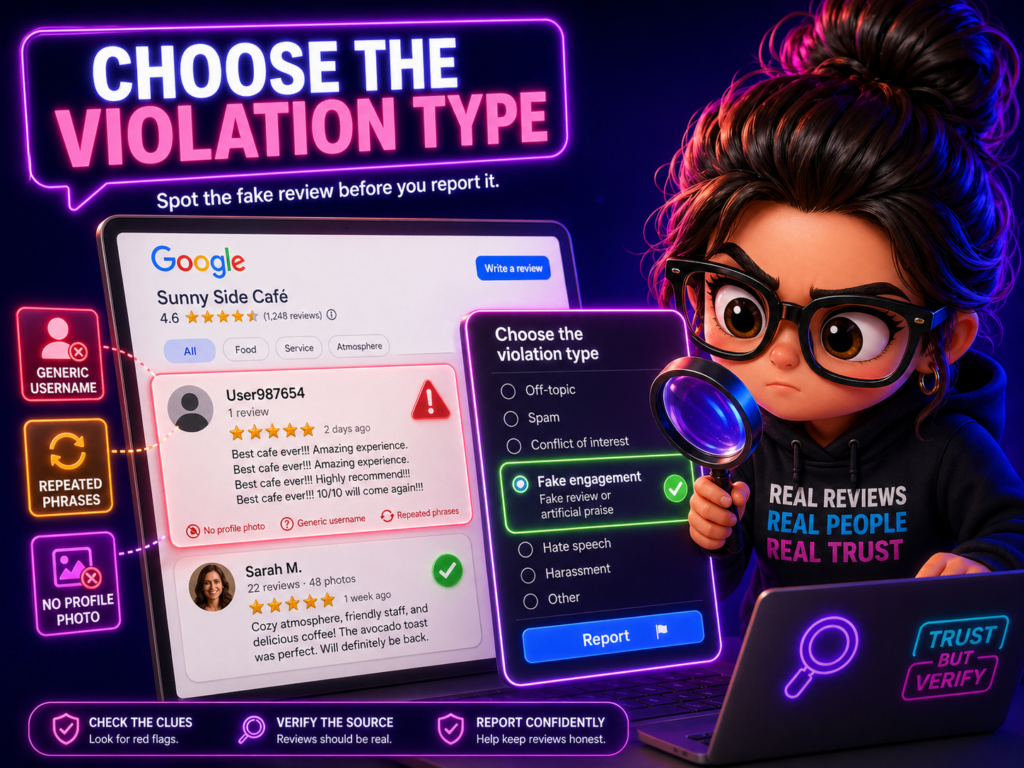
✅ Step 3: Choose the Violation Type
Google will ask why you’re reporting it.
Select the option that fits:
- Spam
- Conflict of interest
- Harassment
- Offensive content
- Fake engagement
Be honest and accurate.
Fun fact: The best reason to report fake reviews is to protect customers from misleading information.
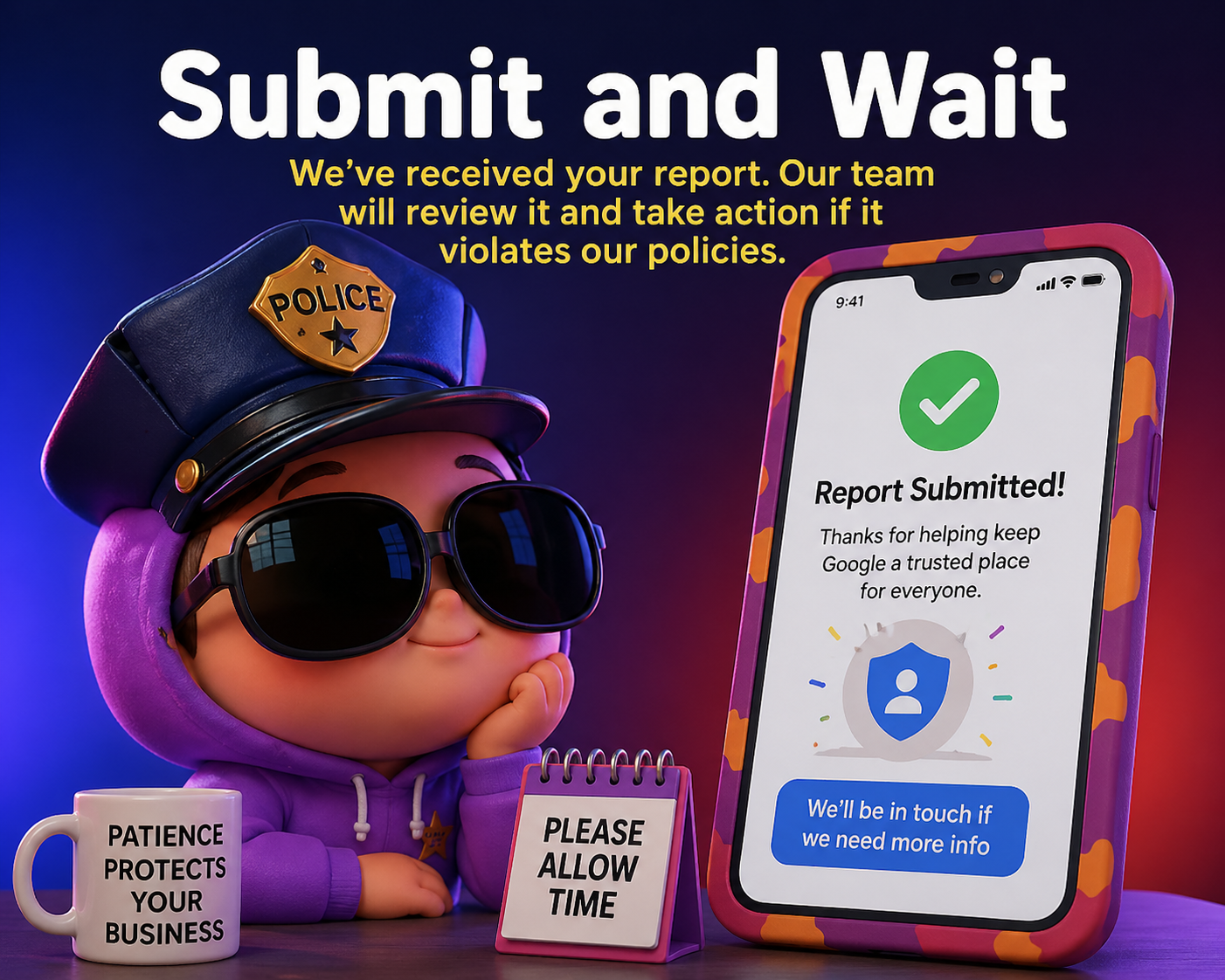
✅ Step 4: Submit and Wait
After submitting:
- You’ll receive confirmation.
- Google reviews the request.
This can take:
- A few days
- Up to a week
- Sometimes longer
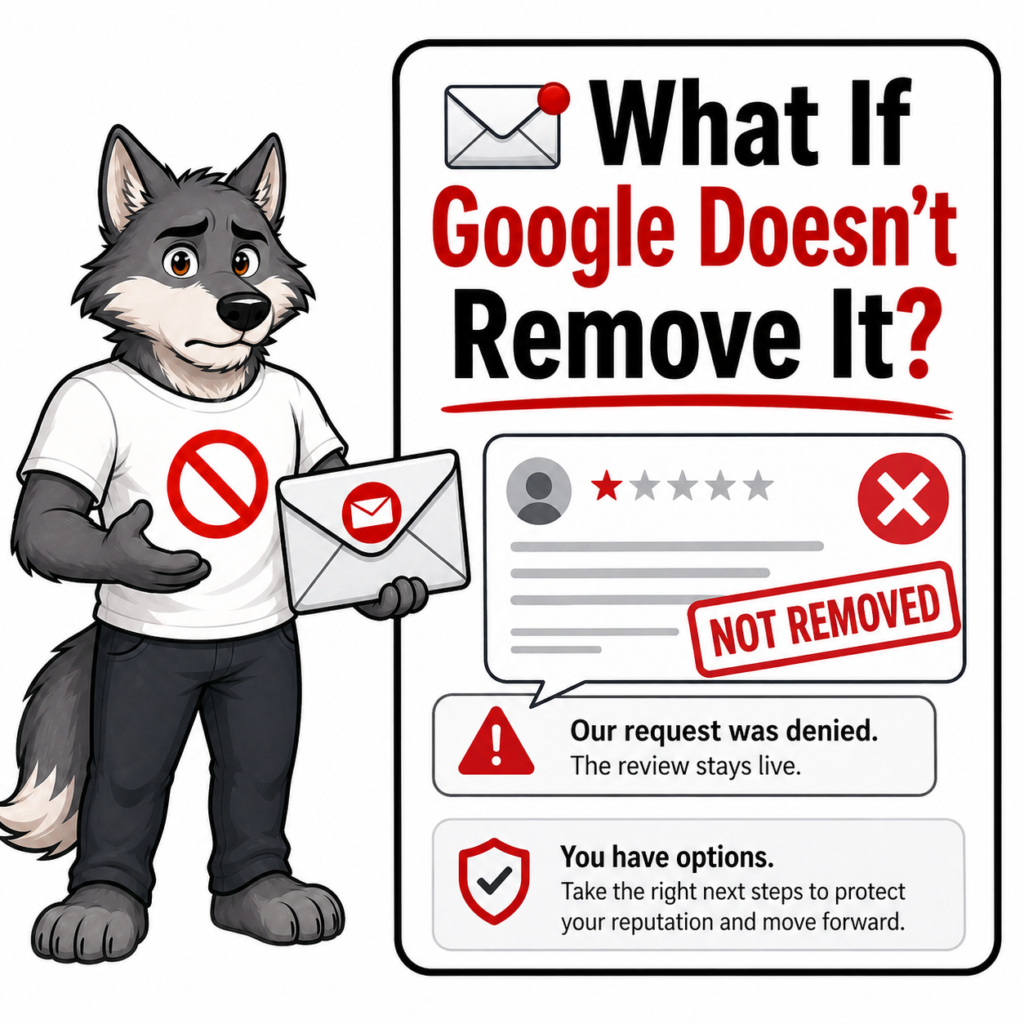
Not all reports result in removal.
Google has strict guidelines.

📩 What If Google Doesn’t Remove It?
If the review stays up:
Provide documentation.
Gather proof (customer records, appointment logs).
Contact Google Business Support directly.
You can request further review through your Business Profile dashboard.
Persistence sometimes helps.
💬 Always Respond While You Wait
While waiting, post a calm response.
Example:
“We cannot find any record of your visit. Please contact us directly so we can resolve this.”
This does two things:
This does two things:
- Shows professionalism
- Protects your reputation publicly
Future customers read your responses.
Stay calm. Stay professional.
Never argue.

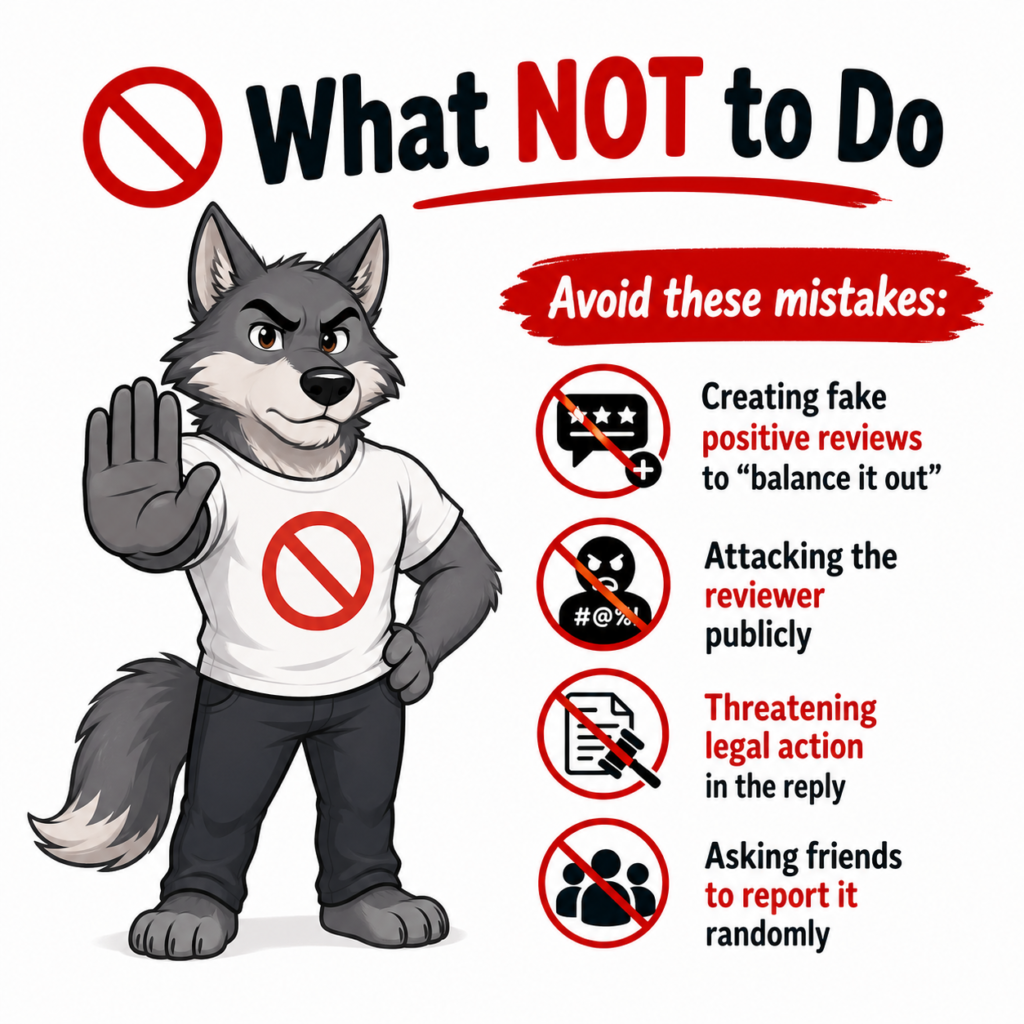
🚫 What NOT to Do
Avoid these mistakes:
- Creating fake positive reviews to “balance it out”
- Attacking the reviewer publicly
- Threatening legal action in the reply
- Asking friends to report it randomly
That can backfire.
Google’s system tracks suspicious activity.

⚖️ Important Truth
Google controls the platform.
You can report reviews.
But you can’t force removal.
The key is:
- Stay consistent
- Keep gathering real feedback
- Respond professionally
Long-term reputation wins over one fake comment.

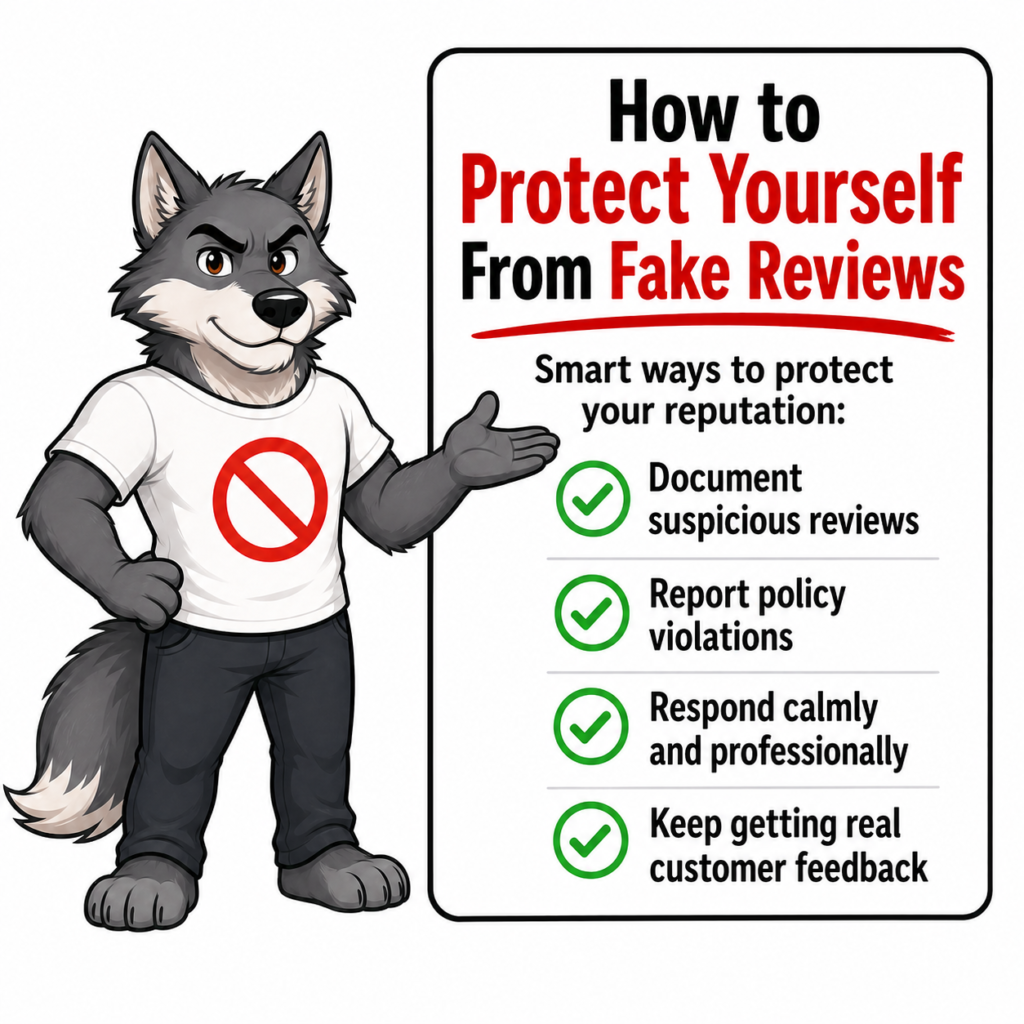
How to Protect Yourself From Fake Reviews
The best defense is volume.
If you have:
- 12 reviews → 1 fake hurts badly.
- 300 reviews → 1 fake barely matters.
Keep asking real customers for honest reviews.
Strong review volume protects your rating.
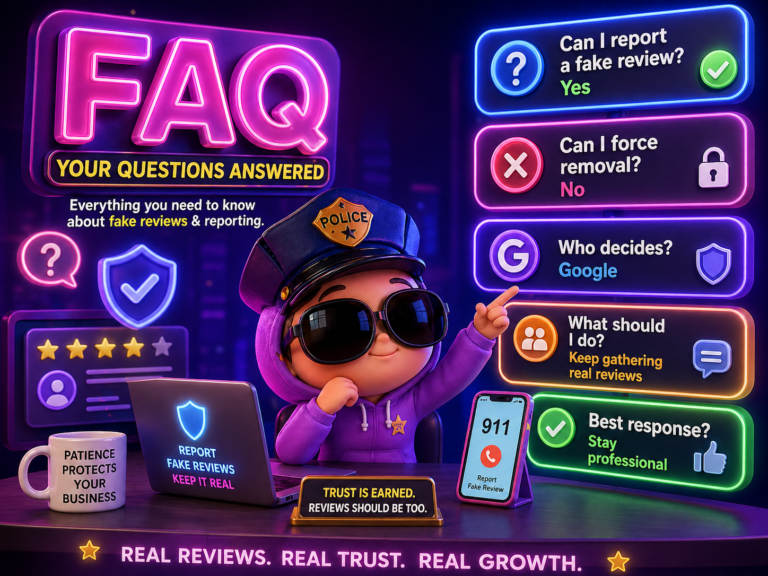
❓ Frequently Asked Questions
1. How long does it take Google to remove a fake review?
Usually a few days to a week.
2. Can I see who reported my review?
No.
3. Can competitors leave fake reviews?
Yes, but if they violate policy, they can be removed.
4. Can I sue over a fake review?
In extreme cases, legal action is possible, but it’s rare.
5. What if Google refuses to remove it?
Respond professionally and focus on gathering more positive reviews.
6. Can multiple people report the same review?
Yes, but it doesn’t guarantee removal.
🎯 Conclusion
Learning how to report a fake Google review is important for protecting your business.
The steps are simple:
Respond professionally: Take a breath and reply calmly. Keep it short, polite, and factual—future customers will see how you handle the situation.
Flag it: Go to the review on your Google Business Profile, click the three dots, and select **“Report review.”**
Choose the violation: Pick the reason that best matches the issue, such as spam, conflict of interest, offensive content, or a review that isn’t based on a real experience.
Submit: Send the report to Google for review. Make sure your reason is accurate so Google can evaluate it properly.
Follow up: If the review isn’t removed right away, don’t panic. Check back regularly, keep any evidence you have, and consider contacting Google Business Profile support if needed.
But remember:
One fake review does not define your business.
Consistency, professionalism, and real customer experiences will always win in the long run.

Latest Articles