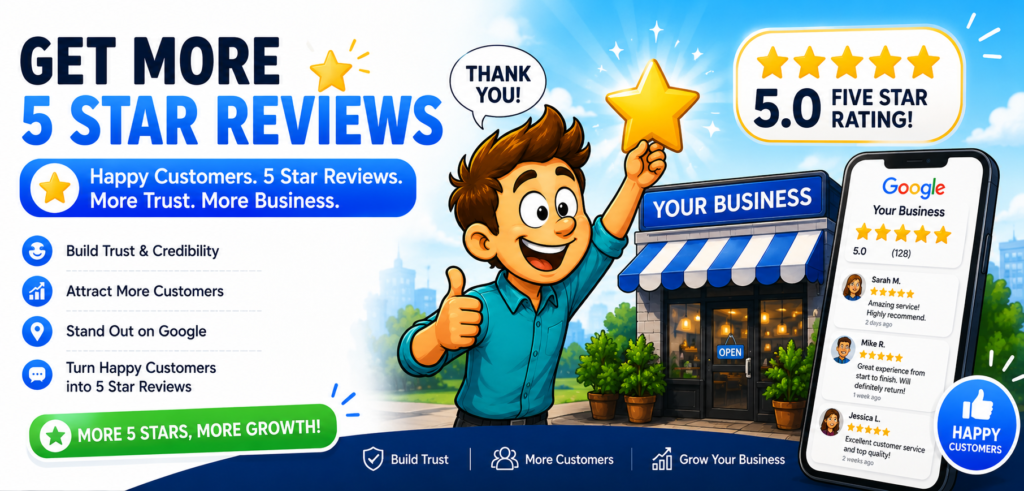

1️⃣ Deliver a “Wow” Experience First
No strategy works if the service is average.
To earn consistent 5 star reviews:
- Respond quickly
- Be friendly and professional
- Solve problems fast
- Follow up after service
- Go slightly beyond expectations
People leave 5 star reviews when they feel impressed, not just satisfied.
2️⃣ Ask at the Perfect Moment
Timing matters more than anything.
The best time to ask is:
- Right after a successful service
- When a customer compliments you
- After completing a project
- When a client says “Thank you”
Simple script:
“We’re so glad you’re happy! If you don’t mind, could you share that in a quick Google review? It really helps us.”
Keep it natural — never pushy.
3️⃣ Make It Extremely Easy
Most customers don’t leave reviews because it feels inconvenient.
Make it effortless:
- Send a direct Google review link
- Add review links to your email signature
- Use QR codes in-store
- Include it in invoices or receipts
- Add a “Leave a Review” button on your website
The easier it is, the more 5 star reviews you’ll receive.
4️⃣ Use SMS and Email Follow-Ups
Short follow-up example:
Subject: Quick favor?
“Hi [Name],
Thank you again for choosing us! If you had a great experience, would you mind leaving us a quick review? Here’s the link: [Insert link]
We truly appreciate your support!”
Short. Friendly. Direct.
5️⃣ Train Your Staff to Ask Naturally
If you have employees, teach them to say:
“If everything looks good, we’d really appreciate a review.”
When multiple team members consistently ask, review volume increases naturally.
6️⃣ Respond to Every Review
When customers see you replying:
- It builds trust
- It shows professionalism
- It encourages others to leave reviews
Even respond to negative reviews calmly and professionally.
7️⃣ Create a Review Funnel
Instead of asking everyone publicly right away:
- Send a private feedback form
- If feedback is positive → send review link
- If feedback is negative → resolve privately
This protects your rating while improving service quality.
🚫 What NOT to Do
Avoid these risky shortcuts:
- Buying fake reviews
- Offering money for 5 stars
- Creating fake accounts
- Asking friends who weren’t customers
Search engines can detect unnatural review patterns, and penalties can include ranking drops or account suspension.
📈 How Many Reviews Do You Need?
There’s no magic number, but generally:
- 10–20 reviews build basic credibility
- 50+ reviews create strong trust
- 100+ reviews show authority
Consistency matters more than speed.
💡 Bonus: Increase Review Rate Without Asking More
Improve your chances by:
- Posting “Thank You for Supporting Local Business” signs
- Adding “Leave Us a Review” to packaging
- Mentioning reviews on social media
- Showcasing existing 5 star reviews on your website
Social proof creates more social proof.
If you’d like, tell me:
- What type of business you run
- Local or online?
- Service-based or product-based?
I can create a custom 30-day review growth plan tailored specifically to your business. 🚀
- Google Review Removal Service That Protects Your Reputation and Builds Trust
- Google Review Management Agency That Helps Businesses Build Trust and Get More Customers
- How to Get New Patients in New York With Google Reviews
- How Accepted Insurance Plans Can Strengthen Medical Local SEO
- Brooklyn Nursing Home Marketing in 2026: How to Turn Google Searches Into More Admissions
-

Google Review Removal Service That Protects Your Reputation and Builds Trust
Can Negative Google Reviews Damage a Healthcare Organization? A sudden wave of negative Google reviews can seriously damage the reputation of a nursing home or medical practice. Families researching nursing homes often compare ratings, recent reviews, management responses, photographs, and overall review activity before scheduling a tour. Patients may perform the same research before choosing…
-
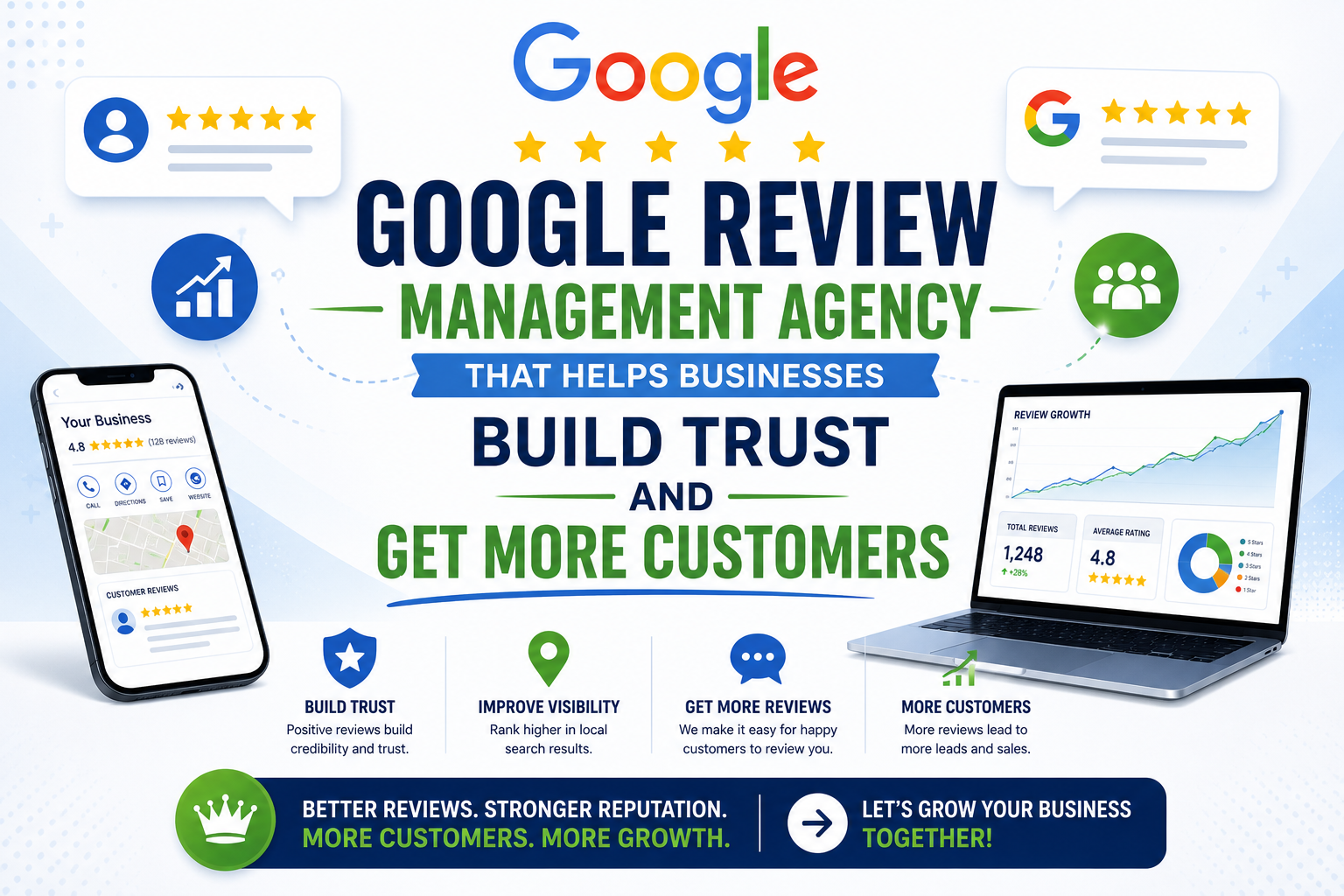
Google Review Management Agency That Helps Businesses Build Trust and Get More Customers
People trust Google reviews before they trust advertisements. Before contacting your business, potential customers usually search your company online and ask themselves one important question: “Can I trust this business?” That answer often comes from your reviews. Customers look at: If your business has weak reviews, outdated feedback, or unanswered complaints, customers may choose a…
-
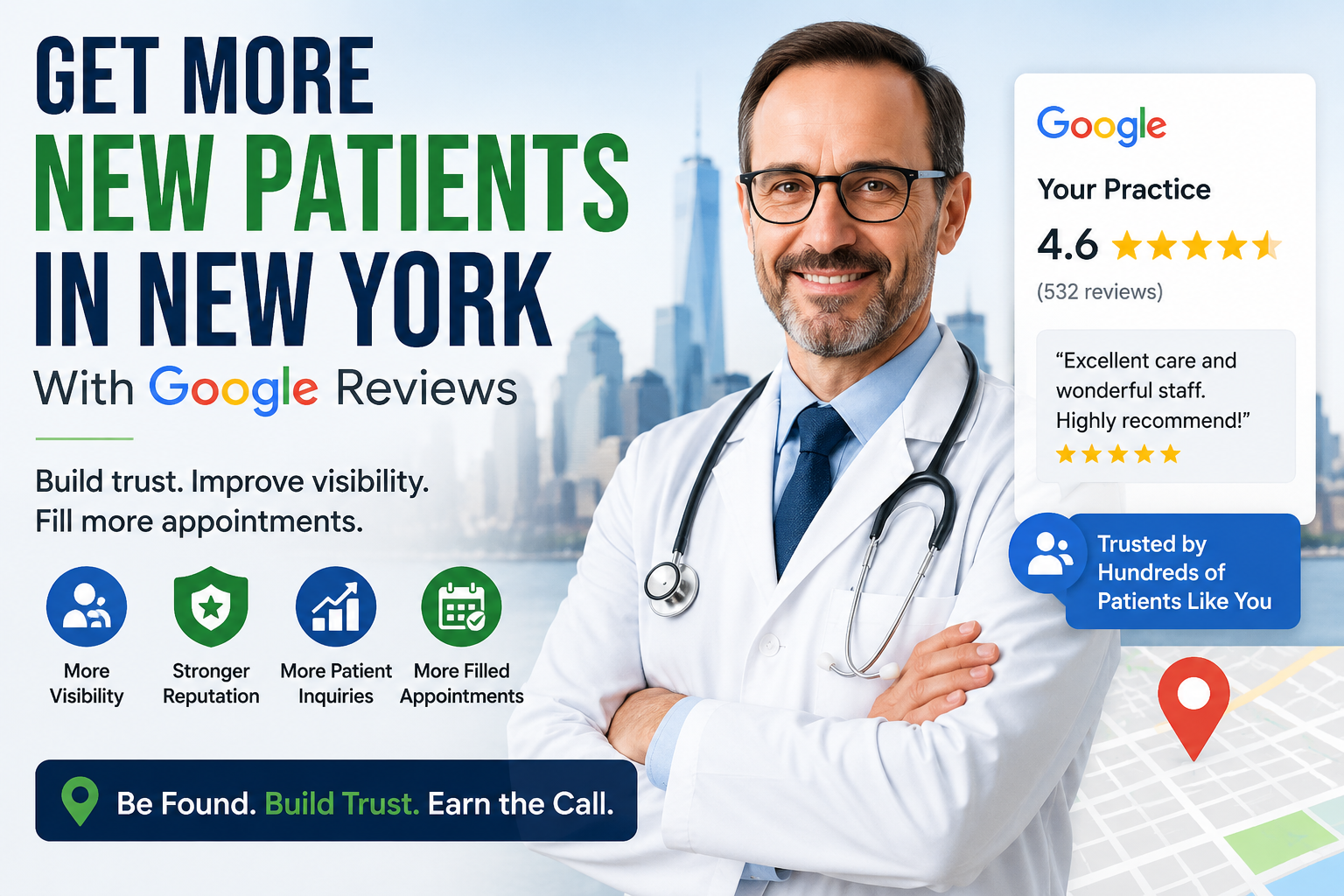
How to Get New Patients in New York With Google Reviews
Your next patient in New York may decide whether to call your practice before ever speaking to your staff. Today, patients search, compare, and read reviews before choosing care. A 2025 survey found 84% of patients check online reviews before choosing a new healthcare provider. In 2026, 75% said they wouldn’t book with a provider…