

If you’re starting a business and money is tight, I get it. I’ve been there. You want to look legit online, but you don’t want to drop hundreds of dollars just to get started.
The good news? You can build a website for free.
And not some ugly 2005 website either. I’m talking clean, modern, mobile-friendly.
Let me break it down simple.
Why Your Business Needs a Website (Even If You’re Small)
Here’s the truth:
- 81% of shoppers research a business online before buying (Source: GE Capital Retail Bank study)
- 75% of people judge a company’s credibility based on its website (Source: Stanford University research)
- Businesses with a website grow 2x faster than those without (Source: U.S. Small Business Administration)
That means if you don’t have a website, you’re losing trust and money.
No website = invisible business.
Step 1: Choose a Free Website Builder
You don’t need to code. You don’t need to hire a developer. You just need the right tool.
Here are the best free options:
1. Wix
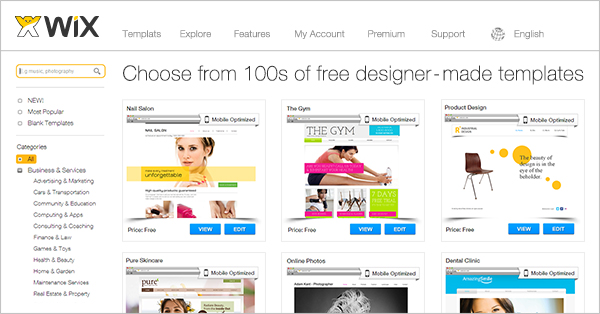
- Drag and drop builder
- Free plan available
- Beginner friendly
- Includes Wix branding on free plan
Best for: Local service businesses, beginners
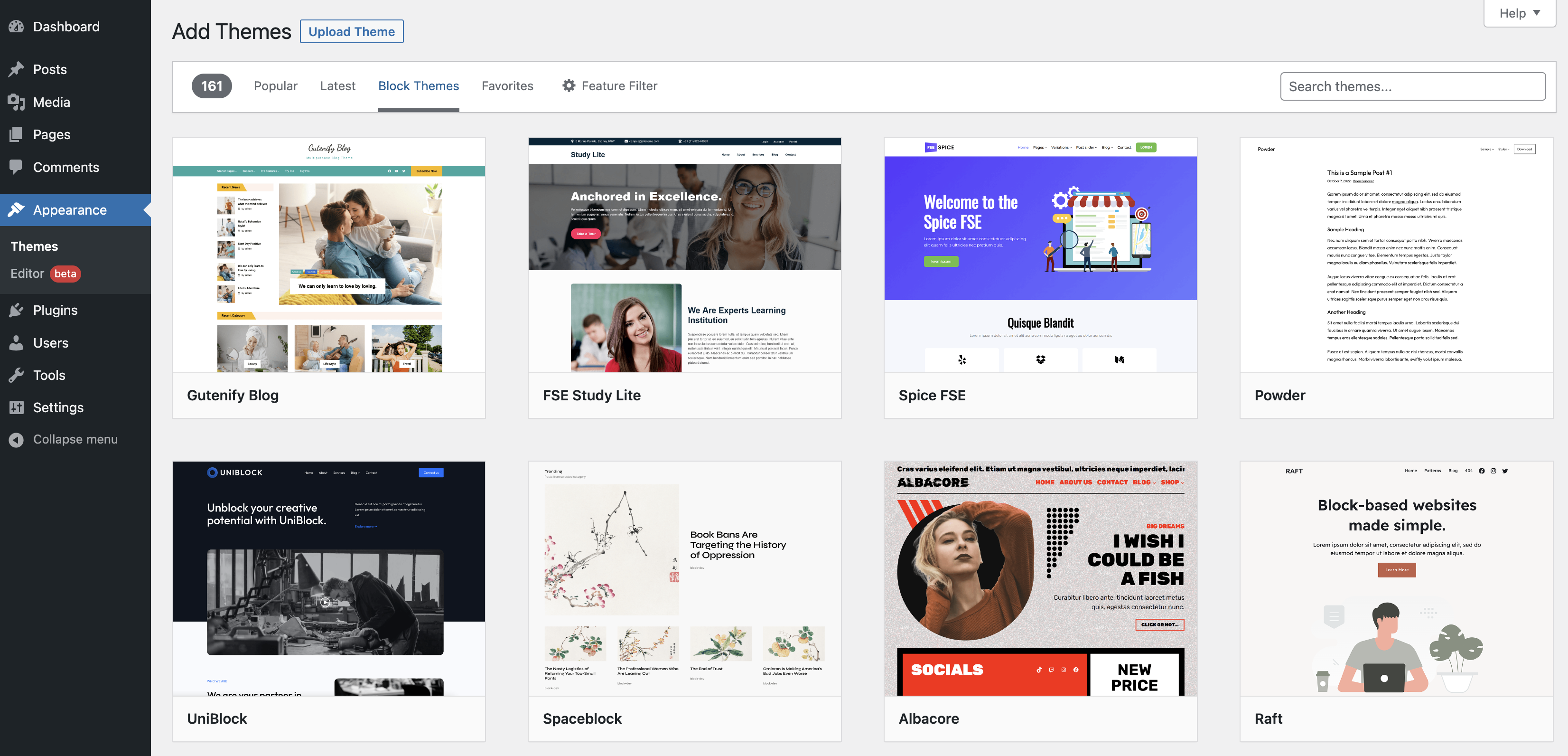
2. WordPress.com

- Great for blogging
- Strong SEO features
- Free subdomain included
- Limited customization on free plan
Best for: Bloggers, content creators
3. Google Sites
- 100% free
- Simple and clean
- Connects to Google tools
- Very basic design
Best for: Small local businesses that just need an online presence
4. Weebly
- Easy setup
- Free plan
- E-commerce options (limited on free)
Important:
Free plans usually give you:
- A subdomain (yourname.wixsite.com)
- Platform branding
- Limited storage
That’s okay at the beginning. Start free. Upgrade later when money comes in.

Step 2: Pick a Clean Business Template
Don’t overthink it.
You need 4 main pages:
- Home
- About
- Services
- Contact
That’s it.
Most people make the mistake of adding too much.
Keep it simple.
Step 3: Add Trust Builders
This is where most small businesses fail.
You need:
- A clear headline
- Real photos (not blurry ones)
- Testimonials
- Phone number at the top
- Clear call-to-action (“Call Now” or “Get a Quote”)
According to Blue Corona, 48% of people say a website’s design is the #1 factor in deciding if a business is credible.
Design matters.
But simple and clean beats fancy and confusing every time.
Step 4: Make It Mobile Friendly
Over 60% of website traffic now comes from mobile devices (Source: Statista).
If your site looks bad on a phone, you’re done.
Good news: Most free builders automatically make your site mobile responsive.
Always preview before publishing.
Step 5: Publish and Share It Everywhere
Once you hit publish:
- Add your website to Google Business Profile
- Put it on your Instagram bio
- Add it to your email signature
- Share it in Facebook groups
Your website is your digital storefront.
Can You Really Run a Business on a Free Website?
Yes. But here’s the honest truth.
Free is for starting.
Paid is for scaling.
If you’re testing an idea? Free is perfect.
If you’re serious about growth long-term?
You’ll want:
- A custom domain
- No branding
- Better SEO control
But don’t let money stop you from starting.
My Real Advice
I always tell people this:
Stop waiting for perfect.
Start messy.
Start simple.
Start free.
Then improve as you grow.
Your first website won’t be amazing.
That’s normal.
What matters is being visible.
Quick Checklist: How to Create a Website for Free for a Business
✔ Pick a free website builder
✔ Choose a clean template
✔ Add 4 core pages
✔ Add testimonials
✔ Make it mobile-friendly
✔ Publish and promote
That’s it.
No excuses.
If you’ve been waiting to launch your business, this is your sign.
Go build it.
You don’t need permission.
You need action.
-
Google Review Removal Service That Protects Your Reputation and Builds Trust

Can Negative Google Reviews Damage a Healthcare Organization? A sudden wave of negative Google reviews can seriously damage the reputation of a nursing home or medical practice. Families researching nursing homes often compare ratings, recent reviews, management responses, photographs, and overall review activity before scheduling a tour. Patients may perform the same research before choosing…
-
Google Review Management Agency That Helps Businesses Build Trust and Get More Customers

People trust Google reviews before they trust advertisements. Before contacting your business, potential customers usually search your company online and ask themselves one important question: “Can I trust this business?” That answer often comes from your reviews. Customers look at: If your business has weak reviews, outdated feedback, or unanswered complaints, customers may choose a…
-
How to Get New Patients in New York With Google Reviews

Your next patient in New York may decide whether to call your practice before ever speaking to your staff. Today, patients search, compare, and read reviews before choosing care. A 2025 survey found 84% of patients check online reviews before choosing a new healthcare provider. In 2026, 75% said they wouldn’t book with a provider…







