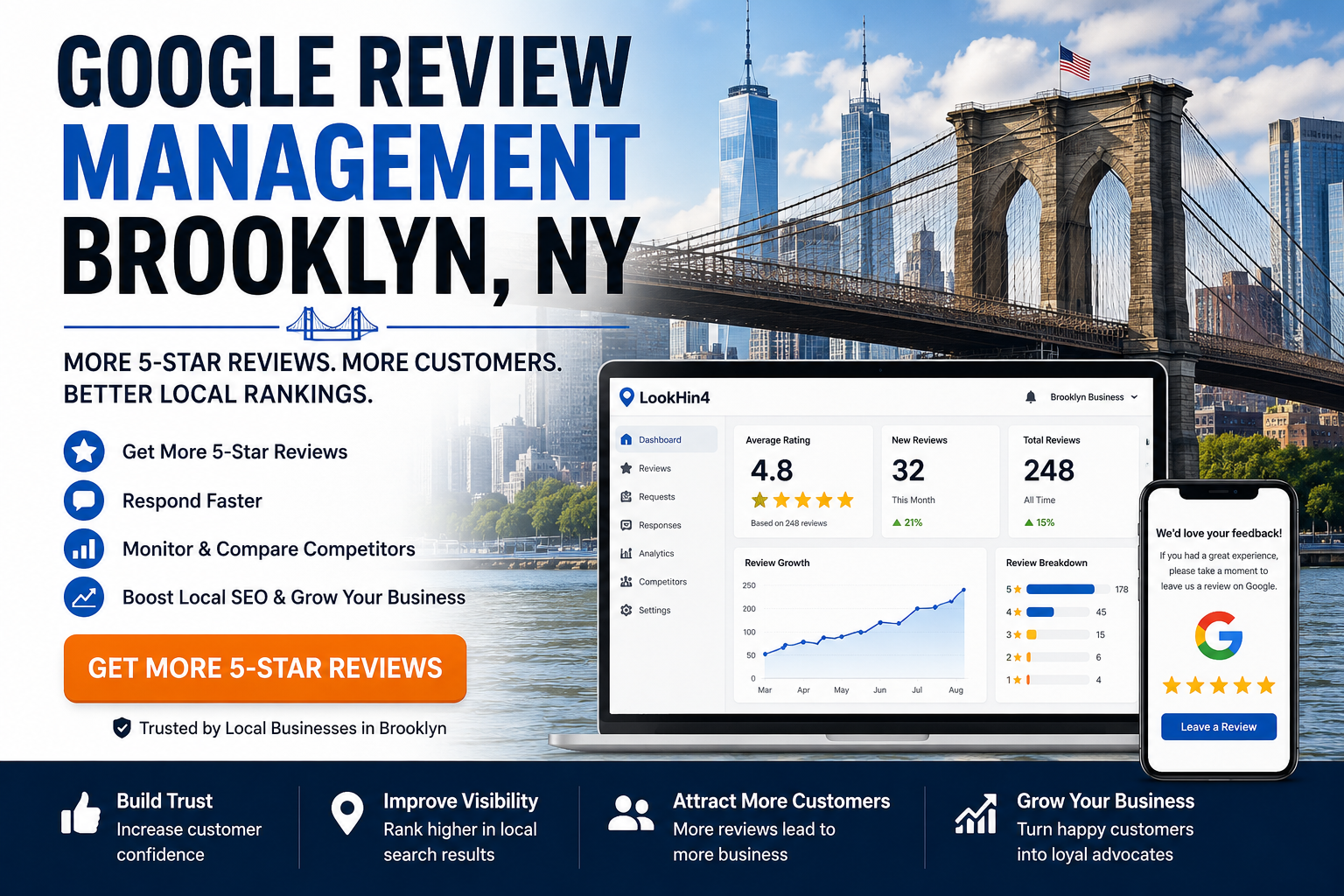

Running a business today means your reputation lives online. And let’s be honest—reviews can make or break you.
Most customers check reviews before they ever walk into your shop or call your phone. Those reviews usually show up on Google Business Profile, which appears in Google Search and Google Maps.
But sometimes reviews cause problems.
Maybe someone leaves a fake review. Maybe a competitor tries something shady. Or maybe you just need help managing reviews.
That’s when people start searching for google business reviews customer service.
So let’s talk about how it works and what you can actually do.
Why Google Reviews Matter for Your Business

Alright, let’s keep it real.
Most customers trust online reviews almost as much as recommendations from friends.
That means your Google reviews affect things like:
- whether customers trust your business
- whether they choose you or your competitor
- where your business appears in search results
Positive reviews can boost visibility. Negative ones can hurt.
That’s why business owners pay attention to google business reviews customer service when problems show up.
Common Problems With Google Business Reviews
Let’s talk about some situations business owners deal with.
Fake Reviews
Sometimes people leave reviews who were never customers.
Competitors or trolls sometimes do this.
Spam Reviews
Some reviews include links, ads, or random text that breaks Google policies.
Harassment or Offensive Reviews
Reviews that contain threats, hate speech, or harassment can be reported.
Mistaken Business Reviews
Sometimes customers review the wrong business entirely.
When any of this happens, business owners start looking for google business reviews customer service support.



How to Report a Fake Google Review
Here’s the basic process to report fake reviews
Step 1: Open Your Business Profile
Log into your Google Business account.
Step 2: Find the Review
Go to the reviews section.
Step 3: Click the Three Dots
Next to the review you’ll see options.
Step 4: Report the Review
Choose Report Review and explain the issue.
Google will review it and decide if it breaks policy.

Tips for Handling Negative Reviews

Here’s something a lot of business owners don’t realize.
Not every bad review needs to be removed.
Sometimes the best move is simply responding professionally.
A good response shows customers that you care.
Example:
“Sorry you had that experience. Please contact us so we can fix it.”
That kind of reply builds trust.
When Google Customer Service Can Help
Google support may step in if a review violates policies like:
- spam content
- harassment
- fake accounts
- hate speech
- off-topic content
You can also ask questions in the Google Business Profile Help Community where product experts help business owners.
Quick Tips to Improve Your Google Reviews
If you want better ratings overall, try these simple strategies.
- Ask happy customers to leave reviews
- Respond to every review politely
- Fix problems quickly
- Keep your business information updated
More reviews usually mean better visibility on Google Maps and local search.

Final Thoughts
Look, every business gets bad reviews sometimes. That’s just part of the game.
What matters is how you handle them.
Understanding google business reviews customer service helps you:
- protect your reputation
- remove fake reviews
- respond professionally
- build customer trust
And when you manage your reviews the right way, your business looks stronger to both customers and Google.
Latest Articles