


Many business owners worry when they receive a bad review.
A common question is:
“How many 5 star reviews to cancel a 1 star Google review?”
The answer depends on how many reviews your business already has.
Your rating on Google is calculated using an average score. Every review affects that average.
The more positive reviews you have, the less impact one negative review will have.
Let’s break it down in simple terms.
⭐ How Google Ratings Work

Google ratings use a 1 to 5 star scale.
Here is what the ratings mean:
⭐ 5 stars – Excellent
⭐ 4 stars – Very good
⭐ 3 stars – Average
⭐ 2 stars – Poor
⭐ 1 star – Very bad
Your overall rating is simply the average of all reviews.
Example:
If you have five reviews:
- 5 stars
- 5 stars
- 5 stars
- 5 stars
- 1 star
Your average becomes 4.2 stars.
That’s why businesses try to collect more positive reviews.
📊 Example: Recovering From a 1 Star Review
Let’s look at a simple example.
Scenario 1: New Business
If you have:
- 5 reviews total
- 1 review is 1 star
Your rating may drop close to 4.2 stars.
Adding 3–5 new 5-star reviews can raise your rating quickly.
Scenario 2: Established Business
If you have:
- 100 reviews
- 1 review is 1 star
Your rating may barely change.
It might move from 4.9 to 4.8.
In this case, one negative review has very little impact.
📌 Why More Reviews Protect Your Rating
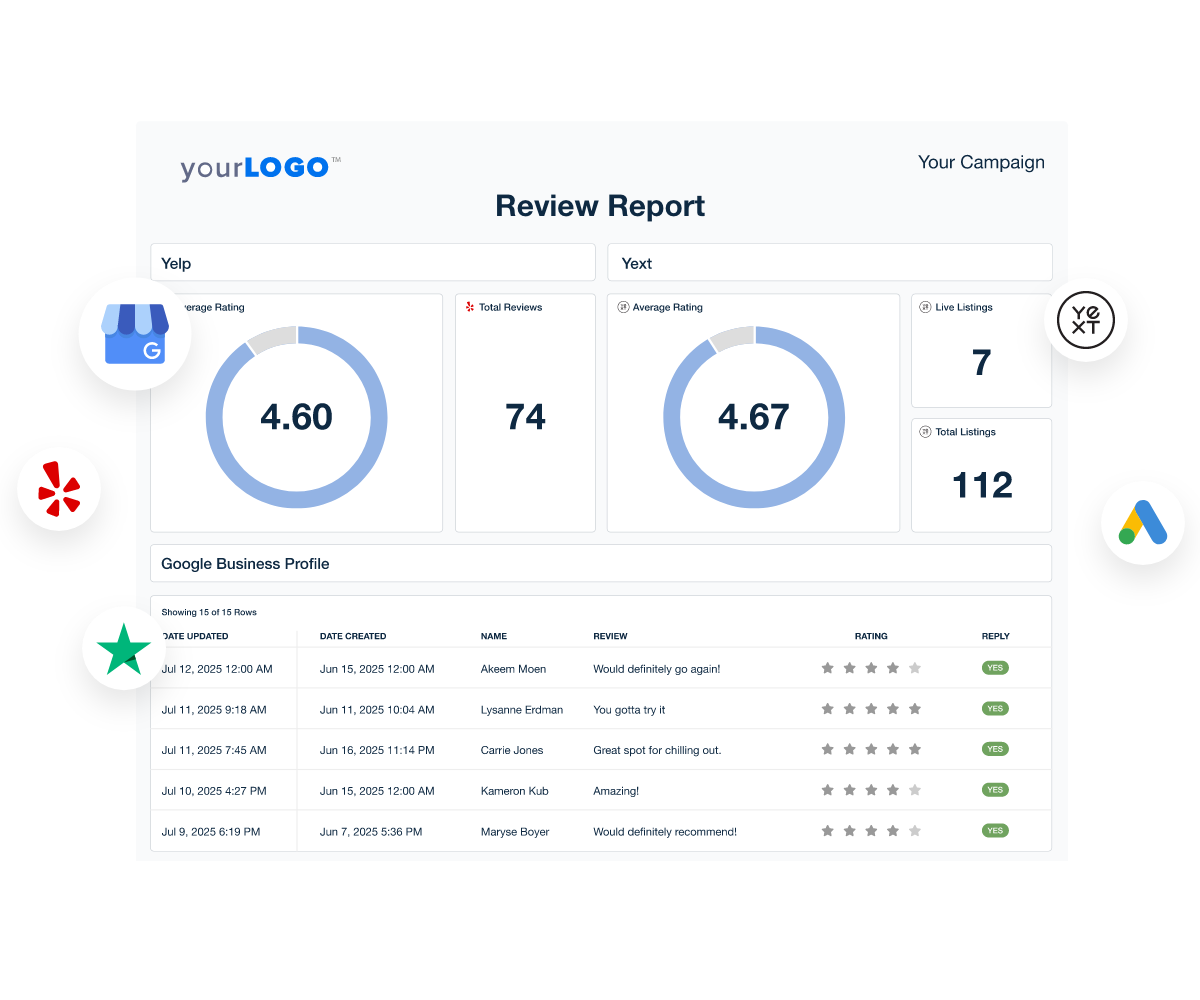
Businesses with many reviews are protected from rating swings.
Example:
| Reviews | Impact of 1 Star |
|---|---|
| 10 reviews | Large impact |
| 50 reviews | Medium impact |
| 100+ reviews | Very small impact |
That’s why businesses focus on building consistent positive reviews using Google Business Profile.
📌 How to Recover From a Bad Review
Instead of worrying about a single negative review, focus on improving your overall rating.
Here are proven strategies.
Ask Happy Customers for Reviews
Most happy customers will leave a review if you ask.
Example message:
“Thank you for choosing us today. If you have a moment, we would appreciate a quick Google review.”
Over time, positive reviews outweigh negative ones.

Respond to the Negative Review
Respond professionally and offer help.
Example:
“Thank you for your feedback. We’re sorry about your experience and would like to make it right.”
This shows future customers that you care.
Provide Excellent Service
The best way to get more 5-star reviews is simple:
Deliver great customer experiences.
Happy customers often share positive feedback naturally.
Use Direct Review Links
Using your Google Business Profile, you can send customers a direct review link.
This makes leaving a review quick and easy.
Learn more about Google review policies here:
https://support.google.com/business/
❓ Frequently Asked Questions
Can 5 star reviews remove a 1 star review?
No. Reviews cannot cancel or delete other reviews. They only change the average rating.
How many reviews should a business have?
Many successful businesses have 50–200 reviews or more.
Can a business delete a negative review?
Businesses cannot delete reviews themselves, but they can report reviews that violate Google policies.
Does one bad review hurt a business?
Usually not, especially if the business has many positive reviews.
Is a 4.5 rating good?
Yes. Most customers consider 4.5 stars or higher excellent.
Should businesses respond to negative reviews?
Yes. Responding professionally builds trust with customers.
🎯 Final Thoughts
If you’re asking “How many 5 star reviews to cancel a 1 star Google review?”, remember that reviews work by average rating.
The best strategy is to keep collecting positive reviews consistently.
As your total number of reviews grows, the impact of a single negative review becomes very small.
Focus on great service, ask happy customers for feedback, and your overall rating will stay strong.
Related Articles
How to Increase Google Reviews Organically (Proven 2026 Strategy)
Do Google Reviews Affect Local Ranking in 2026? The Truth
Why Google Reviews Are the New Word-of-Mouth for Accounting Firms
Related Articles
-

Google Review Removal Service That Protects Your Reputation and Builds Trust
-

Google Review Management Agency That Helps Businesses Build Trust and Get More Customers
-

How to Get New Patients in New York With Google Reviews
-

How Accepted Insurance Plans Can Strengthen Medical Local SEO






