

Table of Contents
Let’s keep it real.
If your website has no visitors, it doesn’t matter how good it looks.
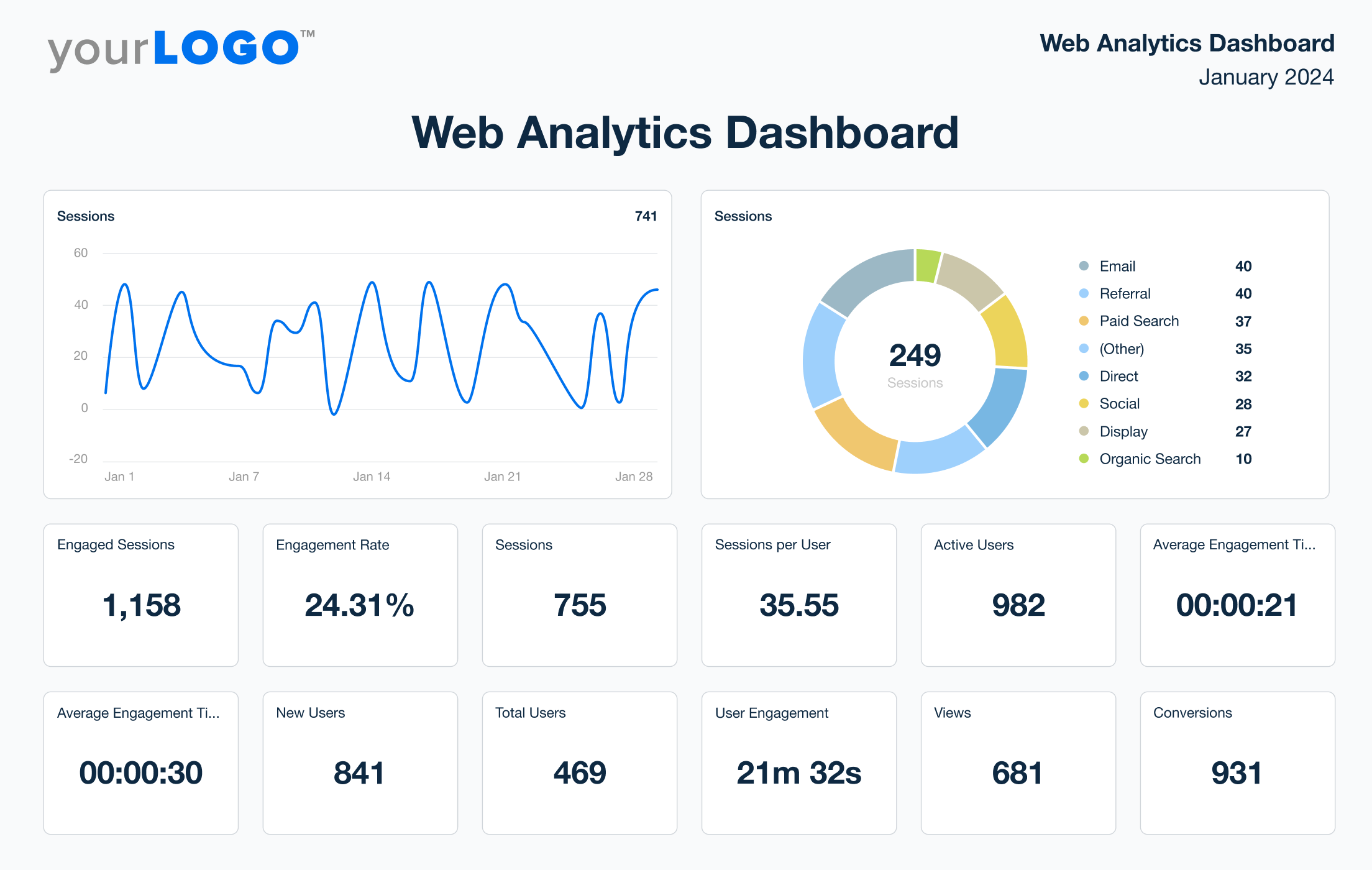
You need Google traffic.
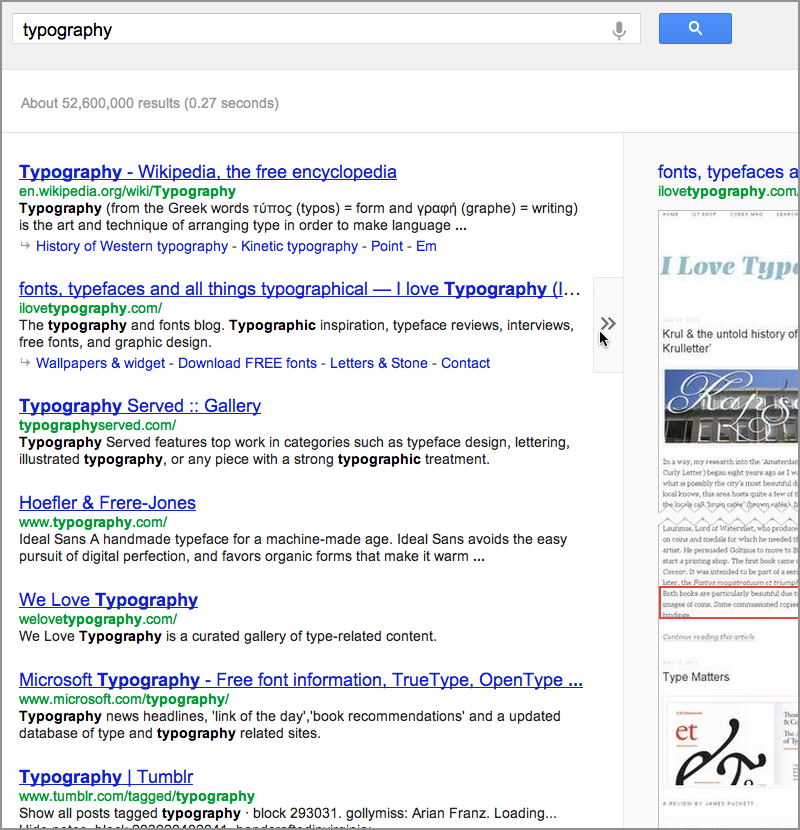
Google traffic means people find your website by searching on Google and clicking your link.
That’s free traffic. No ads. No cold calls. No begging for clicks.
And the best part?
You can grow it step by step.
🔍 What Is Google Traffic?
Google traffic is when someone:
- Types a question into Google.
- Sees your website in search results.
- Clicks your link.
That visit counts as organic search traffic.
This happens because of SEO (Search Engine Optimization).
SEO helps your website show up higher in search results.
The higher you rank, the more clicks you get.
Simple math.
📈 Why Google Traffic Matters
More Google traffic means:
- More leads
- More sales
- More brand awareness
- More authority
- More growth
Unlike paid ads, organic traffic keeps coming even when you stop spending money.
That’s powerful.

🚀 7 Ways to Increase Google Traffic
Let’s get practical.
Here’s how real websites grow traffic.
1️⃣ Use the Right Keywords
You must target what people are actually searching.
Use tools like:
- Google Keyword Planner
- Google Trends
Find:
- High search volume
- Low competition
- Clear intent
If nobody searches it, you won’t get traffic.
2️⃣ Create Helpful Content
Google rewards helpful content.
Write articles that:
- Answer questions clearly
- Solve real problems
- Use simple language
- Include step-by-step guides
Long, helpful content often ranks better.
But don’t fluff it. Make it real.
3️⃣ Optimize Your Titles and Meta Descriptions
Your title is what people click.
Good title example:
❌ “Marketing Tips”
✅ “7 Simple Marketing Tips That Grow Sales Fast”
Make it:
- Clear
- Specific
- Benefit-focused
Higher click-through rate = more Google traffic.
4️⃣ Improve Website Speed

Slow websites lose visitors fast.
Check speed using:
- Google PageSpeed Insights
If your site is slow:
- Compress images
- Reduce plugins
- Use fast hosting
Speed is a ranking factor.
5️⃣ Get Backlinks
Backlinks are links from other websites to yours.
Google sees backlinks as trust signals.
Ways to get them:
- Guest blogging
- Local directories
- Partnerships
- Share valuable data
The more quality links you have, the stronger your authority.
6️⃣ Optimize for Mobile
Most searches happen on phones.
If your website:
- Looks broken on mobile
- Loads slowly
- Has tiny text
You lose rankings.
Mobile-friendly design is not optional.
7️⃣ Use Google Search Console

Google Search Console shows:
- What keywords you rank for
- How many clicks you get
- What pages need fixing
This is your SEO control center.
If you want more Google traffic, check this weekly.
📊 How Long Does It Take to Increase Google Traffic?
Here’s the honest truth.
SEO takes time.
- New sites: 3–6 months
- Established sites: 1–3 months for improvements
- Competitive industries: longer
But once traffic grows, it compounds.
More traffic → more visibility → more backlinks → more traffic.
It snowballs.

⚠️ Mistakes That Kill Google Traffic
Avoid these:
- Keyword stuffing
- Copying content
- Buying fake backlinks
- Ignoring technical SEO
- Publishing thin content
Google updates constantly.
Quality wins long term.
❓ Frequently Asked Questions
1. Is Google traffic free?
Yes. Organic traffic does not cost money.
2. How do I check my Google traffic?
Use Google Analytics or Google Search Console.
3. Why did my Google traffic drop?
Possible reasons: algorithm updates, lost backlinks, slow site, or competition.
4. Can I buy Google traffic?
You can buy ads, but organic traffic must be earned.
5. How many keywords should I target?
Focus on 1 main keyword and related supporting keywords per page.
6. Does blogging increase Google traffic?
Yes. Consistent, helpful blogging builds authority and rankings.
🎯 Final Thoughts
Google traffic is not luck.
It’s strategy.
It’s consistency.
It’s helpful content plus smart optimization.
Start with:
- Keyword research
- Quality content
- Speed improvements
- Monitoring with Search Console
Do that weekly.
Over time, you’ll see growth.
And when Google traffic grows, your business grows too.
Related Articles
Metric Concerned Website Traffic: The #1 Insight For Better Rankings
How to Check Website Traffic on Google Analytics
How to Ethically “Steal” Traffic and Visitors from Competitor Websites
Latest Articles
-

Google Review Removal Service That Protects Your Reputation and Builds Trust
Can Negative Google Reviews Damage a Healthcare Organization? A sudden wave of negative Google reviews can seriously damage the reputation of a nursing home or medical practice. Families researching nursing homes often compare ratings, recent reviews, management responses, photographs, and overall review activity before scheduling a tour. Patients may perform the same research before choosing…
-

Google Review Management Agency That Helps Businesses Build Trust and Get More Customers
People trust Google reviews before they trust advertisements. Before contacting your business, potential customers usually search your company online and ask themselves one important question: “Can I trust this business?” That answer often comes from your reviews. Customers look at: If your business has weak reviews, outdated feedback, or unanswered complaints, customers may choose a…
-

How to Get New Patients in New York With Google Reviews
Your next patient in New York may decide whether to call your practice before ever speaking to your staff. Today, patients search, compare, and read reviews before choosing care. A 2025 survey found 84% of patients check online reviews before choosing a new healthcare provider. In 2026, 75% said they wouldn’t book with a provider…







