If you want to keep your online accounts safe, learning how to use Google Authenticator is a smart step. It adds an extra layer of security that helps protect your personal and business information.
What Google Authenticator Is
Google Authenticator is a free app that creates secure codes for logging into your accounts. These codes change every few seconds.
Why You Need It for Security
Passwords alone are not always safe. Hackers can steal them. Google Authenticator helps protect your accounts by adding a second step when logging in.
How Google Authenticator Works
Two-Factor Authentication Explained
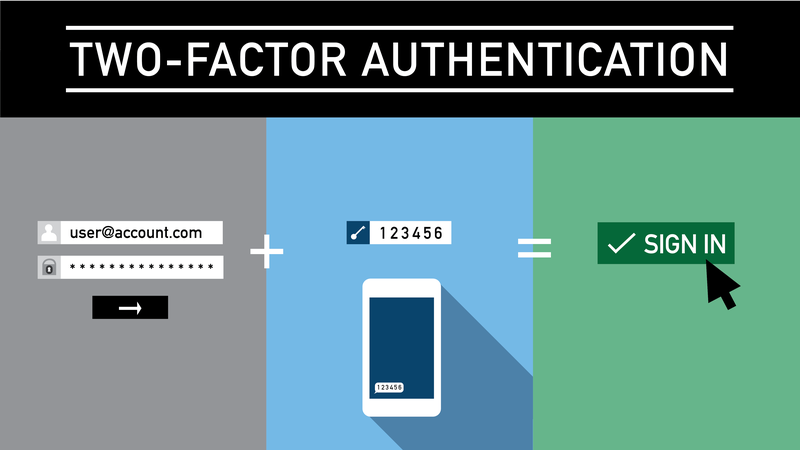
Google Authenticator uses something called two-factor authentication (2FA). This means you need two things to log in:
- Your password
- A special code from your phone
Time-Based Codes
The app generates a new code every 30 seconds. Even if someone knows your password, they cannot log in without this code.
How to Set Up Google Authenticator
Step 1: Download the App

- Go to the App Store or Google Play
- Search for Google Authenticator
- Install the app
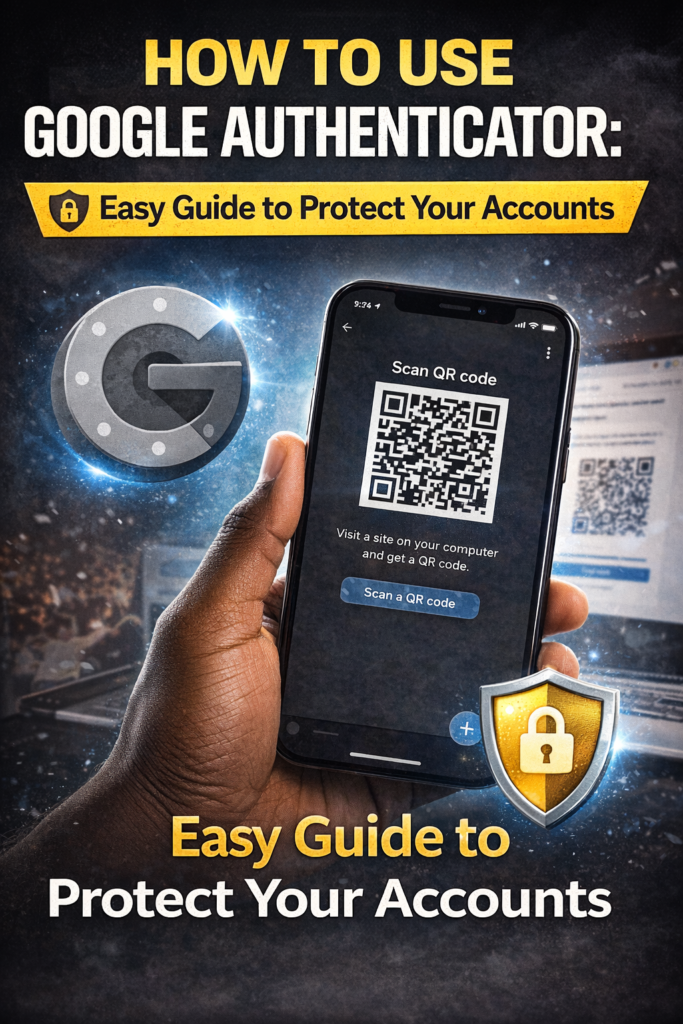
Step 2: Connect Your Account

- Go to your account security settings (like email or social media)
- Turn on 2FA
- Scan the QR code using the app

How to Use Google Authenticator Daily
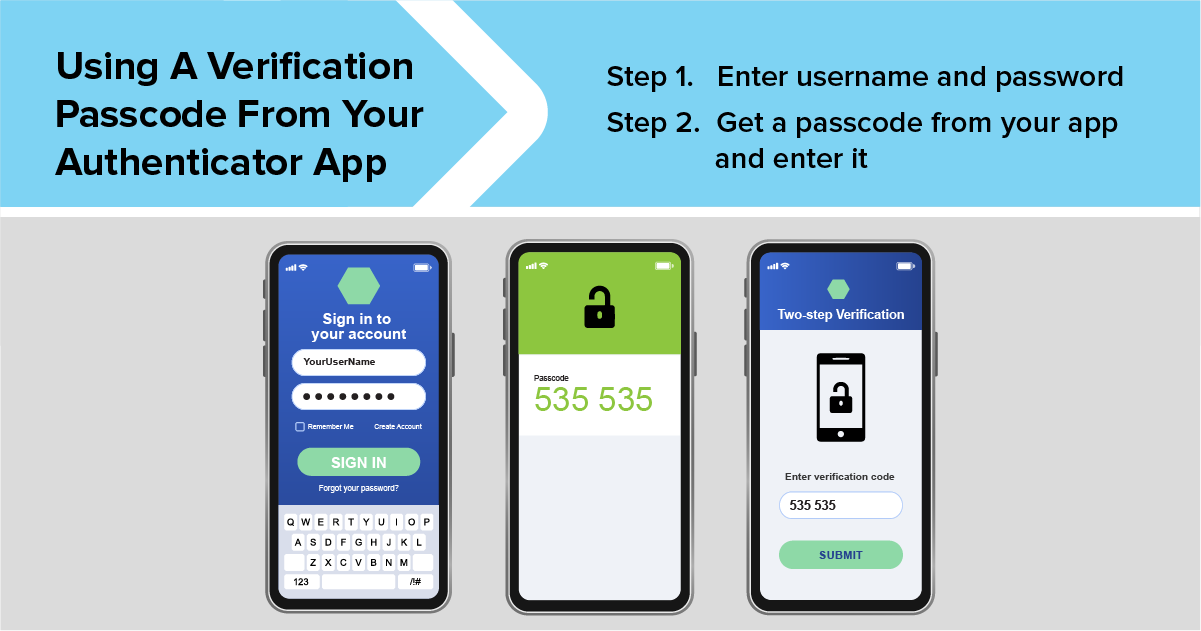
Logging In With Codes
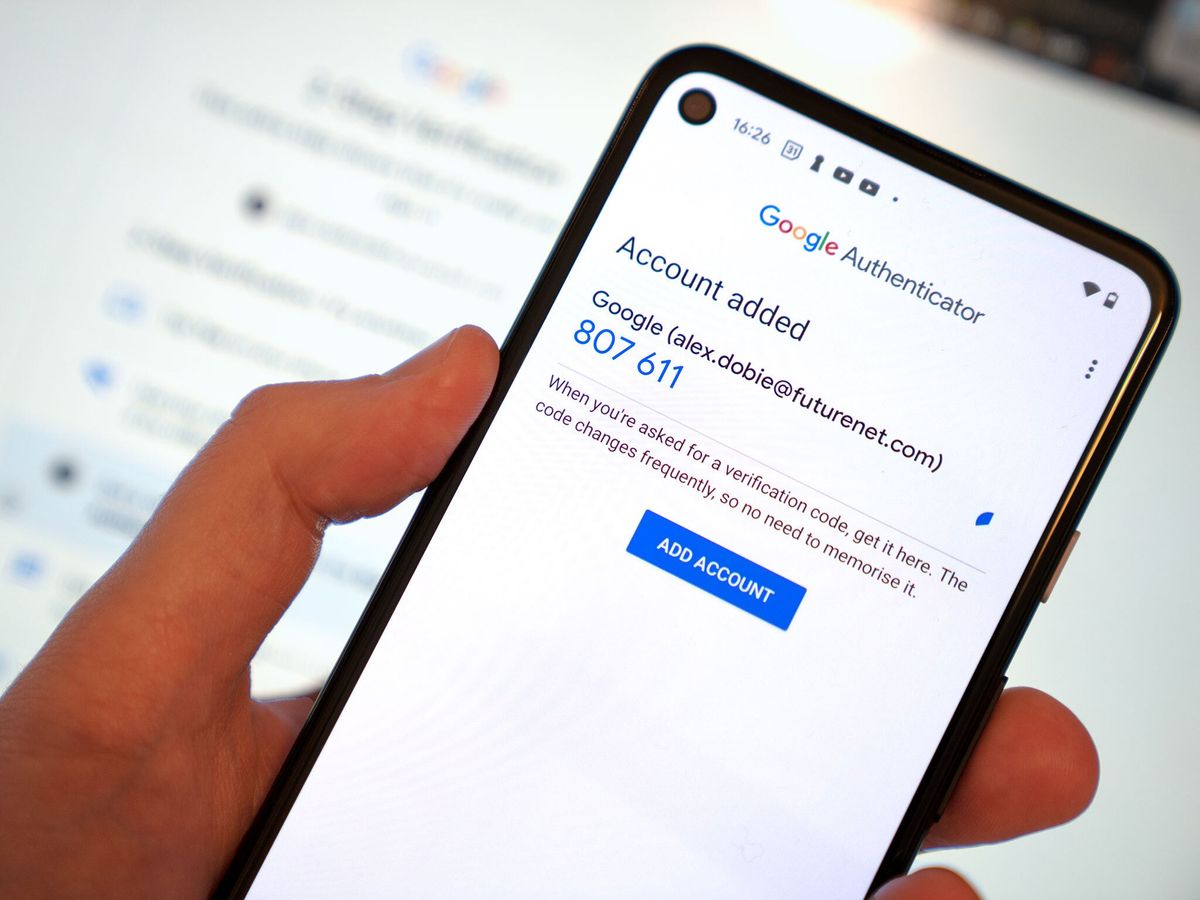
When you log in:
- Enter your password
- Open the app
- Enter the 6-digit code
That’s it—simple and secure.
Switching Devices
If you get a new phone, you can transfer your accounts by scanning a transfer QR code.
Backing Up and Restoring Accounts
Backup Codes
When you set up 2FA, you will get backup codes. Save them in a safe place.
Transfer to New Phone
You can export accounts from your old phone and import them into your new one.
Common Problems and Fixes
Lost Phone
If you lose your phone:
- Use backup codes
- Log in from a trusted device
- Reset your authentication
Codes Not Working
This can happen if your phone time is not synced. Fix it in your phone settings.
Tips for Better Security
Keep Backup Codes Safe
Store them somewhere secure, like a password manager or offline document.
Use Multiple Security Layers
Combine 2FA with:
- Strong passwords
- Email verification
- Security alerts
Google Authenticator vs Other Apps
Pros and Cons
Pros:
- Free
- Easy to use
- Works offline
Cons:
- No cloud backup by default
- Must transfer manually
FAQs
1. Is Google Authenticator free?
Yes, it is completely free.
2. Can I use it without internet?
Yes, it works offline.
3. What happens if I lose my phone?
You can use backup codes to recover access.
4. Is it safe?
Yes, it adds strong protection to your accounts.
5. Can I use it for multiple accounts?
Yes, you can add many accounts.
6. How often do codes change?
Every 30 seconds.
Conclusion
Learning how to use Google Authenticator is one of the easiest ways to protect your online accounts. It only takes a few minutes to set up, but it adds a strong layer of security.
In today’s digital world, staying secure is important. With tools like Google Authenticator, you can protect your data and keep your accounts safe.
Related Articles
Related Articles