If you run a small business, getting found online is everything. These days most customers search online before they decide where to go.
That’s where Google Business Profile comes in.
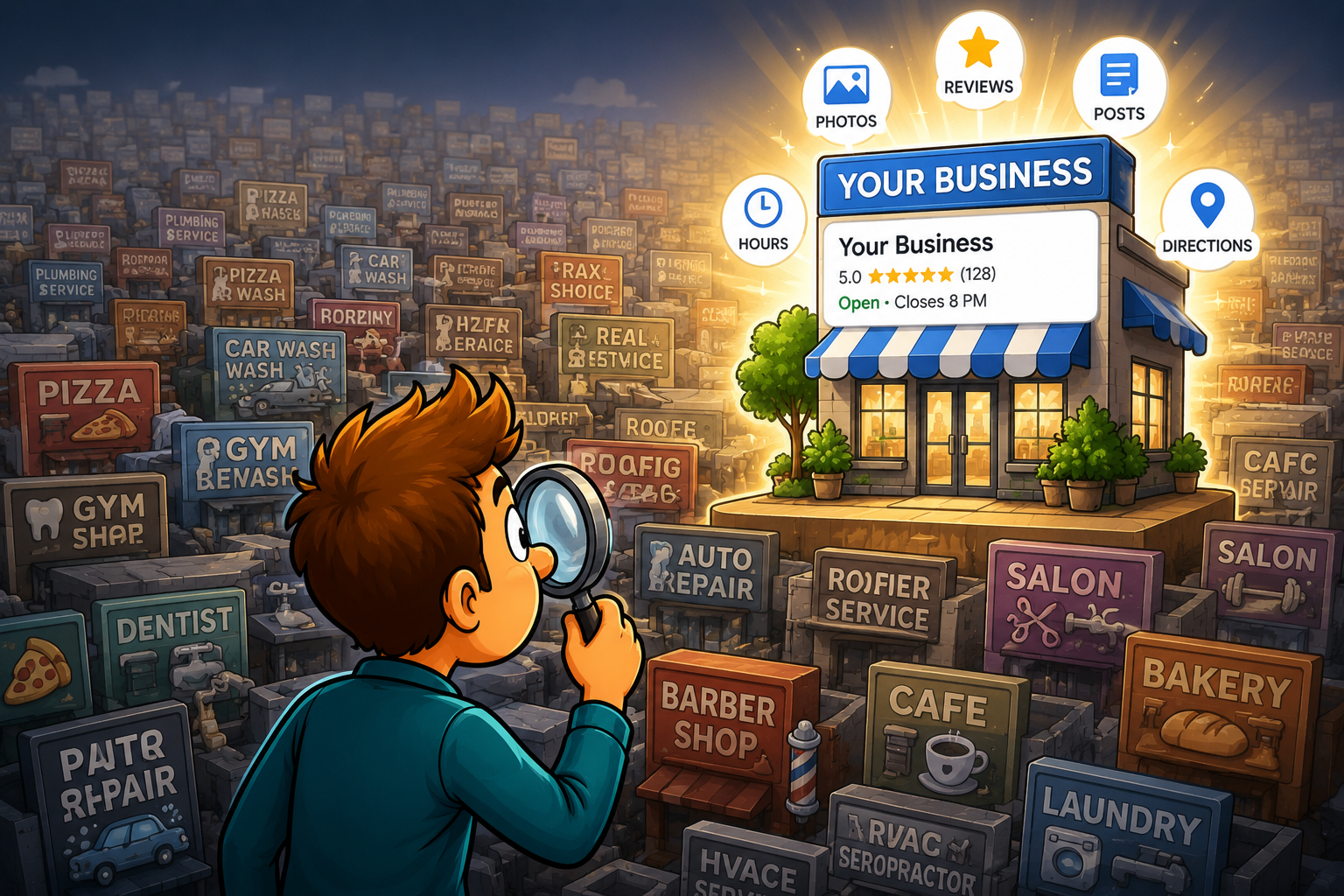
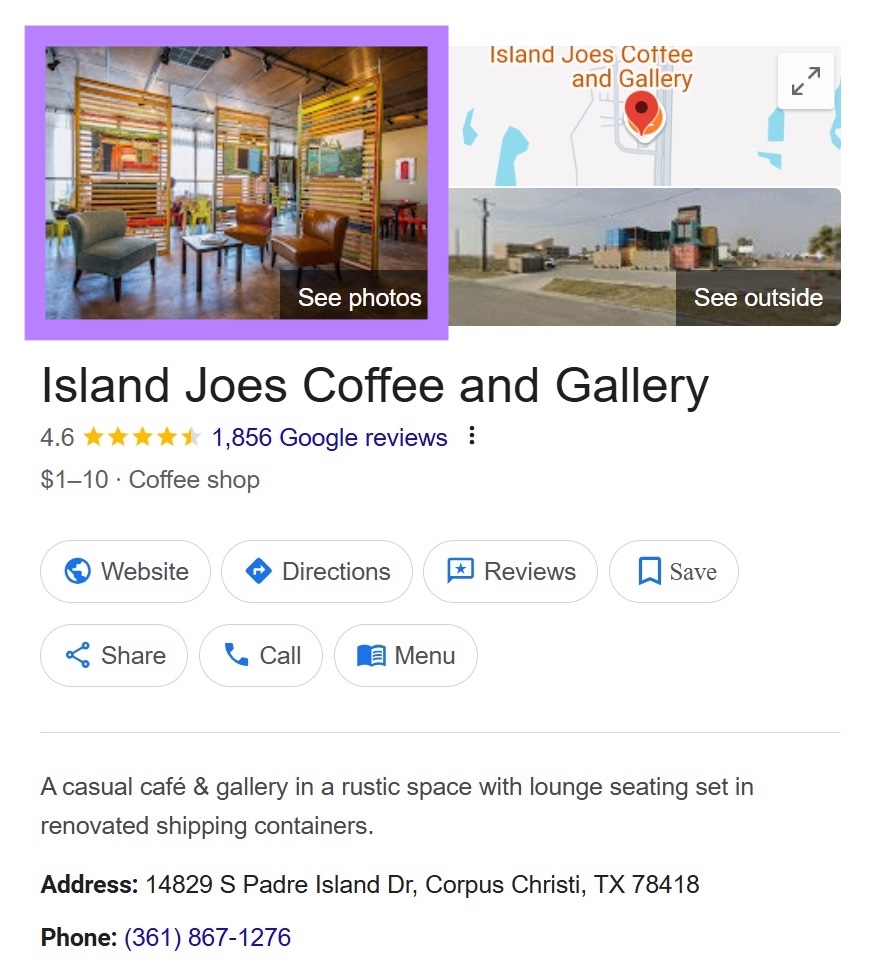
When someone searches for a service on Google Search or Google Maps, your listing can show up with important info like:
- business hours
- phone number
- location
- reviews
- photos
But here’s the thing most people don’t realize.
Just creating a listing isn’t enough.
You need to optimize and manage your profile regularly if you want more customers to find you.
So let’s go through some practical Google Business Profile tips for small businesses that actually work.

Why Google Business Profile Is Important for Small Businesses
Most small businesses rely on local customers.
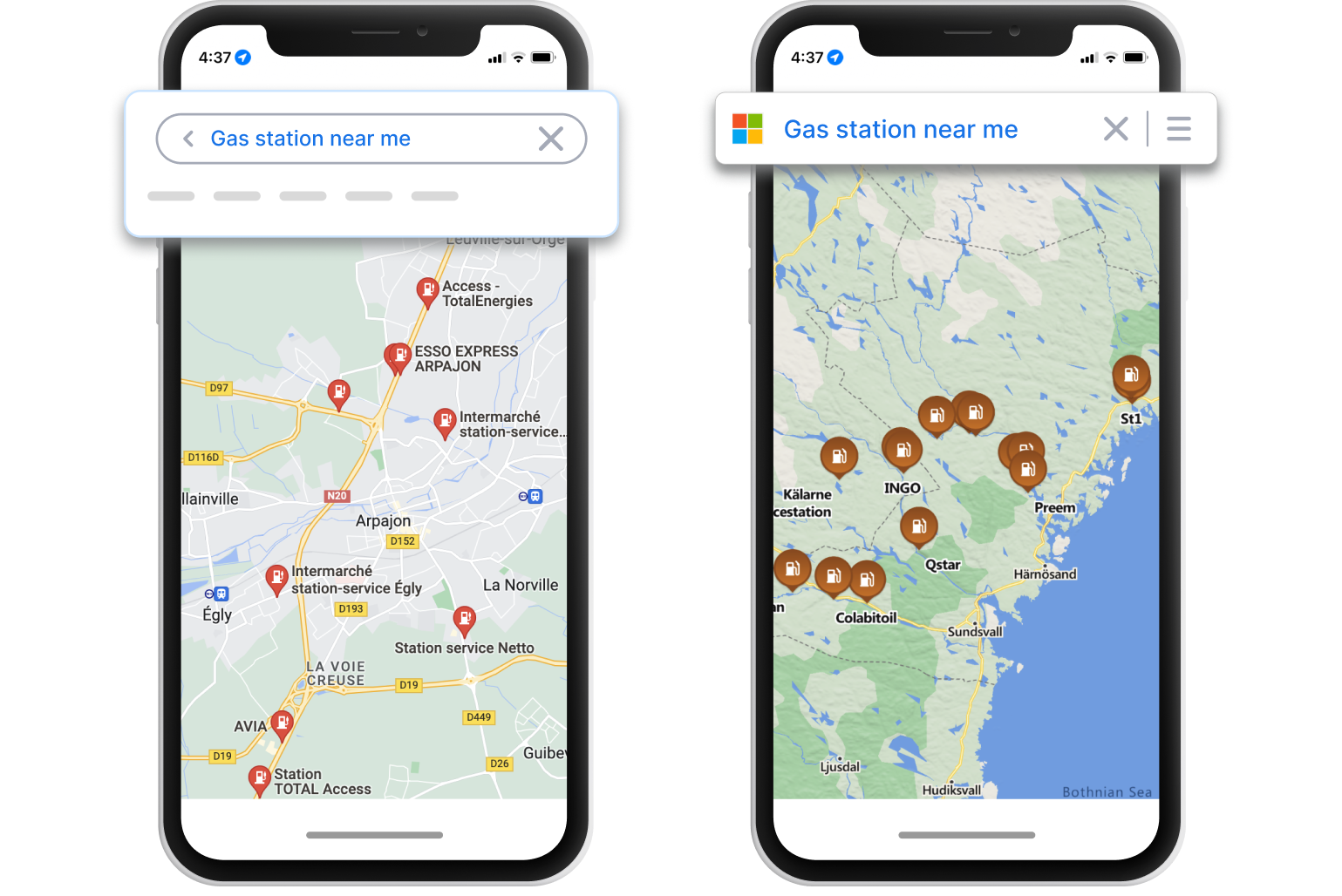
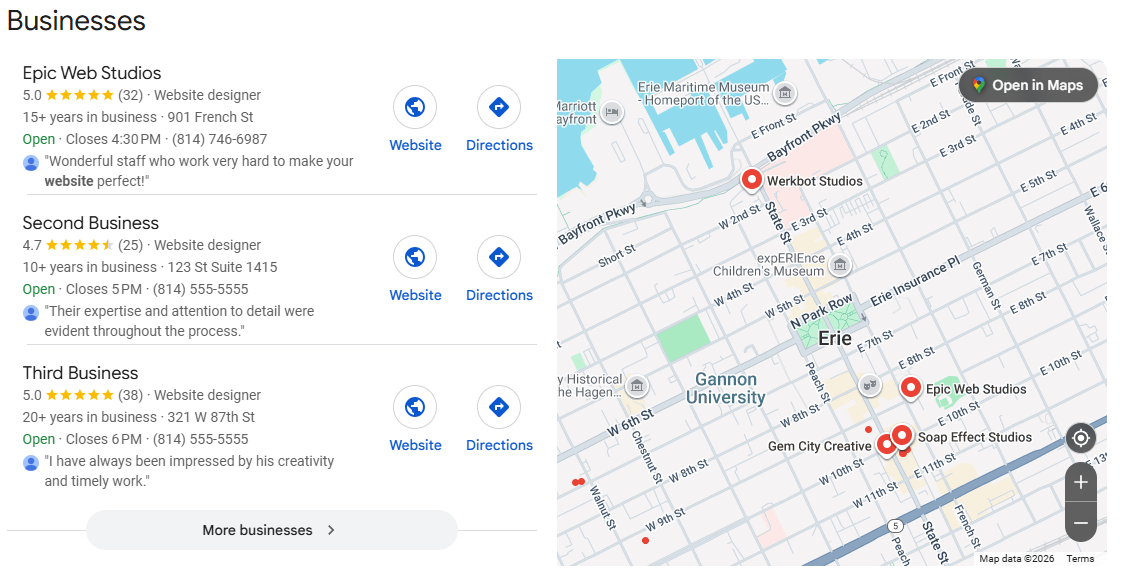
And when people search for services nearby, Google usually shows a map with businesses listed.
This is called the local map pack.
If your business appears there, you can get:
- more phone calls
- more website visits
- more customers walking through the door
That’s why managing your Google listing properly can make a big difference.
Complete Google Business Profile Tips for Small Businesses
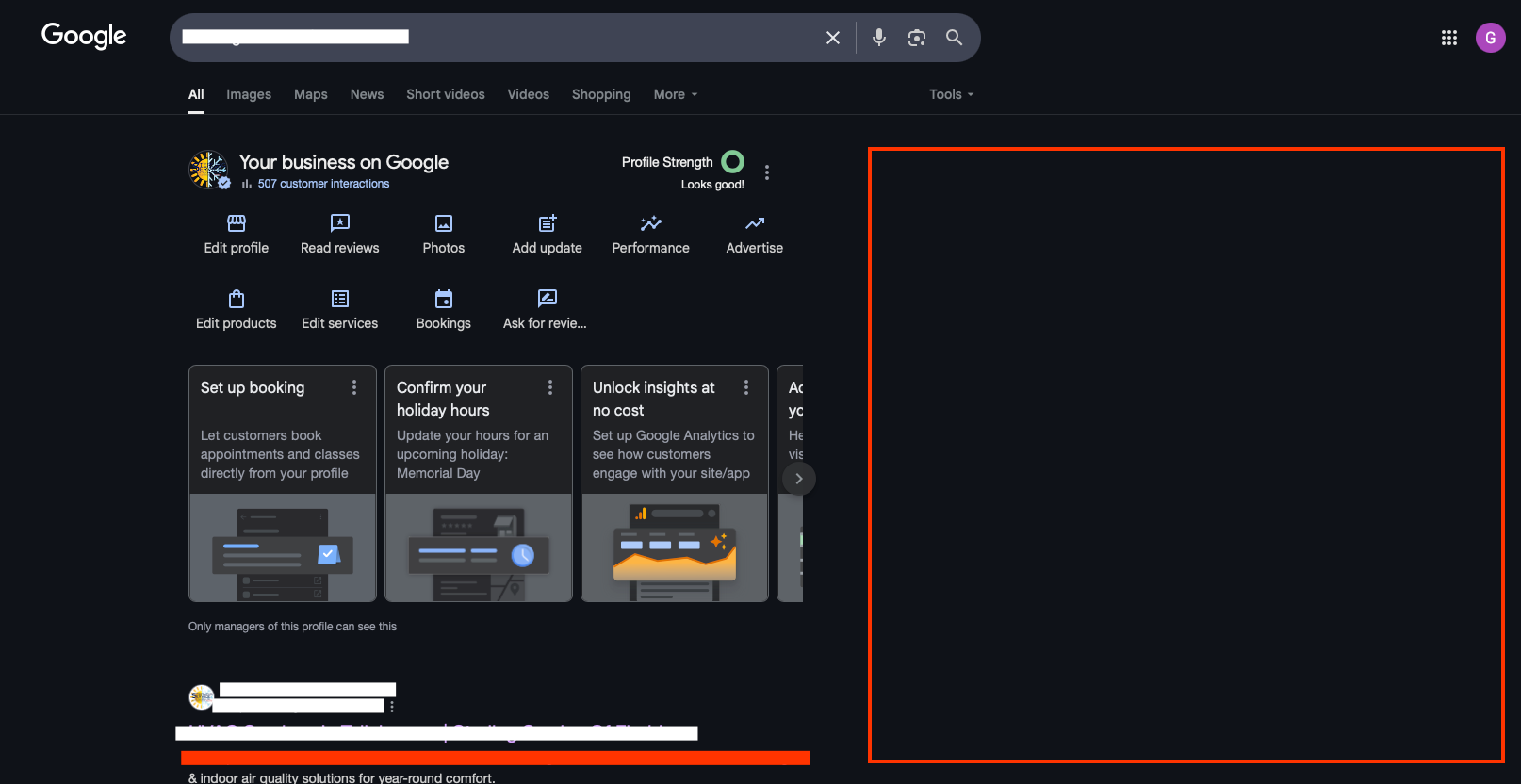
Let’s look at a few simple tips that can help improve your listing.
Keep Your Business Information Accurate
First things first—make sure your information is correct.
That includes:
- business name
- address
- phone number
- website
Incorrect information can confuse customers and hurt your rankings.
Choose the Right Business Category
Your category helps Google understand what your business does.
For example:
- bakery
- auto repair shop
- hair salon
Choosing the right category helps your listing appear in the right searches.
Add High-Quality Photos
Photos help your listing stand out.
Businesses with photos often get more engagement from customers.
Good photos to include:
- storefront
- interior
- products
- staff
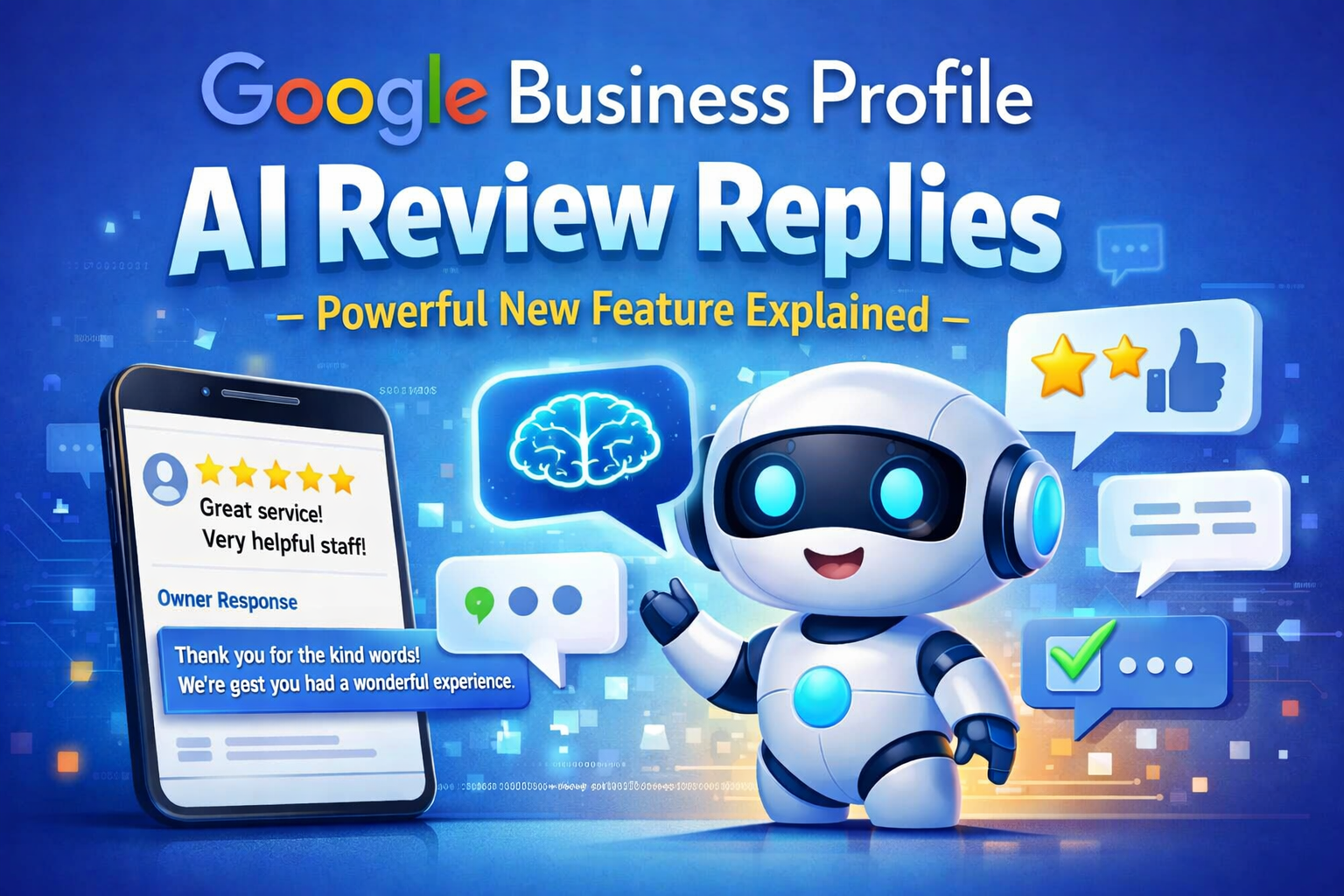
Respond to Customer Reviews
Reviews are one of the most important parts of your listing.
Responding to reviews shows customers you care.
You can reply to both:
Even a quick thank-you message helps build trust.
Post Updates on Your Business Profile

A lot of businesses don’t realize they can post updates directly to their profile.
These posts can include:
- promotions
- new products
- events
- business updates
Posting regularly keeps your listing active.
Use Messaging to Communicate With Customers
Some businesses enable messaging on their listing.
This allows customers to send questions directly through Google.
Fast responses help improve customer experience and build trust.
Encourage Customers to Leave Reviews

More reviews can improve both trust and visibility.
Simple ways to encourage reviews include:
- asking happy customers
- sending review links
- adding review reminders on receipts
Just remember—reviews should always be honest and real.
You can read Google’s official review guidelines here:
Final Thoughts
If you run a small business, your Google Business Profile can become one of your most powerful marketing tools.
With the right approach, it can bring in:
- more phone calls
- more local search traffic
- more customers
Just keep your listing updated, respond to reviews, add photos, and stay active.
Do that consistently, and you’ll start seeing the difference.
Latest Articles
-
Google Review Removal Service That Protects Your Reputation and Builds Trust
Can Negative Google Reviews Damage a Healthcare Organization? A sudden wave of negative Google reviews can seriously damage the reputation of a nursing home or medical practice. Families researching nursing homes often compare ratings, recent reviews, management responses, photographs, and overall review activity before scheduling a tour. Patients may perform the same research before choosing…
-
Google Review Management Agency That Helps Businesses Build Trust and Get More Customers
People trust Google reviews before they trust advertisements. Before contacting your business, potential customers usually search your company online and ask themselves one important question: “Can I trust this business?” That answer often comes from your reviews. Customers look at: If your business has weak reviews, outdated feedback, or unanswered complaints, customers may choose a…
-
How to Get New Patients in New York With Google Reviews
Your next patient in New York may decide whether to call your practice before ever speaking to your staff. Today, patients search, compare, and read reviews before choosing care. A 2025 survey found 84% of patients check online reviews before choosing a new healthcare provider. In 2026, 75% said they wouldn’t book with a provider…
-
How Accepted Insurance Plans Can Strengthen Medical Local SEO
When patients search for a doctor, they are not only looking for the right specialty or the closest medical office. Many also need to know whether the practice accepts their insurance. A patient might search Google for: If your website does not clearly list the insurance plans your practice accepts, Google and potential patients may…
-
Brooklyn Nursing Home Marketing in 2026: How to Turn Google Searches Into More Admissions
If you’re responsible for marketing or admissions at a nursing home, you already know how to generate business the traditional way. You know the importance of hospital relationships. You know your discharge planners, case managers, physicians, community partners, and referral sources. You know what happens to census when those relationships are strong, and you know…
-
Google Reviews and Search Console: Drive More Traffic to Your Queens Medical Practice
Google Reviews and Search Console: Drive More Traffic to Your Queens Medical Practice A patient in Queens searches Google for a family doctor, chiropractor, dentist, physical therapist, podiatrist, urgent care center, or medical specialist. Within seconds, that patient may see several practices competing for attention. The listings can look similar, but the patient still has…