
If you’re searching for a web design course for beginners, you’re probably asking:
Can I really learn this with no experience?
Yes.
But you need structure.
Not random YouTube videos.
Not jumping from tool to tool.
You need a path.
I’m going to break this down simple, clear, and realistic.

Why Web Design Is a Smart Skill to Learn
Websites are not optional anymore.
According to Statista, there are over 1 billion websites online.
And businesses with websites grow faster than those without (Source: U.S. Small Business Administration).
Every business needs:
- Landing pages
- Online stores
- Mobile-friendly layouts
- SEO structure
That means opportunity for beginners.
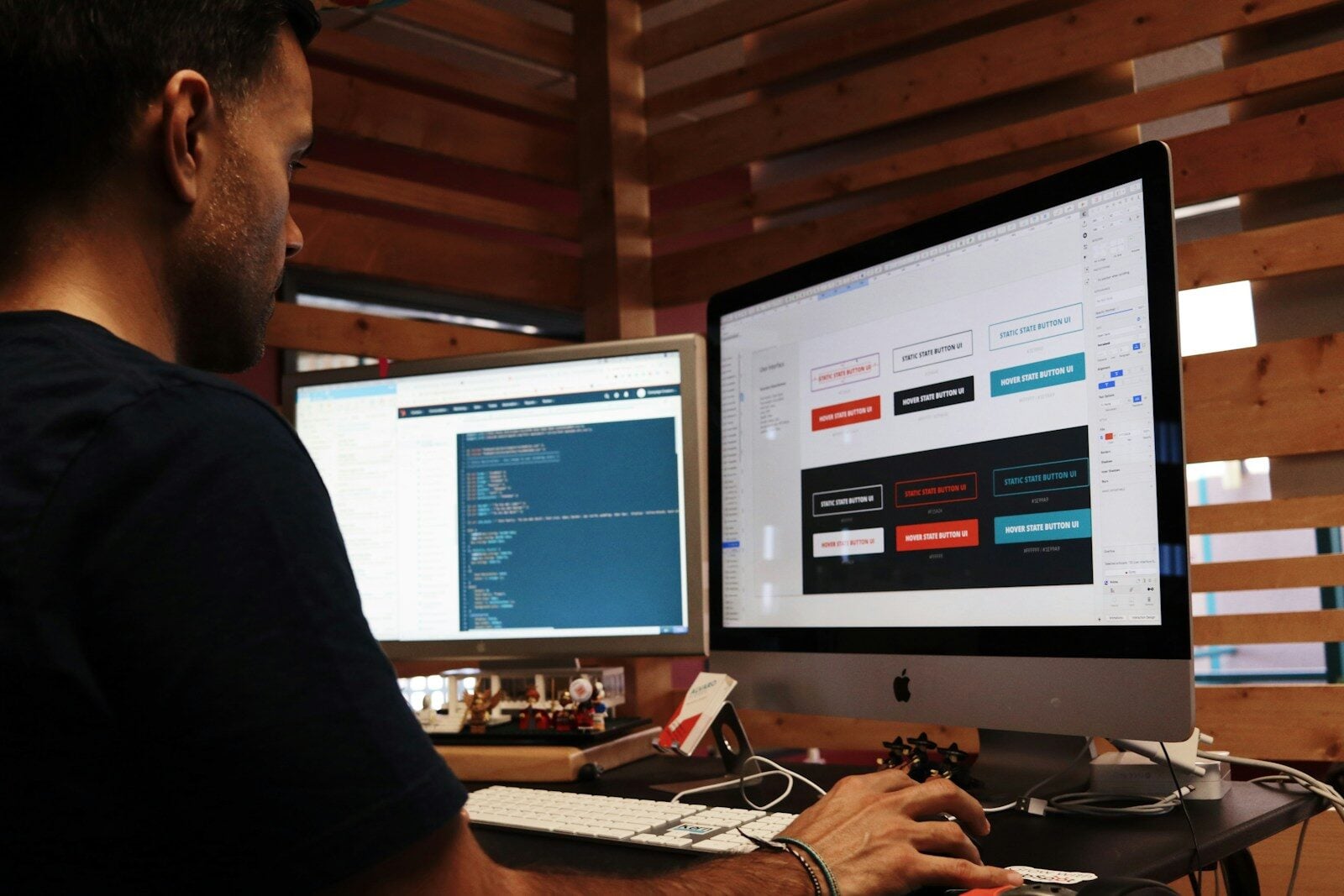
📸 Beginner Learning Web Design at Home

What a Good Web Design Course for Beginners Should Teach
If you’re just starting, don’t overcomplicate it.
You need these 5 core skills:
1️⃣ HTML (The Structure)
HTML is the skeleton of a website.
It tells the browser:
- This is a headline
- This is a paragraph
- This is a button
No HTML = no website.

2️⃣ CSS (The Design)
CSS controls:
- Colors
- Fonts
- Spacing
- Layout
This is where your design style shows up.

3️⃣ Responsive Web Design
Over 60% of traffic is mobile (Source: Statista).
That means your website must look good on:
- Phones
- Tablets
- Desktops
If your course doesn’t teach mobile-first design, skip it.
📸 Responsive Web Design Example

4️⃣ Basic SEO
You don’t need to be an expert.
But you must understand:
- H1 headings
- Meta titles
- Page speed
- Keywords
According to BrightEdge, 68% of online experiences start with a search engine.
If your site can’t be found, it can’t make money.
5️⃣ Website Speed Optimization
Google reports 53% of users leave a page if it takes longer than 3 seconds to load (Source: Google).
Speed matters.
Even beginners should understand:
- Image compression
- Clean layouts
- Lightweight design

Where Beginners Can Learn
Here are solid beginner-friendly platforms:
🎓 freeCodeCamp
- 100% free
- Coding-focused
- Great fundamentals
🎓 Udemy
- Affordable
- Structured beginner courses
🎓 Coursera
- University-backed options
📸 Coding Practice for Beginners
How Long Does It Take?
If you practice 1–2 hours a day:
- 30 days → understand basics
- 60 days → build simple sites
- 90 days → start freelancing
But here’s the truth:
Watching is easy.
Building is what counts.
Can Beginners Make Money?
Yes.
But not from “knowing design.”
From solving business problems.
Businesses want:
- Leads
- Bookings
- Sales
- Faster websites
If you build beginner sites that focus on results, you can charge:
- $300–$800 for starter websites
- $50–$150 monthly maintenance
That adds up fast.
Beginner Action Plan (Simple)
Week 1–2: Learn HTML basics
Week 3–4: Learn CSS
Week 5–6: Build 2 fake websites
Week 7–8: Build a personal portfolio
Week 9–12: Start pitching small businesses
Don’t overthink it.
Consistency beats perfection.
Final Advice
A web design course for beginners is not magic.
It’s a tool.
The real growth happens when you:
- Practice
- Build
- Improve
- Repeat
If you start today and stay focused for 90 days, you’ll be ahead of most people just talking about it.
Start simple.
Stay consistent.
Build real projects.
That’s how beginners turn into professionals.

Related Articles
- Google Review Removal Service That Protects Your Reputation and Builds Trust
- Google Review Management Agency That Helps Businesses Build Trust and Get More Customers
- How to Get New Patients in New York With Google Reviews
- How Accepted Insurance Plans Can Strengthen Medical Local SEO
- Brooklyn Nursing Home Marketing in 2026: How to Turn Google Searches Into More Admissions
-

How to Get New Patients in New York With Google Reviews
Your next patient in New York may decide whether to call your practice before ever speaking to your staff. Today, patients search, compare, and read reviews before choosing care. A 2025 survey found 84% of patients check online reviews before choosing a new healthcare provider. In 2026, 75% said they wouldn’t book with a provider…
-

How Accepted Insurance Plans Can Strengthen Medical Local SEO
When patients search for a doctor, they are not only looking for the right specialty or the closest medical office. Many also need to know whether the practice accepts their insurance. A patient might search Google for: If your website does not clearly list the insurance plans your practice accepts, Google and potential patients may…
-
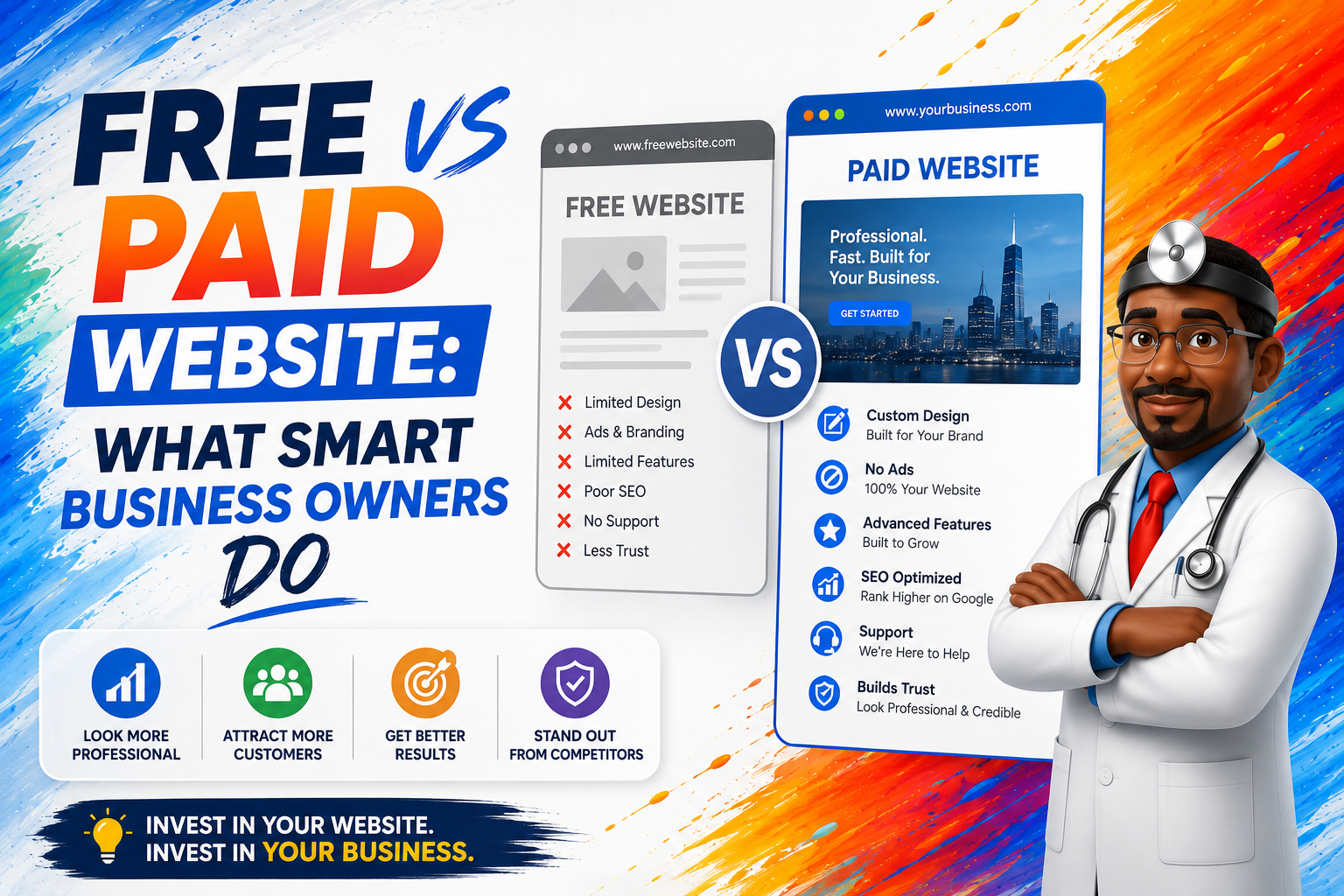
Free vs Paid Website: What Smart Business Owners Do
The Truth About Free Websites Free website builders like: …are great to get started. They let you: That’s powerful. But let’s break down what changes when you go from free to paid. 1. Your Domain Name Free version looks like this: yourbusiness.wixsite.com Paid version looks like this: yourbusiness.com Big difference. According to Verisign, there are…