

You and I both know how overwhelming SEO tools can feel. There’s Google Analytics on one side and SEMrush on the other. But which one is better?
Here’s the short answer:
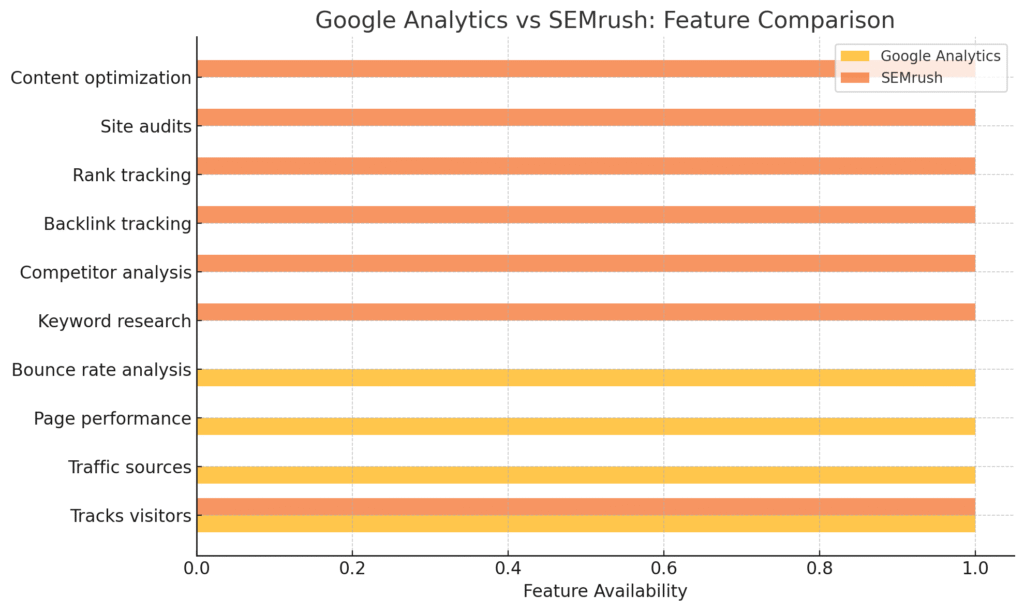
👉 Google Analytics tells you what’s happening on your website.
👉 SEMrush tells you how to bring more people to your website.
They’re not really competitors—they actually work best together.
What Google Analytics Does Best
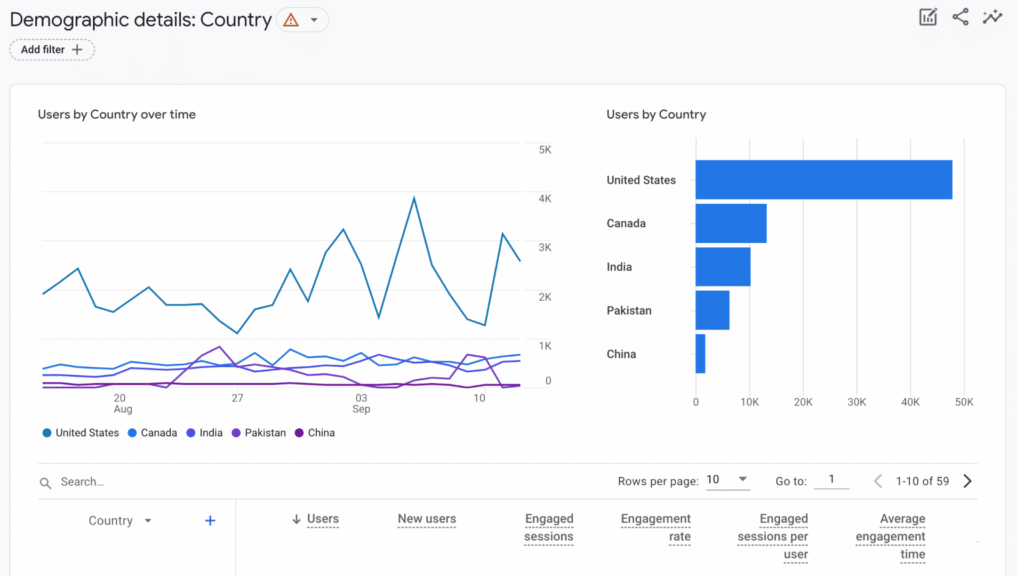
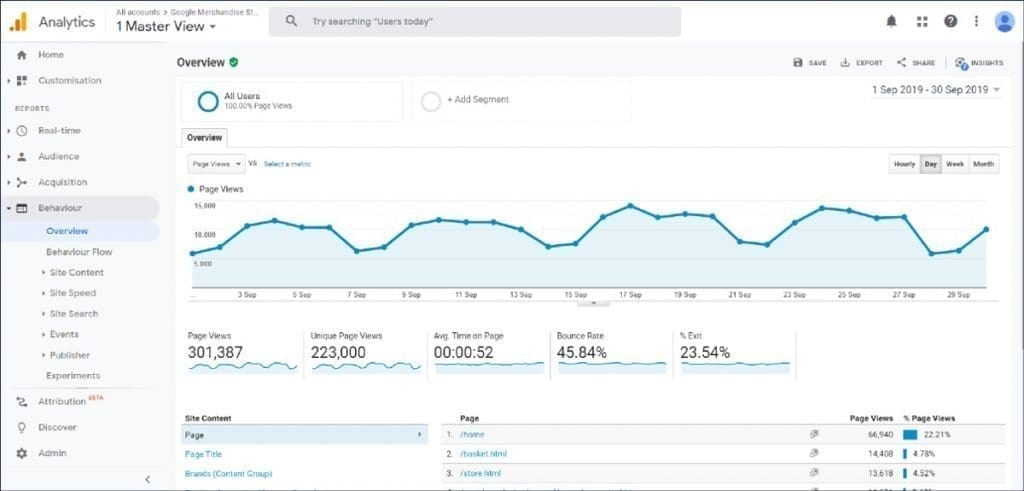
Google Analytics is like your website health monitor. It shows you:
- ✅ How many people visit your site
- ✅ Where your traffic comes from (Google, social media, referrals, etc.)
- ✅ What pages people read the most
- ✅ How long they stay on your site
- ✅ Where they drop off
In short: Google Analytics measures performance.
But here’s the catch—you and I can see what’s happening, but Analytics doesn’t always tell us how to fix it or get more traffic.
What SeMrush Does Best
SEMrush is more like your SEO strategy coach. It helps you:
- ✅ Find the right keywords to target
- ✅ Analyze your competitors’ strategies
- ✅ Track your Google rankings over time
- ✅ Spot backlink opportunities
- ✅ Audit your site for technical SEO issues
In short: SEMrush helps you grow traffic and visibility.

Google Analytics vs SEMrush: Which Should You Use?
If you and I compare them side by side:
- Google Analytics = Free & essential → You’ll use it to measure and understand your visitors.
- SEMrush = Paid & powerful → You’ll use it to find growth opportunities and improve SEO.
So the real answer is:
👉 Google Analytics isn’t better than SEMrush, and SEMrush isn’t better than Google Analytics. They do different jobs, and if you use them together, you’ll have the best of both worlds.
My Recommendation as an SEO Consultant
When I help clients with SEO consulting, reputation management, or building their sites with a website builder, I always recommend starting with Google Analytics (it’s free) and then adding SEMrush once you’re ready to grow.
Think of it like this:
SEMrush = your mechanic + coach (it helps you drive faster and win the race).
Google Analytics = your car’s dashboard (it tells you your speed, fuel, and problems).

✅ For beginners: Start with Google Analytics to track your traffic.
✅ For growth: Add SEMrush to discover opportunities and outrank competitors.
🔗 How to Use Google Analytics + SEMrush Together for SEO Success
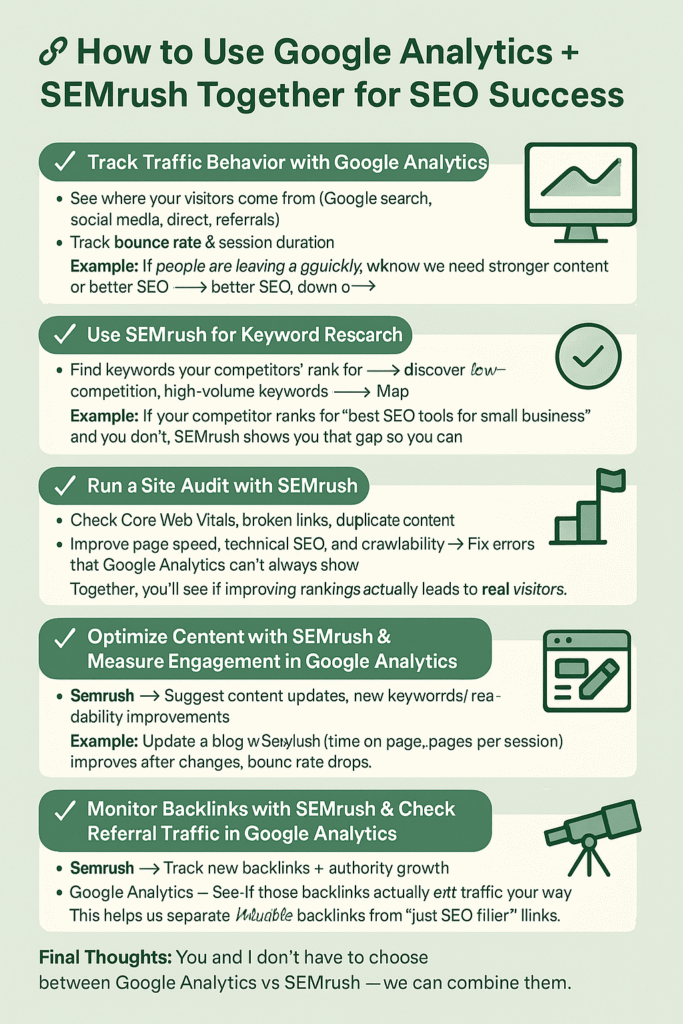
If you’ve ever wondered, “Should I use Google Analytics or SEMrush?”—the real answer is: use both. They complement each other like peanut butter and jelly 🍯🥜.
Here’s the exact workflow you and I can follow step by step:
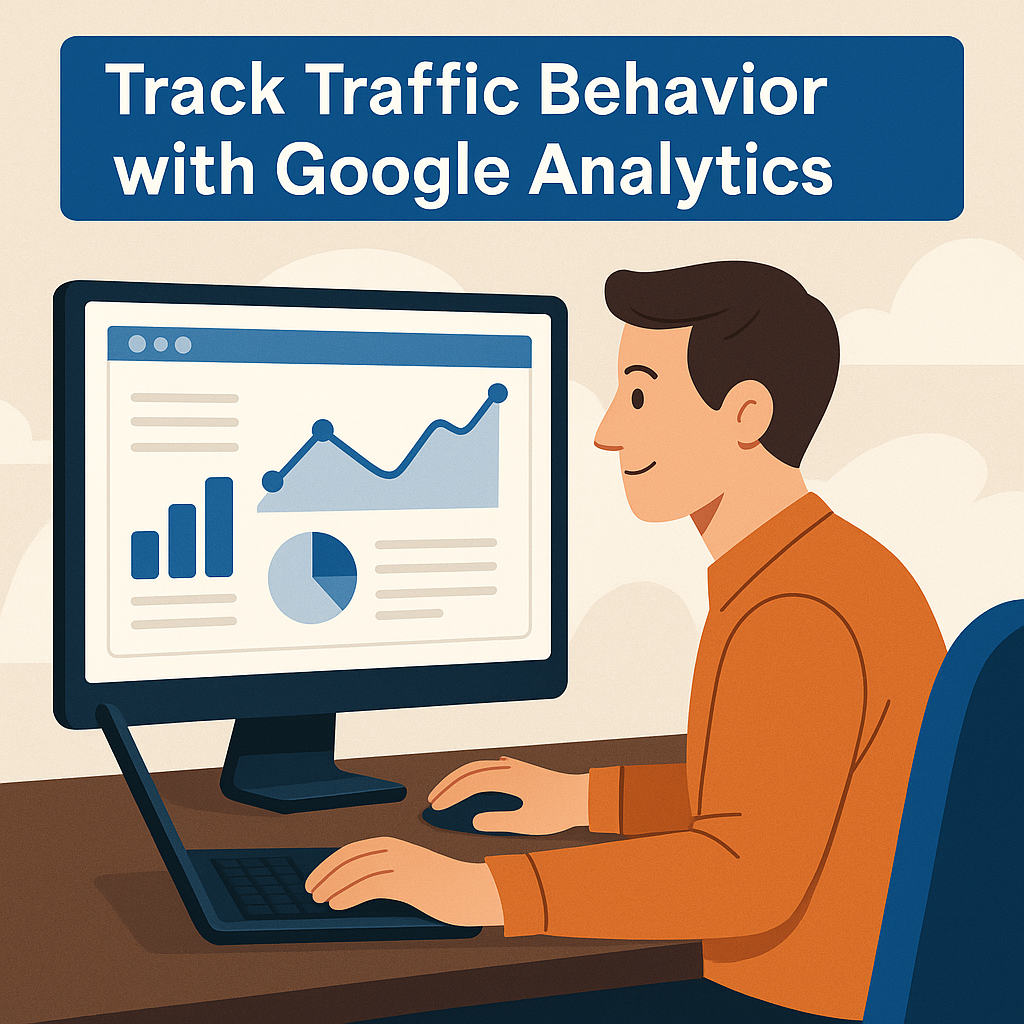
✅ Step 1: Track Traffic Behavior with Google Analytics
- See where your visitors come from (Google search, social media, direct, referrals).
- Track bounce rate & session duration → This tells you if your content keeps people engaged.
- Identify your top-performing pages (those driving the most traffic).
👉 Example: If people are leaving a page too quickly, we know we need stronger content or better SEO.
✅ Step 2: Use SEMrush for Keyword Research
- Find keywords your competitors rank for.
- Discover low-competition, high-volume keywords.
- Map keywords to your best content pages.
👉 Example: If your competitor ranks for “best SEO tools for small business” and you don’t, SEMrush shows you that gap so you can create content to fill it.
✅ Step 3: Run a Site Audit with SEMrush
- Check Core Web Vitals, broken links, duplicate content.
- Improve page speed, technical SEO, and crawlability.
- Fix errors that Google Analytics can’t always show.
👉 This ensures your site is not only trackable but also search-engine friendly.

✅ Step 4: Track Rankings with SEMrush + Validate with Google Analytics
- SEMrush → Track keyword rankings daily/weekly.
- Google Analytics → Track traffic growth on those same pages.
👉 Together, you’ll see if improving rankings actually leads to real visitors.
✅ Step 5: Optimize Content with SEMrush & Measure Engagement in Google Analytics
- SEMrush → Suggests content updates, new keywords, and readability improvements.
- Google Analytics → Shows if engagement (time on page, pages per session) improves after changes.
👉 Example: Update a blog with SEMrush recommendations → then check Analytics to see if bounce rate drops.
Search Engine Marketing Explained: Simple Strategies That Work

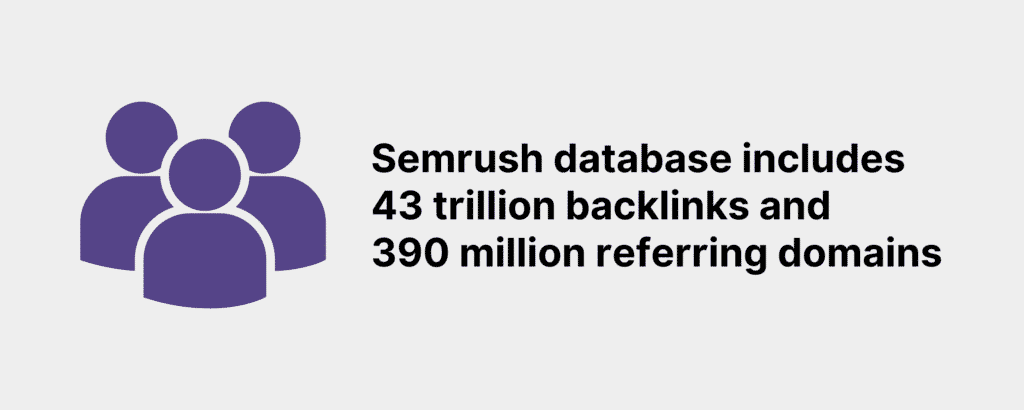
✅ Step 6: Monitor Backlinks with SEMrush & Check Referral Traffic in Google Analytics
- SEMrush → Track new backlinks and authority growth.
- Google Analytics → See if those backlinks actually send traffic your way.
👉 This helps us separate valuable backlinks from “just SEO filler” links.
🎯 Final Thoughts
You and I don’t have to choose between Google Analytics vs SEMrush—we can combine them.
- Google Analytics = Who visits, what they do, and how long they stay.
- SEMrush = Why they found you, how you rank, and how to beat competitors.
When we use them together, it’s like having a microscope (Google Analytics) to study your current visitors and a telescope (SEMrush) to find new opportunities on the horizon. 🚀
👉 For official guides, check out:


Related Articles
How to Write a Compelling Meta Description That Boosts Your SEO and Clicks
Faceless Marketing for eCommerce: How to Increase Conversions
Optimized Title Tags for Faceless Marketing: 7 Secrets to Success
Meta Descriptions That Sell: How to Get Clicks Without Clickbait
Header Tag Structure (H1–H6): The SEO-Friendly Guide for Better Rankings
Internal Linking Strategy: How to Boost SEO and Keep Readers Engaged
Latest Articles










