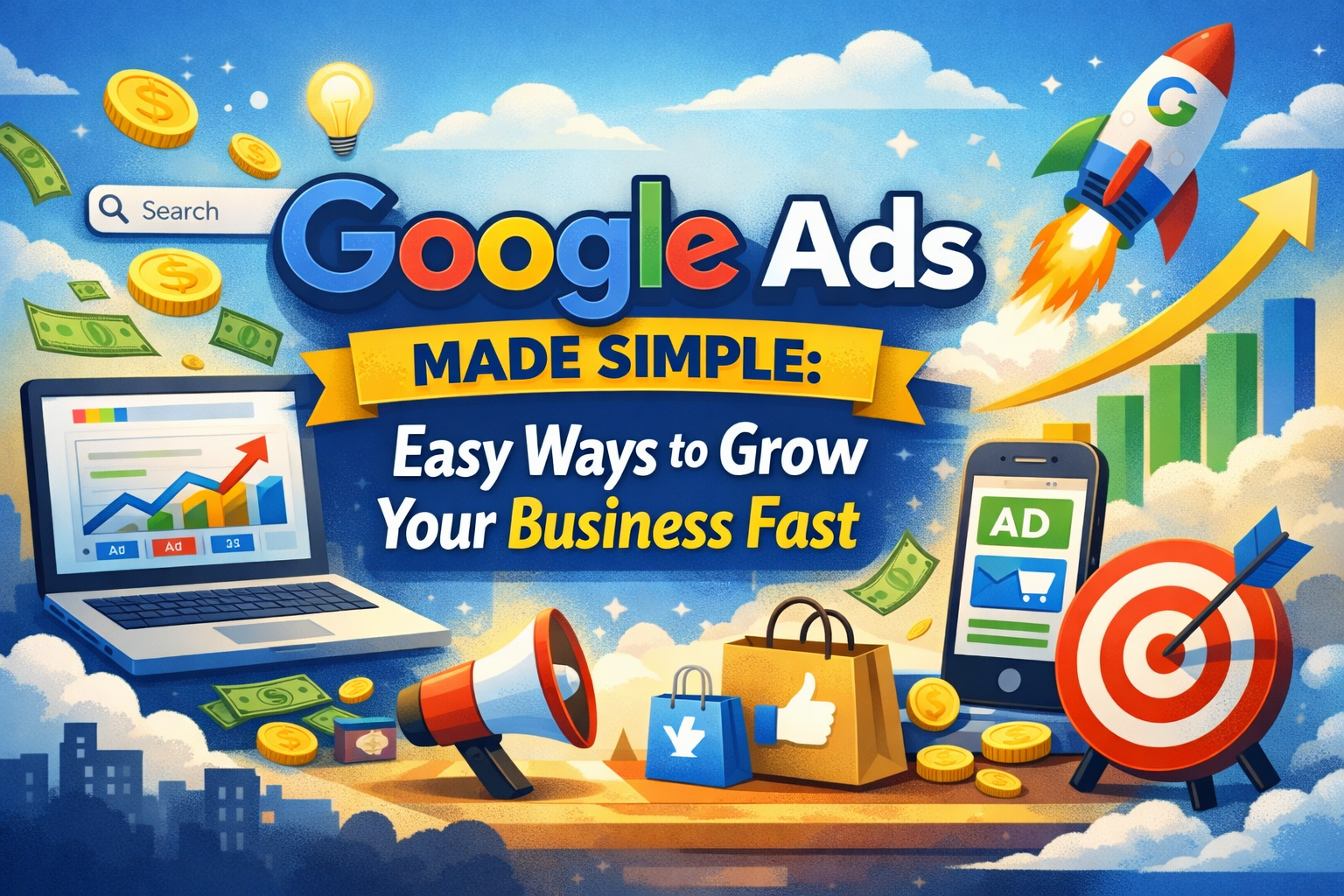
Google Ads is an online advertising platform where businesses pay to show their ads on Google search results, YouTube, and other websites. It helps businesses reach people who are already searching for their products or services.
A Simple Way to Get Customers Fast
What if your business could show up right when people search online?
That’s what Google Ads does. It helps you reach customers at the exact moment they are looking for something.
You don’t need a big budget or a lot of experience. With Google Ads, even beginners can start small and grow fast.
What Is Google Ads?
Google Ads is a tool that lets you create ads and show them online.
When someone searches on Google, your ad can appear at the top of the page. You only pay when someone clicks your ad.
This makes Google Ads a smart and simple way to get traffic.
How Google Ads Works
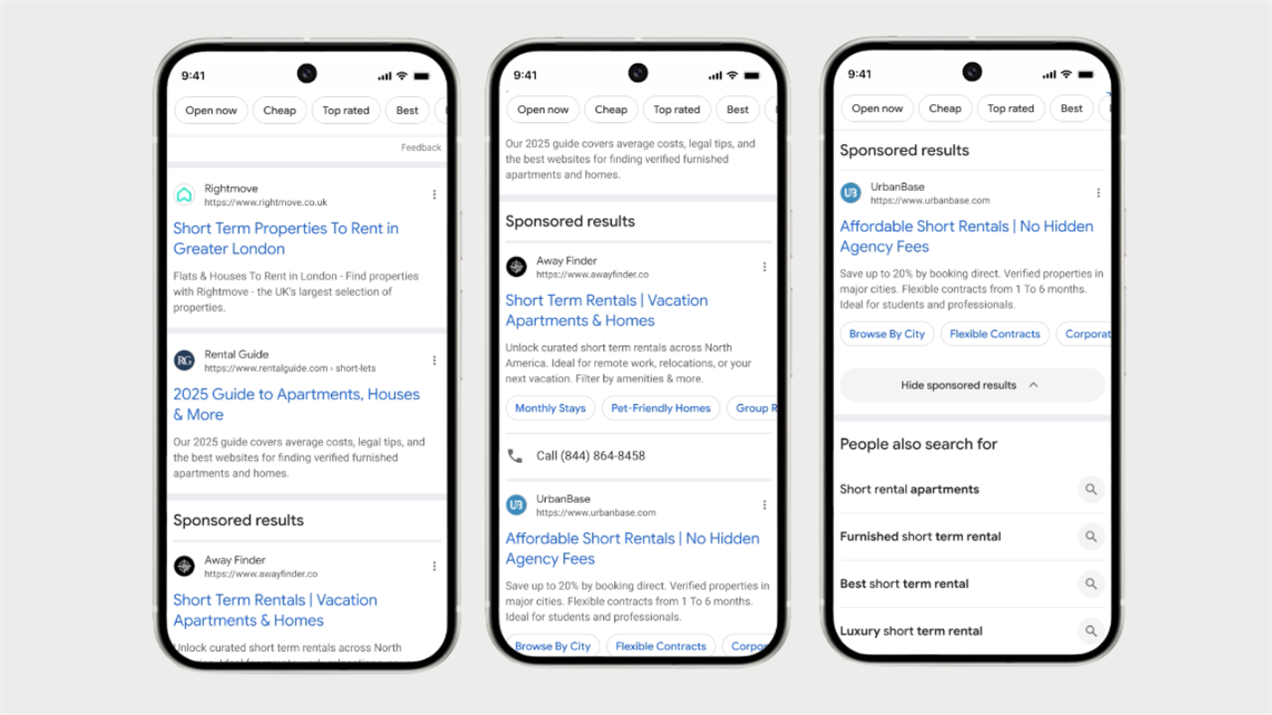
Here’s how Google Ads works in easy steps:
- You create an ad
- You choose keywords (what people search)
- Your ad shows up on Google
- You pay only when someone clicks
This is called “pay-per-click” advertising.
Why Google Ads Is So Powerful
1. Fast Results
With Google Ads, you don’t have to wait weeks. You can get visitors right away.
2. Reach the Right People
Your ads show to people already searching. That means better chances of getting customers.
3. Control Your Budget
You can start with just a few dollars a day. Google Ads lets you stay in control.
Who Should Use Google Ads?
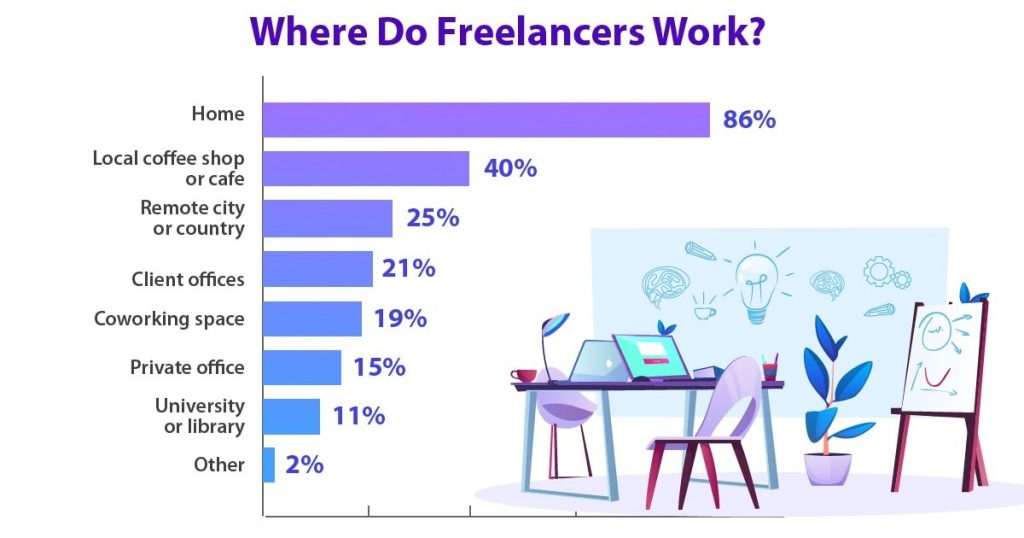
Google Ads is great for:
- Small business owners
- Online stores
- Freelancers
- Beginners in marketing
Anyone who wants more customers can use Google Ads.
Is Google Ads Easy to Learn?
Yes, it is beginner-friendly.
Simple Tips to Start:
- Pick clear keywords
- Write simple ads
- Set a small budget
- Track your results
With practice, Google Ads becomes easier.
How Much Does Google Ads Cost?
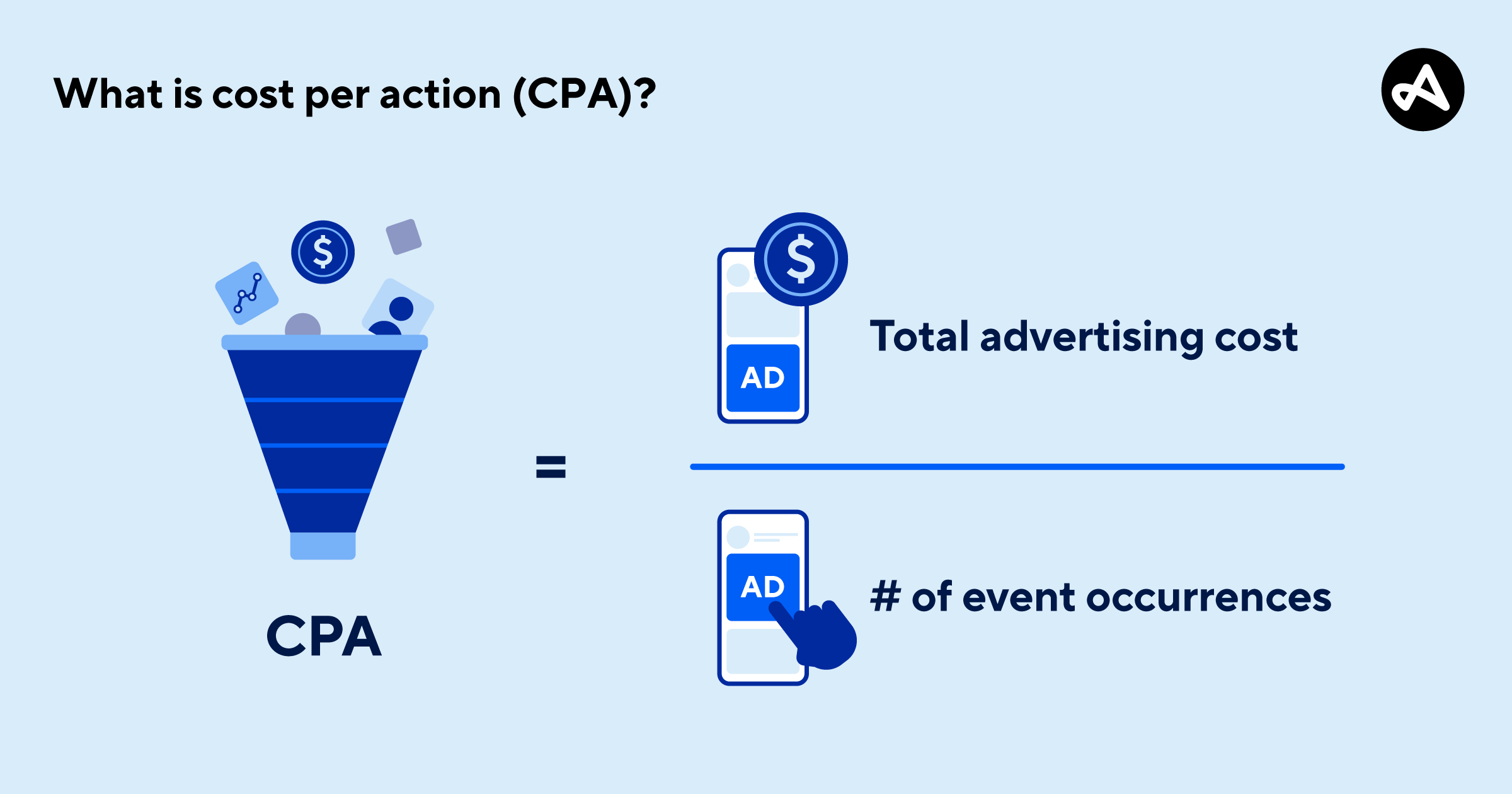
There is no fixed cost for Google Ads.
You decide how much to spend. Some people start with just $5–$10 a day.
You only pay when someone clicks your ad.
Frequently Asked Questions
1. What is Google Ads?
Google Ads is a platform where you pay to show ads online.
2. Is Google Ads good for beginners?
Yes, Google Ads is easy to start with.
3. Do I need a big budget?
No, you can start small with Google Ads.
4. How fast can I see results?
You can see results quickly, sometimes the same day.
5. Do I pay for views?
No, you usually pay when someone clicks your ad.
Conclusion: A Smart Way to Grow Online
Google Ads is one of the fastest ways to grow your business online. It is simple, flexible, and works for beginners.
If you want more people to find your business, now is a great time to try Google Ads. Start small, learn as you go, and watch your results grow.
Related Articles
Latest Articles
-
Google Review Removal Service That Protects Your Reputation and Builds Trust
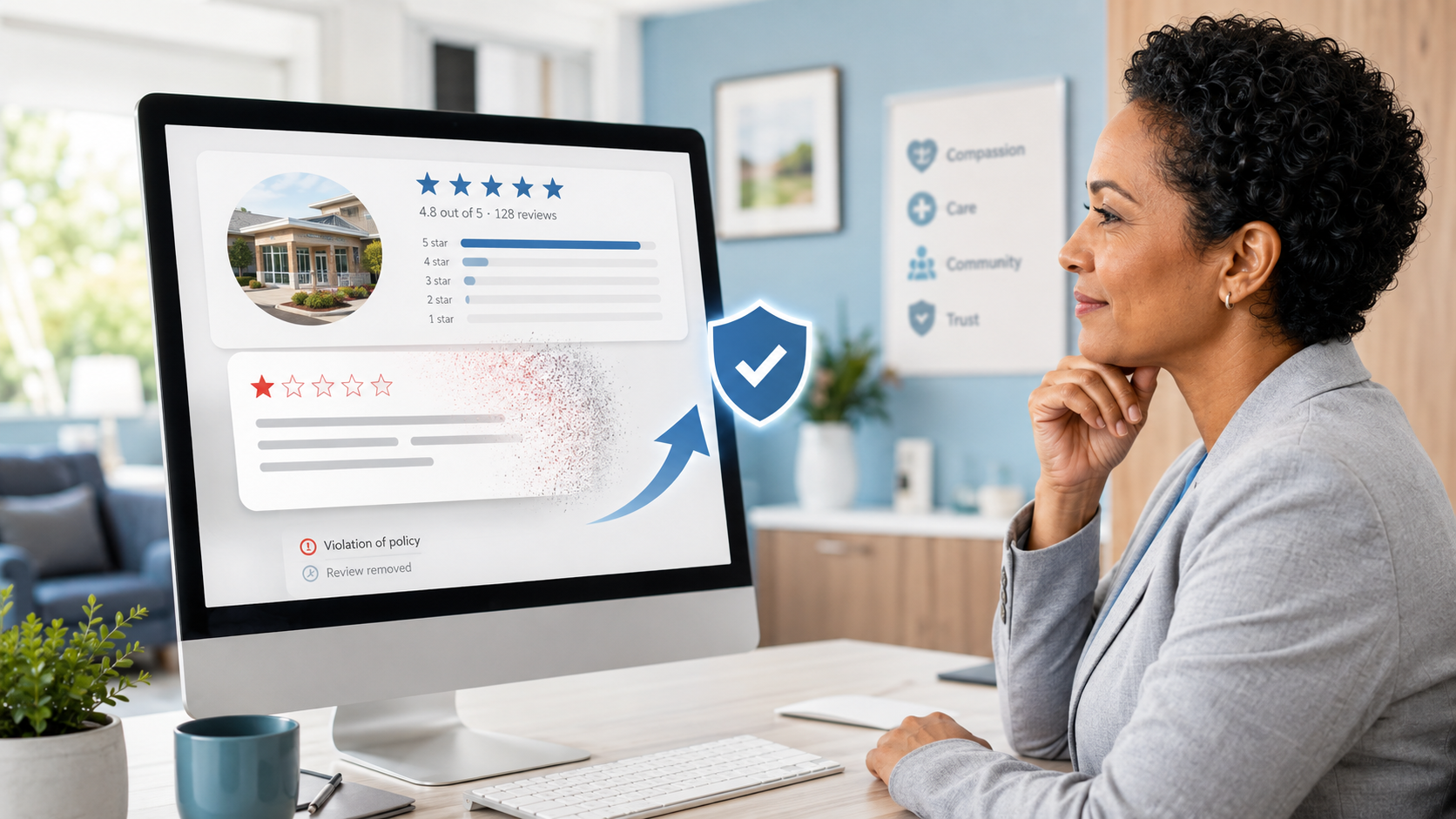
Can Negative Google Reviews Damage a Healthcare Organization? A sudden wave of negative Google reviews can seriously damage the reputation of a nursing home or medical practice. Families researching nursing homes often compare ratings, recent reviews, management responses, photographs, and overall review activity before scheduling a tour. Patients may perform the same research before choosing…
-
Google Review Management Agency That Helps Businesses Build Trust and Get More Customers
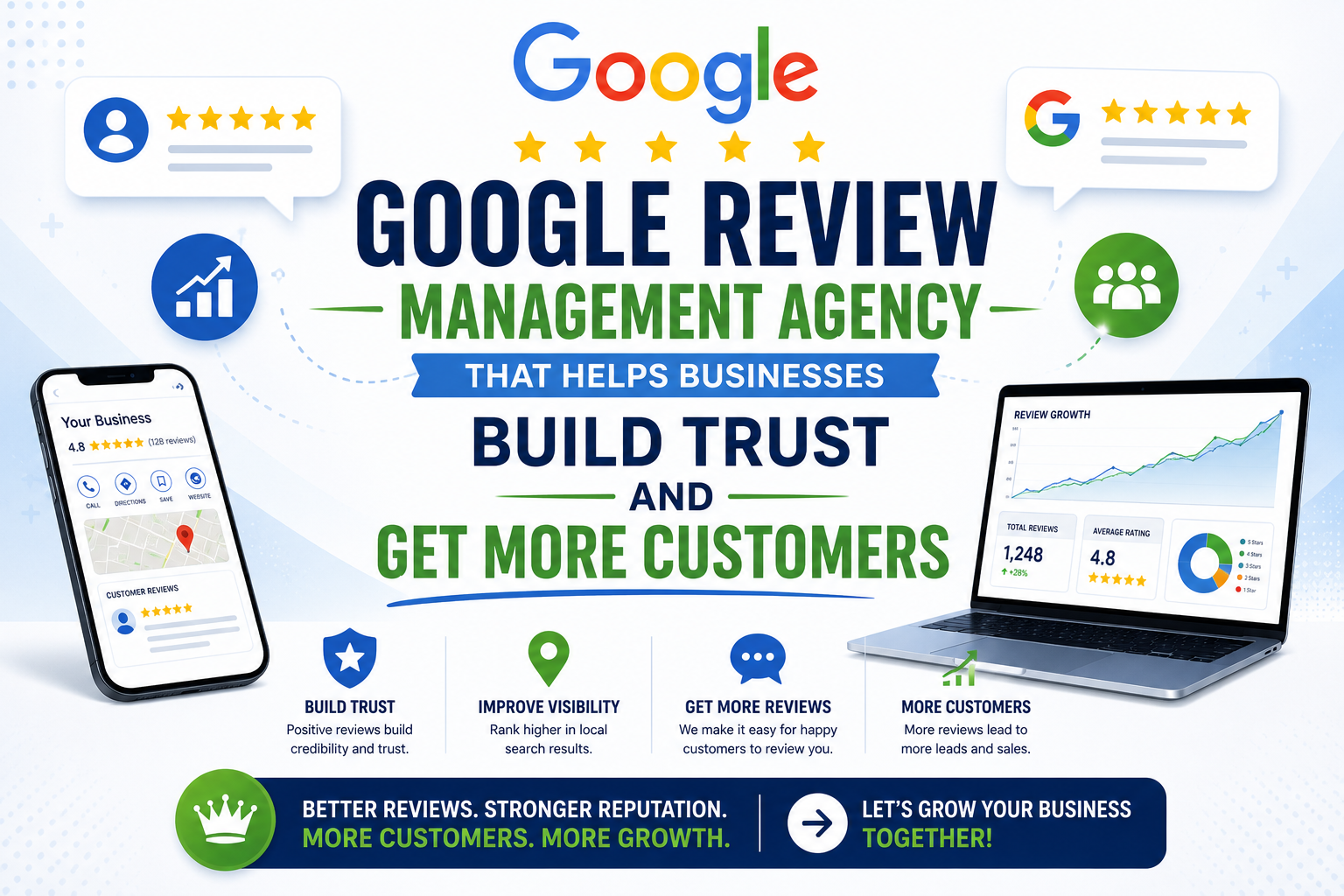
People trust Google reviews before they trust advertisements. Before contacting your business, potential customers usually search your company online and ask themselves one important question: “Can I trust this business?” That answer often comes from your reviews. Customers look at: If your business has weak reviews, outdated feedback, or unanswered complaints, customers may choose a…
-
How to Get New Patients in New York With Google Reviews
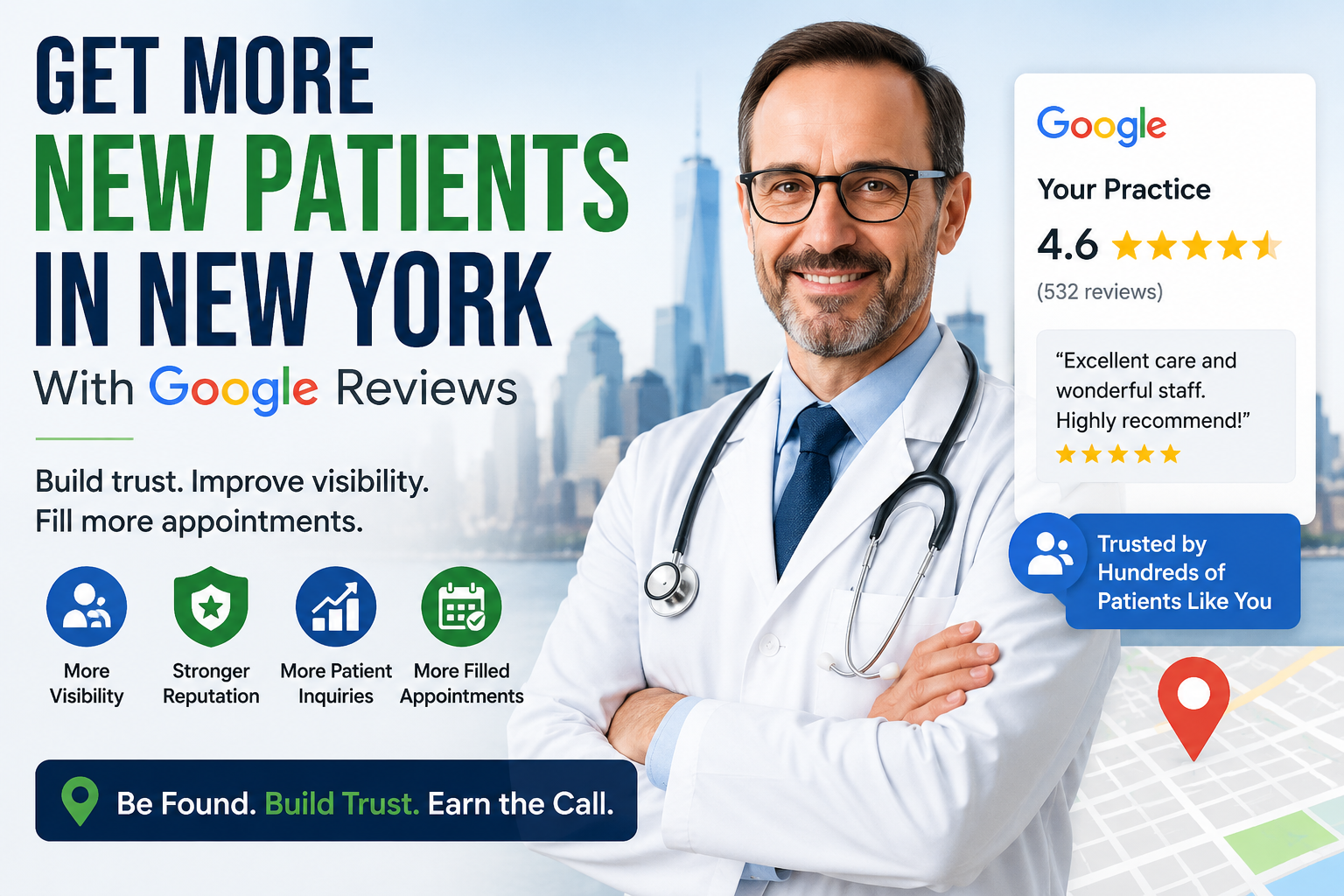
Your next patient in New York may decide whether to call your practice before ever speaking to your staff. Today, patients search, compare, and read reviews before choosing care. A 2025 survey found 84% of patients check online reviews before choosing a new healthcare provider. In 2026, 75% said they wouldn’t book with a provider…