Customer service can make or break a business.
People want quick replies, clear answers, and a smooth experience. And let’s be real—if you’re trying to handle every customer message yourself, that gets old fast.
That’s where a virtual assistant can really help.
A virtual assistant, or VA, works remotely and takes care of tasks that keep your business moving. One of the biggest areas they help with is customer support.
So if you’re asking what customer service tasks can a virtual assistant do, let’s break it down nice and easy.
Why Customer Service Support Matters

When customer messages start piling up, everything slows down.
That can lead to:
- missed sales
- unhappy customers
- slow response times
- bad reviews
And once customers feel ignored, they may not come back.
A virtual assistant helps keep communication moving so your customers feel taken care of without you having to be glued to your inbox all day.
Common Customer Service Tasks a Virtual Assistant Can Do
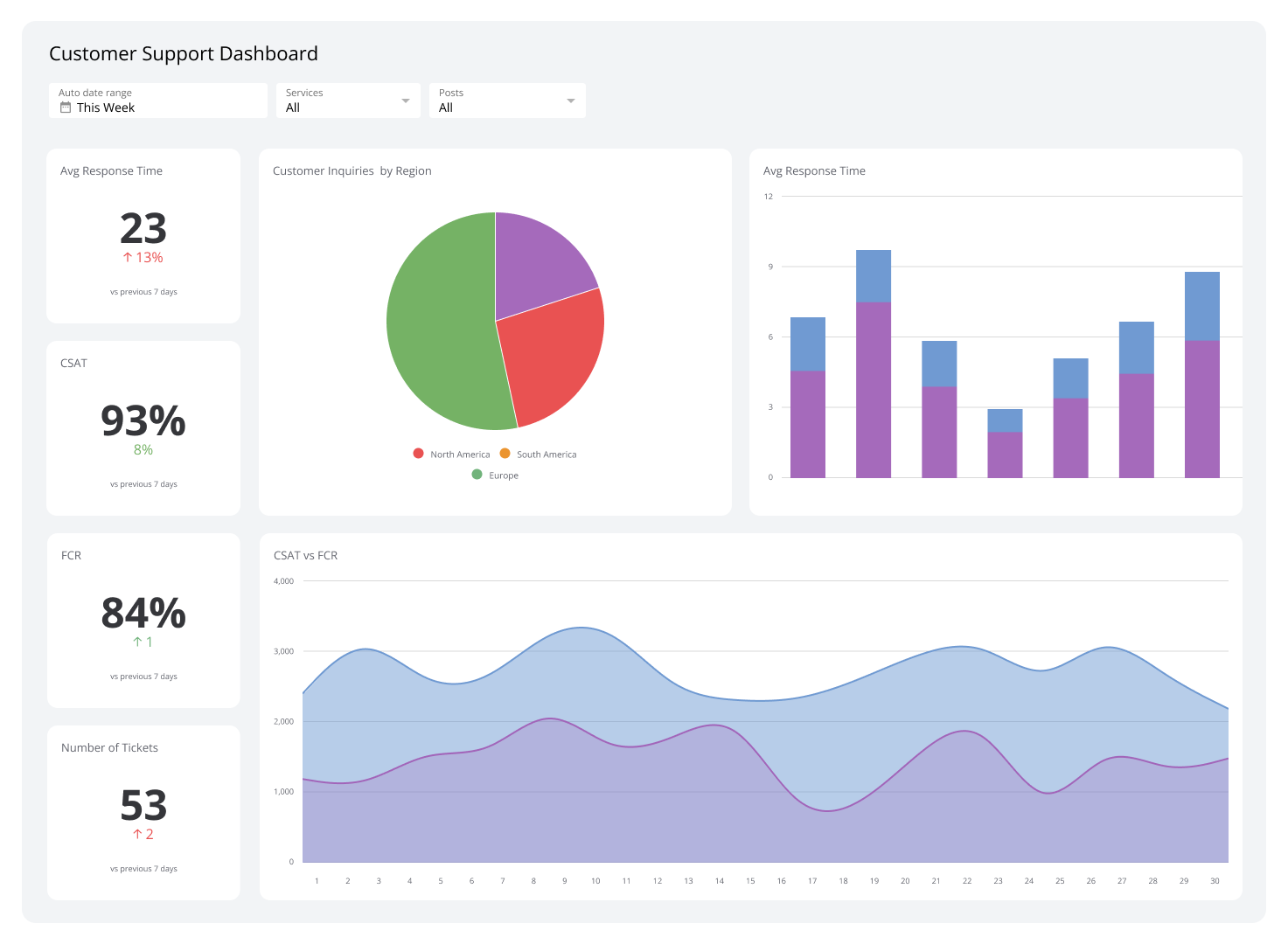
A VA can take care of a bunch of day-to-day support tasks.
Answering Customer Emails
This is one of the biggest ones.
A virtual assistant can reply to simple questions about:
- products
- services
- pricing
- shipping
- appointments
They can also organize inboxes and make sure important messages get answered faster.
Live Chat Support
If your website has a live chat feature, a VA can monitor it and answer customer questions in real time.
That helps visitors get help quickly, which can lead to more sales.
Social Media Messages
A lot of customers send questions through platforms like Instagram or Facebook.
A VA can answer direct messages, guide customers, and keep response times low.
Order and Appointment Updates
Virtual assistants can also help customers with:
- order status updates
- appointment confirmations
- rescheduling requests
- delivery questions
That kind of support goes a long way.

More Customer Support Tasks a VA Can Help With
Customer service isn’t just about replying to messages.
A VA can also help with behind-the-scenes support work.
Managing FAQs
If customers ask the same questions again and again, a VA can help build or update a FAQ list.
Following Up With Customers
A VA can send follow-up emails after a sale or service to check in and improve customer experience.
Escalating Bigger Issues
If a customer has a more serious problem, a VA can pass it along to the right person quickly.
That keeps the workflow clean and organized.
Keeping Support Records Organized
Virtual assistants can log customer issues, organize contact details, and keep support notes in one place.
This makes future customer interactions way easier.
For more small business support tips, you can check guidance from the U.S. Small Business Administration:
https://www.sba.gov
What Makes a Virtual Assistant Good at Customer Service?
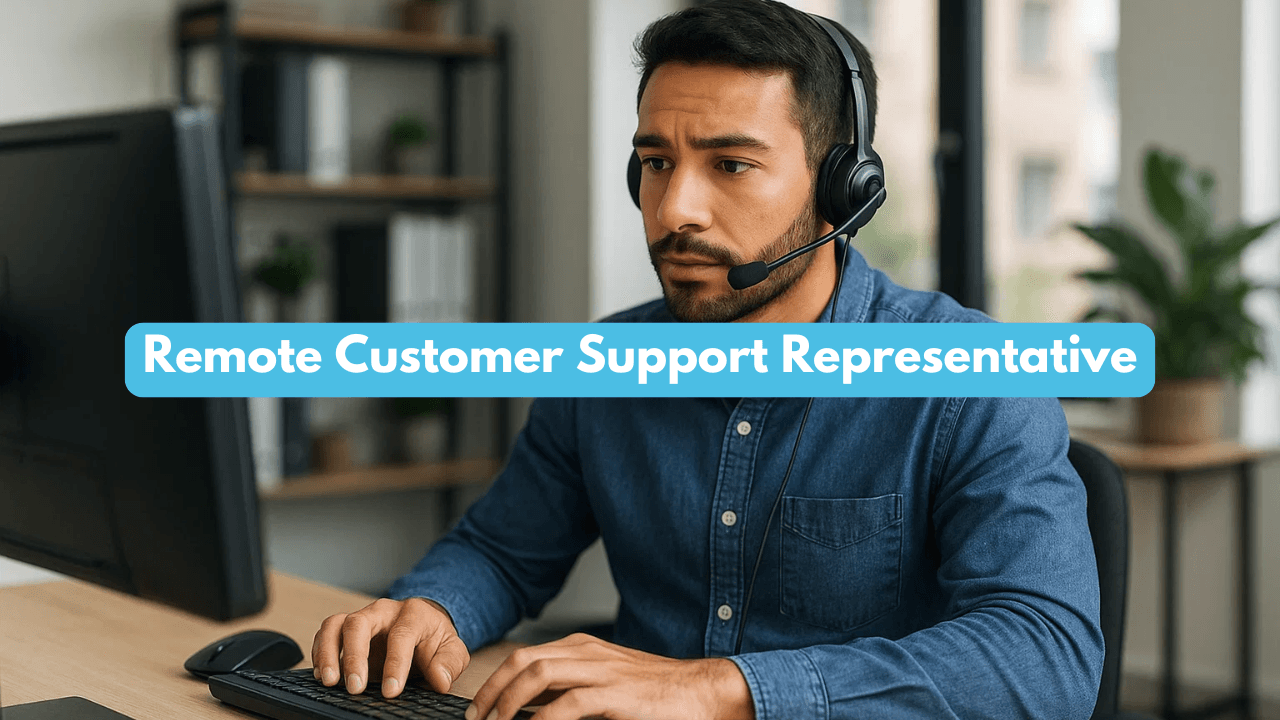
Not every VA is the same.
For customer service, a good virtual assistant should have:
- clear communication skills
- patience
- attention to detail
- fast response habits
- professionalism
They don’t need to know everything on day one, but they should be able to learn your business and speak to customers in a helpful way.
When a Business Should Hire a VA for Customer Service
Here’s the honest answer.
You should think about hiring help when:
- you take too long to answer customers
- support is cutting into your workday
- messages are slipping through the cracks
- your business is growing and you need backup
That’s usually the point where bringing in a VA starts paying off.
Final Thoughts
If you’ve been wondering what customer service tasks can a virtual assistant do, the answer is: plenty.
They can help with emails, live chat, social media messages, appointment updates, follow-ups, and more.
And once you stop trying to handle every customer question yourself, your business usually runs smoother and your customers get a better experience too.
That’s a win all around.
Related Articles
What Task Can a Virtual Assistant Do for Your Small Business?
Best Ecommerce Tasks to Delegate to a Virtual Assistant
What Tasks Can a Virtual Assistant Do for Coaches? (Simple Support Guide)