

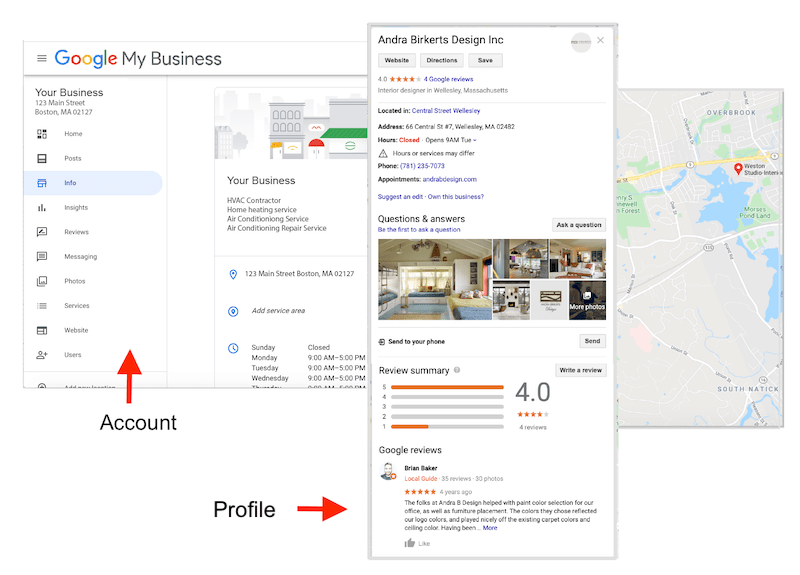
If you run a local business, showing up in Google search is huge. Most people look online before they decide where to go.
That’s where Google Business Profile comes in.
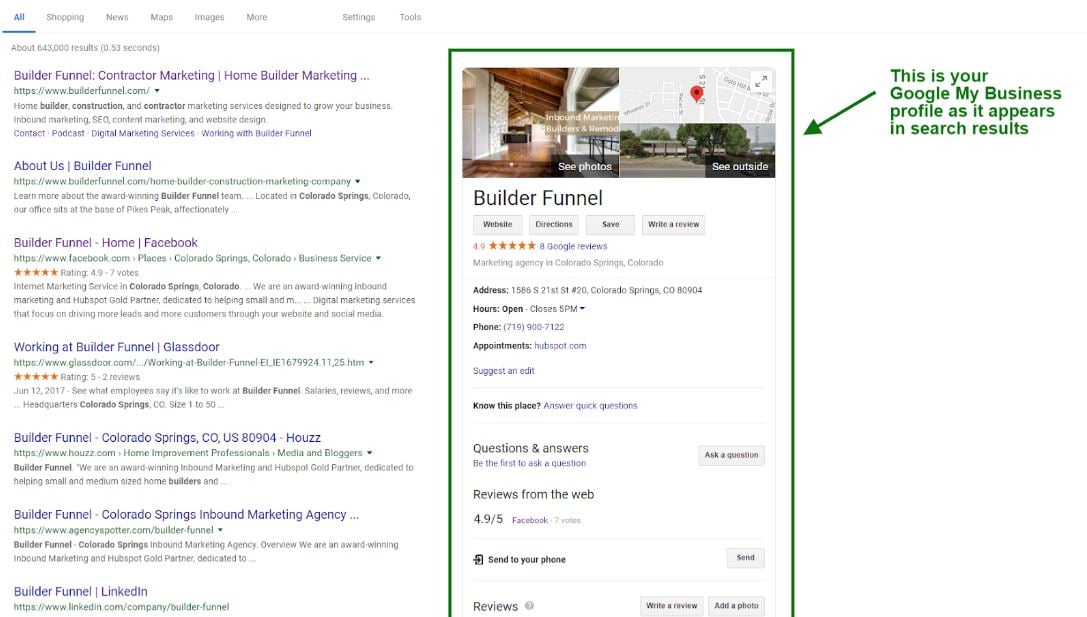
Your business listing shows up on Google Search and Google Maps, helping customers find things like:
- your address
- phone number
- business hours
- photos
- customer reviews
But just creating a listing isn’t enough.
If you want to rank higher in local results, you need proper Google Business Profile optimization.
Think of it like tuning up your car. Everything works better when it’s set up right.
So let’s go through a simple checklist that helps your business show up more often in local search.
Why Google Business Profile Optimization Matters
Here’s the thing.
When people search for businesses nearby, Google usually shows a local map pack.
That’s the section with three business listings and a map.
If your profile is optimized, you have a better chance of showing up there.

That means:
- more website visits
- more phone calls
- more customers
And honestly, that’s the whole goal.
Complete Google Business Profile Optimization Checklist

Here’s the checklist every business owner should follow.
1. Use Your Real Business Name
Your business name should match what appears on your storefront and website.
Avoid adding extra keywords like:
“Best Cheap Plumber NYC”
Google calls this keyword stuffing and it can hurt your listing.
2. Choose the Right Business Category
Your category tells Google what your business does.
For example:
- restaurant
- dentist
- auto repair shop
Choosing the correct category helps Google show your listing for relevant searches.
3. Add Accurate Business Information
Make sure these details are correct:
- address
- phone number
- website
- hours
Consistency helps Google trust your listing.
Add Photos to Your Google Business Profile
Photos make your listing more attractive to customers.
Businesses with photos often get more clicks.
Types of photos to add include:
- storefront photos
- interior photos
- product photos
- team photos
Try to upload new photos regularly.
Encourage Customer Reviews

Reviews play a big role in local rankings.
Businesses with more positive reviews often rank higher.
You can encourage reviews by:
- asking happy customers
- sending review links
- reminding customers after service
Just make sure reviews are real and honest.
Google’s review policies can be found here:

Post Updates on Your Google Business Profile
A lot of business owners don’t realize this, but you can post updates directly to your listing.
These posts can include:
- promotions
- events
- new products
- announcements
Posting regularly keeps your profile active and engaging.
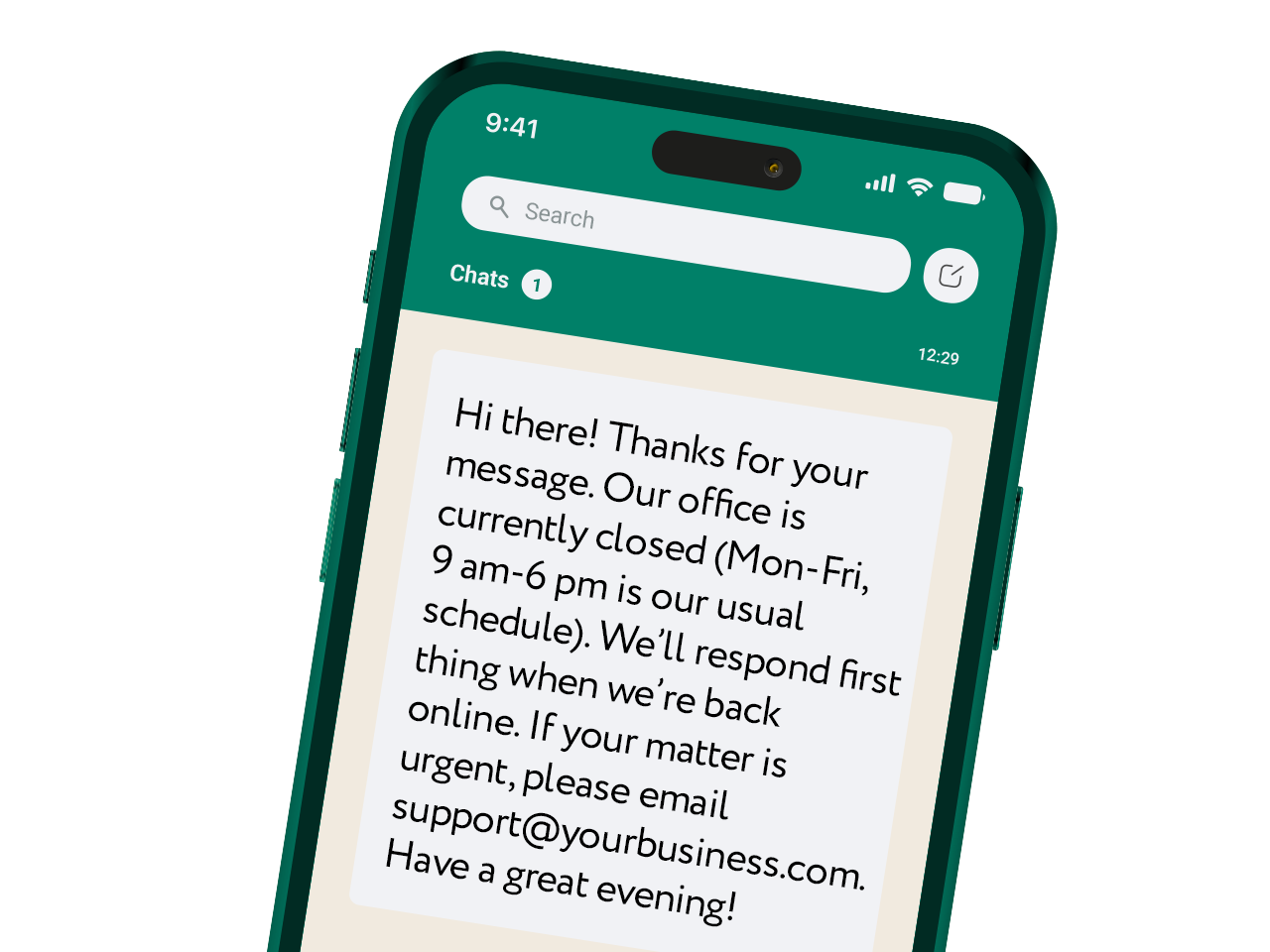
Use Messaging to Connect With Customers
Some businesses enable messaging on their profile.
This allows customers to ask questions directly through your listing.
Quick responses help build trust and improve customer experience.
Final Thoughts
Optimizing your Google Business Profile isn’t complicated, but it does require attention.
By following this checklist, you can improve your chances of showing up in local search results.
That means more visibility, more customers, and stronger local SEO.
And once your listing is set up properly, it becomes one of the most powerful free marketing tools your business has.

Latest Articles










