


If you want to succeed in web design, you need more than just talent—you need the right way to learn. Knowing how to study effectively for web design and development and improve drag-and-drop skills can help you grow faster and avoid frustration.
Why Smart Study Methods Matter
Many beginners spend hours watching tutorials but don’t improve. That’s because learning without practice doesn’t work well in design.

The Difference Between Learning and Practicing
- Learning = watching or reading
- Practicing = building and creating
You need both, but practice matters more.
Build a Strong Foundation First
Before using advanced tools, you need to understand the basics.
Understanding Design Basics
Learn simple design rules like:
- Spacing
- Colors
- Typography
- Layout
These are the building blocks of good design.
Learning HTML, CSS, and Layout Concepts
Even if you use drag-and-drop tools, knowing basic code helps you:
- Understand how websites work
- Fix layout issues
- Customize designs
Use Project-Based Learning
Why Projects Help You Learn Faster
Projects force you to apply what you learn. This helps you remember and improve faster.
Examples of Beginner Projects
- Landing page
- Portfolio website
- Business homepage
Start small and grow over time.
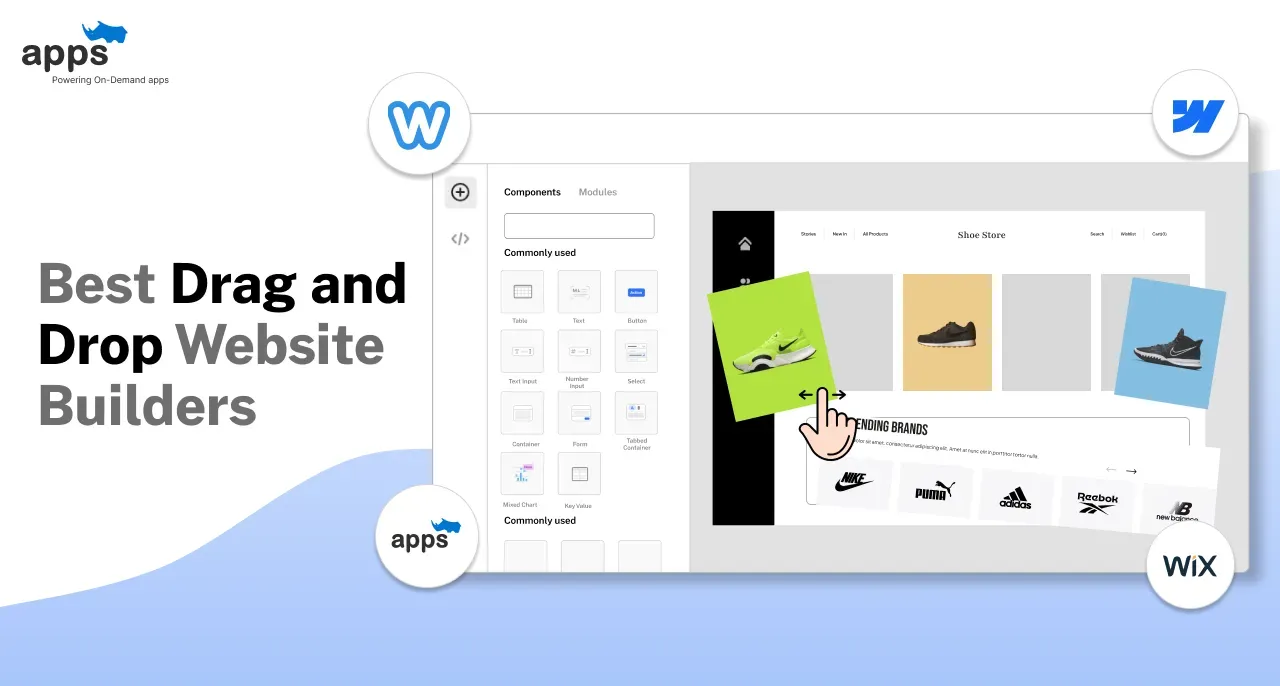
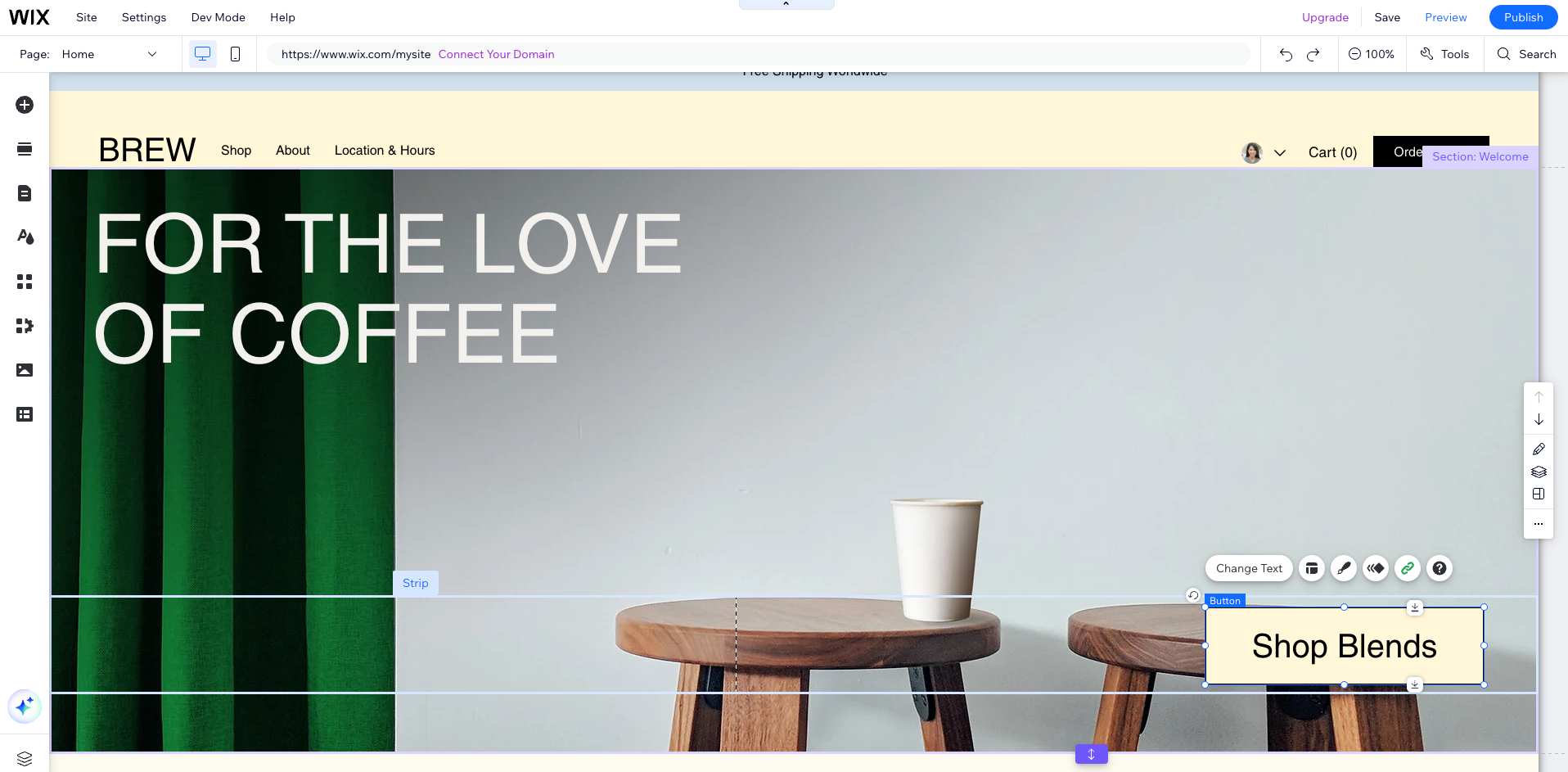
Master Drag-and-Drop Tools
Popular Tools to Learn
Some common tools include:
- Webflow
- Wix
- WordPress page builders
How to Practice Daily
- Recreate existing websites
- Build simple pages every day
- Experiment with layouts
Study Like a Designer, Not Just a Student
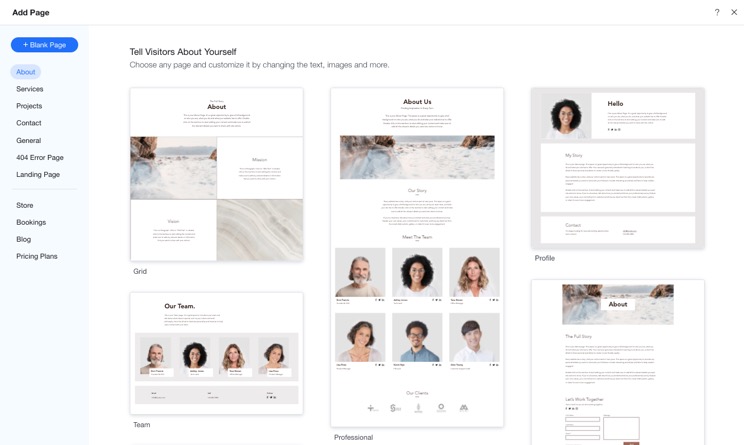
Analyzing Great Websites
Look at successful websites and ask:
- Why does this layout work?
- How is spacing used?
- What makes it easy to use?
Copying for Practice (Not Publishing)
Rebuilding websites helps you understand design decisions.
Create a Daily Practice Routine
Time Blocking Method
Split your time:
- 30% learning
- 70% building
Consistency Over Perfection
It’s better to practice a little every day than study a lot once a week.
Learn by Fixing Mistakes
Debugging Skills
Mistakes help you learn faster. When something breaks, try to fix it yourself first.
Learning From Feedback
Ask others to review your work and improve based on their feedback.
Build a Portfolio While Learning
Why Portfolio Matters
Your portfolio shows your skills better than a resume.
What to Include
- 3–5 strong projects
- Different styles
- Real or mock clients
Use the Right Learning Resources
Free vs Paid Tools
Free resources are great, but paid courses can save time and provide structure.
Courses, YouTube, and Docs
Use a mix of:
- Video tutorials
- Documentation
- Practice exercises
Stay Updated With Trends
UI/UX Trends
Design trends change often. Stay updated with:
- Minimal design
- Mobile-first layouts
- Accessibility
Tools and Technology Changes
New tools come out regularly. Keep learning and adapting.
Common Mistakes Beginners Make
Overlearning Without Practice
Watching too many tutorials without building slows progress.
Jumping Between Tools
Stick to one tool until you feel comfortable.
FAQs
1. How long does it take to learn web design?
It depends, but with daily practice, you can see progress in a few months.
2. Do I need coding skills for drag-and-drop design?
Not always, but basic knowledge helps a lot.
3. What is the best way to practice?
Build real projects and copy existing designs.
4. Which tool is best for beginners?
Tools like Wix or Webflow are beginner-friendly.
5. How do I improve faster?
Practice daily and focus on real projects.
6. Should I build a portfolio early?
Yes, start as soon as you create your first project.
Conclusion
Learning how to study effectively for web design and development and improve drag-and-drop skills is all about balance. You need to learn, practice, and build consistently.
Focus on real projects, study smart, and keep improving. Over time, your skills will grow—and so will your confidence as a designer.

Related Articles
Latest Articles










