

Yes—you and I can absolutely learn web design on our own. I know because I’ve been there. I didn’t start with fancy degrees or expensive classes. I started with curiosity, a laptop, and a whole lot of Google searches. The truth is, if you’re willing to put in the time and practice, you can go from zero to building beautiful, functional websites all by yourself.
Can I Learn Web Design on My Own? Here’s the Truth You and I Need to Hear
Now, let’s talk about how you and I can actually make it happen.
Step 1: Start with the Basics of HTML & CSS
These are the building blocks of every website. HTML is the structure, and CSS is the style. You don’t need to master everything in one day. I started with free resources like W3Schools and built small practice sites before moving to more advanced skills.

Step 2: Learn How to Use a Website Builder
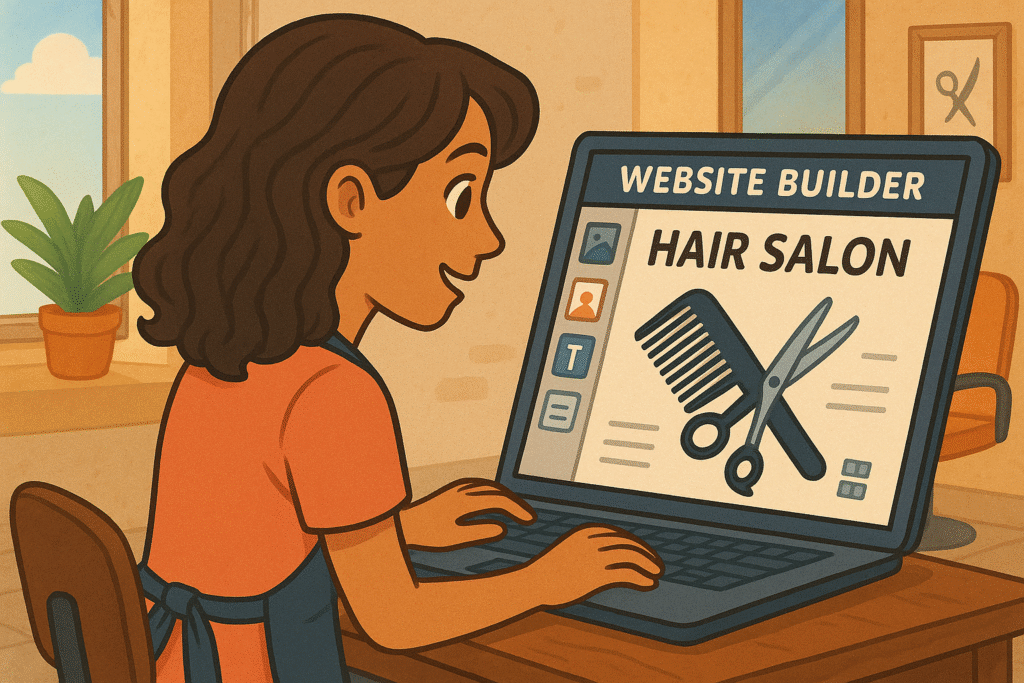
If coding feels intimidating, website builders like Lookhin4 Website Builder can help you and me get started faster. They use drag-and-drop features, so we can focus on layout and design without worrying about every line of code.
Step 3: Understand the Role of SEO
Designing a website isn’t just about making it look good—it also needs to be found on Google. That’s where SEO consulting comes in. Learning basic SEO skills, like keyword research and on-page optimization, will make our sites more visible. A well-designed site that no one can find is like having a beautiful store in the middle of nowhere.
Step 4: Think About Reputation Management
When we design a site for ourselves or a business, we’re building a brand’s online reputation. This is why understanding reputation management (internal link) matters. A great design combined with positive online feedback builds trust and keeps people coming back.

Step 5: Practice, Practice, Practice
You and I aren’t going to become experts overnight. But if we keep practicing—trying different layouts, improving site speed, testing mobile designs—we’ll get better with every project.

Helpful Tools You Can Use
Canva – For quick and easy graphics.
Google Fonts – Free, stylish fonts to make your site look professional.
Unsplash – High-quality images for free.
PageSpeed Insights – To check how fast your site loads.
Learning Resources
Mozilla Developer Network – Guides for HTML, CSS, and JavaScript.
freeCodeCamp – Free lessons on web design and development.

Self-Taught Web Design Learning Roadmap
Phase 1: Foundations (Weeks 1–2)
Goal: Understand the basic building blocks of websites.
- Learn HTML (structure) – W3Schools HTML Tutorial
- Learn CSS (style) – W3Schools CSS Tutorial
- Practice making a simple webpage with headings, paragraphs, images, and links.
- Use Google Fonts to style your text.
Phase 2: Practical Skills (Weeks 3–5)
Goal: Make sites look professional and mobile-friendly.
- Learn Responsive Design so your site works on phones and tablets.
- Use Flexbox and CSS Grid for layouts.
- Practice with Website Builder (internal link) to create your first functional site without coding everything from scratch.
Phase 3: SEO Basics (Weeks 6–7)
Goal: Make your website visible on Google.
- Learn keyword research basics.
- Add proper title tags, meta descriptions, and header tags to your site.
- Use Seo Consulting techniques to improve site structure.
- Run your site through Google PageSpeed Insights and make it load faster.
Phase 4: Branding & Reputation (Weeks 8–9)
Goal: Build trust and authority online.
- Create a professional “About” page and contact form.
- Add testimonials and reviews.
- Learn reputation Management strategies to monitor and respond to feedback.
How Reputation Management Builds Customer Loyalty (Especially in a Crisis)
Phase 5: Projects & Portfolio (Weeks 10–12)
Goal: Show off your skills and get real-world experience.
- Build at least 3 fully functional websites (personal project, mock client, and local business).
- Add SEO optimization to each site.
- Create a simple online portfolio to showcase your work.
Phase 6: Ongoing Learning (Forever)
Goal: Stay ahead of trends and keep improving.
- Follow freeCodeCamp for advanced coding challenges.
- Read design blogs like Smashing Magazine.
- Keep testing your skills with real-world projects.
Conclusion: Yes, You Can Do This
If you’ve been wondering, “Can I learn web design on my own?”—the answer is yes, a hundred times yes. We can start small, use free resources, practice on our own projects, and grow from there. The key is to combine design skills with SEO knowledge and a little reputation management to make sure our sites don’t just look good, but also succeed online.
So let’s get to work—you with your ideas, me with my guidance, and together, we can create something amazing.

So let’s get to work—you with your ideas, me with my guidance, and together, we can create something amazing.
Faceless Marketing for eCommerce: How to Increase Conversions
Optimized Title Tags for Faceless Marketing: 7 Secrets to Success
Meta Descriptions That Sell: How to Get Clicks Without Clickbait
Header Tag Structure (H1–H6): The SEO-Friendly Guide for Better Rankings
Affordable Web Design & Hosting – Get Online for Just $50/Month!








