
🚀 What Is T-Mobile Home Internet?
Simple Explanation
T-Mobile Home Internet is a wireless internet service. That means no cables, no drilling, and no waiting for a technician!
It uses T-Mobile’s 5G and LTE network to bring internet straight to your home.
How It Works
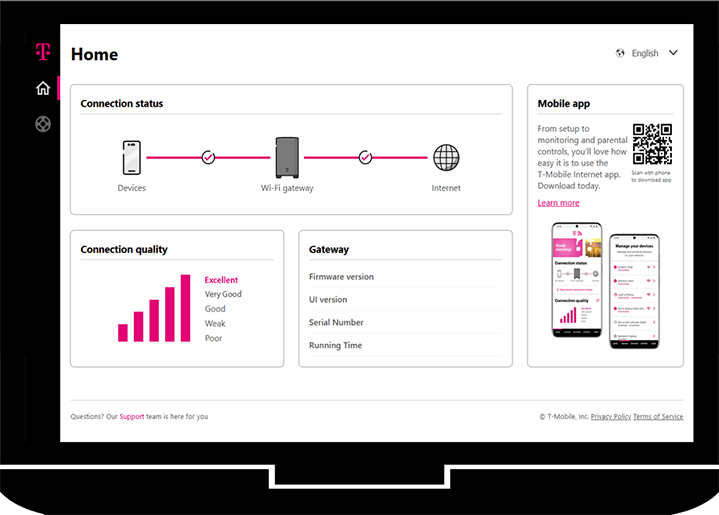
The gateway device acts like two things in one:
- A modem (gets internet signal)
- A router (shares Wi-Fi in your home)
So once you plug it in, you’re almost ready to go!

⚡ Benefits of T-Mobile Home Internet
Why People Love It
Here’s why many people are switching:
- No contracts
- Flat monthly price
- Easy setup
- Portable if you move
Who Should Use It
It’s perfect for:
- Apartments
- Small homes
- Remote workers
- Streaming lovers
📦 What Comes in the Box
When your package arrives, you’ll see:
- Gateway device (Nokia, Arcadyan, or Sagemcom)
- Power adapter
- Quick start guide
That’s it—nice and simple!
🛠️ Step-by-Step Setup Guide
Step 1: Choose the Best Location
Place your gateway:
- Near a window
- Away from walls
- Higher up if possible
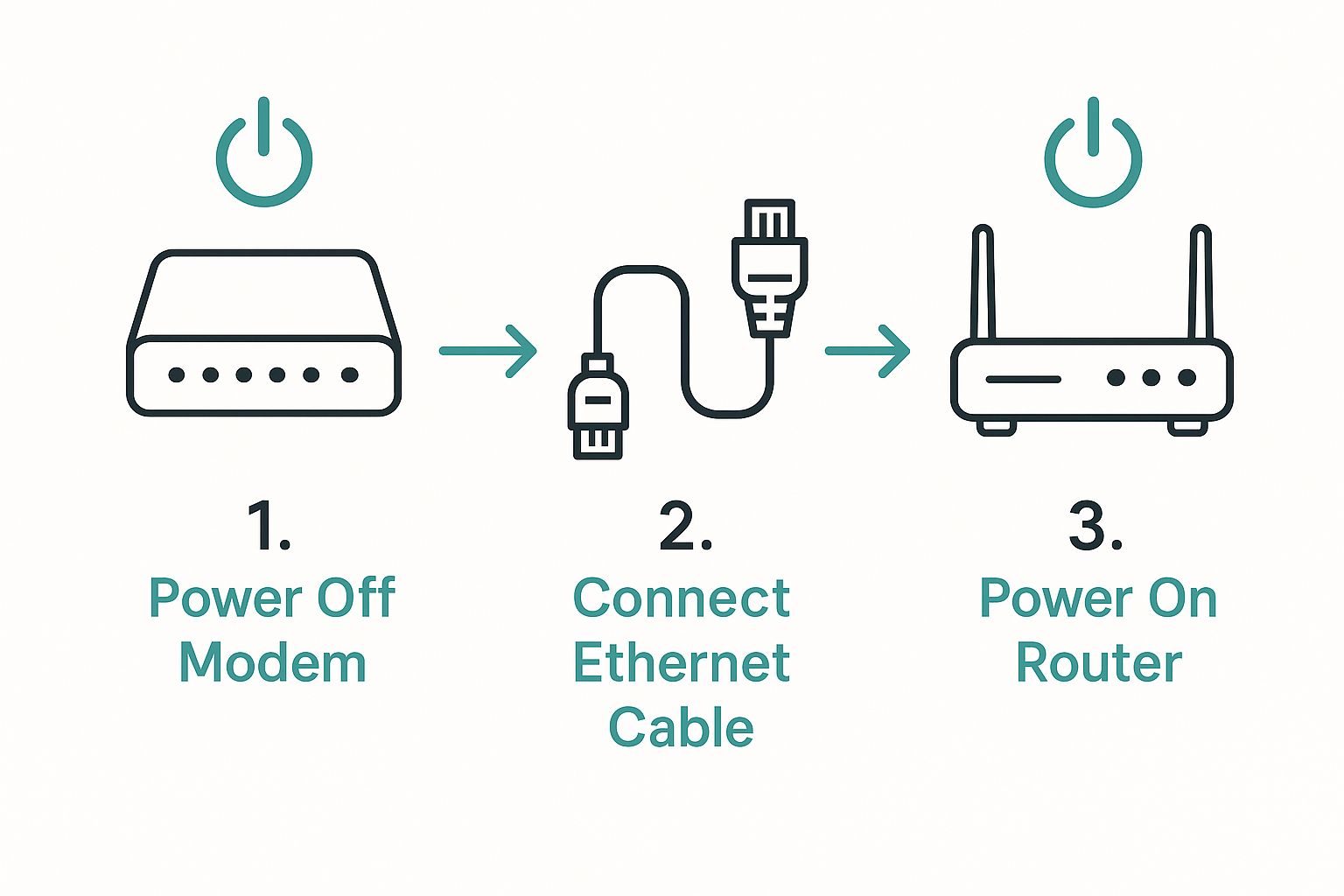
Step 2: Power It On
Plug it in and wait a few minutes.
Step 3: Connect to Wi-Fi
Use your phone or laptop:
- Find your Wi-Fi name (on the sticker)
- Enter the password
Step 4: Test Your Internet
Open a website or run a speed test.
Boom—you’re online!
📱 Using the T-Mobile Internet App
Download the app to make things easier.
You can:
- Check signal strength
- Restart your gateway
- Manage devices
- Run speed tests
👉 Learn more: https://www.t-mobile.com/home-internet
⚠️ Troubleshooting Tips
Weak Signal
- Move the gateway near a window
- Avoid basements
Gateway Not Connecting
- Restart it
- Wait a few minutes
Slow Speeds
- Reduce connected devices
- Move the gateway
📊 Speeds and Performance
Typical speeds:
- 30 Mbps to 180+ Mbps
Great for:
- Netflix and YouTube
- Zoom calls
- Gaming
🔒 Security Tips
Keep your network safe:
- Change your Wi-Fi password
- Use guest networks
- Turn on parental controls
👍 Pros and 👎 Cons
| Pros | Cons |
|---|---|
| No data caps | Not available everywhere |
| Easy setup | Speed can vary |
| No contracts | Signal depends on location |
❓ FAQs
1. How long does setup take?
Usually under 10 minutes!
2. Do I need a technician?
No—setup is 100% DIY.
3. Can I move it?
Yes, as long as your new area has coverage.
4. What if I forget my Wi-Fi password?
Use the app to reset it.
5. Does it work with smart home devices?
Yes, like Alexa and Google Home.
6. Can I improve coverage?
Yes, you can add a mesh system.
🎯 Conclusion (Simple, Real, and Personal)
I’ll be honest—when I first tried T-Mobile Home Internet, I didn’t expect it to be this easy. Living in a busy area, I was used to dealing with long installs, wires everywhere, and waiting around for technicians. This felt totally different.
I just plugged it in, followed a few simple steps, and I was online in minutes. No stress, no confusion. That’s what I liked most—it just works.
If you’re someone who doesn’t want to deal with complicated setups, this is a solid choice. Start by placing it in a good spot, follow the steps, and don’t overthink it. You’ll figure it out quickly.
From my experience, once it’s set up, it feels great knowing you’ve got fast internet without all the hassle. Simple, clean, and done—you’re good to go! 🚀😊
Related Articles
- Comcast Business: 11 Powerful Benefits Every Business Should Know (2026 Guide)
- The Simple Guide to T-Mobile 5G Gateway Setup at Home
- The Google Business Profile Guide Small Businesses Need To Rank
- Simple Business Process Optimization Tips That Actually Work
- How To Fix Your Internet for Home: Simple Wi-Fi Fixes
Latest Articles
-
Best Ways Businesses Use Google Translate Camera to Improve Google Reviews & Local SEO
How Businesses Are Using Google Translate Camera Businesses across many industries now use translation tools to improve customer experiences. Why Customer Experience Directly Impacts Google Reviews Most businesses think Google reviews are only about:service qualitypricingproduct performanceBut customer communication plays a massive role. When customers:feel understoodfeel respectedexperience smooth communicationthey are more likely to leave:✅ positive reviews✅…
-
Internet of Things Examples: How Smart Technology Is Changing Businesses and Everyday Life
Your phone talks to your car.Your watch tracks your heartbeat.Your doorbell sends alerts to your phone.Your TV connects to the internet.Even refrigerators can now order groceries automatically. This is the Internet of Things. And while many people think IoT is only about smart gadgets, the reality is much bigger. Internet of Things technology is changing…
-
ESPN Fantasy Baseball: Tracking Stats and Growing Like a Pro
Why ESPN Fantasy Baseball Matters for Tracking Performance ESPN Fantasy Baseball helps players track stats, measure progress, and make better decisions. These same skills are important for small businesses that want to grow and succeed. What Fantasy Baseball Can Teach Us About Success Have you ever checked your team stats in ESPN Fantasy Baseball and…
-
How to Remove Background in Canva: Quick and Easy Guide for Beginners
If you’re working on designs, knowing how to remove background in Canva is one of the most useful skills you can learn. It helps your images look clean, professional, and ready for websites, ads, or social media. Why Background Removal Is Important Removing the background allows you to: When You Should Use It You should…
-
Website Wireframing and Prototyping: A Guide to Designing Better Websites
Before developers begin coding a website, designers usually create wireframes and prototypes. These tools help visualize the structure and functionality of a website before development begins. Wireframing and prototyping allow teams to test ideas, organize content, and improve user experience early in the design process. By planning a website’s layout in advance, developers and designers…
-
Frontend Coding Basics For New Developers
Every website you visit is built using a combination of HTML, CSS, and JavaScript. These three technologies form the foundation of modern web development. HTML creates the structure of a webpage, CSS controls the visual design, and JavaScript adds interactivity and dynamic behavior. Together, they allow developers to build websites that are both functional and…
External Resources: