


What is a VPN, and why does everyone keep telling you to use one?
A VPN (Virtual Private Network) is a tool that encrypts your internet connection and hides your IP address, making your online activity more private and secure. Whether you’re using public Wi-Fi, working remotely, or managing sensitive client data, a VPN helps shield you from hackers, trackers, and prying eyes.
For small business owners, freelancers, and anyone serious about online privacy or reputation management, understanding how a VPN works—and why it matters—isn’t just smart. It’s necessary.
Let’s break it down in plain English.
🧠 VPN Definition: What Does VPN Stand For?
VPN stands for Virtual Private Network. It’s a secure, encrypted connection between your device (computer, phone, tablet) and the internet. Think of it like a private tunnel—everything you do online gets routed through that tunnel, away from prying eyes.
Without a VPN, your internet traffic is exposed to:
- Hackers
- Advertisers
- Internet service providers (ISPs)
- Even government surveillance (depending on your country)
🔐 What Does a VPN Actually Do?
When you connect to a VPN:
- It hides your real IP address.
- It encrypts your internet traffic.
- It routes your data through a remote server (you choose the location).
This keeps your activity private, your data secure, and your online identity masked.
🔗 Learn more from the official Proton VPN guide
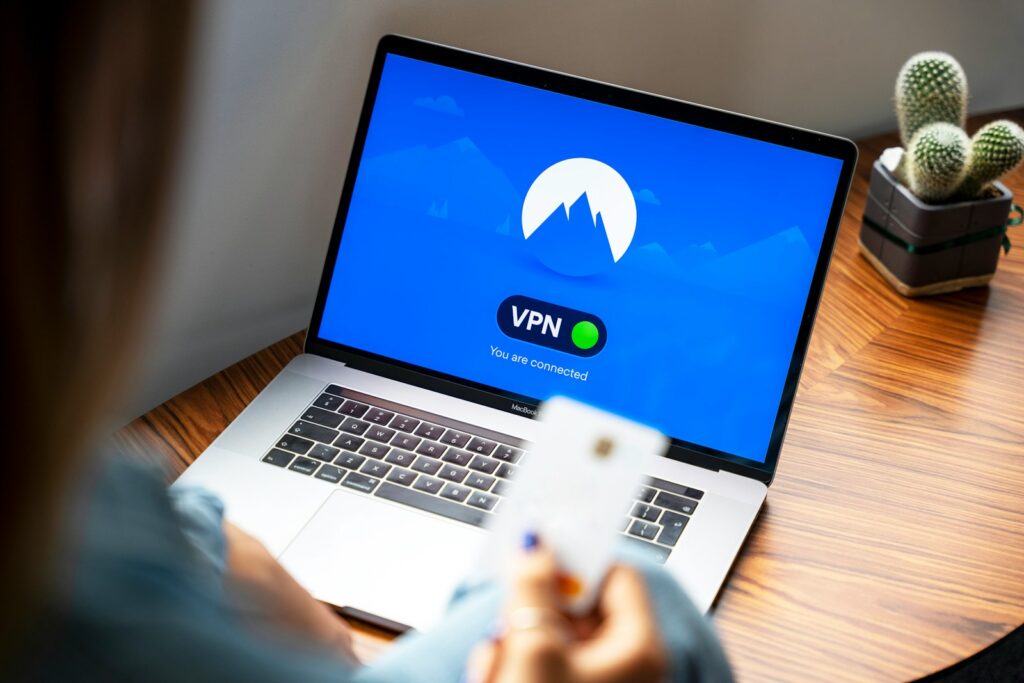
💼 Why VPNs Matter for Small Business Owners, Freelancers, and Reputation Management
Whether you’re running a remote team, managing sensitive client data, or protecting your online reputation, a VPN gives you control.
Here’s how:
- Protect client communications from interception
- Work securely on public Wi-Fi (at cafes, co-working spaces, airports)
- Access your home or office NAS remotely using tools like ZeroTier
- Mask your location when researching competitors or managing reviews
If you’re serious about SEO consulting, digital strategy, or brand protection, a VPN is non-negotiable.
🌍 Common Uses for a VPN
- ✅ Securing remote work connections
- ✅ Watching streaming content blocked in your region
- ✅ Bypassing censorship in restrictive countries
- ✅ Hiding your IP to avoid targeted ads
- ✅ Preventing ISP tracking
- ✅ Accessing internal business tools safely while traveling


🛠️ How to Choose a VPN
Here’s what to look for in a reliable VPN provider:
- No logs policy
- Strong encryption (AES-256-bit)
- Fast connection speeds
- Apps for all devices
- Servers in multiple countries
- Bonus: Support for WireGuard or OpenVPN protocols
🚫 What a VPN Doesn’t Do
Let’s be real. A VPN is not a magic shield. It does not:
- ❌ Hide your behavior from websites you log into
If you’re signed into services like Google or Facebook, they still track your activity—even if you’re on a VPN. - ❌ Stop viruses, ransomware, or malware
VPNs don’t protect your device from infected files or malicious websites. You still need reputable antivirus software. 🔗 Why VPNs aren’t a substitute for antivirus – Norton - ❌ Make you fully anonymous online
VPNs mask your IP but don’t remove all digital fingerprints. For serious anonymity, use tools like the Tor Browser.
✅ Final Word: Should You Use a VPN?
Absolutely—especially if:
- You value privacy and security
- You run a business or manage client data
- You travel, work remotely, or connect from shared networks
- You care about your online reputation
In a digital world where surveillance and leaks are common, a VPN is a basic layer of protection, not a

More Articles
📦 How to Set Up a NAS on T-Mobile Home Internet (Step-by-Step Guide)
How to Check Website Traffic on Google Analytics
Audit Your Online Reputation in 30 Minutes (And Why It Matters)
🔥 Best Free VPN for Firestick (Tested Personally): See What Works, What’s Worth It
Amazon Fire Stick Remote Not Working: What You Need to Do Before It’s Too Late








