When I first learned about meta descriptions, I thought they were just a few words under a link on Google. But then I found out they can make a huge difference in how many people click on your site. Even though Google says meta descriptions don’t directly affect rankings, they do affect click-through rate (CTR)—and that’s a big deal for SEO.

In this guide, you and I will go step-by-step through how to write a compelling meta description that actually gets people to click.
What Is a Meta Description?
A meta description is a short summary of what’s on a web page. Search engines show it under your page title in search results, and it helps people decide if they want to click your link.
Example:
<meta name="description" content="Learn how to write a meta description that improves your website’s SEO and gets more clicks. Follow our simple guide.">
Think of it like a movie trailer for your web page—short, catchy, and interesting enough to make someone want to see more.
Why a Meta Description Matters for SEO
You and I both know that people scroll fast when they’re searching online. A great meta description grabs attention and makes your link stand out.
While it won’t directly make you rank higher, it can:
- Increase CTR (more people clicking your link).
- Improve relevance so search engines better understand your page.
- Bring in targeted traffic from the right audience.
📌 According to Ahrefs, a well-written meta description can improve CTR by up to 5.8%.
Step 1: Understand Search Intent Before You Write
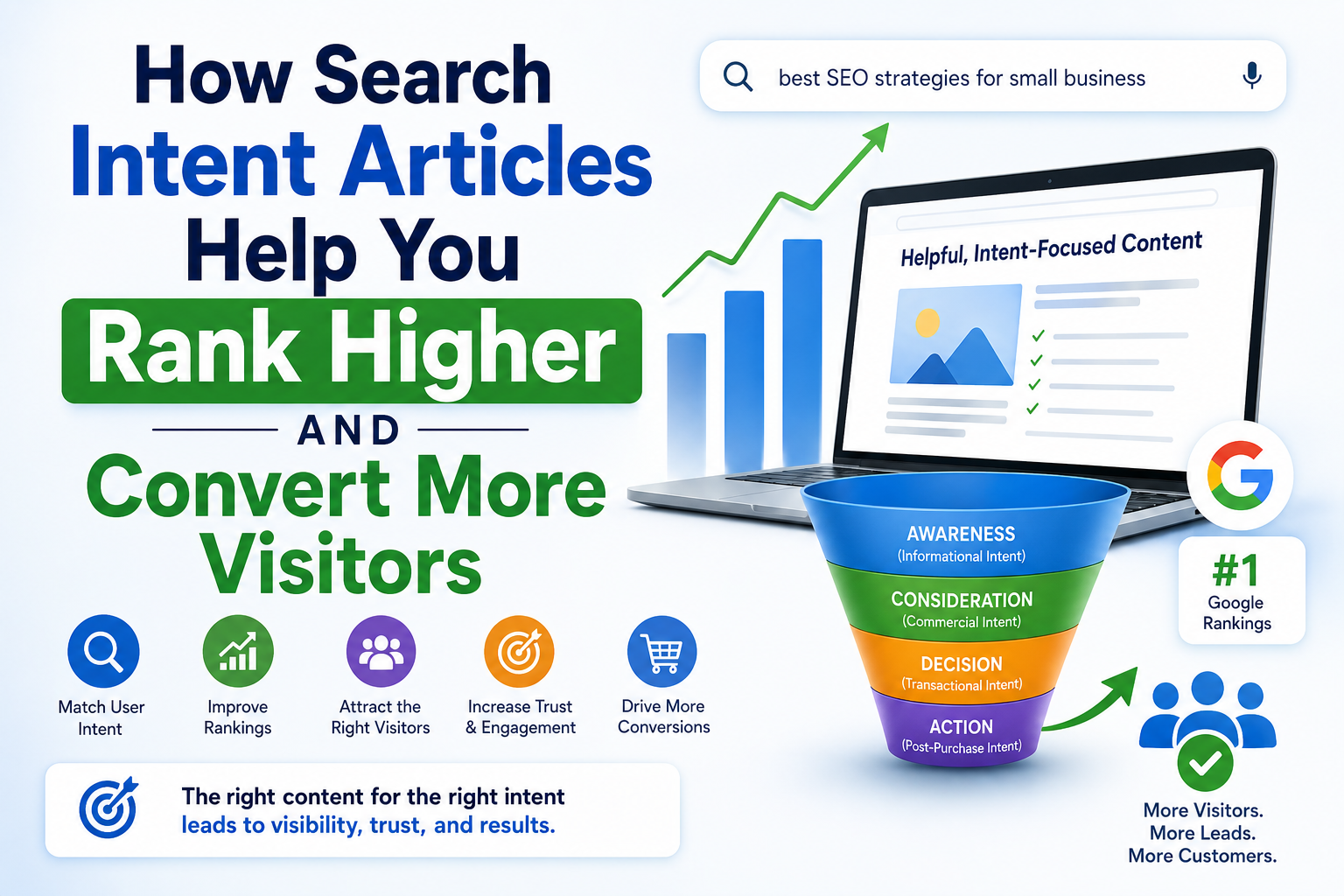
Before you start typing, think about why someone is searching. Are they:
- Looking for information? Example: “Learn how to create an SEO-friendly blog post step-by-step.”
- Ready to buy something? Example: “Shop the latest winter coats with free shipping today!”
- Trying to find a specific page? Example: “Visit our store locator to find the nearest outlet.”
When you write for the right intent, people feel like your page is exactly what they were looking for.
Step 2: Use Your Main Keyword Naturally
Your meta description should include your main keyword, but it should feel natural. No one wants to read something that sounds stuffed with keywords.
Example for a blog about meta descriptions:
“Learn how to write a meta description that improves your SEO and increases your click-through rate.”
💡 Tools like SEMrush can help you find the best keywords to use.
Step 3: Keep It Short and Clear
Search engines usually show 155–160 characters. If you go longer, it might get cut off.
Aim for 140–155 characters so your full message shows on both desktop and mobile.
Step 4: Use Action Words That Make People Click
You and I click when something sounds exciting or useful. Use words like:
- Learn
- Discover
- Get started
- Shop now
Example: “Discover 10 tips to boost your SEO with better meta descriptions.”
Step 5: Show What Makes You Unique
Why should someone click your link instead of someone else’s? Add your unique selling point (USP).
Example: “Learn SEO tips from experts with over 10 years of experience.”
Extra SEO Tips for Meta Descriptions
- Match your content – If your description promises something, make sure the page delivers.
- Avoid duplicates – Each page needs its own meta description.
- Test and improve – Try A/B testing to see which descriptions get more clicks.
- Use structured data – This can add ratings, prices, or reviews under your listing, making it stand out.
Good and Bad Meta Description Examples
❌ Bad Example:
“Welcome to our website. Click here to learn more.” – Too vague, no keywords, no reason to click.
✅ Good Example:
“Learn how to write meta descriptions that boost your SEO and get more clicks. Follow our simple step-by-step guide.” – Clear, keyword-rich, and inviting.
Final Checklist for a Great Meta Description
Before you hit publish, ask yourself:
- Did I match the search intent?
- Did I use my main keyword naturally?
- Is it 140–155 characters?
- Does it make people want to click?
If you start using these steps today, your pages can stand out more on Google and attract the right visitors. Just remember—meta descriptions are small but mighty.
And if you want to dive deeper into making your site rank higher, I recommend checking out: