
Remote work is now a normal part of running a business ever since covid.
But here’s the truth most people learn the hard way:
Remote work only works well if your internet setup is strong.

If your connection is slow or unreliable, everything becomes harder. Calls lag, files take forever, and communication breaks down.
That’s why having the right business internet for remote teams is so important.
In this guide, we’ll show you how to set it up the right way so your team can work smoothly from anywhere.
Why remote teams need strong business internet
Remote teams rely on the internet for almost everything.
They use it to:
- communicate
- share files
- run tools
- help customers
Without a strong connection, work slows down quickly.
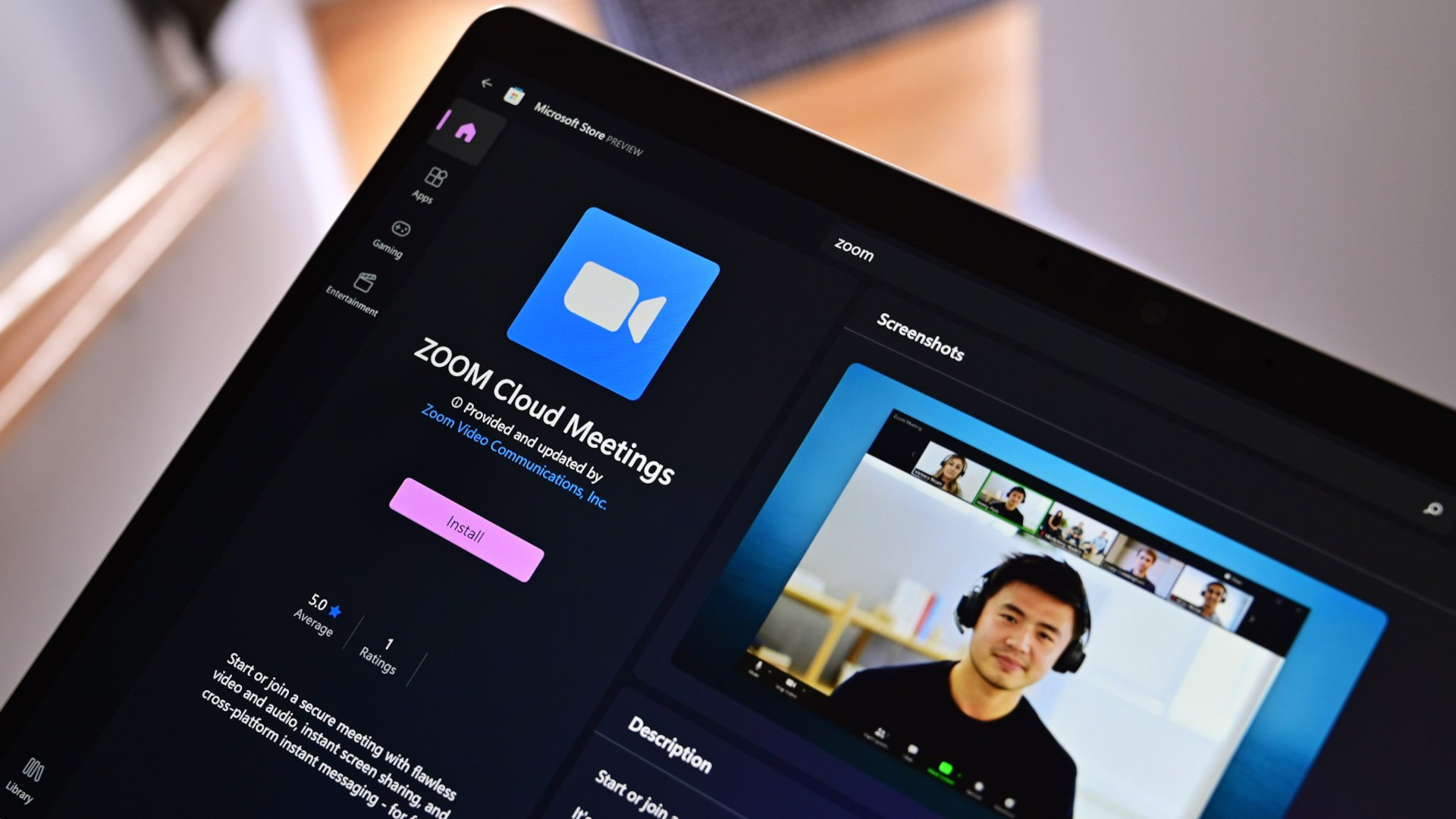
Key tools that rely on business internet
Remote teams depend on tools like:
- Zoom (video calls)
- Slack (team communication)
- Google Workspace (documents + email)
- CRM systems
- help desk platforms

These tools need stable internet to work properly.
If your internet is weak, you may see:
- frozen calls
- delayed messages
- lost work
Recommended internet speed for remote teams
Speed is one of the most important factors.

Table 1: Speed Recommendations for Remote Teams
| Team Size | Recommended Speed |
|---|---|
| 1–3 people | 100 Mbps |
| 3–10 people | 200–300 Mbps |
| 10+ people | 300–500 Mbps |
If your team uses video calls often, aim higher.
Upload speed matters more than you think
Remote work depends heavily on upload speed.
You need good upload speed for:
- video meetings
- sending files
- replying to customers
- managing systems

This is critical for:
- remote customer support
- email support
- live chat support
If your upload speed is slow, everything feels delayed.

How to set up business internet for remote teams
Here’s a simple setup process.
1. Choose the right connection
Fiber is best if available. Cable is a solid backup option.
2. Use a strong router
A good router improves speed and coverage.
3. Set up secure access
Use VPNs or secure connections to protect data.
4. Optimize your network
Reduce unnecessary devices and background usage.
5. Test your speed regularly
Make sure your setup is performing well.
Home office vs centralized setup
There are two main ways to manage remote internet.
Option 1: Individual setups
Each team member uses their own internet.
Pros:
- flexible
- simple
Cons:
- inconsistent quality
Option 2: Managed setup
You provide guidelines or support for internet standards.
Pros:
- more consistent
- better performance
Cons:
- requires planning
Table 2: Setup Comparison
| Setup Type | Pros | Cons |
|---|---|---|
| Individual | Flexible | Inconsistent |
| Managed | Reliable | More effort |
How this affects customer experience
This is where things connect.
If your team is remote and your internet is weak:
- responses get delayed
- messages get missed
- systems slow down
This affects:
- customer follow-up
- support ticket management
- online customer service help
Customers notice when responses are slow.
Fast, smooth communication builds trust.
Real-world examples
Example 1: Remote support team
A team handles customer messages from home
→ strong internet = faster replies
Example 2: Online business
A team manages orders and support
→ stable internet = better service
Example 3: Consultant team
Video calls all day
→ fast upload speed = smooth calls
Example 4: Small agency
Uses cloud tools and collaboration apps
→ reliable internet = better workflow
Common mistakes to avoid
- relying on slow home internet
- ignoring upload speed
- not testing connections
- using weak routers
- not planning for growth
These can cause constant problems.
How internet impacts your business reputation
This is something many businesses overlook.
If your team is slow to respond:
- customers get frustrated
- trust drops
- your reputation suffers
Even things like replying to reviews or messages quickly matter.
Strong internet helps your team stay consistent, responsive, and professional.
FAQs
1. What internet speed do remote teams need?
Most teams need at least 100–300 Mbps depending on size.
2. Is fiber internet best for remote work?
Yes, fiber offers the best speed and reliability.
3. Why is upload speed important?
It affects video calls, file sharing, and communication.
4. Can remote teams use home internet?
Yes, but it may not always be reliable enough.
5. What tools require strong internet?
Zoom, Slack, CRM systems, and support tools.
6. Does internet affect customer service?
Yes. Slow internet leads to delayed responses.
Conclusion
Setting up the right business internet for remote teams is not optional anymore.
It’s a core part of how your business runs.
With the right setup, your team can work smoothly, communicate clearly, and serve customers better.
And when your team works better, your business grows faster.
Related Articles
Latest Articles